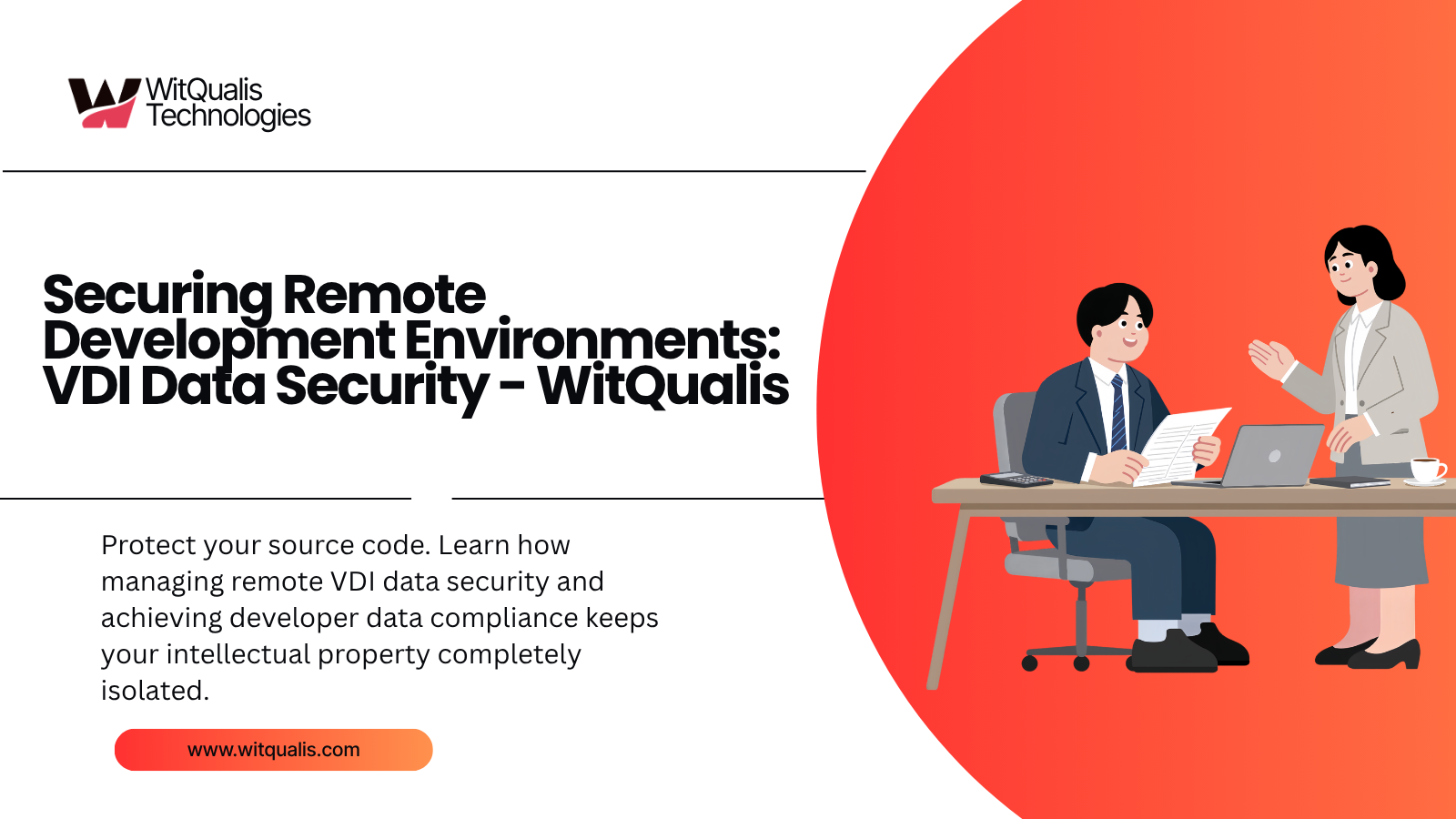
Managing Data Security and IP Isolation on Remote Virtual Desktop Infrastructures (VDI)
For global engineering organizations, code is the core intellectual property (IP). As remote and distributed development models become the standard corporate framework, traditional perimeter-based security controls are completely obsolete. If your source code lives directly on a remote engineer’s local machine, your enterprise faces continuous risk from data exfiltration, unmanaged endpoint vulnerabilities, and compliance violations.
To establish absolute control over proprietary frameworks without choking development velocity, technical leaders are shifting away from localized setups and deploying centralized virtual pipelines. Successfully securing remote development environments requires moving past basic password configurations and engineering a rigid, containerized access ecosystem.
By building your engineering pipeline on a secure, remote Virtual Desktop Infrastructure (VDI), you can maintain ironclad developer data compliance while empowering teams to execute at pace. Here is the operational architecture required to manage remote VDI data security safely.
1. Establishing Air-Gapped IP Isolation Controls
The primary objective of a secure developer VDI is to ensure that source code, staging configurations, and corporate databases remain entirely inside your cloud sandbox. If an external contractor can easily download a proprietary repository or drag a configuration file onto their personal desktop, your security model has failed.
Implementing complete IP isolation within your VDI environment requires enforcing specific, automated guardrails:
-
Clipboard and File Transfer Restrictions: Disable bidirectional copy-paste capabilities and local drive mapping. Developers can manipulate code within the virtual terminal but cannot exfiltrate strings or files onto their physical host machines.
-
Watermarked Sessions: Project dynamic, user-specific visual watermarks (containing the engineer’s UID, timestamp, and IP address) across the virtual desktop workspace. This significantly discourages phone-camera data leaks and ensures instant traceability if a breach occurs.
-
Isolated Network Routing: Bind virtual desktops to micro-segmented Virtual Private Clouds (VPCs). Developers should only access pre-approved development endpoints, blocking unmonitored external internet traffic or personal cloud storage uploads.
2. Maintaining Absolute Developer Data Compliance
Operating a distributed engineering workforce introduces strict international data governance standards, such as SOC 2, ISO 27001, GDPR, and HIPAA. A centralized remote VDI data security framework simplifies your compliance matrix by consolidating data footprints into a single, highly auditable control panel.
  ┌────────────────────────────────────────────────────────┐
  │               CENTRALIZED SECURE VDI CLOUD             │
  │     (SOC 2 / GDPR Compliant Sandboxed Environment)     │
  └───┬──────────────────────┬──────────────────────┬──────┘
      │                      │                      │
      ▼                      ▼                      ▼
┌──────────────┐      ┌──────────────┐      ┌──────────────┐
│  Continuous  │      │ Role-Based   │      │ Real-Time SIEM│
│  Session Logs│      │ Access (RBAC)│      │ Behavior Audit│
└──────────────┘      └──────────────┘      └──────────────┘
To satisfy enterprise compliance audits, your virtual infrastructure must continuously track and log every developer interaction:
🔑 Context-Aware Role-Based Access Control (RBAC)
Never grant unmitigated, persistent environment access. Utilize Just-In-Time (JIT) access patterns that provision developers with permission sets tailored exclusively to their current Jira ticket or active sprint scope. Once the code is committed, elevated access naturally expires.
🎥 Comprehensive Session Auditing & Behavioral Analytics
Integrate automated session recording and behavioral tracking inside the virtual environment. By feeding these real-time event logs into centralized Security Information and Event Management (SIEM) systems, security teams can flag anomalous activity—such as massive bulk code downloads or unauthorized API scraping attempts—the second it occurs.
3. Optimizing VDI Performance for Engineering Workflows
The classic objection to VDI architectures from engineering teams is performance degradation. If compile times double, IDE latency lags, or terminal inputs experience severe delay, developer friction skyrockets, leading to missed sprint deadlines and technical frustration.
To ensure your secure virtual environment matches localized hardware speeds, optimize your infrastructure for raw technical workloads:
-
Compute-Optimized Cloud Instances: Back your VDI pools with high-performance, compute-optimized cloud infrastructure (such as AWS EC2 c6i instances or Azure Fsv2-series) capable of handling heavy concurrent multi-threaded code compilations effortlessly.
-
Localized Code Caching: Set up centralized package mirror repositories (like private Artifactory or npm registries) inside the local VDI network mesh. This allows virtual desktops to pull heavy dependencies and library frameworks instantly without traversing external web paths.
-
Proximity Routing: Deploy your VDI gateways across multi-region edge locations closest to your remote teams to minimize network round-trip time (RTT), ensuring real-time terminal responsiveness.
📊 Strategic Architecture: Localized Development vs. Secure Remote VDI
| Security Metric | Localized Physical Machine Development | Secure Remote VDI Architecture |
| Data Residency | High Risk: Code and configurations are copied directly onto unmonitored endpoint drives. | Zero Footprint: 100% of data remains within secure corporate cloud sandboxes. |
| Offboarding Velocity | Slow and complex; requires physical device wiping, remote MDM locks, or manual credential clawbacks. | Instant; terminate the virtual instance in one click to revoke all environment access. |
| Compliance Auditing | Fragmented; relies on tracking individual local logs across highly distributed machines. | Absolute: Centralized, unalterable logs documenting all sessions, screen captures, and commits. |
| Infrastructure Scalability | Rigid; bound by global hardware shipping times, local configurations, and manual setups. | Fluid; spin up an entirely configured, secure workspace for a new engineer within minutes. |
Conclusion
Securing your company’s intellectual property shouldn’t mean slowing down your product development. By shifting from localized environments to an engineered, secure remote VDI architecture, enterprises can confidently eliminate data exfiltration risks, effortlessly meet strict international compliance standards, and maintain full control over their proprietary systems. This allows you to scale global talent networks quickly and safely, without compromising on security or speed.
To discover how flexible tech scaling models can accelerate your engineering capacity while maintaining absolute code isolation, explore our custom frameworks at Witqualis Staff Augmentation, or connect directly with our enterprise solution architects on the Witqualis Official Website to audit your upcoming remote development security roadmap.
One response to “Managing Data Security and IP Isolation on Remote Virtual Desktop Infrastructures (VDI)”
Leave a Reply
Recent Posts
-
 September 15, 2026
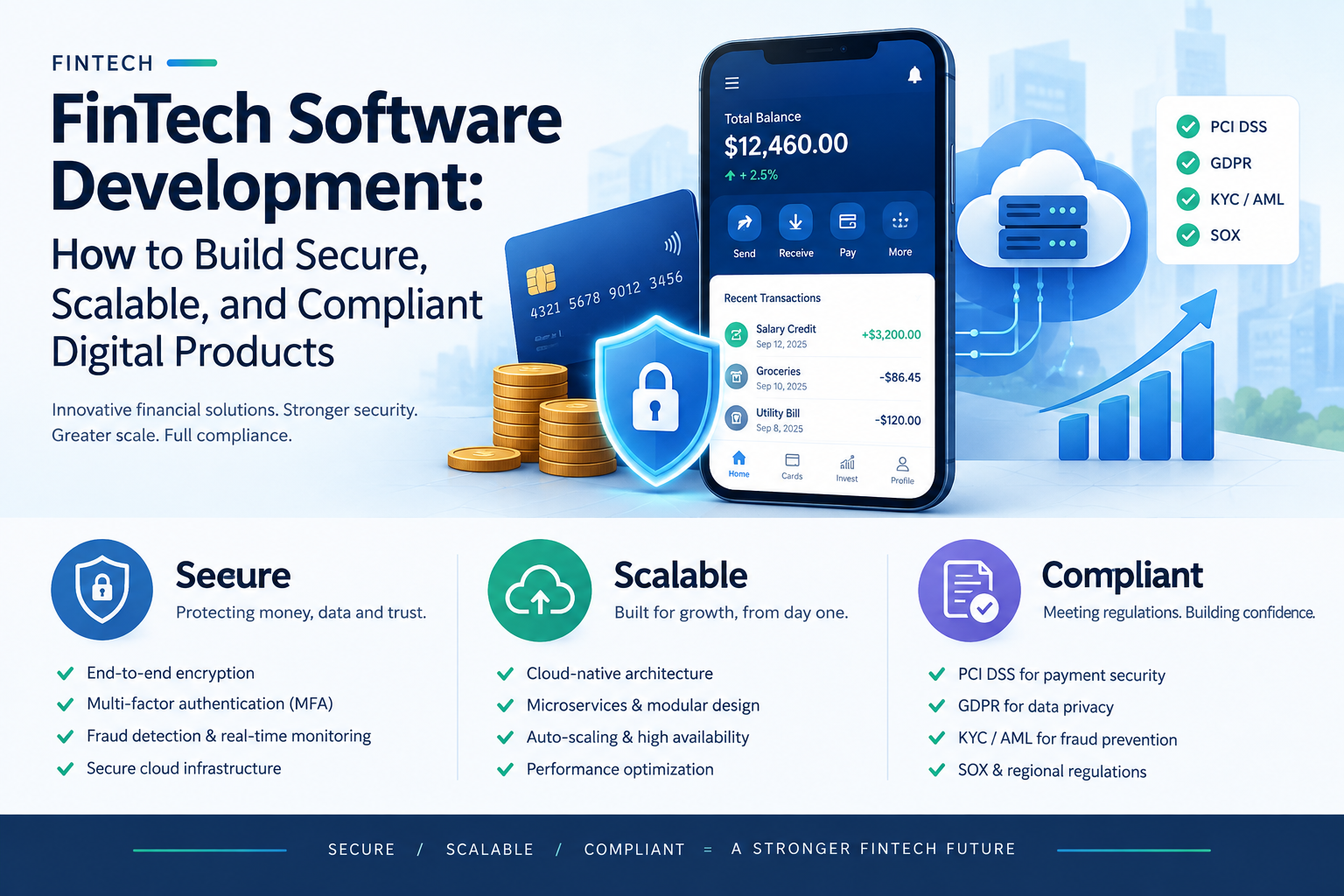
FinTech Software Development: How to Build Secure, Scalable, and Compliant Digital Products
-
 September 11, 2026
DevOps Talent Solutions: Build a Delivery Pipeline That Scales
-
 September 9, 2026
FinTech Software Development: Build Secure, Scalable, Compliant Products
-
 September 8, 2026
Enterprise Software Solutions: A Roadmap for Modernizing Complex Workflows
-
 September 7, 2026
AI Engineering Roles: How to Choose and Evaluate the Right Team
-
 September 4, 2026
SaaS Development Services: From Product Discovery to a Scalable Platform
-
 September 3, 2026
UI/UX Design and Development: From Research to Better Software
-
 September 1, 2026
Cybersecurity Recruitment: Hiring Framework for Security Teams
-
 August 31, 2026
Cloud Engineer Staffing: Hiring for Migration, DevOps, and Scale
-
 August 27, 2026
Executive Tech Search Firm vs Staff Augmentation Partner
-
 August 26, 2026
Offshore Software Development Teams: Hiring and Delivery Guide
-
 August 24, 2026
Contract IT Staffing: When It Makes Sense, Costs, and Management
-
 August 21, 2026
IT Staff Augmentation Services: How to Scale Your Engineering Team Without Slowing Delivery
-
 August 20, 2026
IT Staff Augmentation Services: How to Scale Your Engineering Team Without Slowing Delivery
-
 August 13, 2026
AI Workflow Automation for Operations: A Practical Guide
-
 July 30, 2026
Post-Project Offboarding: Seamless Transitions for Contract IT Staff
-
July 24, 2026
Mitigating Compliance Risks in IT Contract Staffing
-
 July 23, 2026
How TypeScript Reduces Production Errors in Large-Scale Codebases
-
 July 22, 2026
How to Write a Bulletproof SLA for IT Staff Augmentation
-
 July 21, 2026
Why Modern Product Design (UI/UX) Dictates Custom Software Success
-
 July 20, 2026
5 Signs Your Enterprise Needs a Contract-Based IT Staffing Model
-
 July 17, 2026
The Importance of API-First Architecture in Modern Custom Web Solutions
-
 July 16, 2026
Tailoring Your Tech Team: Specialized Contract Roles vs. Generalist In-House Developers
-
 July 15, 2026
Eliminating Hidden Costs in IT Recruitment via Contractual Staffing
-
 July 10, 2026
Building Technical Roadmaps: A Guide for Non-Technical Founders
-
 July 8, 2026
Scale on Demand: How Startups Leverage Contract-Based Developers for MVP Launches
-
 July 7, 2026
Utilizing Power BI Consultants to Transform Legacy Data into Real-Time Dashboards
-
 July 6, 2026
Overcoming Time-Zone Barriers When Hiring Augmented Tech Teams
-
 July 3, 2026
Enterprise CRM Customization: Tailoring Tech to Your Unique Sales Pipeline
-
July 2, 2026
Managing Data Security and IP Isolation on Remote Virtual Desktop Infrastructures (VDI)
-
 July 1, 2026
Staffing for Modern Frontend Architectures: When to Deploy React vs. Angular vs. Vue
-
 June 30, 2026
The Roadmap to Building a Scalable Multi-Vendor Marketplace Product
-
 June 29, 2026
Custom Software Development vs. Commercial Off-the-Shelf (COTS) Solutions
-
 June 25, 2026
Contractual Tech Staffing: The Secret Weapon for Scaling Peak Seasons
-
 June 24, 2026
The Ultimate Guide to Managing Remote Contract Developers
-
 June 23, 2026
How to Use IT Staff Augmentation to Control Infrastructure Costs
-
 June 22, 2026
Why Contract IT Staffing Is Outpacing Full-Time Hiring
-
 June 19, 2026
E‑Commerce & Retail Tech: Scaling Teams for Peak Seasons with Staff Augmentation
-
 June 18, 2026
How to Manage Remote Staff Augmentation Teams Across Time Zones
-
 June 17, 2026
Why Staff Augmentation Is the Future of Agile Hiring
-
 June 16, 2026
The 2026 Staff Augmentation Playbook: How Modern Enterprises Scale Tech Team
-
 June 15, 2026
Building an AI‑Ready Tech Team Using Staff Augmentation
-
 June 11, 2026
When to Choose Staff Augmentation Over Full-Time Hiring in 2026
-
 June 10, 2026
Enterprise Software Modernisation: Why Staff Augmentation Beats Traditional Hiring
-
 June 8, 2026
How to Start a Staff Augmentation Project in 7 Steps (2026)
-
 June 4, 2026
Staff Augmentation Onboarding Checklist: Security, Tools, and Culture
-
 June 3, 2026
Legacy System Modernisation with Staff Augmentation: A 2026 Blueprint
-
 June 1, 2026
Healthcare & SaaS Startups: How Staff Augmentation Cuts Time-to-Market
-
 May 28, 2026
The Hybrid Agile Model: In-House Teams + Staff Augmentation in 2026
-
 May 26, 2026
Staff Augmentation for Digital Transformation: Beyond Just Developers
-
 May 25, 2026
Staff Augmentation vs Outsourcing vs In-House Hiring: When to Use Which
-
 May 22, 2026
How to Choose the Right IT Staff Augmentation Company for Your Business
-
 May 20, 2026
Staff Augmentation Onboarding Checklist: The Ultimate Guide
-
 May 19, 2026
Staff Augmentation Pricing Models Explained: FTE vs T&M vs Hybrid
-
 May 15, 2026
AI‑Driven Development Needs AI‑Ready Talent: Here’s How Staff Augmentation Helps
-
 May 13, 2026
Best Staff Augmentation Companies for Enterprise Software Modernization (2026)
-
 May 8, 2026
Staff Augmentation for Fintech: Bridging Compliance, Security, and Speed
-
 May 7, 2026
Technical Debt Reduction with Staff Augmentation: Fast, Safe, and Measurable
-
 May 6, 2026
Why Staff Augmentation Matters for Tech Leaders in 2026
-
 May 5, 2026
Best Staff Augmentation Companies for Enterprise Software Modernisation (2026)
-
 May 4, 2026
What Is an AI‑Ready Talent Pool and Why It Matters in 2026
-
 April 30, 2026
Why choose WitQuallis for staff augmentation?
-
 April 29, 2026
Emerging tech & cloud strategy: how businesses stay ahead in 2026
-
 April 28, 2026
How IoT and Azure are creating real‑time patient monitoring systems
-
 April 27, 2026
Nearshoring vs offshore: why time‑zone alignment matters for Agile sprints
-
 April 24, 2026
Staff Augmentation: A Complete Guide to Scaling Your Tech Team Efficiently
-
 April 23, 2026
The Ultimate Guide to IT Staff Augmentation: Scaling Your Digital Success with WitQualis
-
 April 22, 2026
What is Software Development? A Comprehensive Guide to the 2026 Digital Landscape
-
 April 21, 2026
Boost Your Business ROI with Power BI Development Services
-
 April 20, 2026
Why Hiring Python Developers Has Become Risky (and Critical)
-
 April 17, 2026
Staff Augmentation: Scale Your Team Fast Without Full-Time Hires
-
 April 16, 2026
Top 20 Emerging Technologies of 2026: Transform Your Business Now
-
 April 15, 2026
🚀 Custom AI Development Costs in 2026: Complete Guide for Businesses
-
 April 14, 2026
Overcoming IT Staff Augmentation Challenges: Scale Your Team Fast and Smart
-
 April 13, 2026
Enterprise software modernisation 2026: why AI‑native refactoring and staff augmentation matter
-
 April 10, 2026
AI‑native refactoring: re‑imagining legacy modernisation in 2026
-
 April 9, 2026
AI-Native Refactoring: How to Modernise Legacy Systems in 2026
-
 April 8, 2026
The business case for Web3: real‑world asset tokenization in real estate
-
 April 7, 2026
The future of IoMT: smart hospitals in 2026
-
 April 6, 2026
Cloud 3.0: beyond “lift‑and‑shift” to sovereignty
-
 April 2, 2026
From filters to conversation: the shift in e‑commerce search
-
 April 1, 2026
Case Studies: Migrating Legacy Enterprise Apps to Azure/AWS with IT Staff Augmentation Services
-
 March 30, 2026
Why Hiring Full‑Time Quantum‑Resistant Encryption Specialists Is So Hard
-
 March 27, 2026
Prompt engineering: from “nice‑to‑have” to core skill
-
 March 26, 2026
The hybrid squad: reimagining teams for the AI era
-
 March 25, 2026
Staff augmentation and the future of work: a new operating model
-
 March 24, 2026
Why full‑time quantum‑resistant encryption specialists are so hard to hire
-
 March 23, 2026
How Staff Augmentation Services Fixes Cybersecurity & Cloud Shortages
-
 March 20, 2026
The Great Fortress: Modernizing Banking Apps to Combat Sophisticated AI-Driven
-
 March 19, 2026
The Great Cloud Diversification: Navigating Data Residency in the Age of GDPR and the EU AI Act
-
 March 18, 2026
How Staff Augmentation automotive AR Cuts Onboarding Costs in Automotive & Manufacturing | WitQualis Staff Augmentation
-
 March 17, 2026
The Outcome-Based Model: How AI-Augmented Teams Are Multiplying Output | WitQualis
-
 March 16, 2026
Why “Vibe Coding” and Prompt Mastery Are Now as Important as Syntax
-
 March 13, 2026
The Witqualis Edge: How Agentic AI Tools Accelerate MVP Delivery by 40%
-
 March 12, 2026
Beyond Copilots: The Rise of Agentic AI in the SDLC
-
 March 11, 2026
Breaking the Monolith: A Definitive Guide to Using Generative AI for Microservices Migration (2026 Edition)
-
 March 10, 2026
The Agentic Revolution: Why AI is Moving from "Suggesting Code" to "Executing Workflows"
-
 March 9, 2026
Beyond the Search Bar: How LLMs are Revolutionising Retail Discovery
-
 March 6, 2026
How Blockchain is Making Real Estate Investment Liquid and Accessible
-
 March 5, 2026
Microservices Architecture: Benefits and Implementation Tips
-
 March 3, 2026
How Remote Work Has Changed the IT Industry and Tools You Need
-
 March 2, 2026
API Design and Management Best Practices for Developers
-
 February 27, 2026
The Impact of Internet of Things (IoT) on Modern Business
-
 February 26, 2026
Virtual and Augmented Reality: Where Tech is Headed Next | 2026 Guide
-
 February 25, 2026
Blockchain Beyond Cryptocurrency: Real-World Applications & Use Cases (2026 Guide)
-
 February 24, 2026
The Role of AI in Enhancing IT Development: A Deep Dive (2026 Guide)
-
 February 23, 2026
Maximizing Productivity: How Staff Augmentation Drives Innovation in IT Projects
-
 February 20, 2026
Staff Augmentation vs. Outsourcing: Which IT Model Wins in 2026?
-
 February 19, 2026
The Rise of Hybrid Teams: How to Leverage Staff Augmentation for Business Success
-
 February 18, 2026
How Staff Augmentation is Transforming the Future of IT Workforce (2026)
-
 February 17, 2026
5 Reasons Why Staff Augmentation is Key for Tech Skill Shortages: staff augmentation for tech skill shortages
-
 February 16, 2026
How Staff Augmentation Helps Scale Your Business Without Overheads in 2026
-
 February 13, 2026
The Power of Diverse Teams: How Staff Augmentation Drives Inclusion (2026)
-
 February 12, 2026
The Role of 5G Technology in Shaping IT Development and Augmentation in 2026
-
 February 11, 2026
The Future of Blockchain: Revolutionizing IT Services in 2026
-
 February 10, 2026
Building an Authentic Employer Brand Through Staff Augmentation in 2026
-
 February 9, 2026
Supporting Augmented Professionals During Projects: Best Practices for Success
-
 February 6, 2026
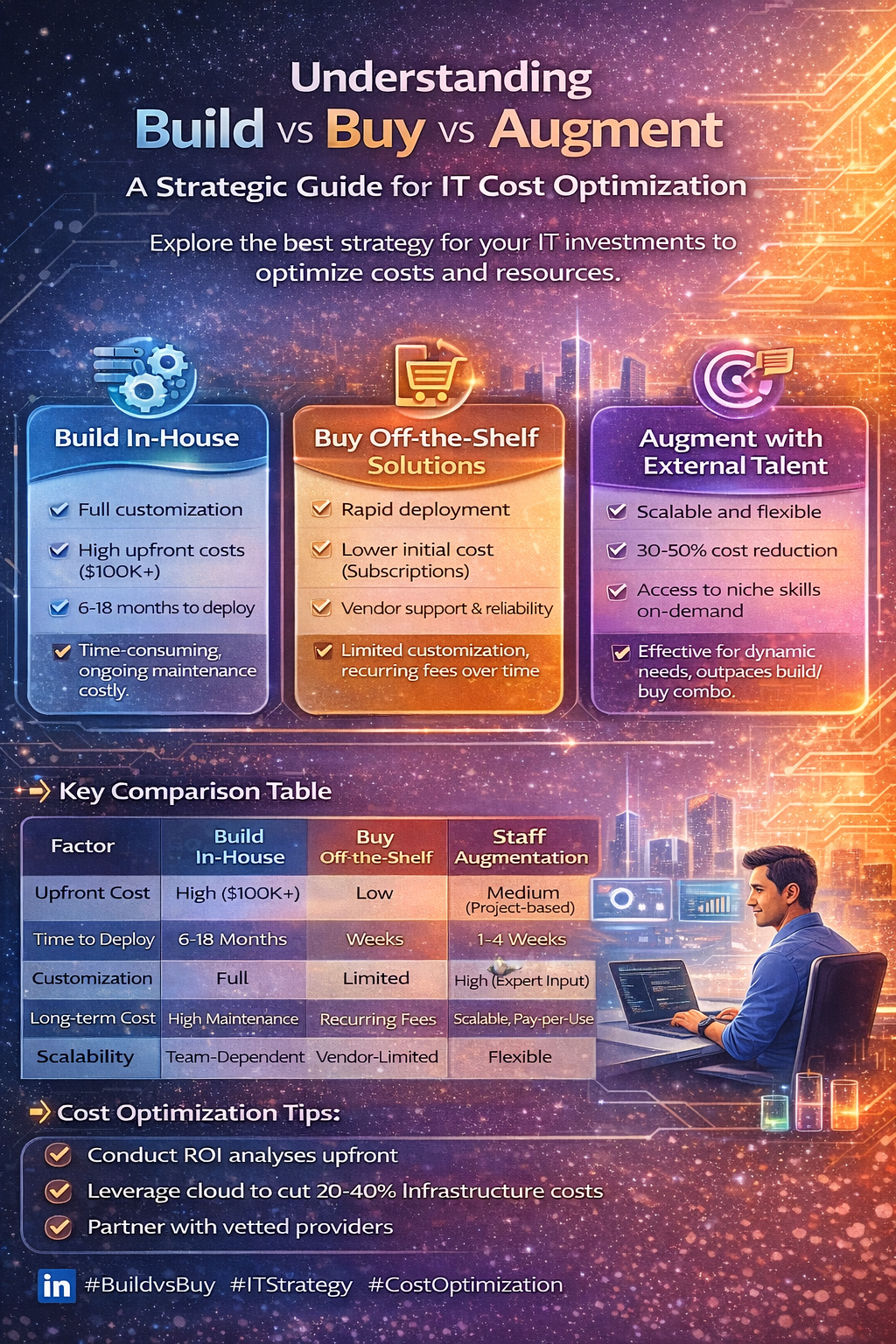
Cost Optimization in IT: Build vs Buy vs Staff Augmentation (2026 Guide)
-
 February 5, 2026
The Role of DevOps in High-Performance Engineering Teams: Best Practices Guide
-
 February 4, 2026
How to Ensure Code Quality When Working with Augmented Teams: Best Practices Guide
-
 February 3, 2026
Tech Talent Trends That Will Shape the Next 5 Years: 2026–2031 Outlook
-
 February 2, 2026
The Rise of Hybrid Teams: In-House + Augmented Talent - The Complete Guide
-
 January 30, 2026
How We Support and Retain High-Performing Tech Professionals
-
 January 29, 2026
Aligning Technology Strategy with Business Growth Goals: A Complete Framework
-
 January 28, 2026
What Top Developers Look for in a Staff Augmentation Partner: A Developer's Perspective
-
 January 27, 2026
The Human Side of IT Services: Why People Matter More Than Code
-
 January 23, 2026
Why Culture Fit Matters in Staff Augmentation Models | Witqualis
-
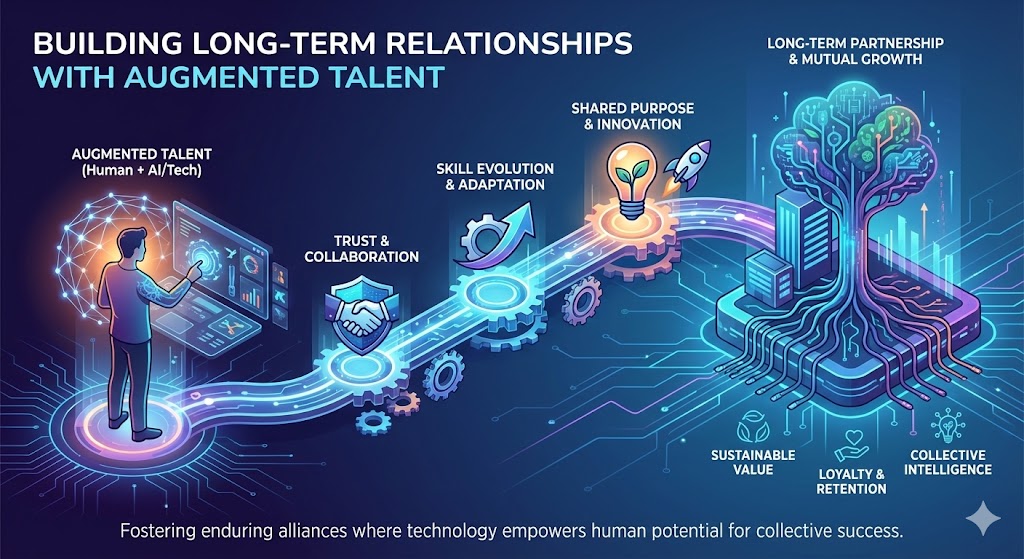 January 22, 2026
Building Long-Term Relationships with Augmented Talent: A Strategic Approach
-
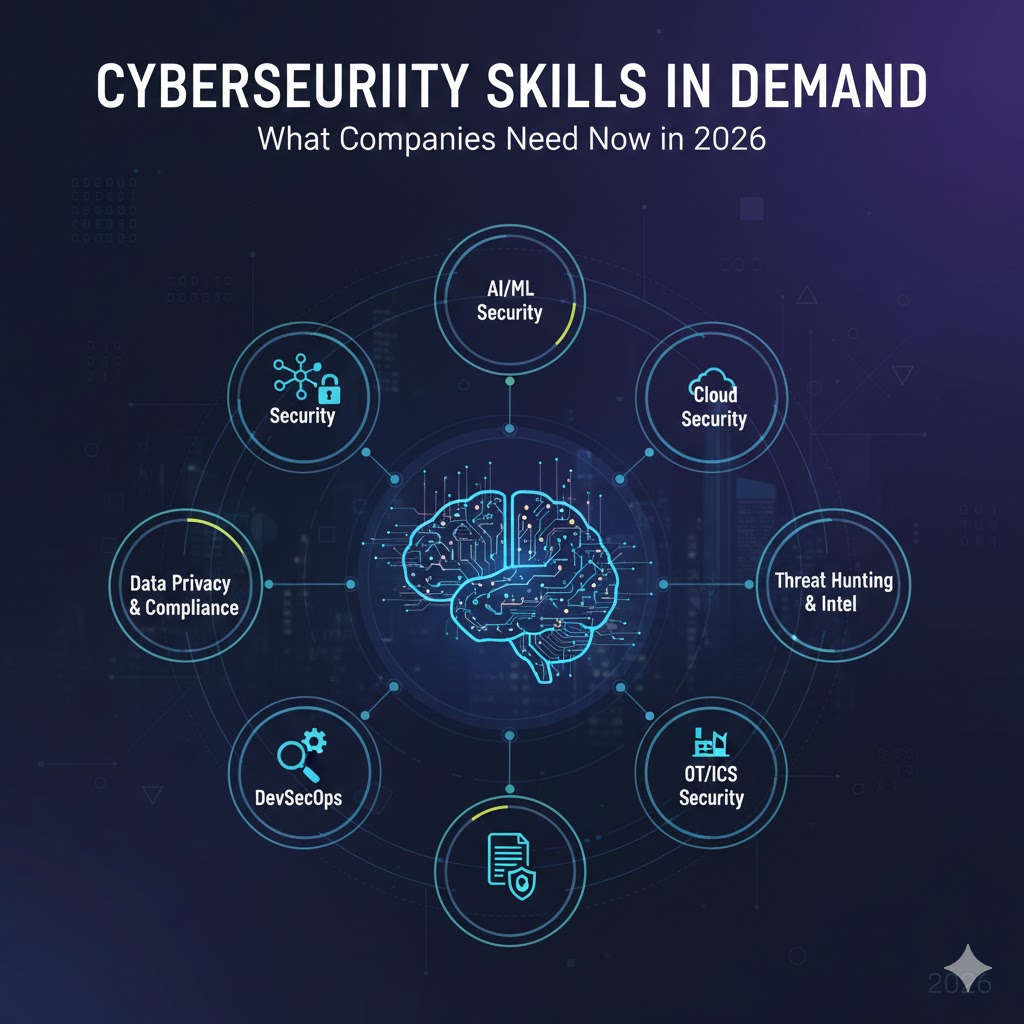 January 21, 2026
Cybersecurity Skills in Demand: What Companies Need Now in 2026
-
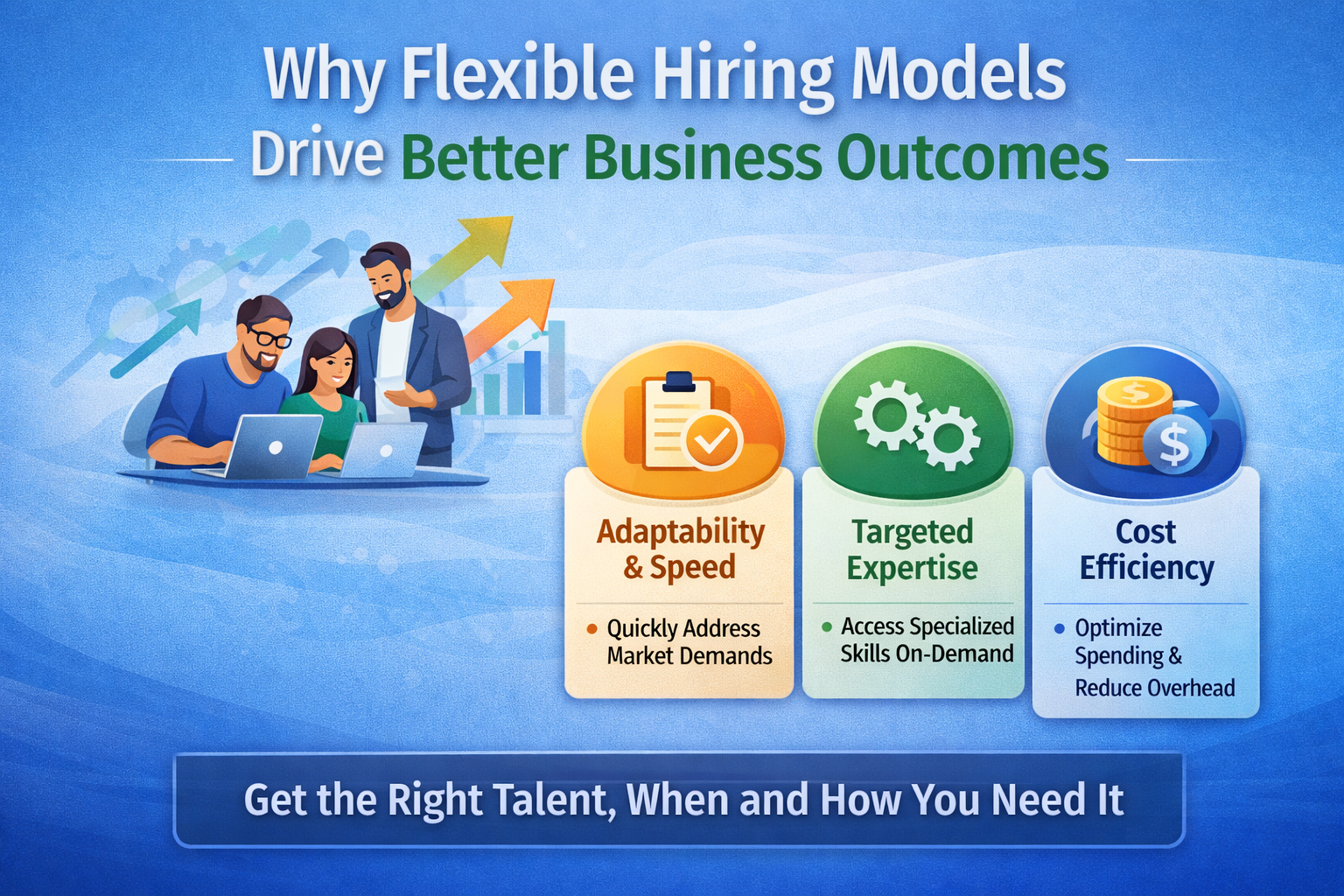 January 20, 2026
Why Flexible Hiring Models Drive Better Business Outcomes
-
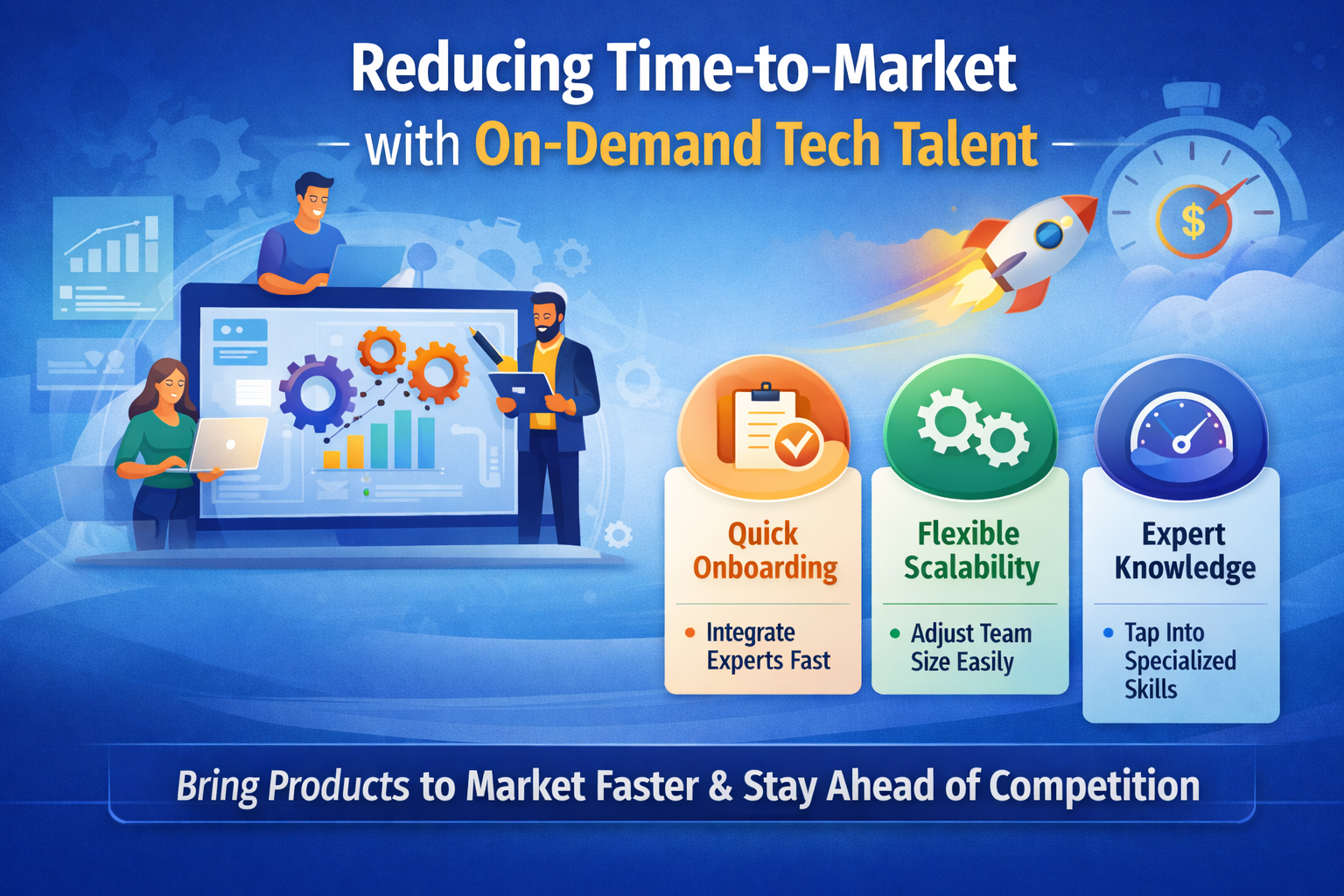 January 19, 2026
Reducing Time-to-Market with On-Demand Tech Talent
-
 January 15, 2026
How Dedicated Development Teams Accelerate Product Delivery
-
 January 14, 2026
Scaling Tech Teams Quickly Without Compromising Quality
-
January 12, 2026
Common Mistakes Companies Make When Outsourcing IT Projects (And How to Avoid Them)
-
January 9, 2026
Key Workforce Trends Every CTO Should Watch This Year
-
 January 8, 2026
How AI Is Transforming IT Staffing and Talent Matching
-
 January 7, 2026
How IT Staff Augmentation Helps Startups Scale Faster
-
 January 6, 2026
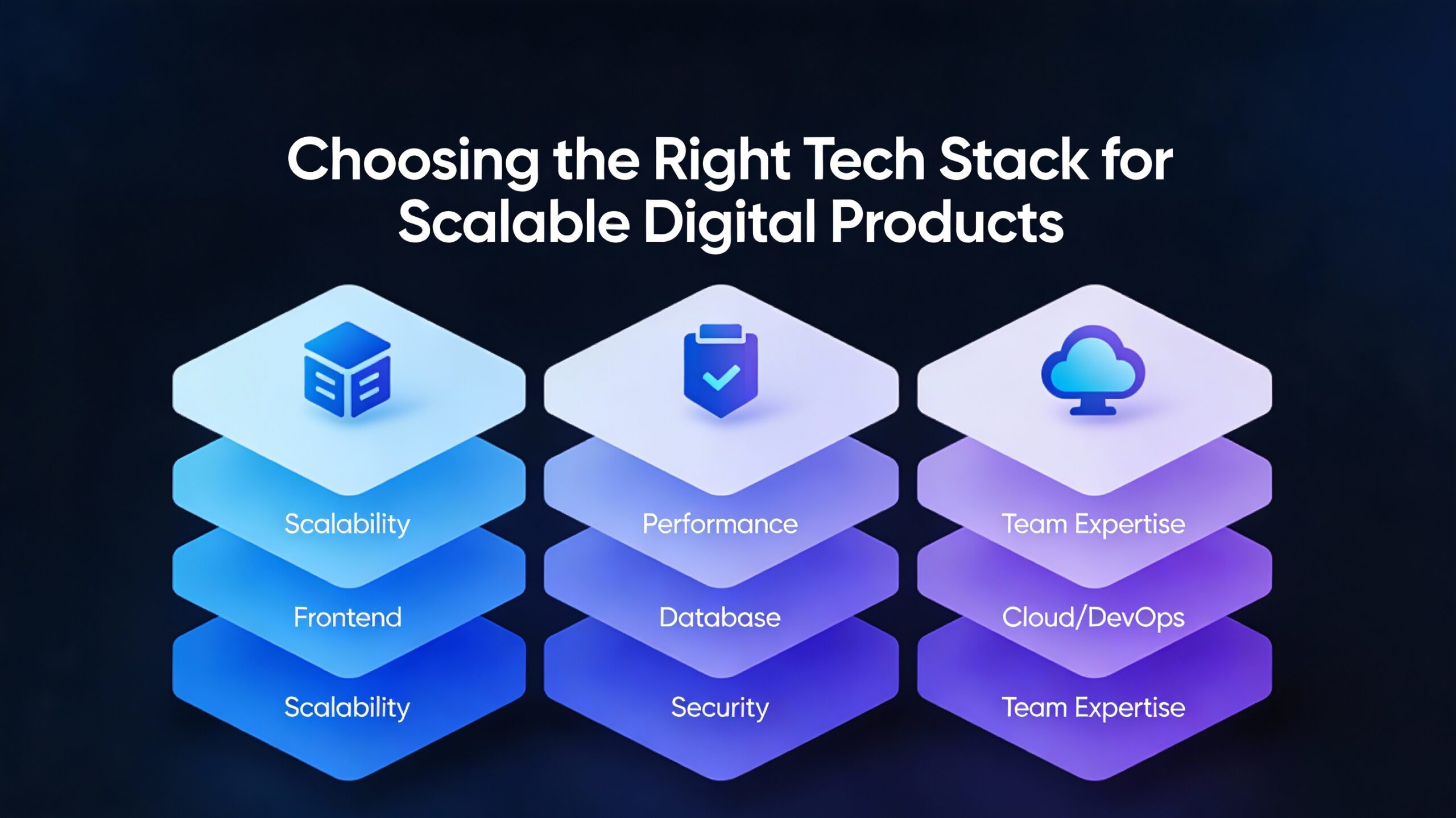
Choosing the Right Tech Stack for Scalable Digital Products
-
 January 5, 2026
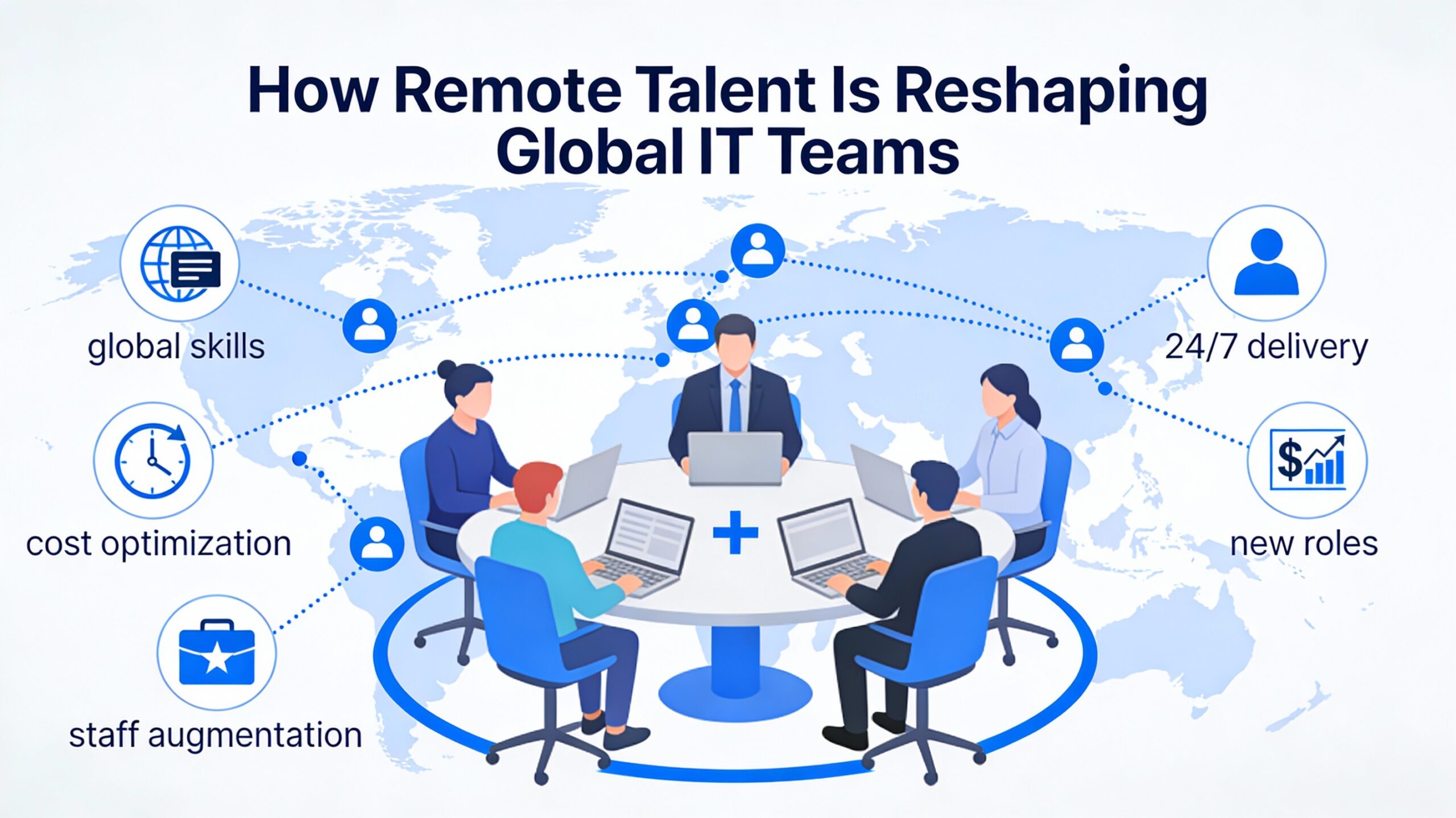
How Remote Talent Is Reshaping Global IT Teams
-
 December 29, 2025
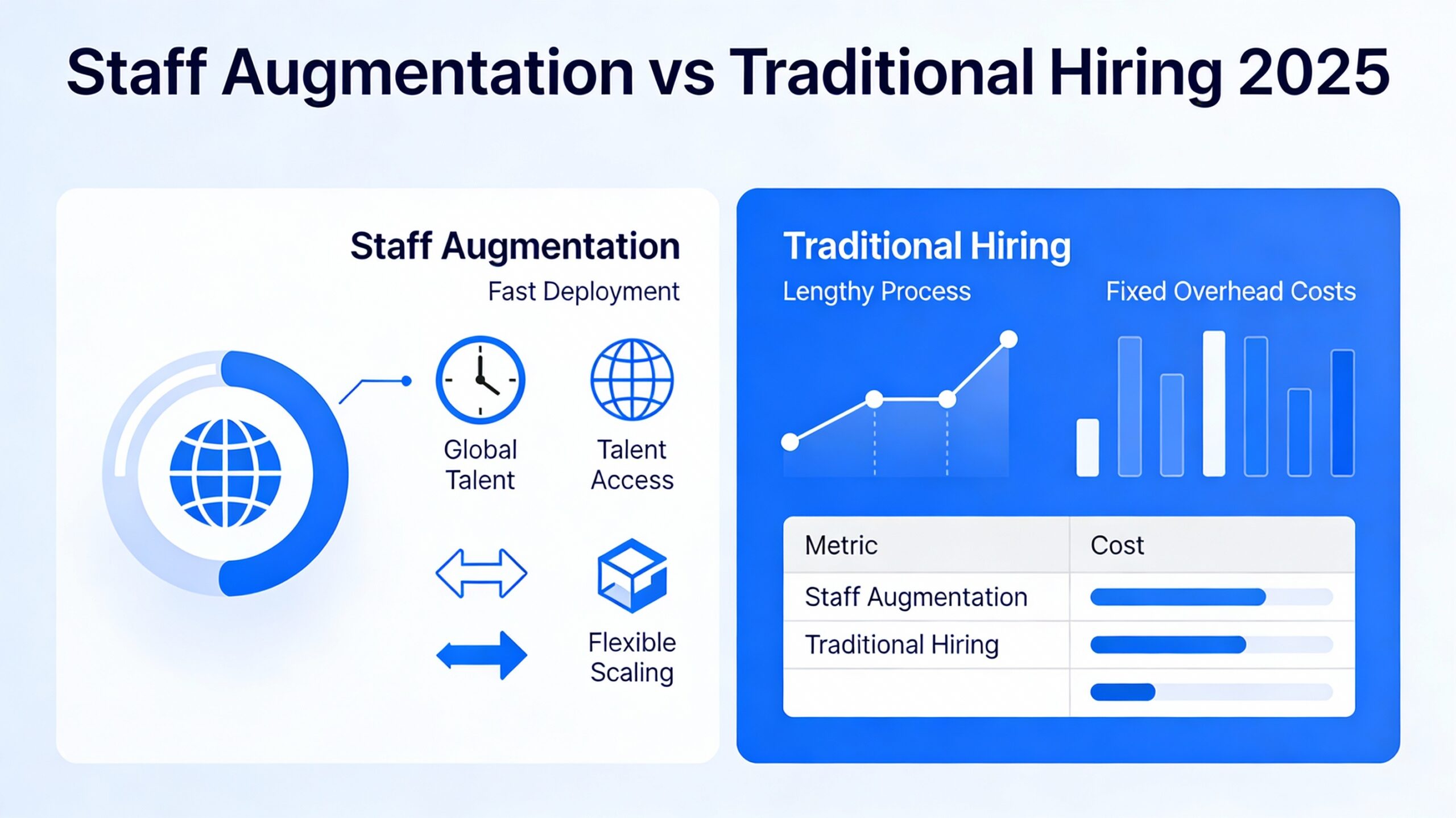
Staff Augmentation vs Traditional Hiring 2025
-
 December 24, 2025
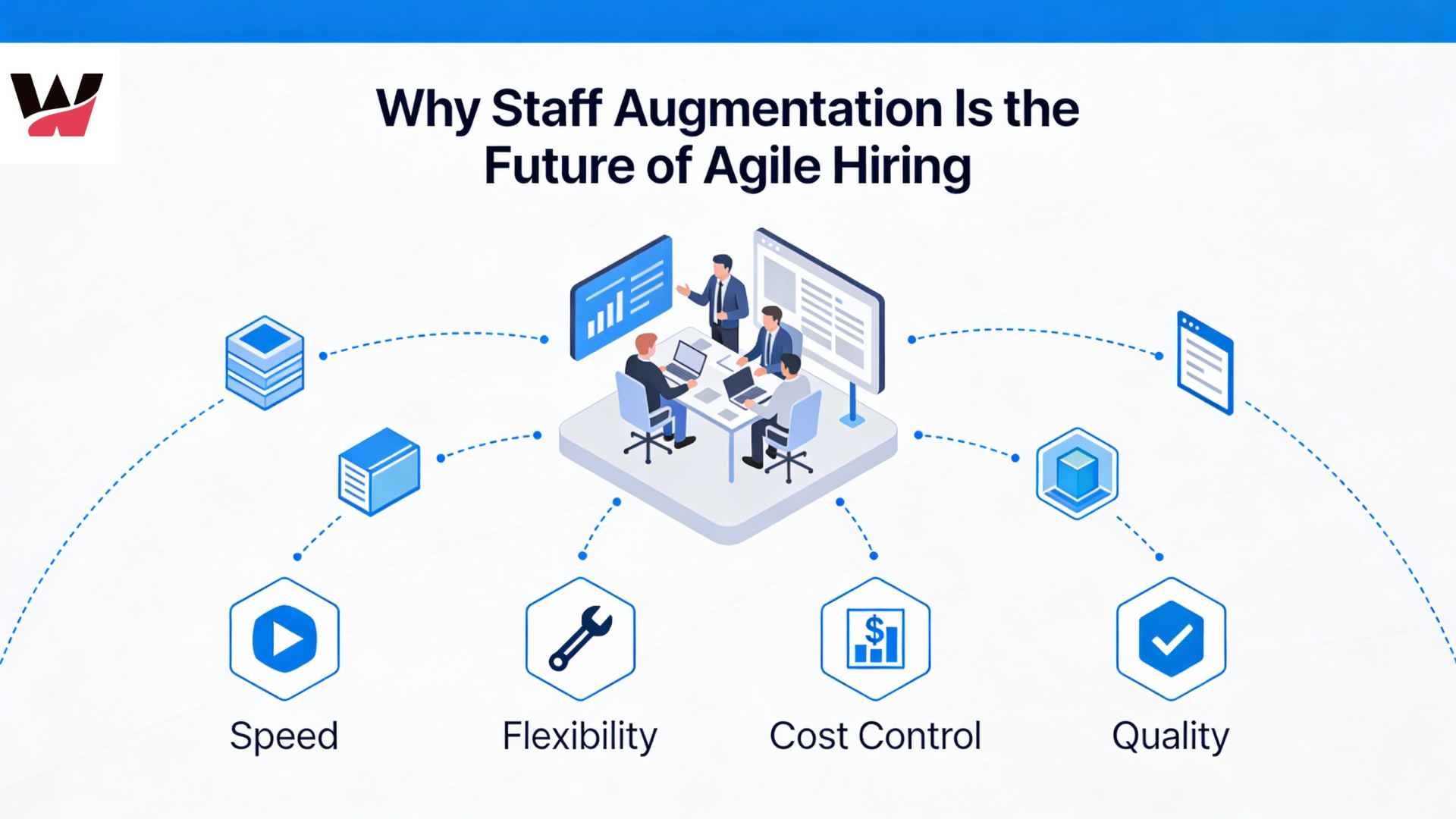
Why Staff Augmentation Is the Future of Agile Hiring
-
 December 22, 2025
Why Hiring Faster Doesn’t Mean Compromising Quality — It Means Finding the Right Partner
-
 December 19, 2025
The Role of Staff Augmentation in Accelerating Digital Transformation
-
 December 18, 2025
5 Tech Hiring Trends Every CTO Should Watch in 2025
-
December 17, 2025
Why Soft Skills Are the Hidden Superpower in Tech Teams
-
 December 15, 2025
How WitQualis Connects Global Talent with Local Opportunities
-
 December 10, 2025
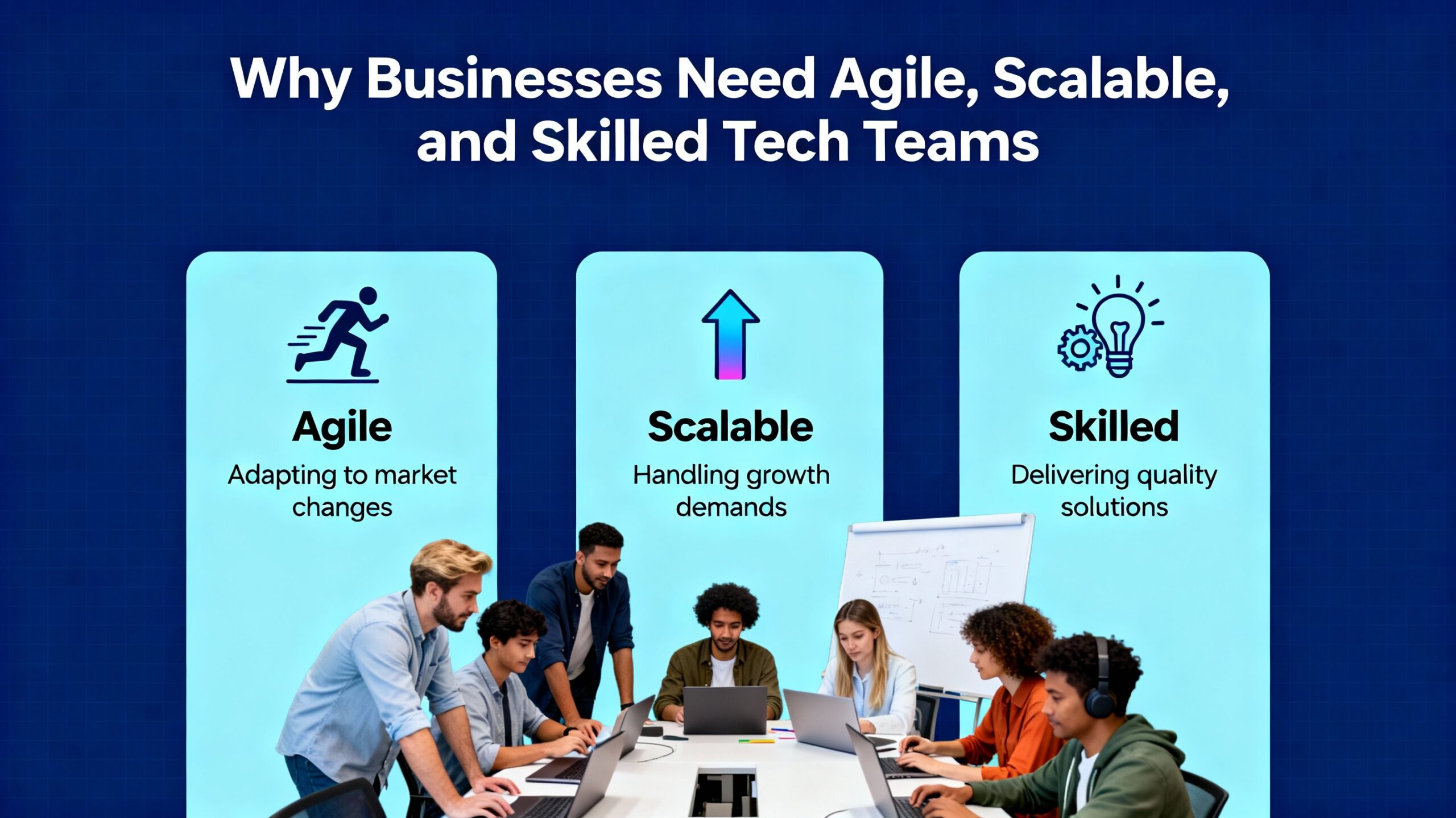
Why Businesses Need Agile, Scalable, and Skilled Tech Teams—Now More Than Ever
-
 December 5, 2025
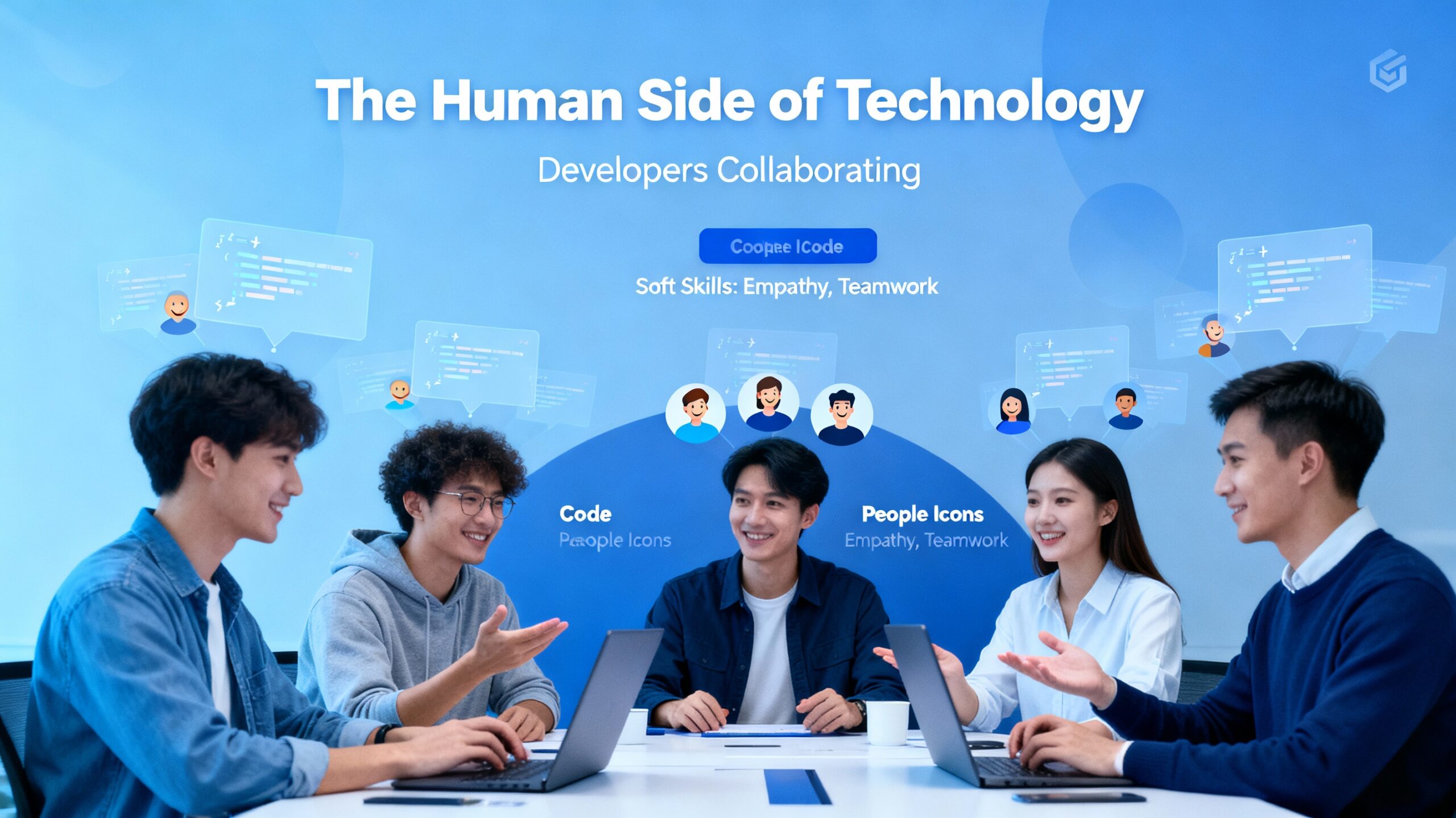
The Human Side of Technology: Why People Matter as Much as Code
-
 December 4, 2025
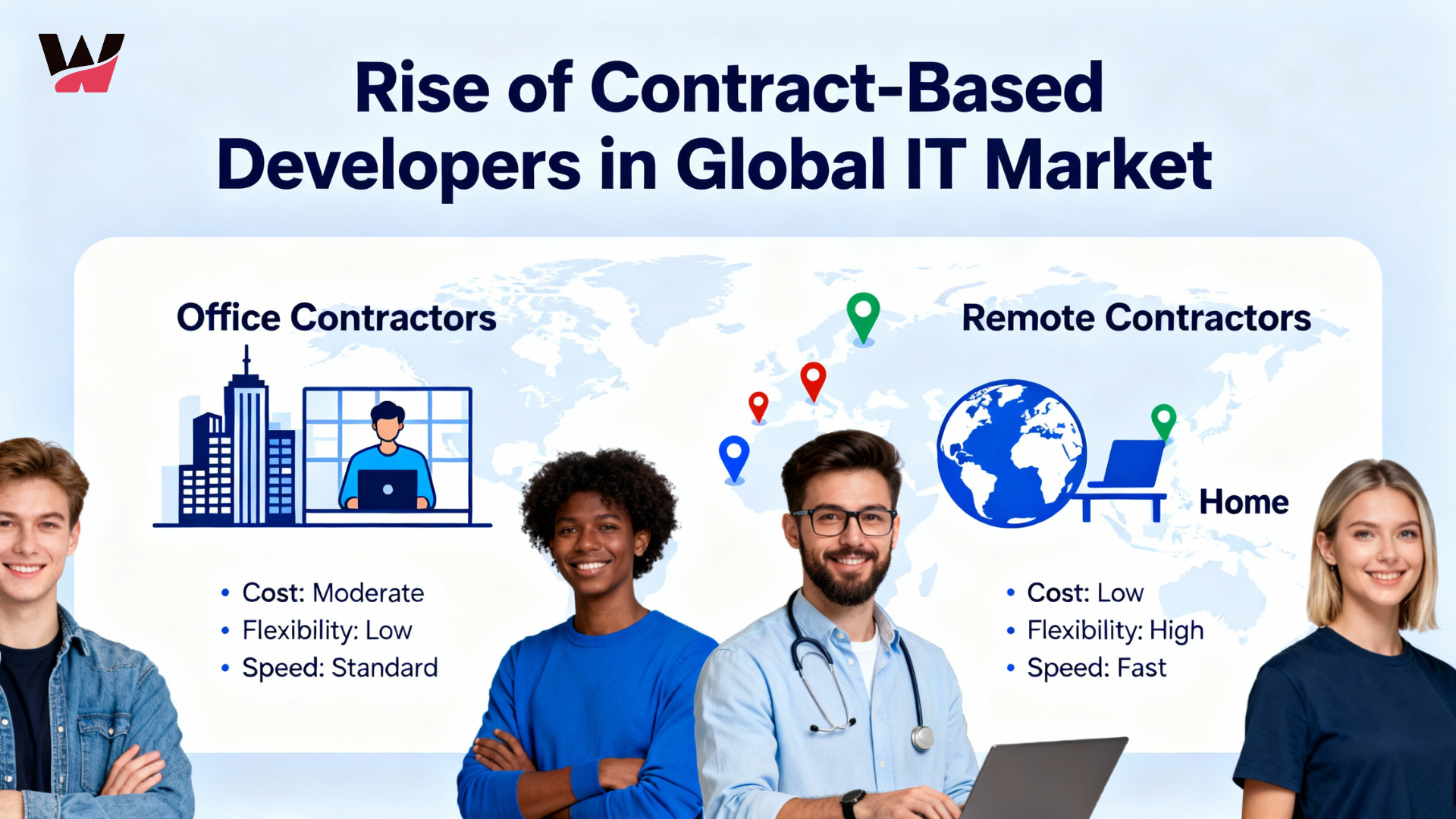
The Rise of Contract-Based Developers in the Global IT Market
-
 December 3, 2025
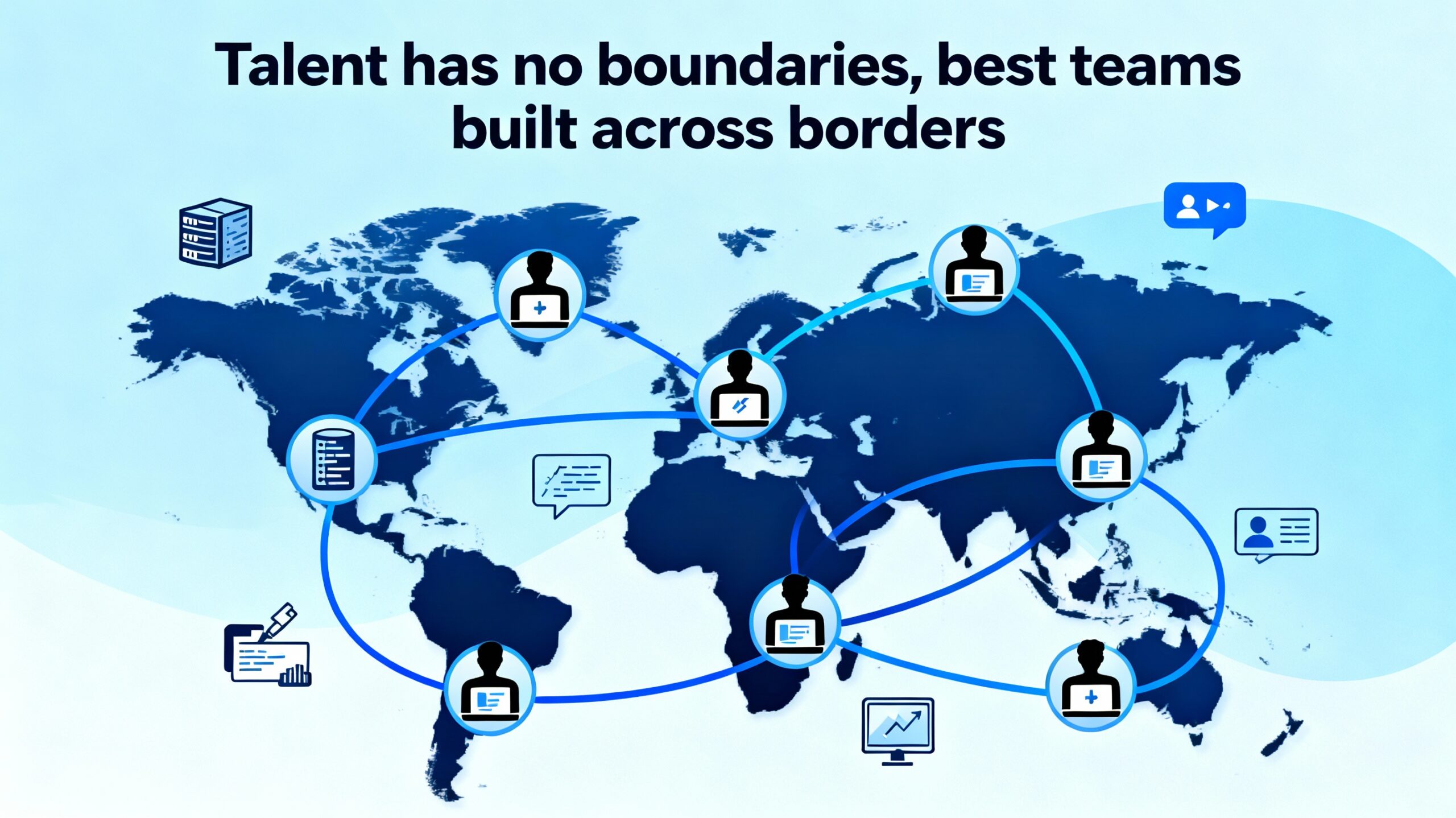
Talent Has No Boundaries: Why the Best Teams Are Built Across Borders
-
 December 2, 2025
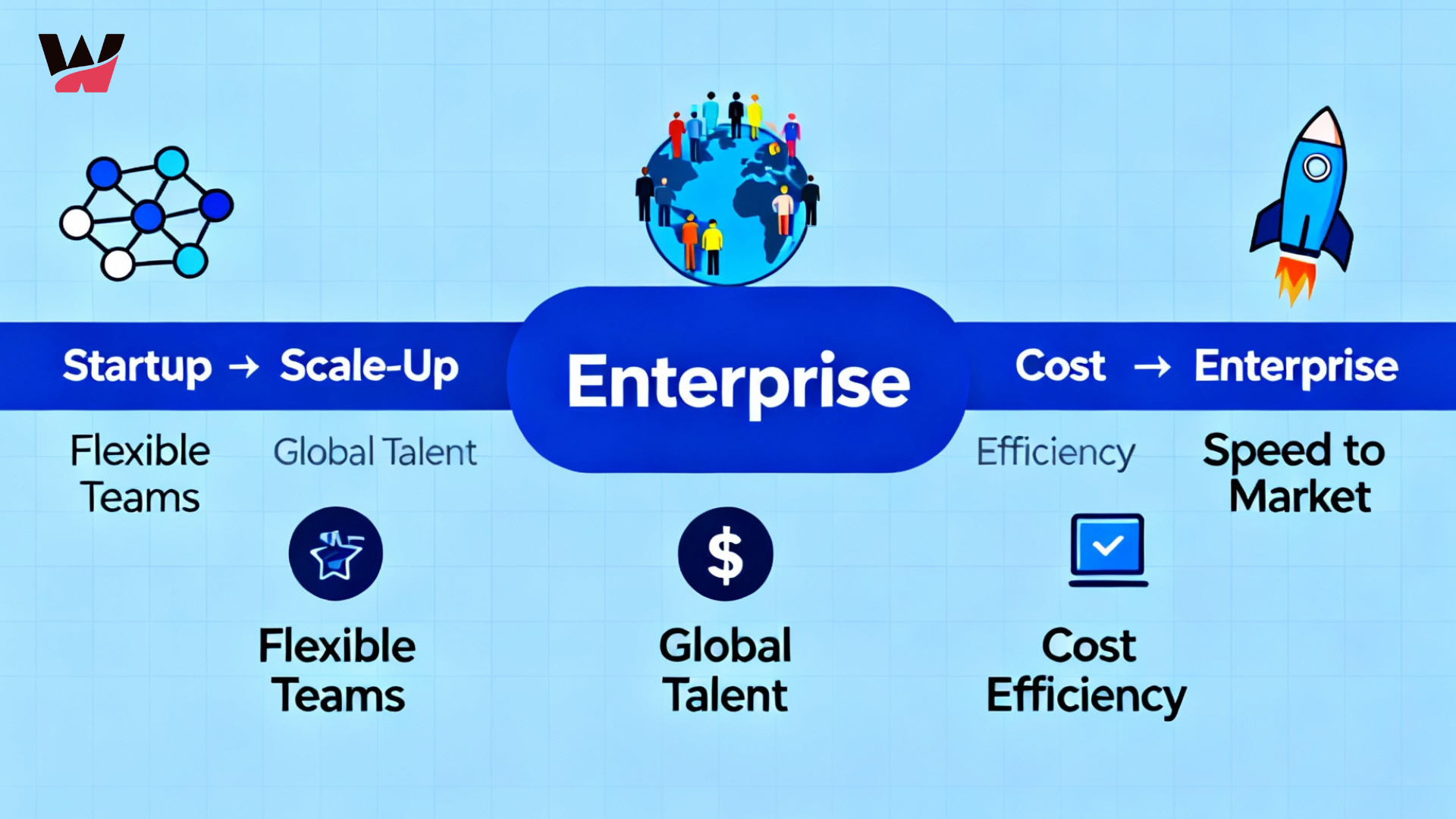
From Startups to Enterprises: How Staff Augmentation Supports Every Stage of Growth
-
 December 1, 2025
Great Ideas Need Great Execution – How WitQualis Teams Turn Vision into Reality
-
 November 28, 2025
Scaling Your Tech Team Shouldn’t Slow Your Business – It Should Power It
-
 November 27, 2025
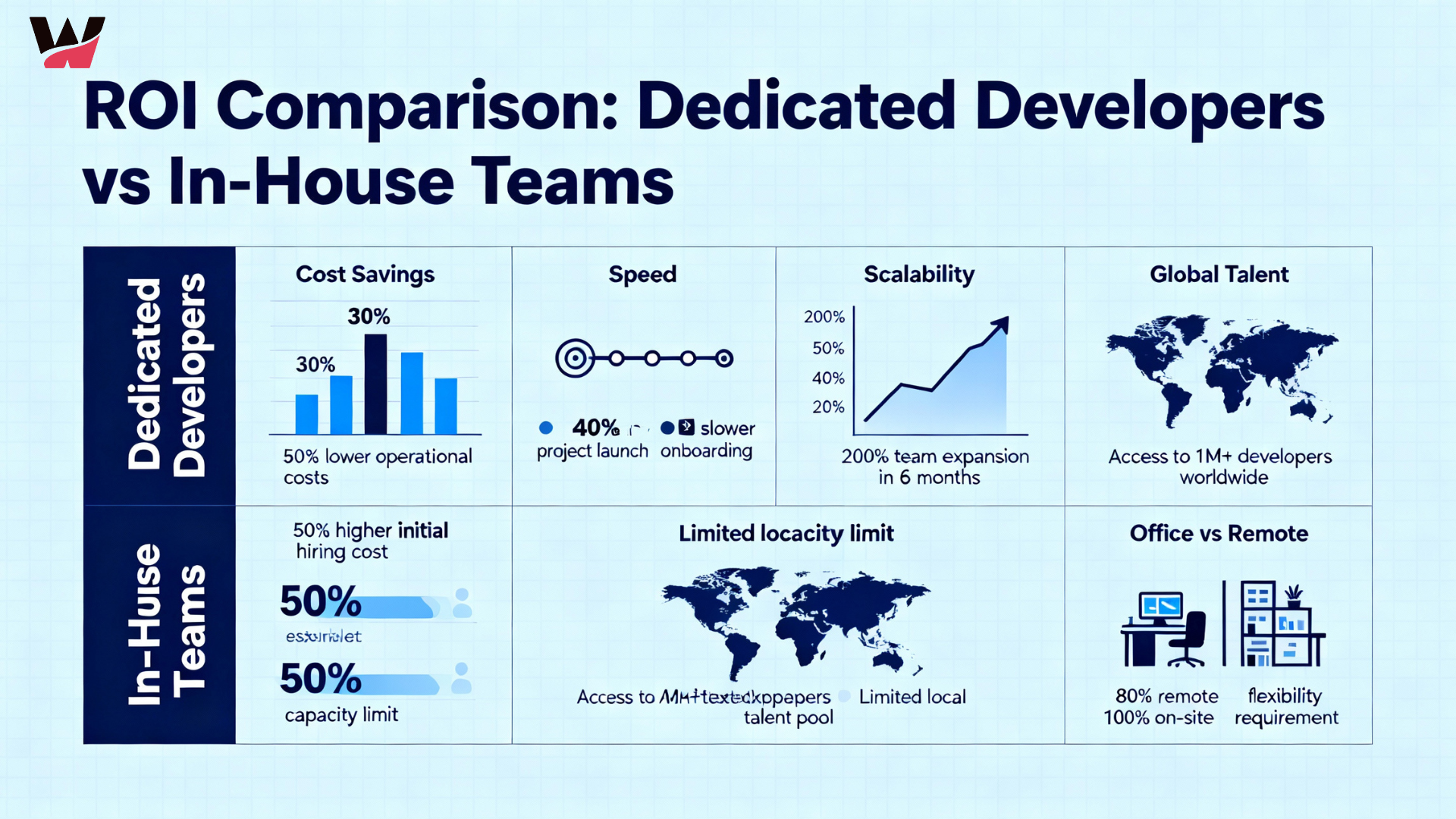
The ROI of Hiring Dedicated Developers vs In-House Teams
-
 November 26, 2025
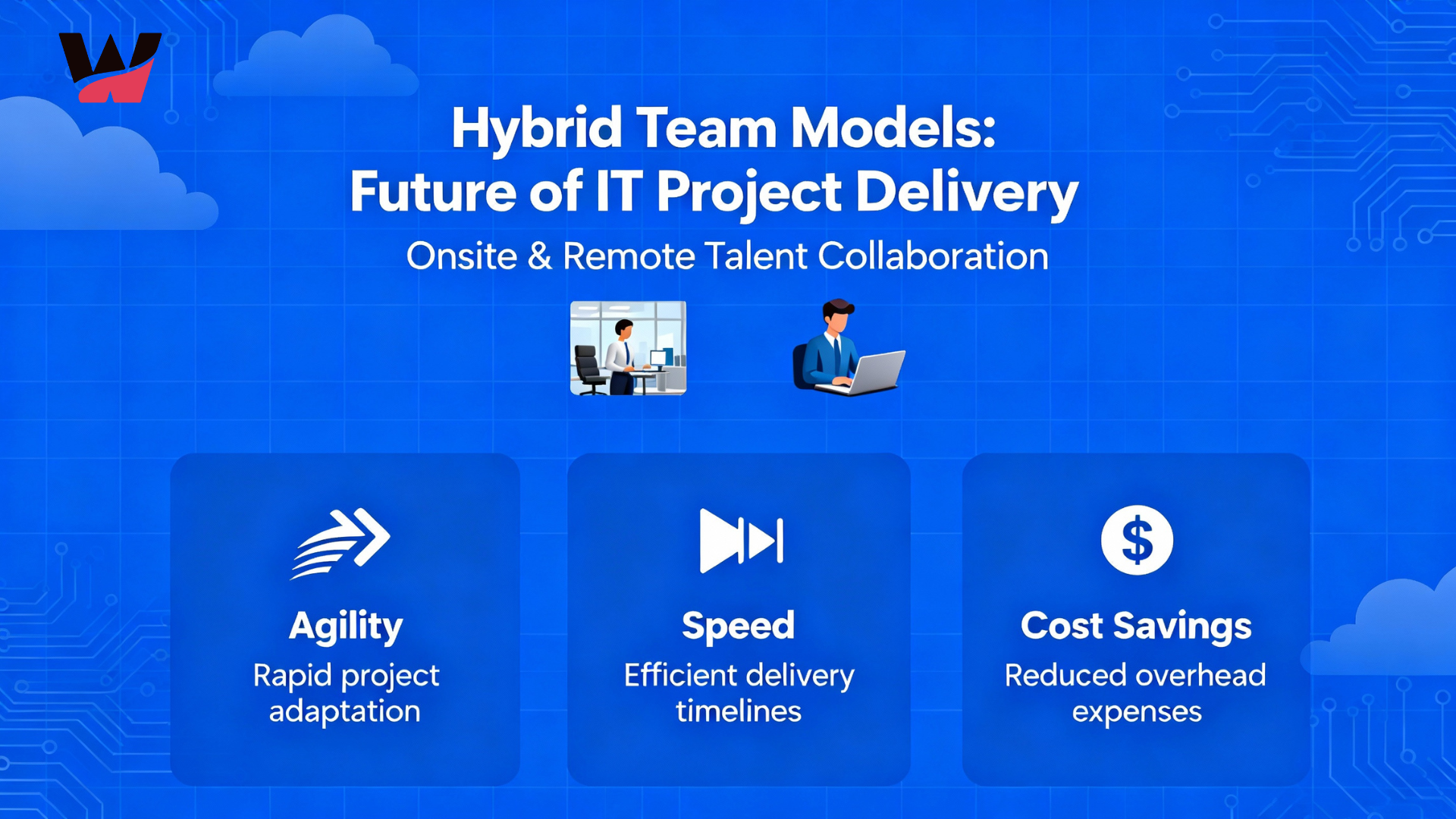
Why Hybrid Team Models Are the Future of IT Project Delivery
-
 November 24, 2025
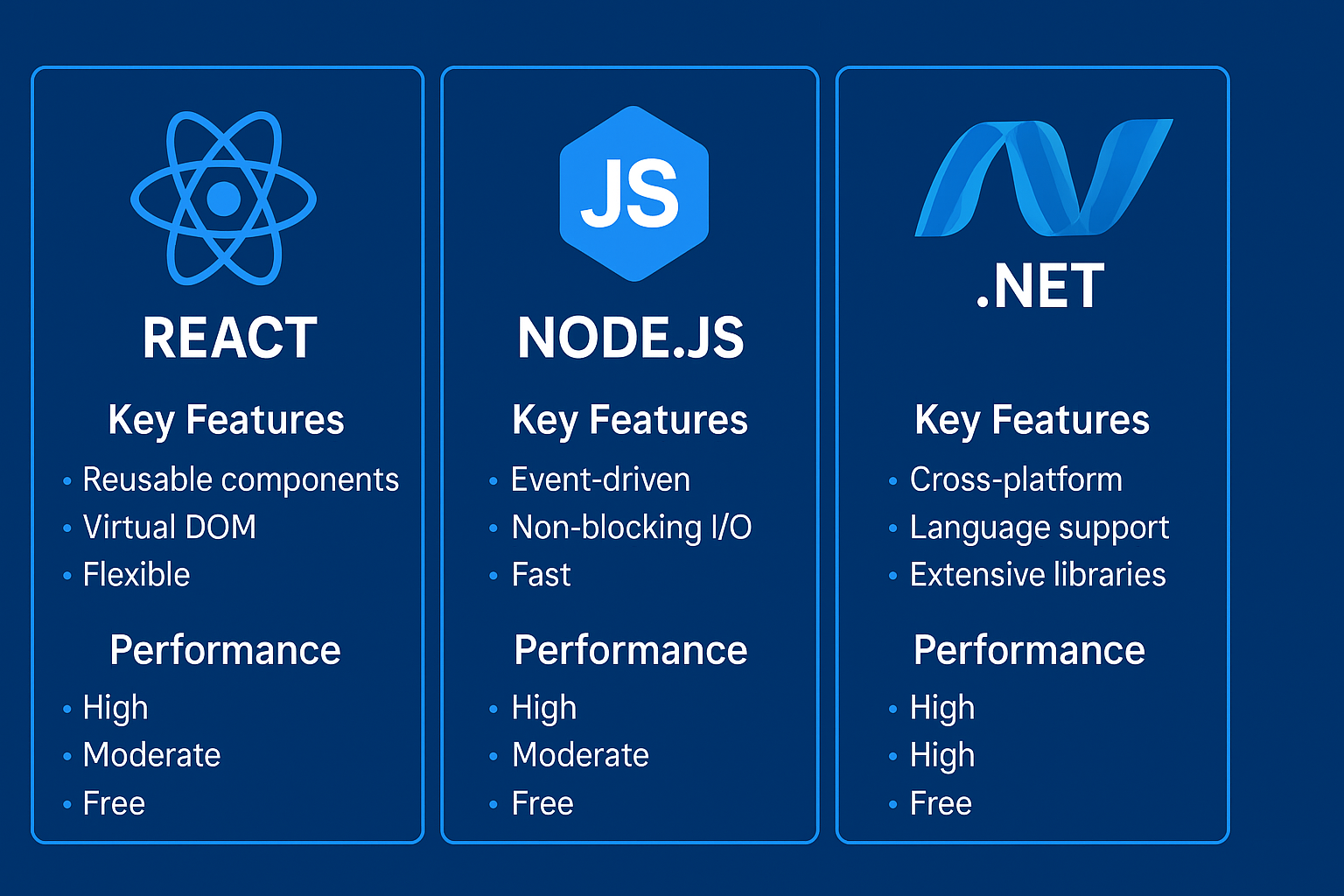
React, Node.js, or .NET? Choosing the Right Tech Stack for Your Next Project
-
 November 21, 2025
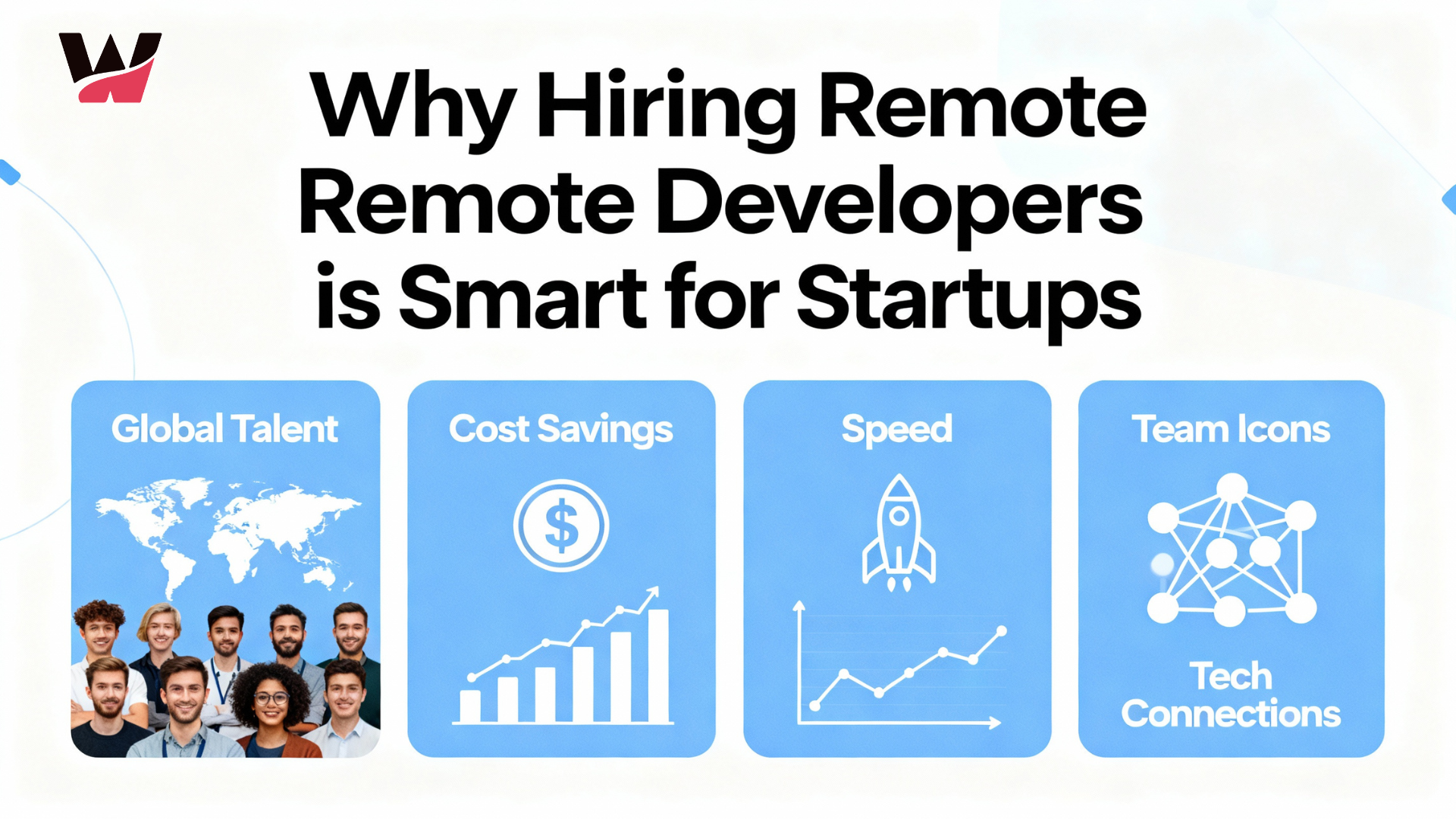
Why Hiring Remote Developers Is the Smartest Move for Startups
-
 November 20, 2025
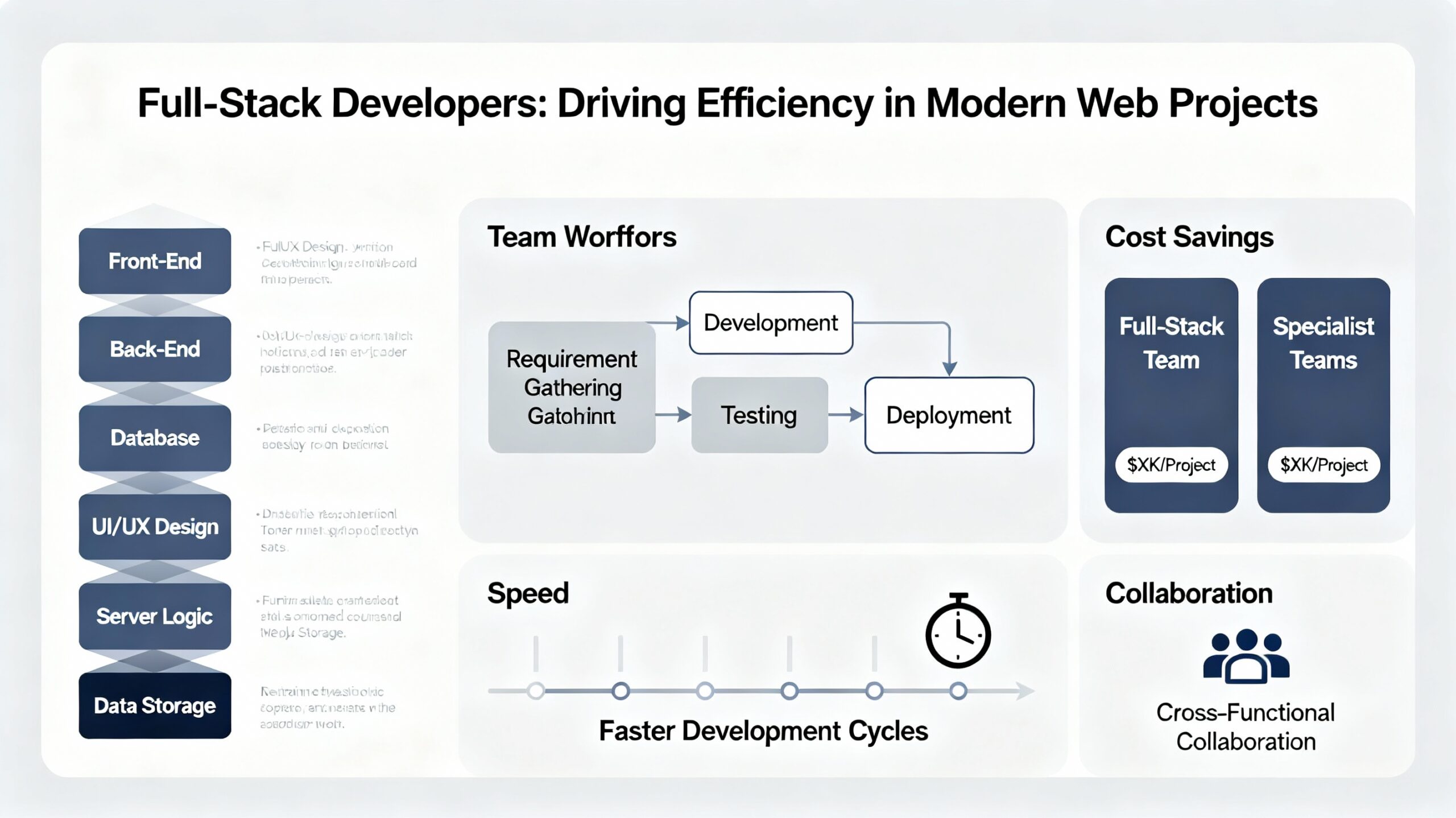
How Full-Stack Developers Drive Efficiency in Modern Web Projects
-
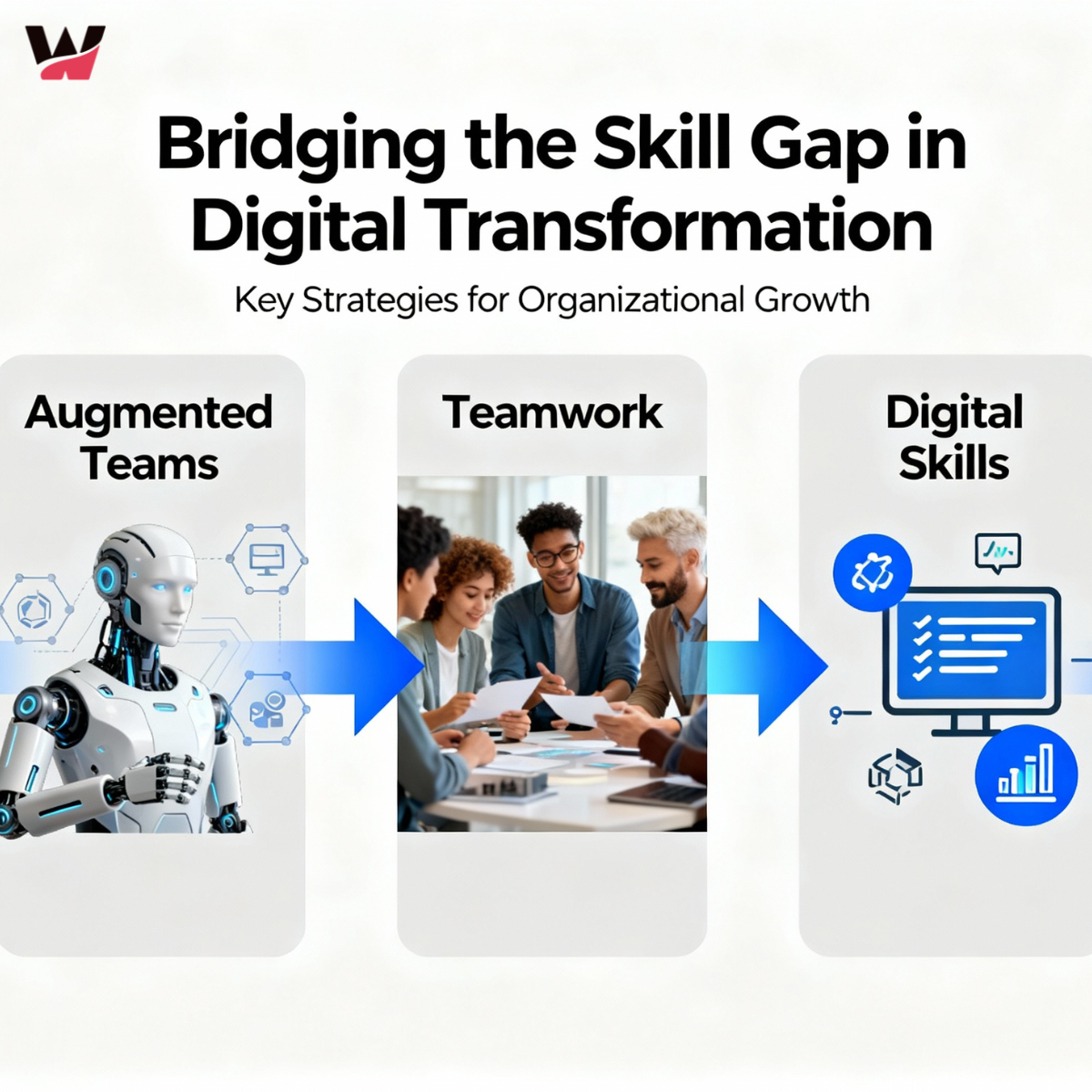 November 19, 2025
Bridging the Skill Gap: How Augmented Teams Empower Digital Transformation
-
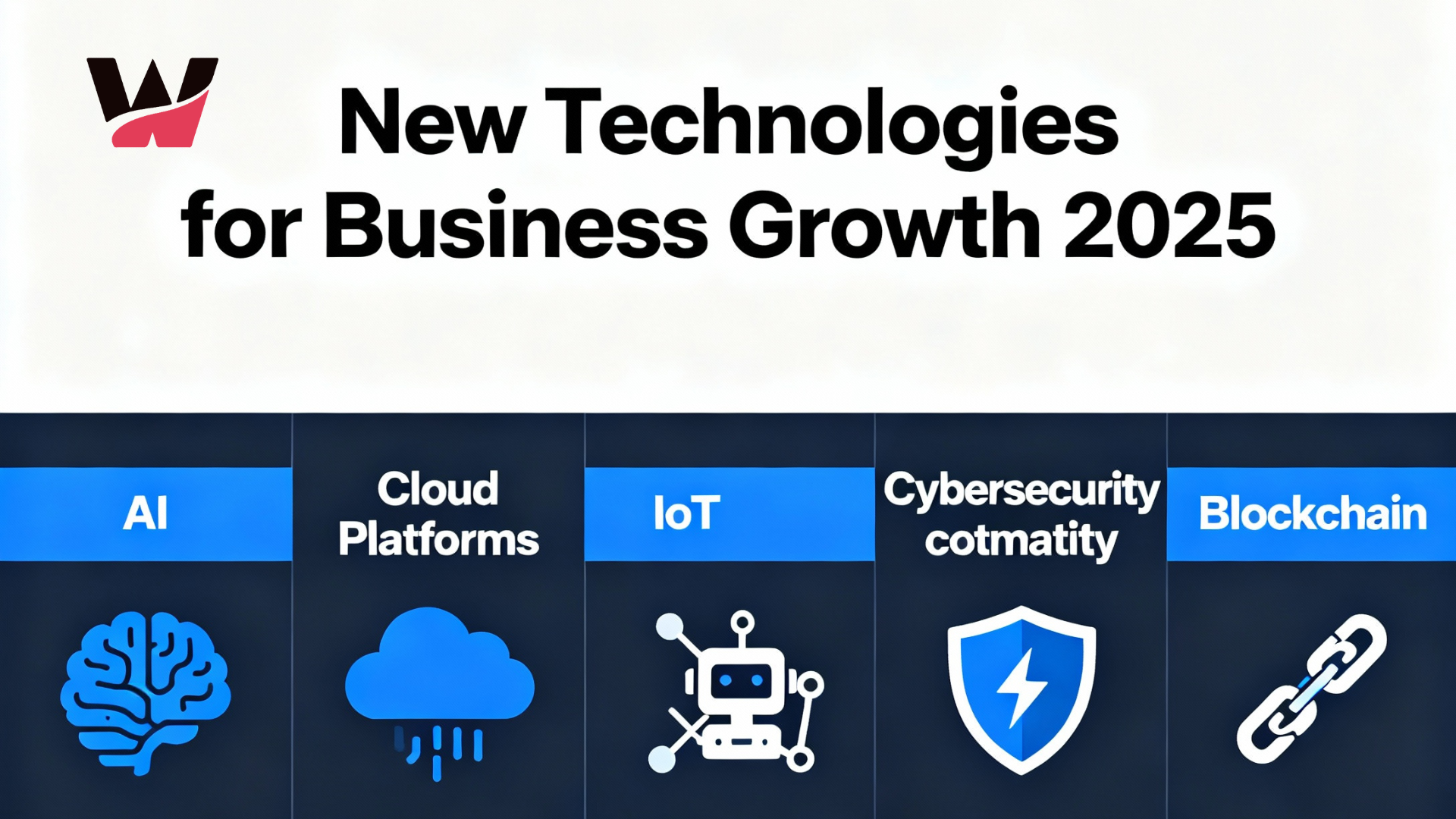 November 18, 2025
New Technologies for 2025: What Businesses Need to Grow
-
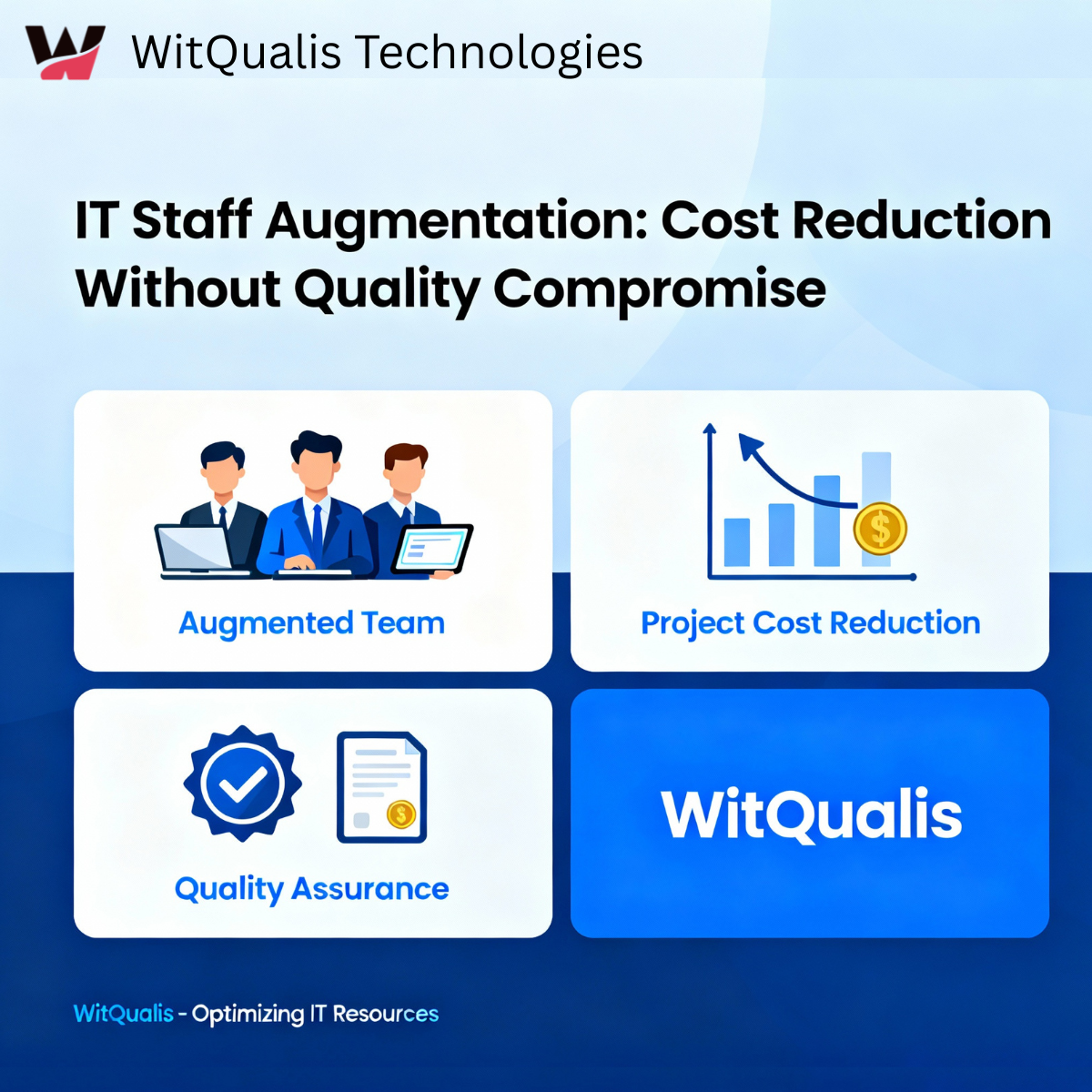 November 14, 2025
IT Staff Augmentation Reduces Project Costs Quality
-
 November 13, 2025
Empowering Global Collaboration: How WitQualis Builds Seamless Remote Teams
-
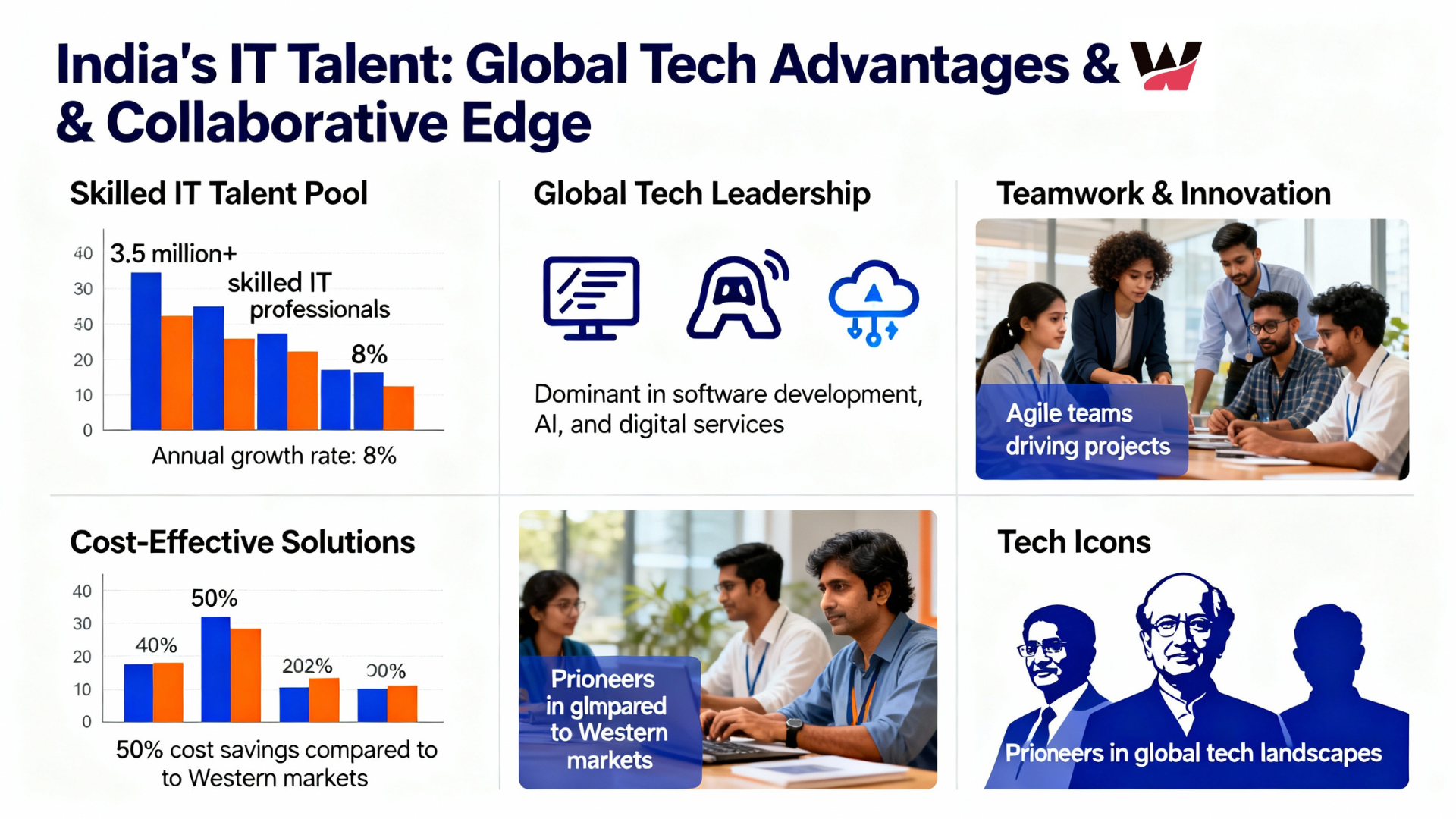 November 12, 2025
Why Global Businesses Are Turning to India for Skilled IT Talent
-
 November 11, 2025
Staff Augmentation Helps You Scale Your Tech Team
-
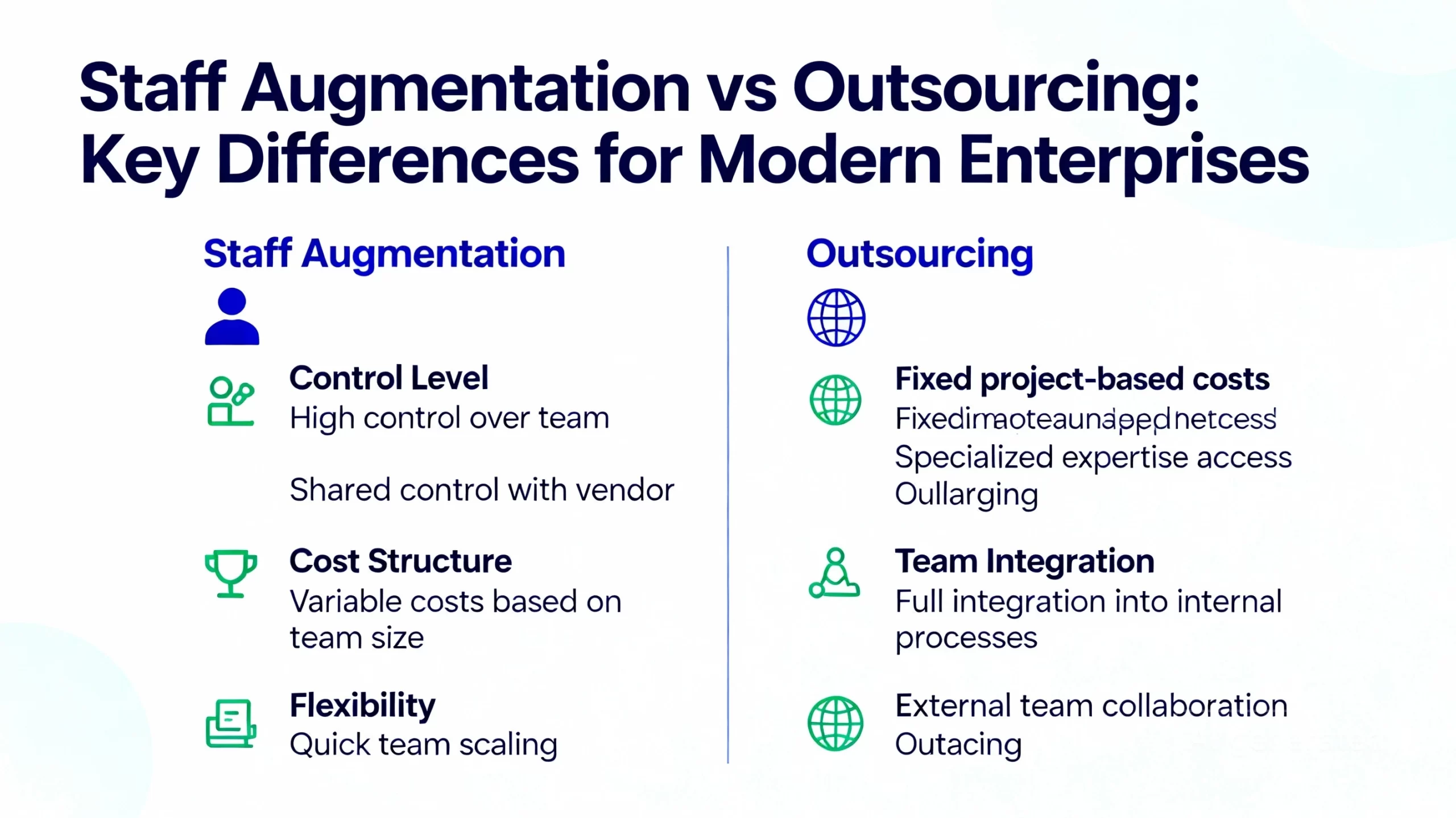 November 10, 2025
Staff Augmentation vs Outsourcing in 2025: Which Is Best for Modern Enterprises?
-
 November 7, 2025
How AI, IoT, and Cloud Are Redefining Software Development in 2025
-
 November 6, 2025
Scaling Smarter: How Augmented Teams Help Deliver Projects Faster in 2025
-
 November 5, 2025
How AI and Automation Are Transforming Software Development Teams in 2025
-
 November 3, 2025
The Future of IT Staffing: Why Businesses Are Choose Staff Augmentation in 2025
-
 October 31, 2025
Why Technology is Essential for Business Growth (2025): Top Reasons & Winning Strategies
-
 October 30, 2025
How the Internet of Things (IoT) Is Revolutionizing Modern Business
-
 October 29, 2025
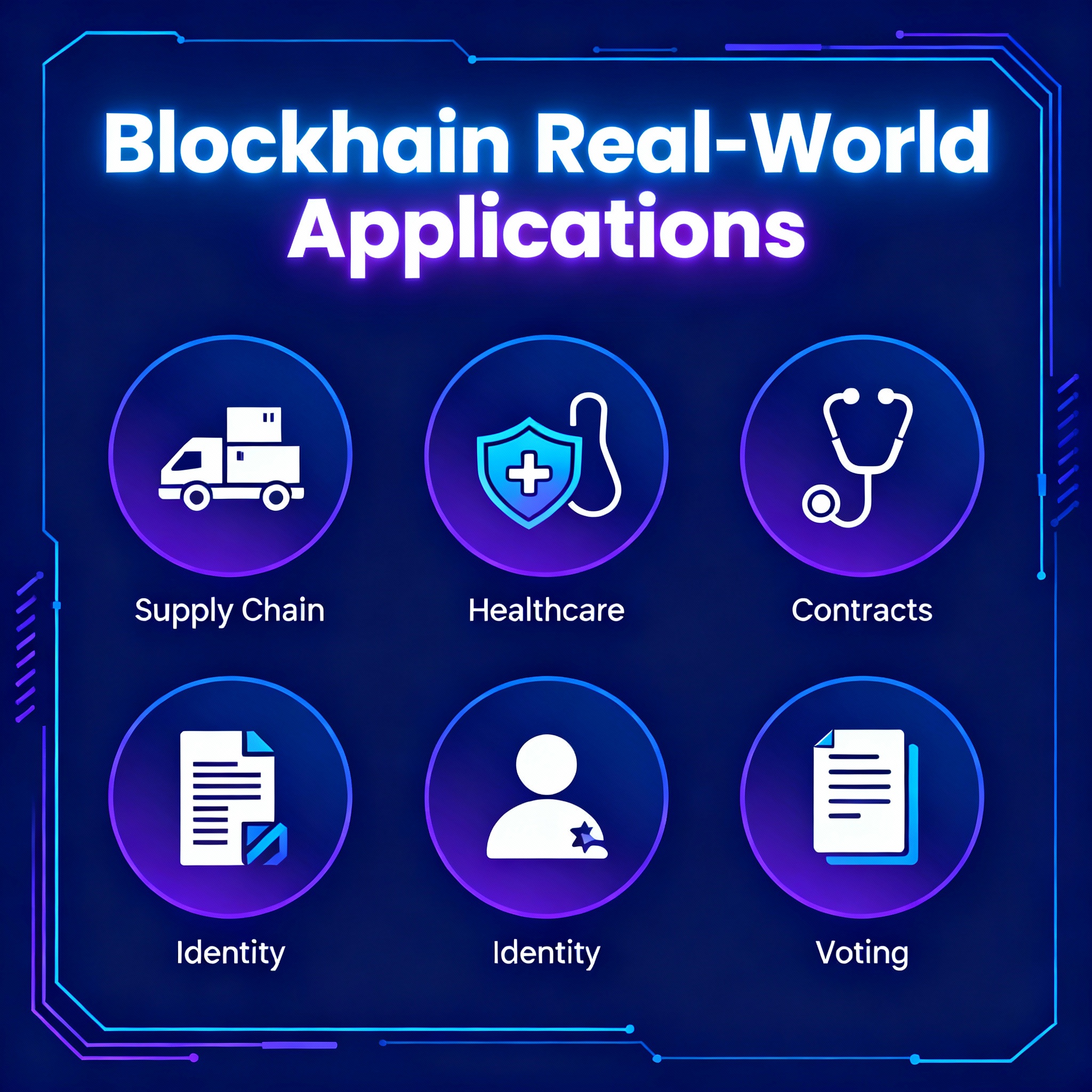
Blockchain Cryptocurrency: Real-World Applications | WitQualis
-
 October 28, 2025
API Design and Management Best Practices for Developers
-
 October 27, 2025
Microservices Architecture: Benefits, Implementation Tips & Real-World Examples
-
 October 24, 2025
How Remote Work Has Transformed the IT Industry Tools in 2025
-
 October 23, 2025
Virtual and Augmented Reality: The Tech Revolution | WitQualis
-
 October 22, 2025
How AI is Revolutionizing Business Decision-Making in 2025 | In-Depth Analysis & Trends
-
 October 16, 2025
Blockchain Beyond Crypto: Building Trust in Business Operations
-
 October 15, 2025
How Custom Software Solutions Drive Business Efficiency | Expert Guide
-
 October 13, 2025
How Automation Reduces Costs & Boosts Productivity in 2025
-
 October 10, 2025
Staff Augmentation: The Key to Building Agile & Scalable Teams
-
 October 9, 2025
The Role of Cloud Computing in Scaling Modern Businesses
-
 October 8, 2025
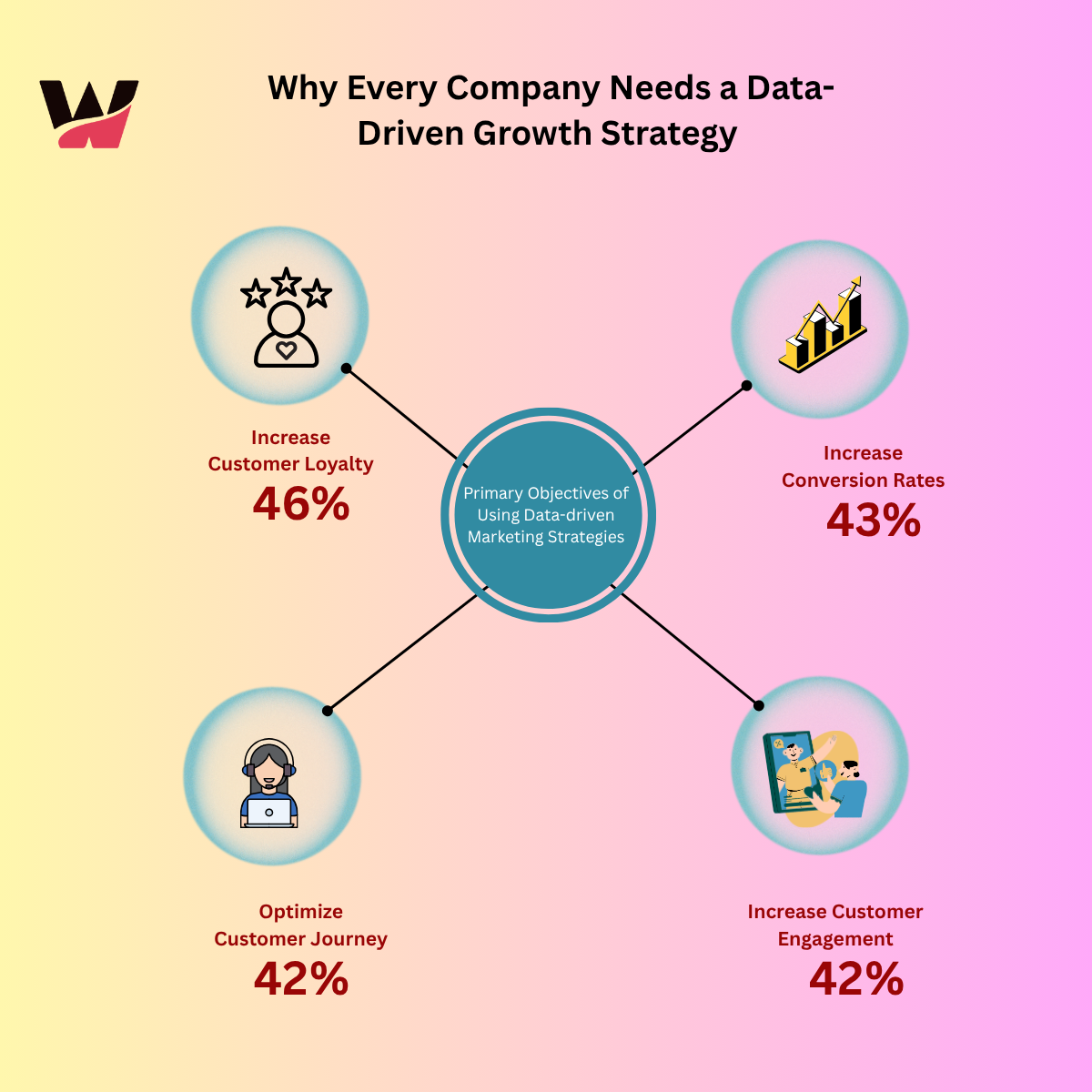
Why Every Company Needs a Data-Driven Growth Strategy
-
 October 7, 2025
API Design Best Practices for Developers in 2025 |API versioning strategies
-
 October 6, 2025
virtual reality vs augmented reality vs mixed reality
-
 October 3, 2025
The Impact of Internet of Things (IoT) on Modern Business
-
 October 1, 2025
Blockchain Beyond Cryptocurrency: Real-World Applications in 2025
-
 September 30, 2025
The Future of Artificial Intelligence: Trends and Opportunities
-
 September 26, 2025
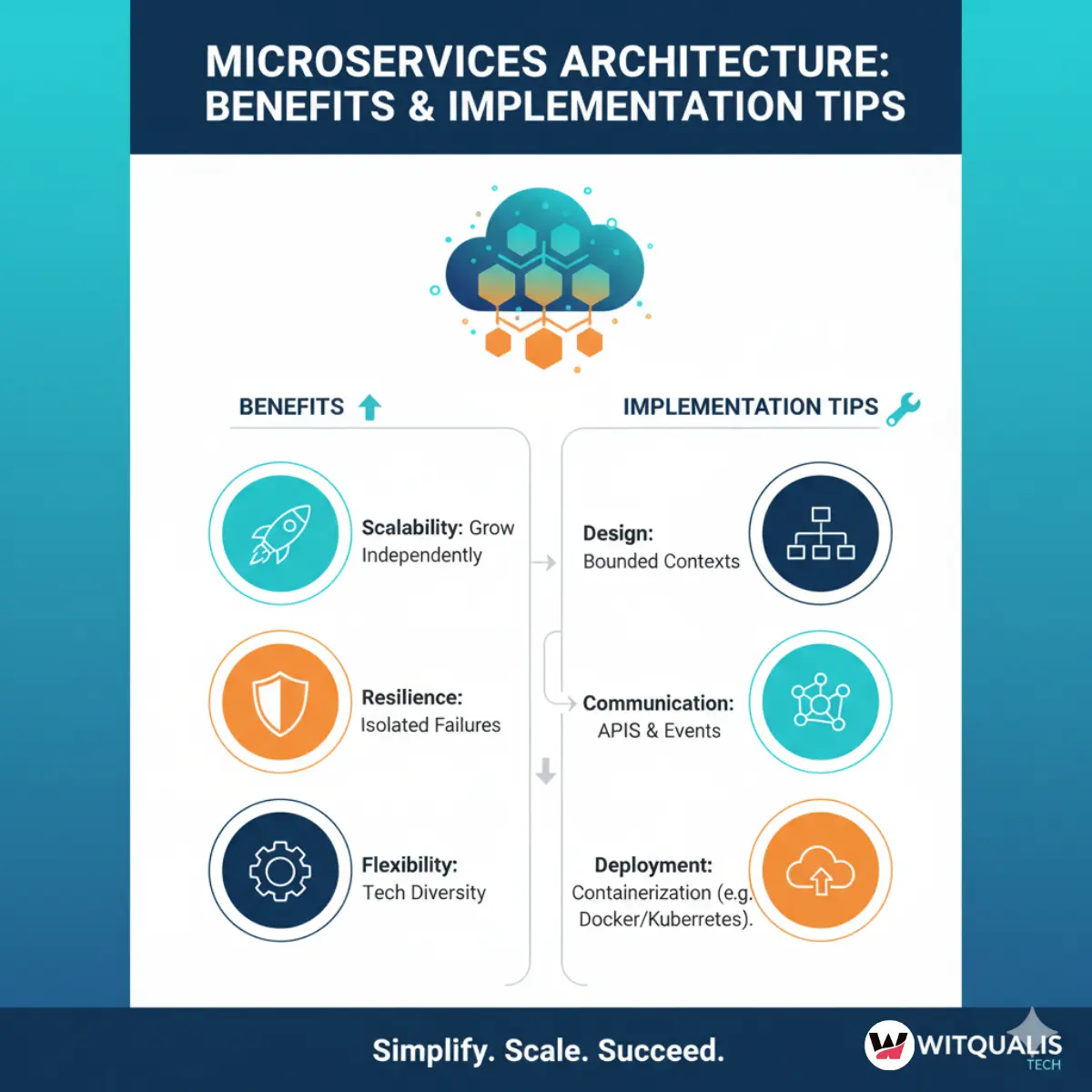
Microservices Architecture: Benefits and Implementation Tips
-
 September 25, 2025
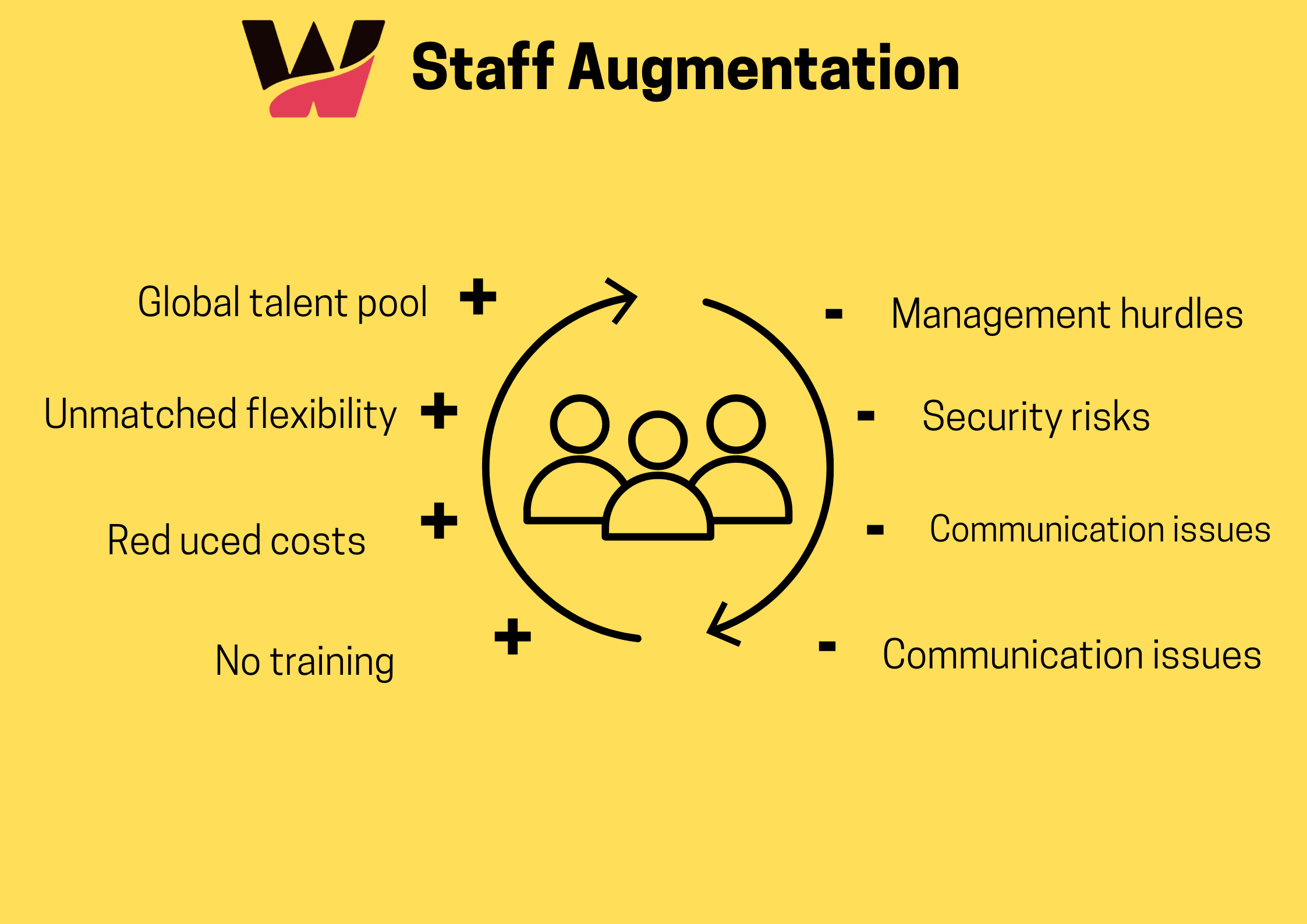
Why Staff Augmentation Is a Smart Move for IT Projects in 2025
-
 September 24, 2025
Cloud Computing Explained: Benefits and Best Practices (AWS, Azure, Google Cloud)
-
 September 23, 2025
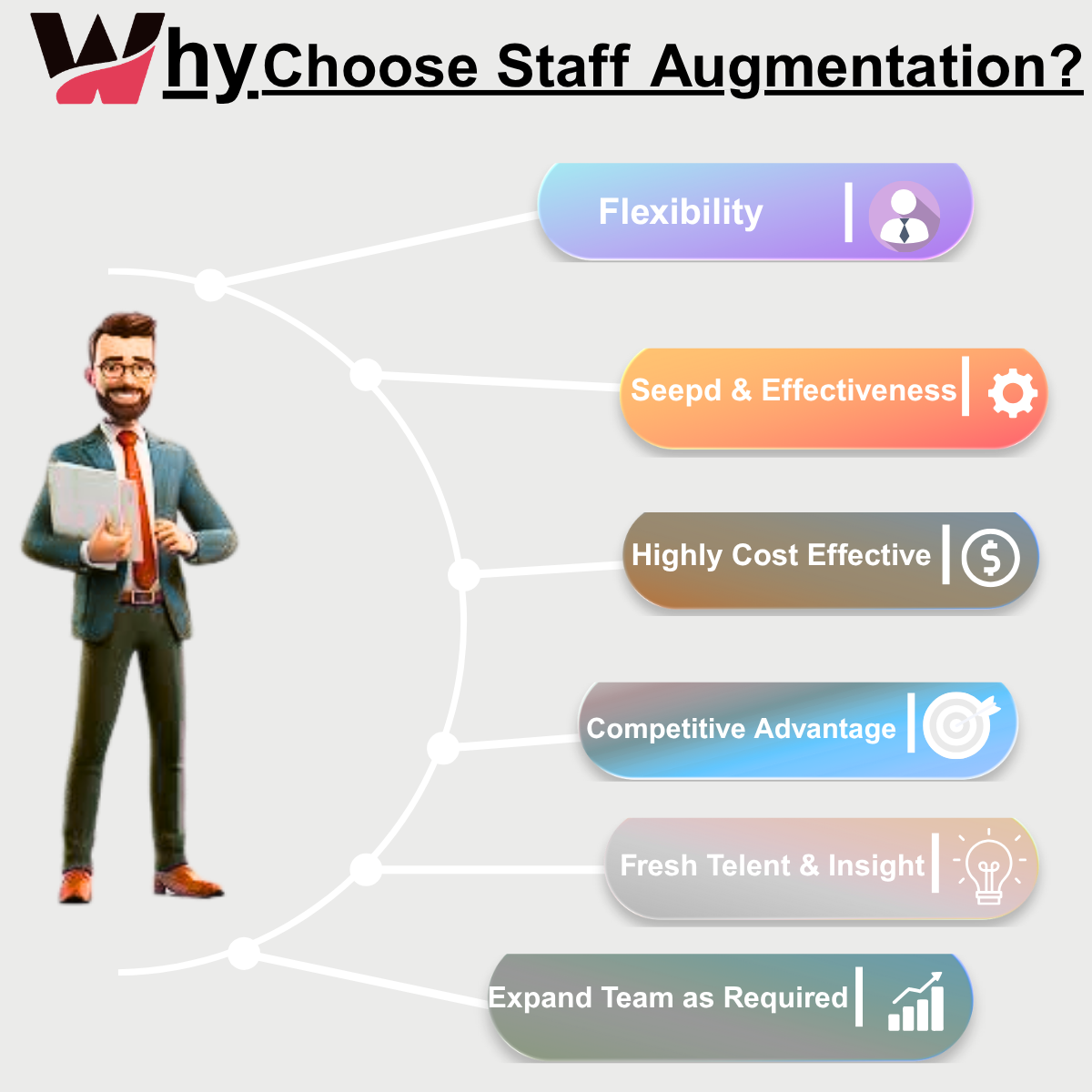
How Staff Augmentation Can Help Scale Your IT Team Efficiently
-
 January 6, 2025
Choosing the Right Front-End Web Development Service in the UK
-
 January 4, 2025
Why Choose Staff Augmentation Services in India for Your IT Projects?
-
 December 21, 2024
Boost Your Business ROI with Power BI Development Services in the Maldives and Iceland
-
 December 20, 2024
Get a Free Consultation: Is Your E-Commerce Business in the UAE Ready for Digital Transformation?
-
 July 6, 2023
The Future of Small Business and Know-How to Climb up the Ladder


[…] Managing Data Security and IP Isolation on Remote Virtual Desktop Infrastructures (VDI) […]