

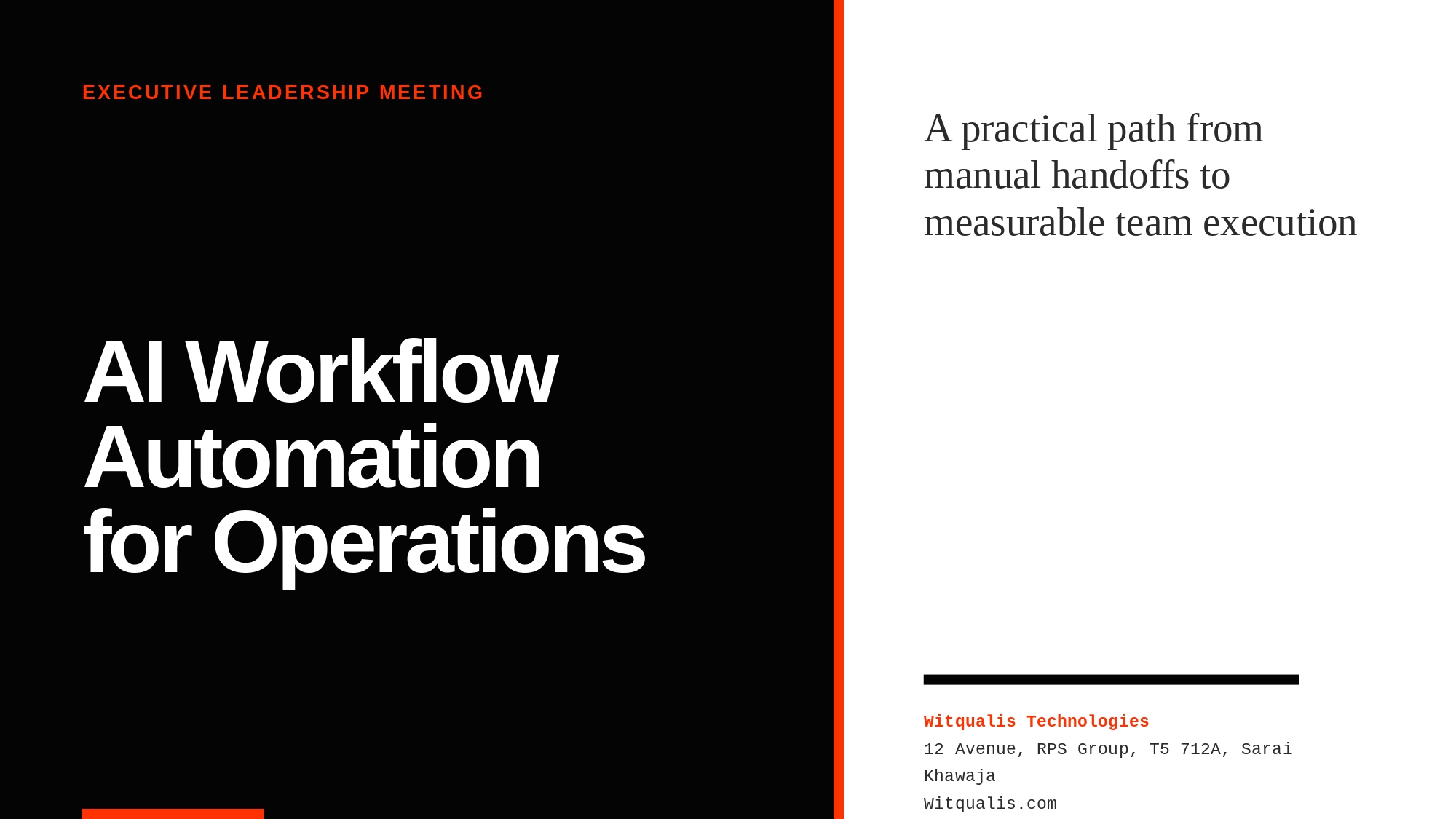
AI Workflow Automation for Operations: A Practical Guide
Recent Posts
-
 September 11, 2026
DevOps Talent Solutions: Build a Delivery Pipeline That Scales
-
 September 9, 2026
FinTech Software Development: Build Secure, Scalable, Compliant Products
-
 September 8, 2026
Enterprise Software Solutions: A Roadmap for Modernizing Complex Workflows
-
 September 7, 2026
AI Engineering Roles: How to Choose and Evaluate the Right Team
-
 September 4, 2026
SaaS Development Services: From Product Discovery to a Scalable Platform
-
 September 3, 2026
UI/UX Design and Development: From Research to Better Software
-
 September 1, 2026
Cybersecurity Recruitment: Hiring Framework for Security Teams
-
 August 31, 2026
Cloud Engineer Staffing: Hiring for Migration, DevOps, and Scale
-
 August 27, 2026
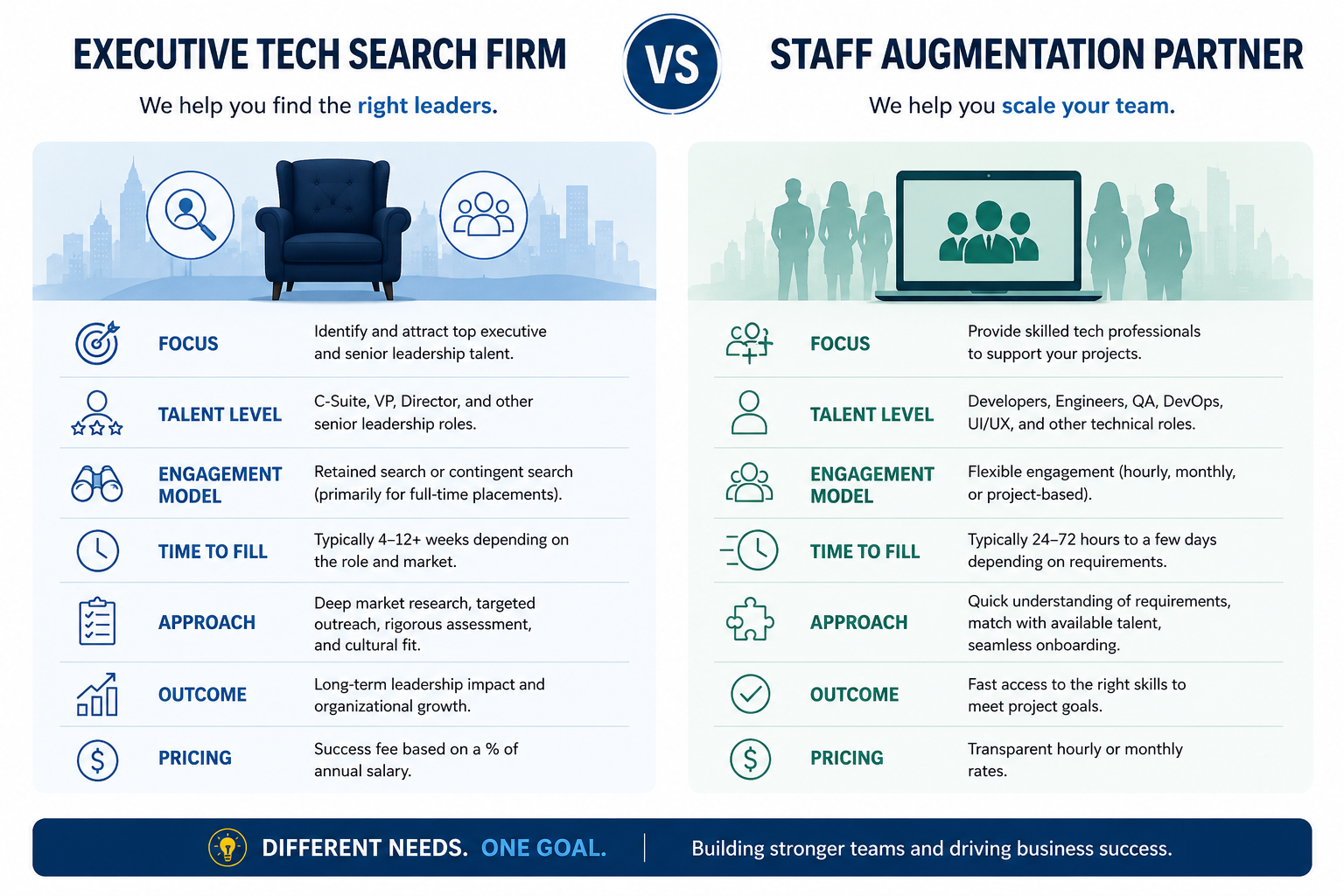
Executive Tech Search Firm vs Staff Augmentation Partner
-
 August 26, 2026
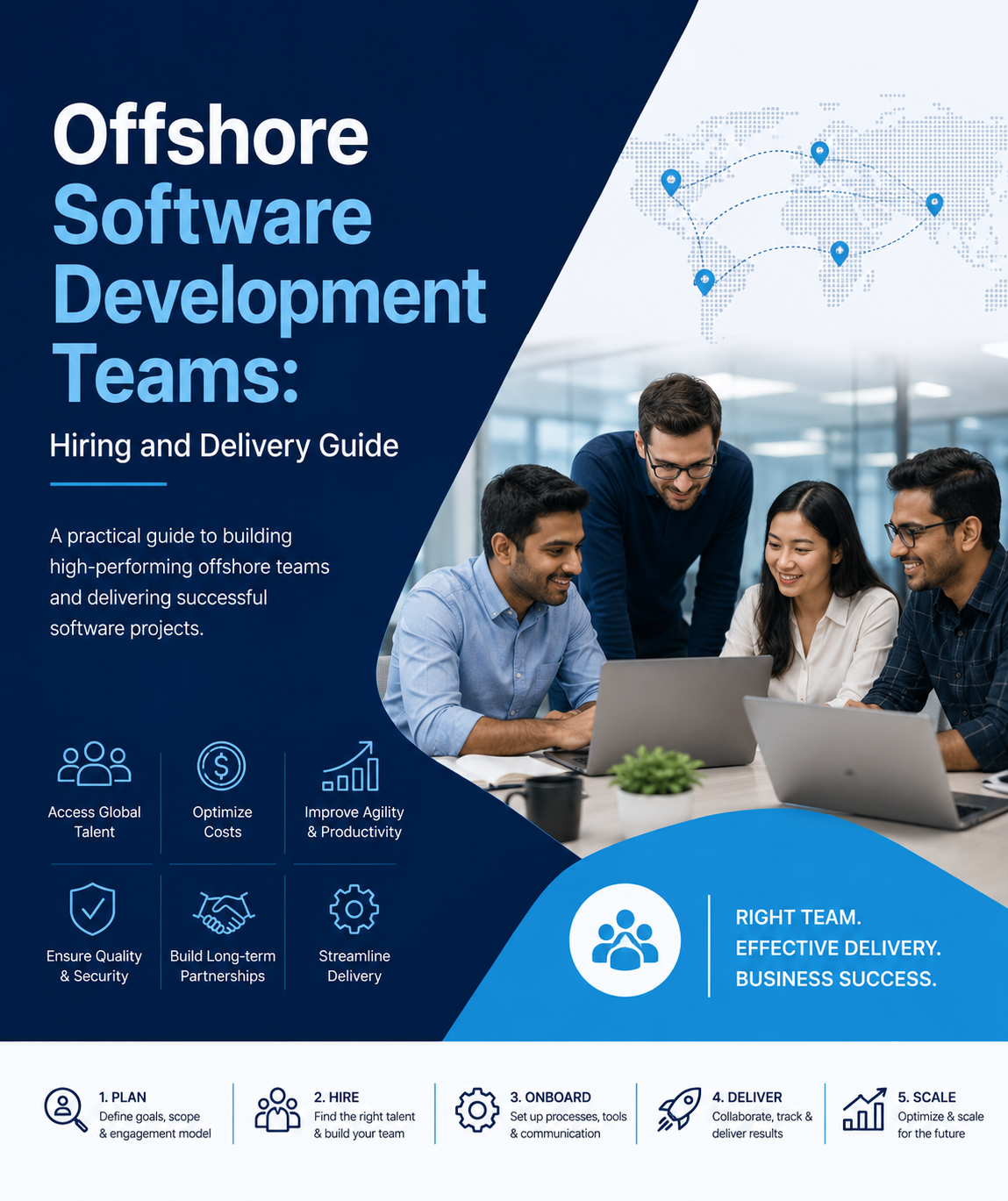
Offshore Software Development Teams: Hiring and Delivery Guide
-
 August 24, 2026
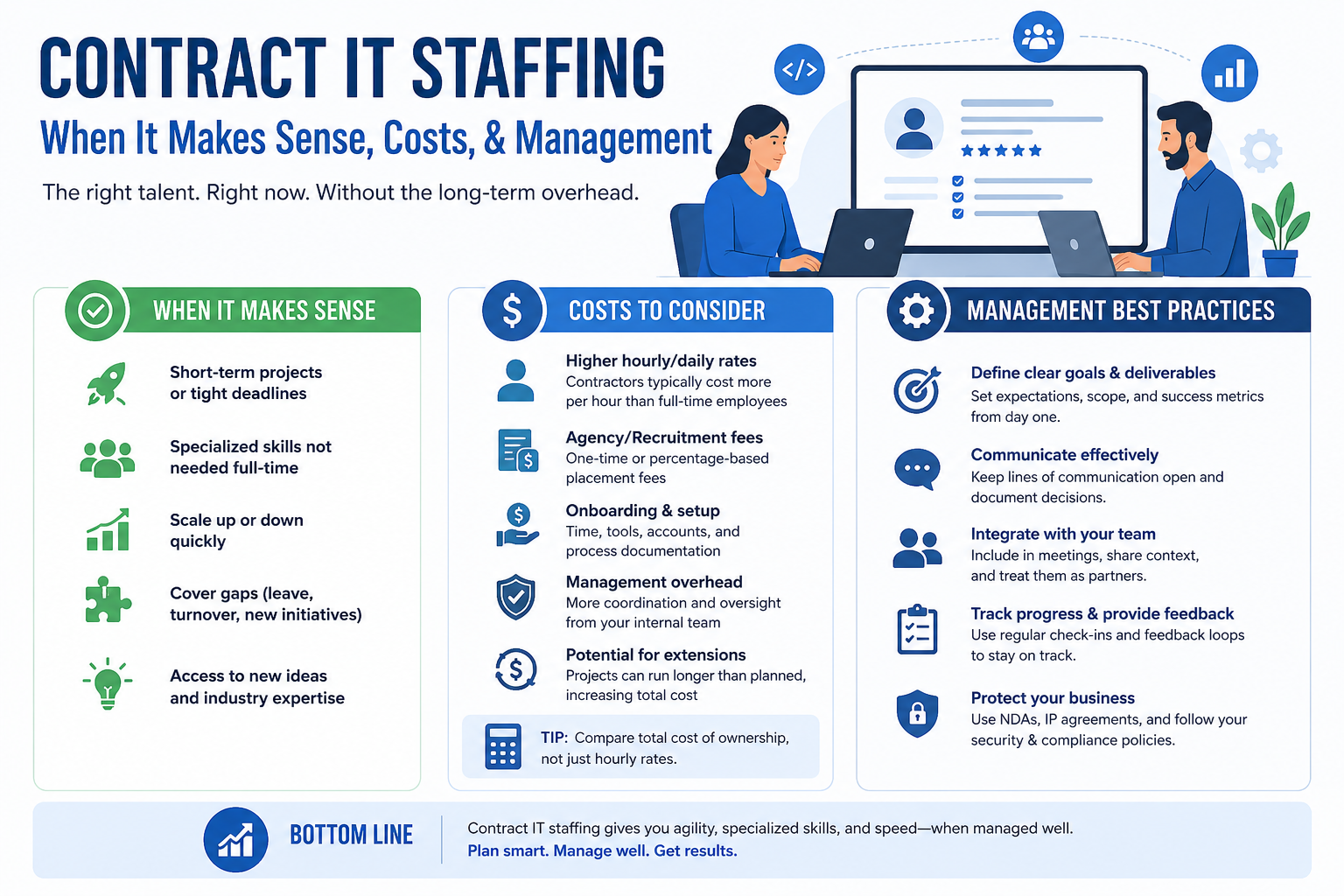
Contract IT Staffing: When It Makes Sense, Costs, and Management
-
 August 21, 2026
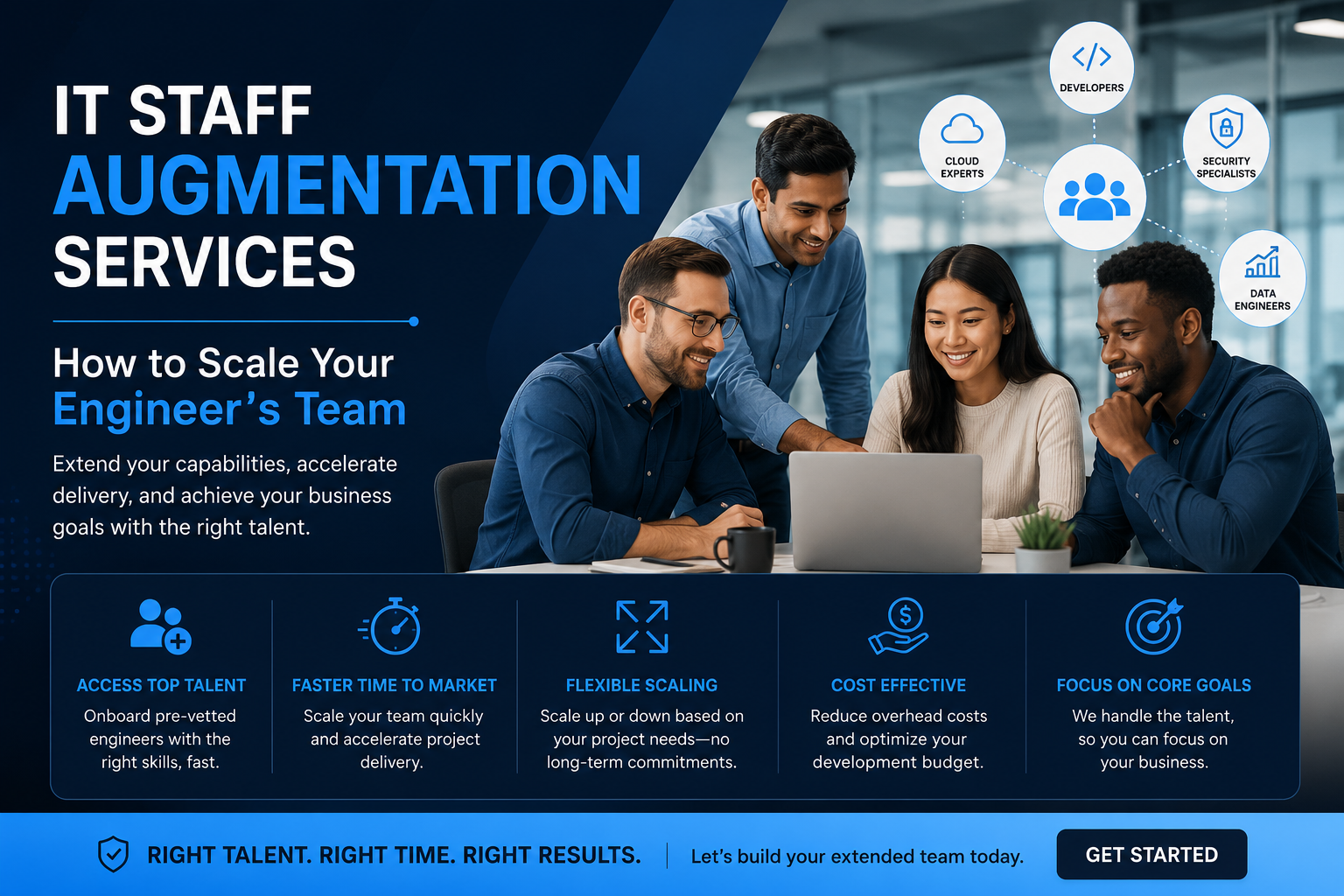
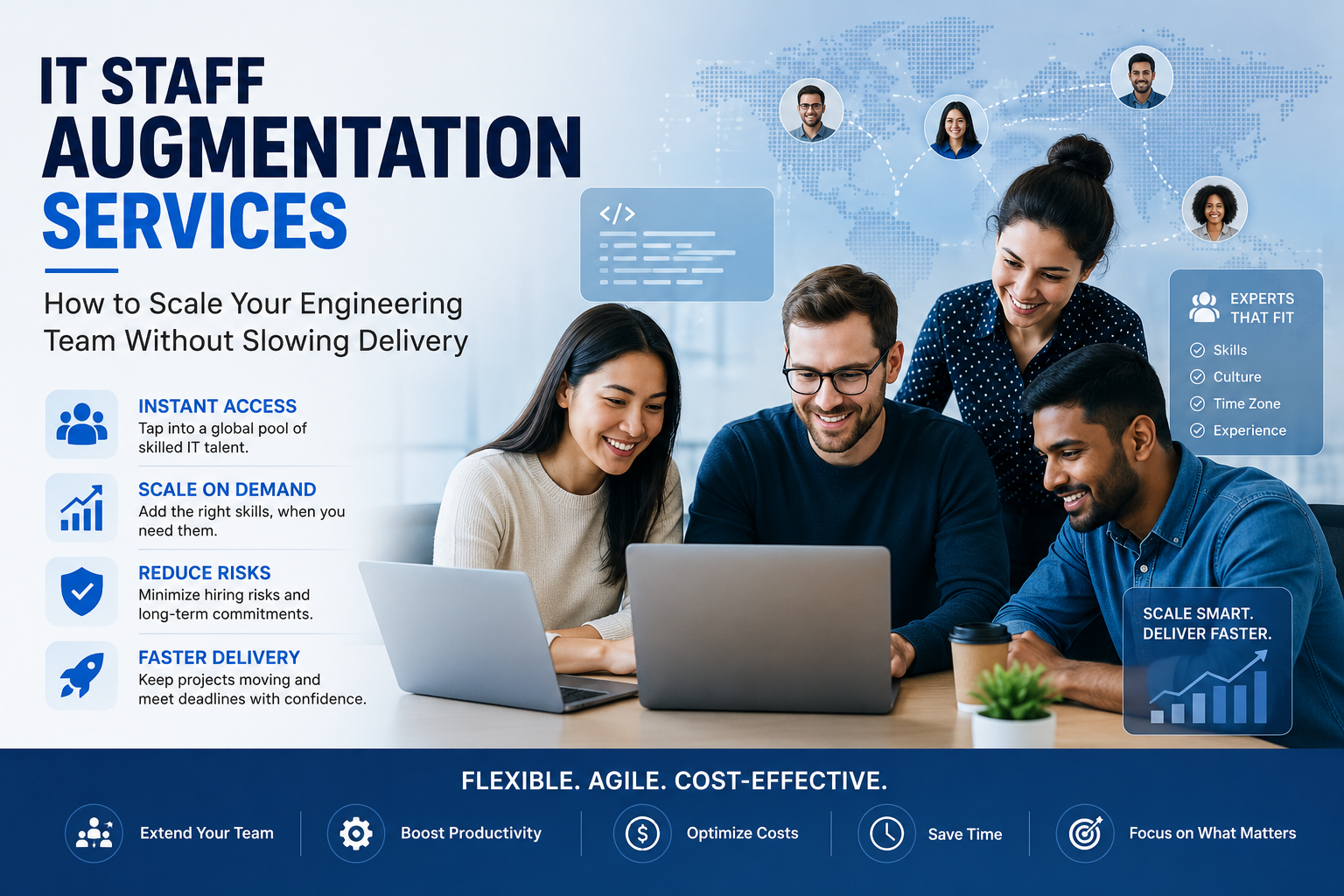
IT Staff Augmentation Services: How to Scale Your Engineering Team Without Slowing Delivery
-
 August 20, 2026
IT Staff Augmentation Services: How to Scale Your Engineering Team Without Slowing Delivery
-
August 13, 2026
AI Workflow Automation for Operations: A Practical Guide
-
 July 30, 2026
Post-Project Offboarding: Seamless Transitions for Contract IT Staff
-
July 24, 2026
Mitigating Compliance Risks in IT Contract Staffing
-
 July 23, 2026
How TypeScript Reduces Production Errors in Large-Scale Codebases
-
 July 22, 2026
How to Write a Bulletproof SLA for IT Staff Augmentation
-
 July 21, 2026
Why Modern Product Design (UI/UX) Dictates Custom Software Success
-
 July 20, 2026
5 Signs Your Enterprise Needs a Contract-Based IT Staffing Model
-
 July 17, 2026
The Importance of API-First Architecture in Modern Custom Web Solutions
-
 July 16, 2026
Tailoring Your Tech Team: Specialized Contract Roles vs. Generalist In-House Developers
-
 July 15, 2026
Eliminating Hidden Costs in IT Recruitment via Contractual Staffing
-
 July 10, 2026
Building Technical Roadmaps: A Guide for Non-Technical Founders
-
 July 8, 2026
Scale on Demand: How Startups Leverage Contract-Based Developers for MVP Launches
-
 July 7, 2026
Utilizing Power BI Consultants to Transform Legacy Data into Real-Time Dashboards
-
 July 6, 2026
Overcoming Time-Zone Barriers When Hiring Augmented Tech Teams
-
 July 3, 2026
Enterprise CRM Customization: Tailoring Tech to Your Unique Sales Pipeline
-
 July 2, 2026
Managing Data Security and IP Isolation on Remote Virtual Desktop Infrastructures (VDI)
-
 July 1, 2026
Staffing for Modern Frontend Architectures: When to Deploy React vs. Angular vs. Vue
-
 June 30, 2026
The Roadmap to Building a Scalable Multi-Vendor Marketplace Product
-
 June 29, 2026
Custom Software Development vs. Commercial Off-the-Shelf (COTS) Solutions
-
 June 25, 2026
Contractual Tech Staffing: The Secret Weapon for Scaling Peak Seasons
-
 June 24, 2026
The Ultimate Guide to Managing Remote Contract Developers
-
 June 23, 2026
How to Use IT Staff Augmentation to Control Infrastructure Costs
-
 June 22, 2026
Why Contract IT Staffing Is Outpacing Full-Time Hiring
-
 June 19, 2026
E‑Commerce & Retail Tech: Scaling Teams for Peak Seasons with Staff Augmentation
-
 June 18, 2026
How to Manage Remote Staff Augmentation Teams Across Time Zones
-
 June 17, 2026
Why Staff Augmentation Is the Future of Agile Hiring
-
 June 16, 2026
The 2026 Staff Augmentation Playbook: How Modern Enterprises Scale Tech Team
-
 June 15, 2026
Building an AI‑Ready Tech Team Using Staff Augmentation
-
 June 11, 2026
When to Choose Staff Augmentation Over Full-Time Hiring in 2026
-
 June 10, 2026
Enterprise Software Modernisation: Why Staff Augmentation Beats Traditional Hiring
-
 June 8, 2026
How to Start a Staff Augmentation Project in 7 Steps (2026)
-
 June 4, 2026
Staff Augmentation Onboarding Checklist: Security, Tools, and Culture
-
 June 3, 2026
Legacy System Modernisation with Staff Augmentation: A 2026 Blueprint
-
 June 1, 2026
Healthcare & SaaS Startups: How Staff Augmentation Cuts Time-to-Market
-
 May 28, 2026
The Hybrid Agile Model: In-House Teams + Staff Augmentation in 2026
-
 May 26, 2026
Staff Augmentation for Digital Transformation: Beyond Just Developers
-
 May 25, 2026
Staff Augmentation vs Outsourcing vs In-House Hiring: When to Use Which
-
 May 22, 2026
How to Choose the Right IT Staff Augmentation Company for Your Business
-
 May 20, 2026
Staff Augmentation Onboarding Checklist: The Ultimate Guide
-
 May 19, 2026
Staff Augmentation Pricing Models Explained: FTE vs T&M vs Hybrid
-
 May 15, 2026
AI‑Driven Development Needs AI‑Ready Talent: Here’s How Staff Augmentation Helps
-
 May 13, 2026
Best Staff Augmentation Companies for Enterprise Software Modernization (2026)
-
 May 8, 2026
Staff Augmentation for Fintech: Bridging Compliance, Security, and Speed
-
 May 7, 2026
Technical Debt Reduction with Staff Augmentation: Fast, Safe, and Measurable
-
 May 6, 2026
Why Staff Augmentation Matters for Tech Leaders in 2026
-
 May 5, 2026
Best Staff Augmentation Companies for Enterprise Software Modernisation (2026)
-
 May 4, 2026
What Is an AI‑Ready Talent Pool and Why It Matters in 2026
-
 April 30, 2026
Why choose WitQuallis for staff augmentation?
-
 April 29, 2026
Emerging tech & cloud strategy: how businesses stay ahead in 2026
-
 April 28, 2026
How IoT and Azure are creating real‑time patient monitoring systems
-
 April 27, 2026
Nearshoring vs offshore: why time‑zone alignment matters for Agile sprints
-
 April 24, 2026
Staff Augmentation: A Complete Guide to Scaling Your Tech Team Efficiently
-
 April 23, 2026
The Ultimate Guide to IT Staff Augmentation: Scaling Your Digital Success with WitQualis
-
 April 22, 2026
What is Software Development? A Comprehensive Guide to the 2026 Digital Landscape
-
 April 21, 2026
Boost Your Business ROI with Power BI Development Services
-
 April 20, 2026
Why Hiring Python Developers Has Become Risky (and Critical)
-
 April 17, 2026
Staff Augmentation: Scale Your Team Fast Without Full-Time Hires
-
 April 16, 2026
Top 20 Emerging Technologies of 2026: Transform Your Business Now
-
 April 15, 2026
🚀 Custom AI Development Costs in 2026: Complete Guide for Businesses
-
 April 14, 2026
Overcoming IT Staff Augmentation Challenges: Scale Your Team Fast and Smart
-
 April 13, 2026
Enterprise software modernisation 2026: why AI‑native refactoring and staff augmentation matter
-
 April 10, 2026
AI‑native refactoring: re‑imagining legacy modernisation in 2026
-
 April 9, 2026
AI-Native Refactoring: How to Modernise Legacy Systems in 2026
-
 April 8, 2026
The business case for Web3: real‑world asset tokenization in real estate
-
 April 7, 2026
The future of IoMT: smart hospitals in 2026
-
 April 6, 2026
Cloud 3.0: beyond “lift‑and‑shift” to sovereignty
-
 April 2, 2026
From filters to conversation: the shift in e‑commerce search
-
 April 1, 2026
Case Studies: Migrating Legacy Enterprise Apps to Azure/AWS with IT Staff Augmentation Services
-
 March 30, 2026
Why Hiring Full‑Time Quantum‑Resistant Encryption Specialists Is So Hard
-
 March 27, 2026
Prompt engineering: from “nice‑to‑have” to core skill
-
 March 26, 2026
The hybrid squad: reimagining teams for the AI era
-
 March 25, 2026
Staff augmentation and the future of work: a new operating model
-
 March 24, 2026
Why full‑time quantum‑resistant encryption specialists are so hard to hire
-
 March 23, 2026
How Staff Augmentation Services Fixes Cybersecurity & Cloud Shortages
-
 March 20, 2026
The Great Fortress: Modernizing Banking Apps to Combat Sophisticated AI-Driven
-
 March 19, 2026
The Great Cloud Diversification: Navigating Data Residency in the Age of GDPR and the EU AI Act
-
 March 18, 2026
How Staff Augmentation automotive AR Cuts Onboarding Costs in Automotive & Manufacturing | WitQualis Staff Augmentation
-
 March 17, 2026
The Outcome-Based Model: How AI-Augmented Teams Are Multiplying Output | WitQualis
-
 March 16, 2026
Why “Vibe Coding” and Prompt Mastery Are Now as Important as Syntax
-
 March 13, 2026
The Witqualis Edge: How Agentic AI Tools Accelerate MVP Delivery by 40%
-
 March 12, 2026
Beyond Copilots: The Rise of Agentic AI in the SDLC
-
 March 11, 2026
Breaking the Monolith: A Definitive Guide to Using Generative AI for Microservices Migration (2026 Edition)
-
 March 10, 2026
The Agentic Revolution: Why AI is Moving from "Suggesting Code" to "Executing Workflows"
-
 March 9, 2026
Beyond the Search Bar: How LLMs are Revolutionising Retail Discovery
-
 March 6, 2026
How Blockchain is Making Real Estate Investment Liquid and Accessible
-
 March 5, 2026
Microservices Architecture: Benefits and Implementation Tips
-
 March 3, 2026
How Remote Work Has Changed the IT Industry and Tools You Need
-
 March 2, 2026
API Design and Management Best Practices for Developers
-
 February 27, 2026
The Impact of Internet of Things (IoT) on Modern Business
-
 February 26, 2026
Virtual and Augmented Reality: Where Tech is Headed Next | 2026 Guide
-
 February 25, 2026
Blockchain Beyond Cryptocurrency: Real-World Applications & Use Cases (2026 Guide)
-
 February 24, 2026
The Role of AI in Enhancing IT Development: A Deep Dive (2026 Guide)
-
 February 23, 2026
Maximizing Productivity: How Staff Augmentation Drives Innovation in IT Projects
-
 February 20, 2026
Staff Augmentation vs. Outsourcing: Which IT Model Wins in 2026?
-
 February 19, 2026
The Rise of Hybrid Teams: How to Leverage Staff Augmentation for Business Success
-
 February 18, 2026
How Staff Augmentation is Transforming the Future of IT Workforce (2026)
-
 February 17, 2026
5 Reasons Why Staff Augmentation is Key for Tech Skill Shortages: staff augmentation for tech skill shortages
-
 February 16, 2026
How Staff Augmentation Helps Scale Your Business Without Overheads in 2026
-
 February 13, 2026
The Power of Diverse Teams: How Staff Augmentation Drives Inclusion (2026)
-
 February 12, 2026
The Role of 5G Technology in Shaping IT Development and Augmentation in 2026
-
 February 11, 2026
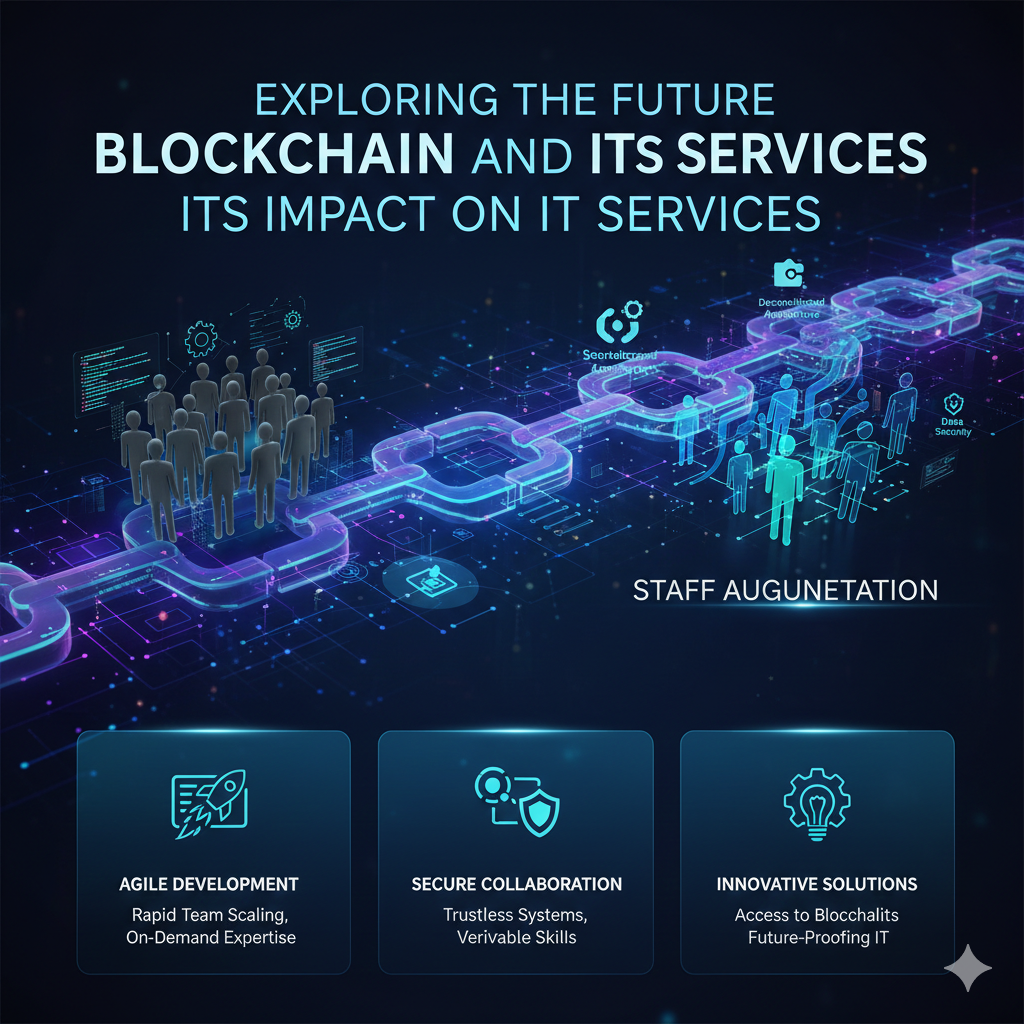
The Future of Blockchain: Revolutionizing IT Services in 2026
-
 February 10, 2026
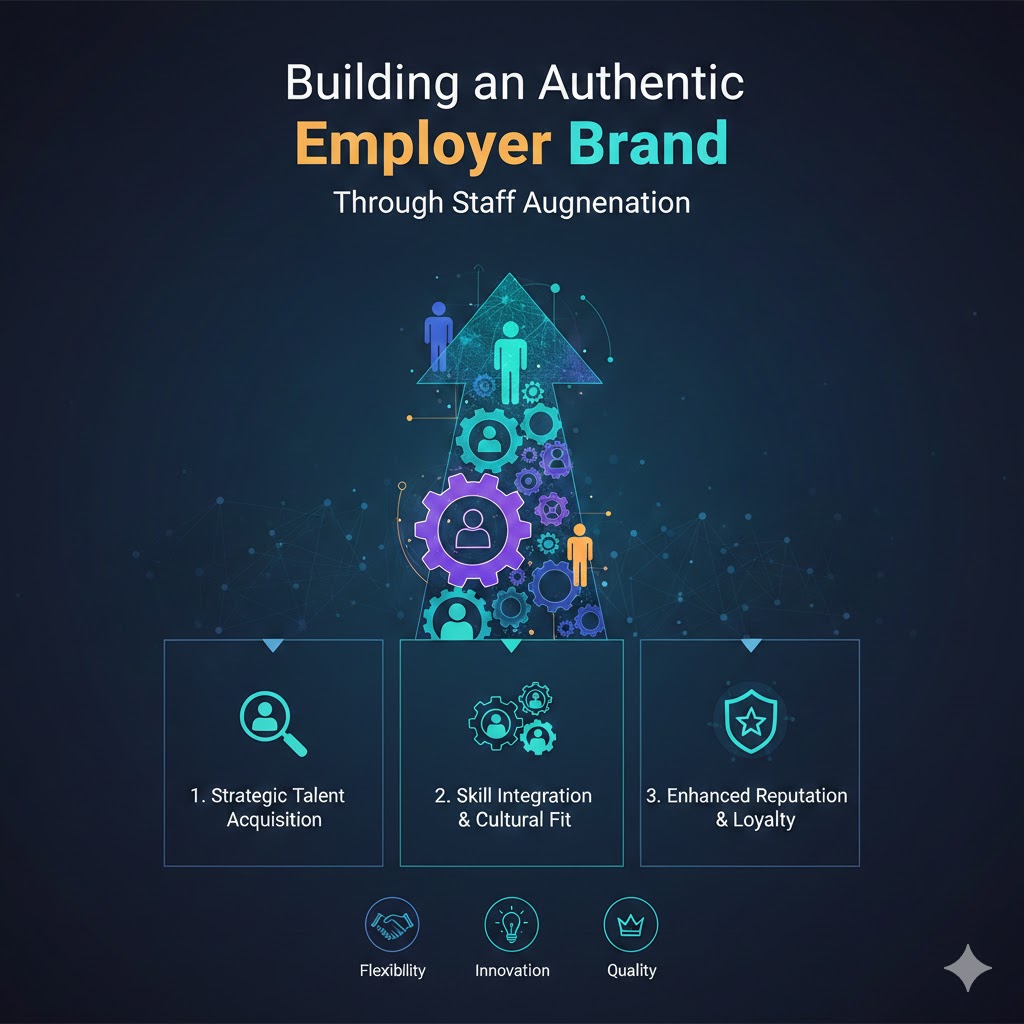
Building an Authentic Employer Brand Through Staff Augmentation in 2026
-
 February 9, 2026
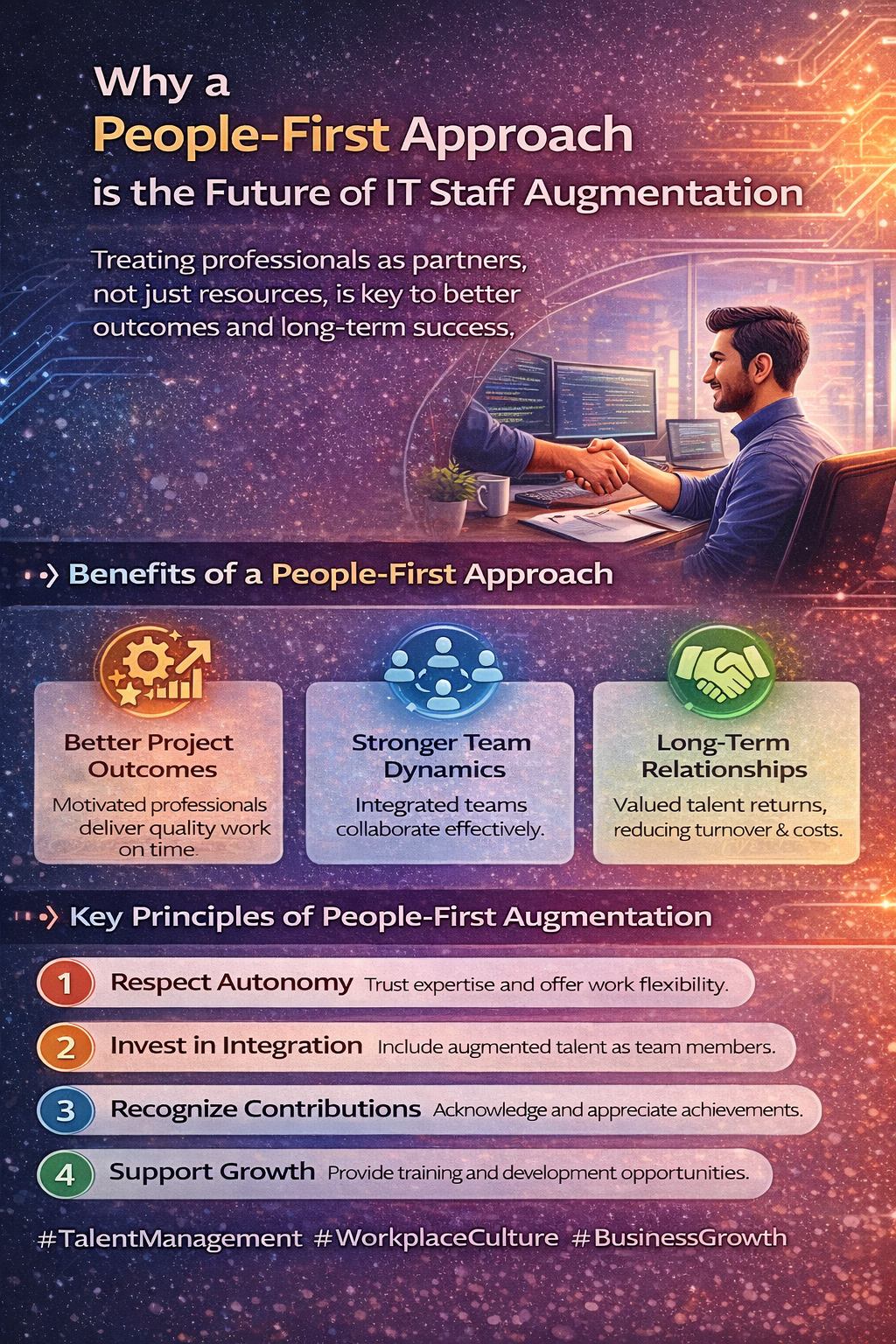
Supporting Augmented Professionals During Projects: Best Practices for Success
-
 February 6, 2026
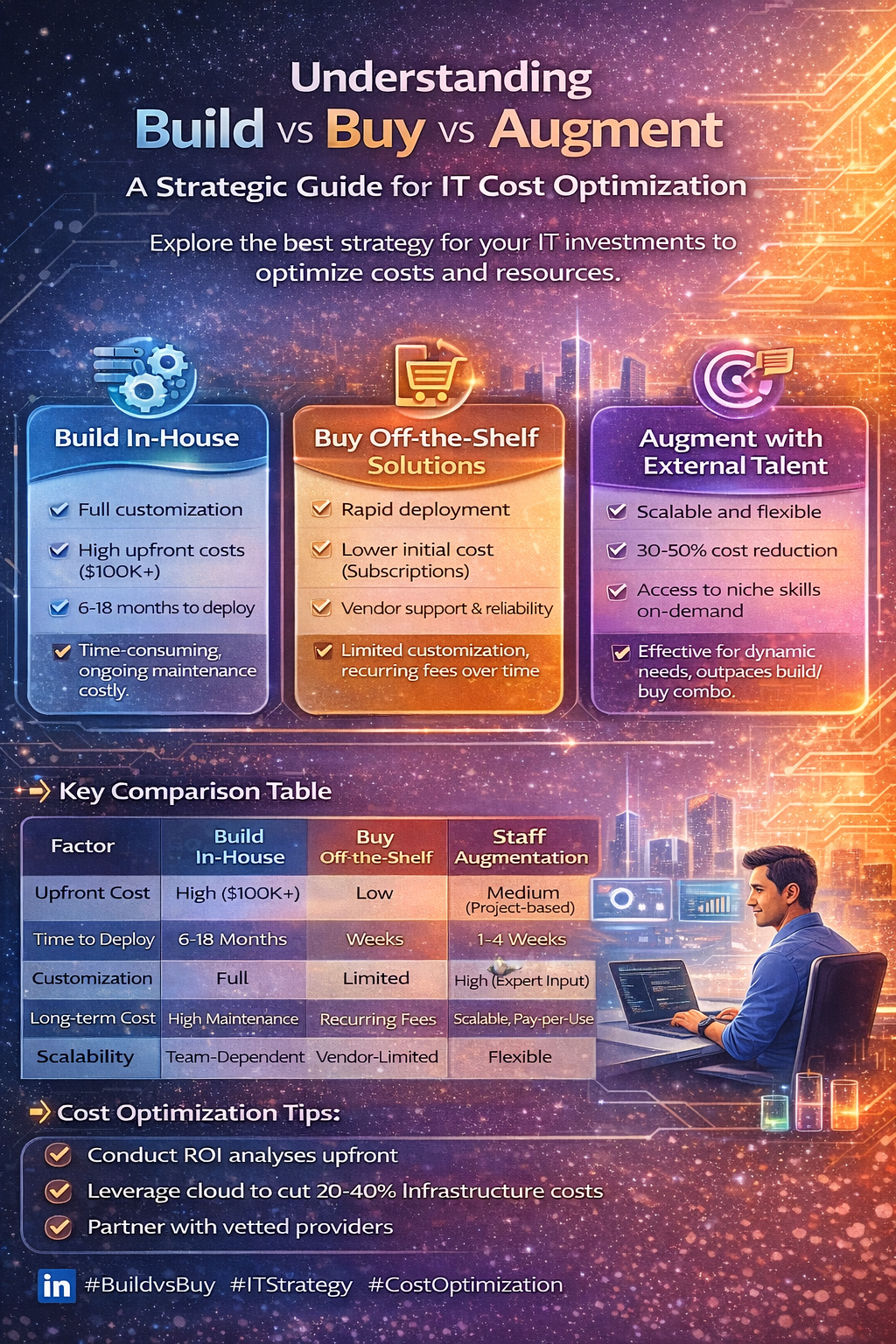
Cost Optimization in IT: Build vs Buy vs Staff Augmentation (2026 Guide)
-
 February 5, 2026
The Role of DevOps in High-Performance Engineering Teams: Best Practices Guide
-
 February 4, 2026
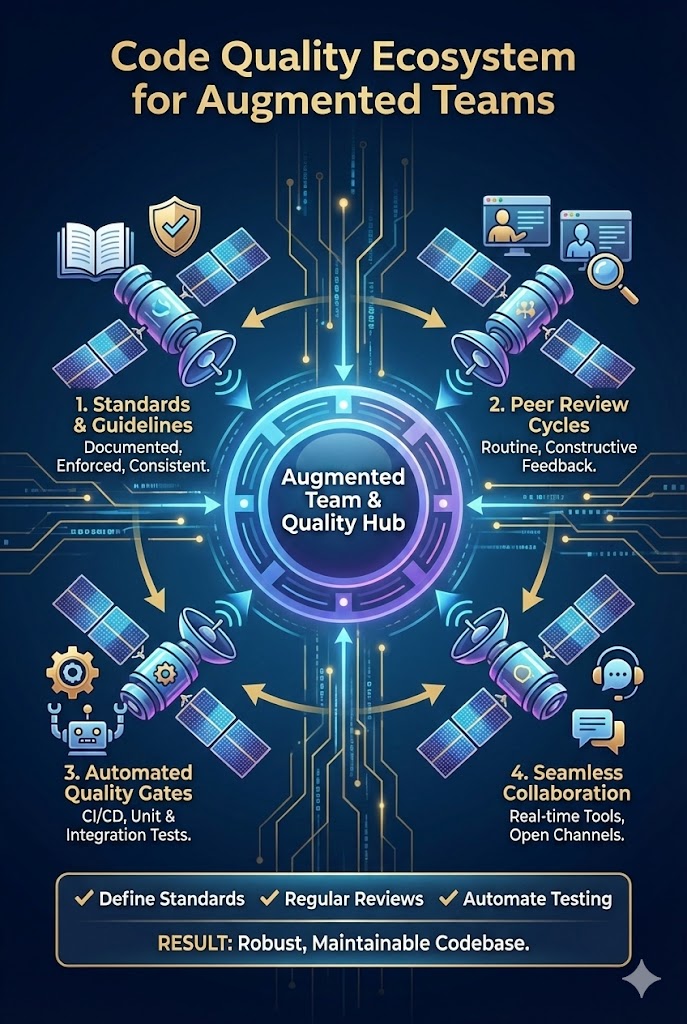
How to Ensure Code Quality When Working with Augmented Teams: Best Practices Guide
-
 February 3, 2026
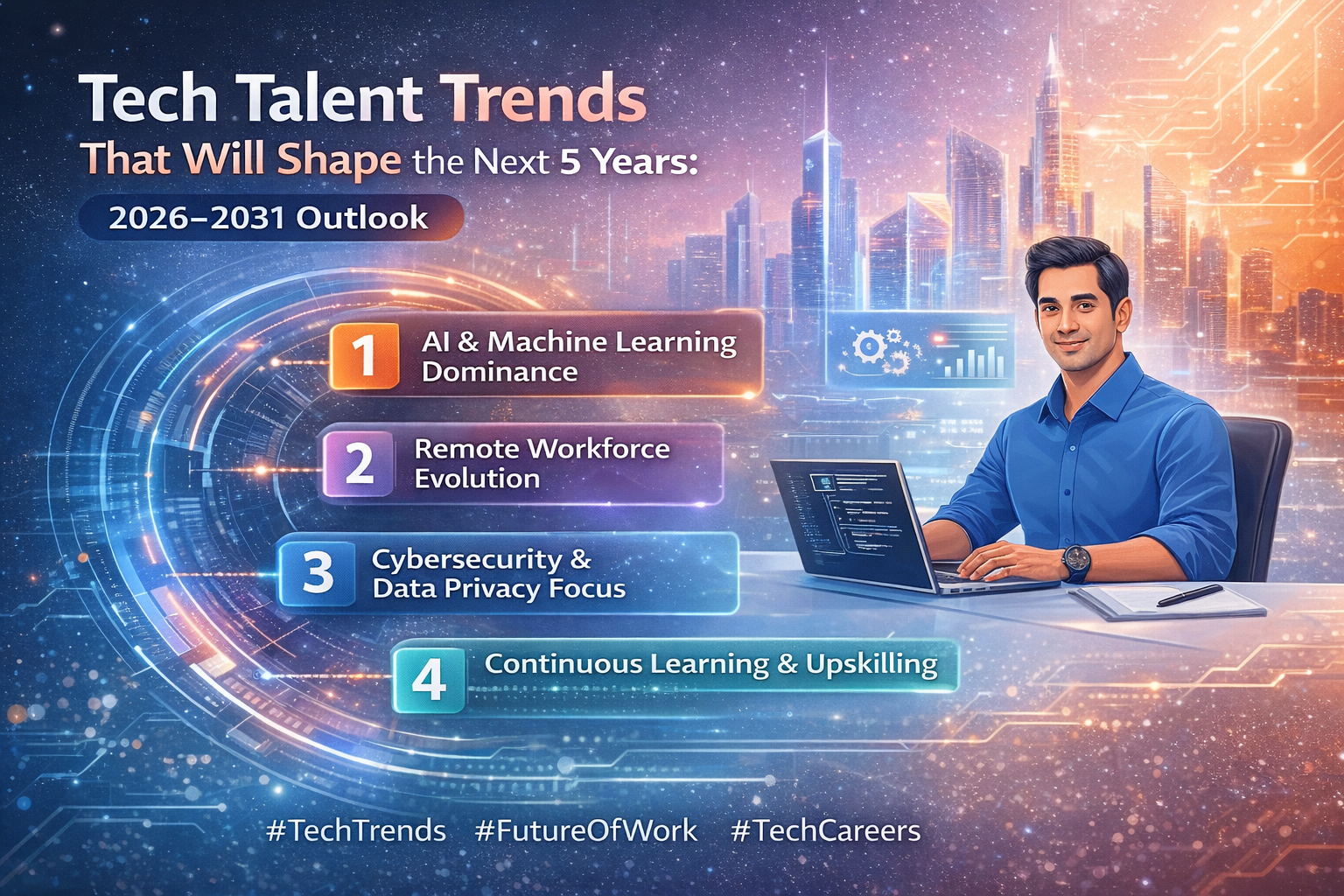
Tech Talent Trends That Will Shape the Next 5 Years: 2026–2031 Outlook
-
 February 2, 2026
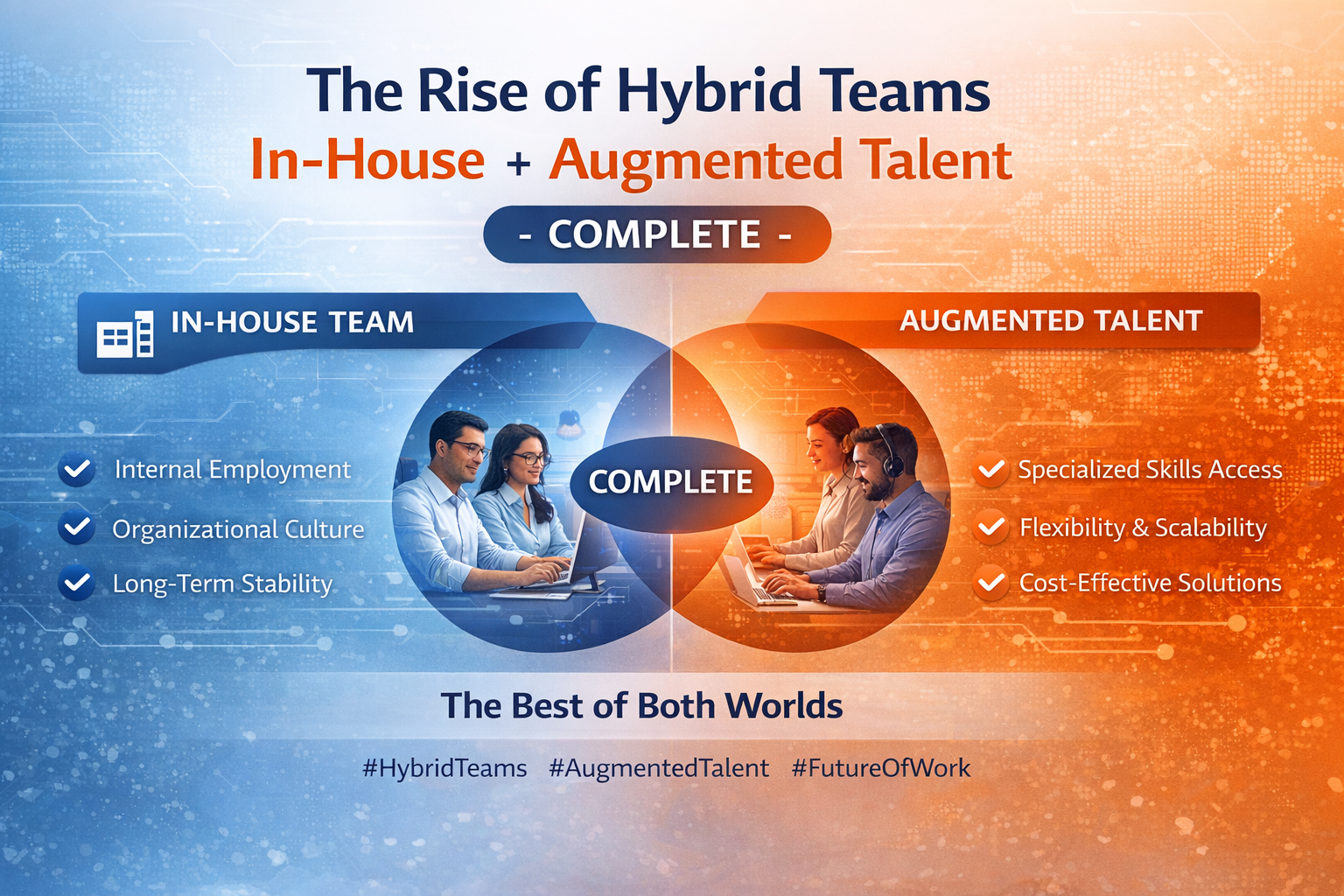
The Rise of Hybrid Teams: In-House + Augmented Talent - The Complete Guide
-
 January 30, 2026
How We Support and Retain High-Performing Tech Professionals
-
 January 29, 2026
Aligning Technology Strategy with Business Growth Goals: A Complete Framework
-
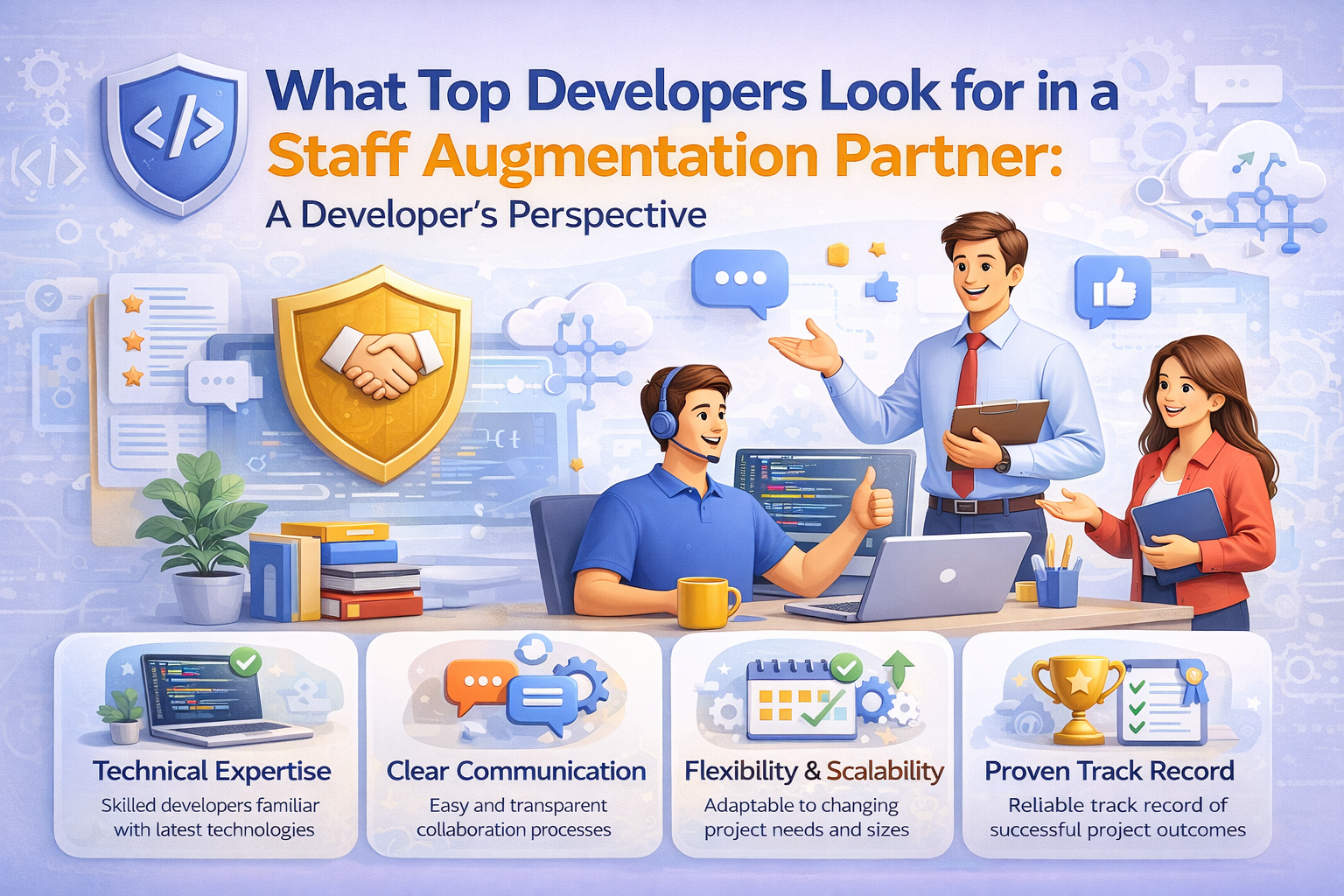 January 28, 2026
What Top Developers Look for in a Staff Augmentation Partner: A Developer's Perspective
-
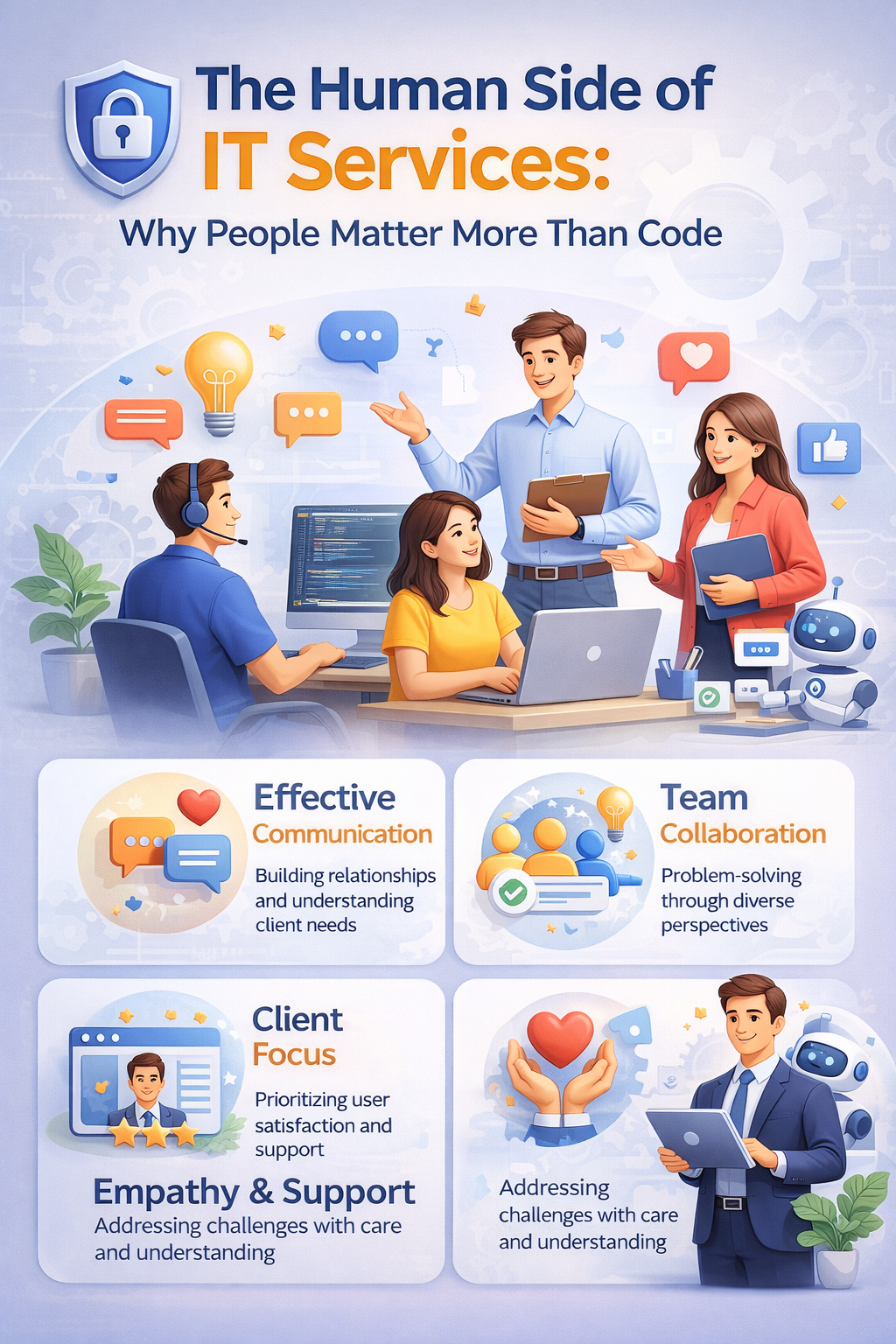 January 27, 2026
The Human Side of IT Services: Why People Matter More Than Code
-
 January 23, 2026
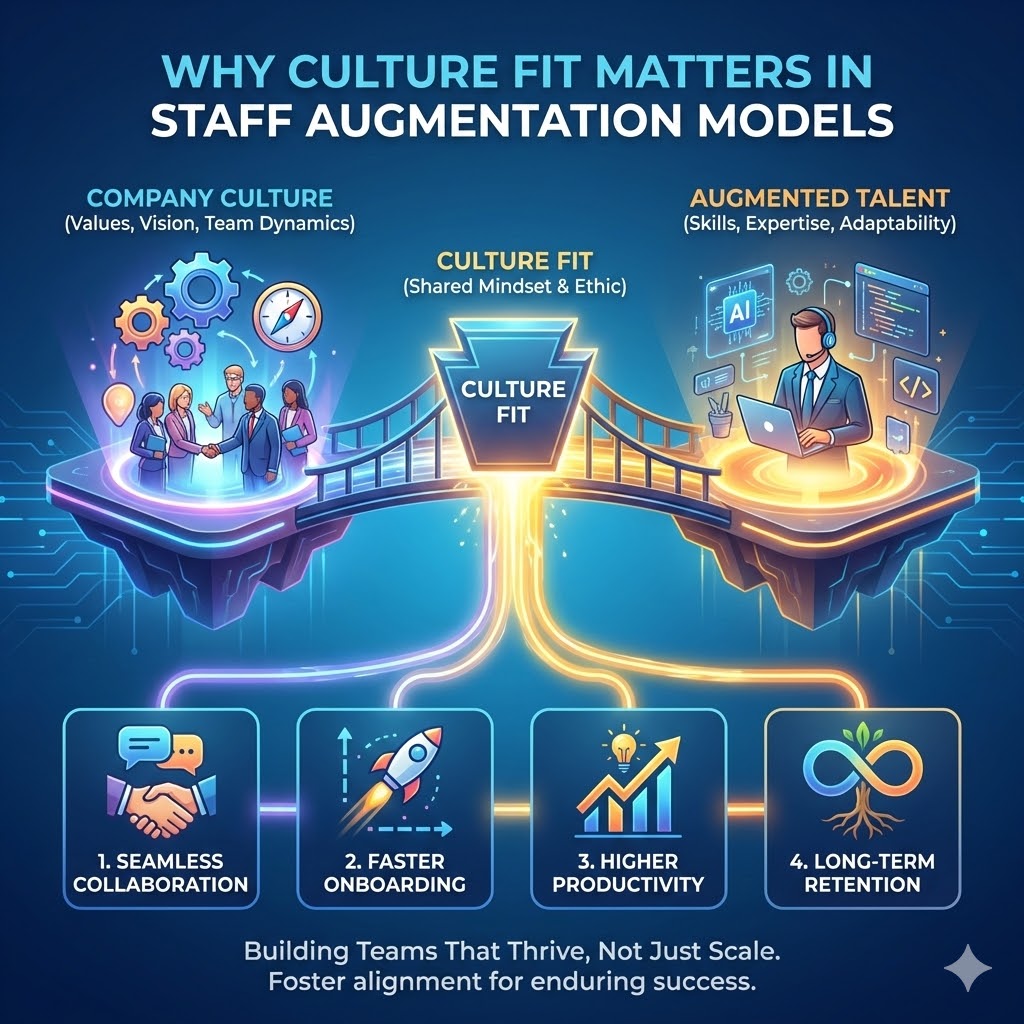
Why Culture Fit Matters in Staff Augmentation Models | Witqualis
-
 January 22, 2026
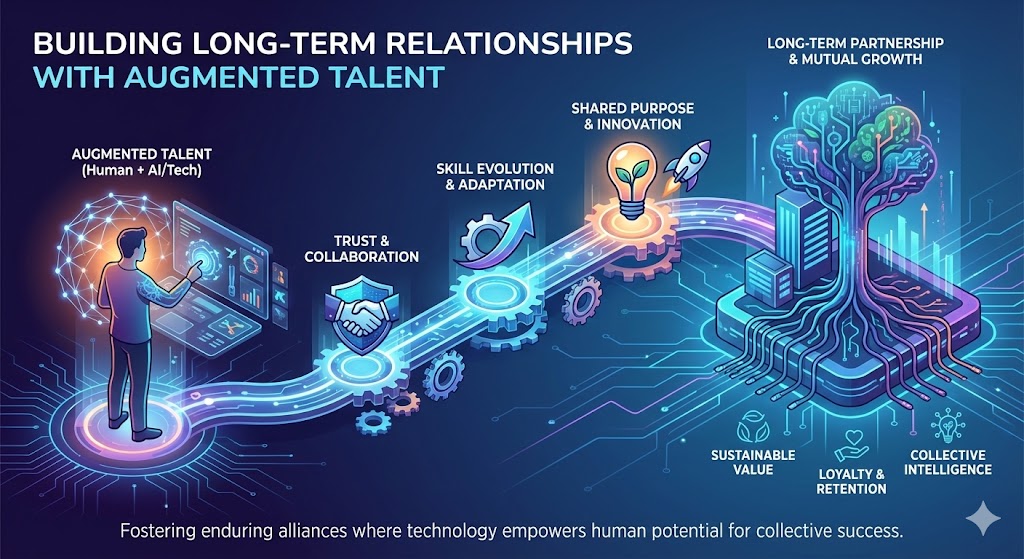
Building Long-Term Relationships with Augmented Talent: A Strategic Approach
-
 January 21, 2026
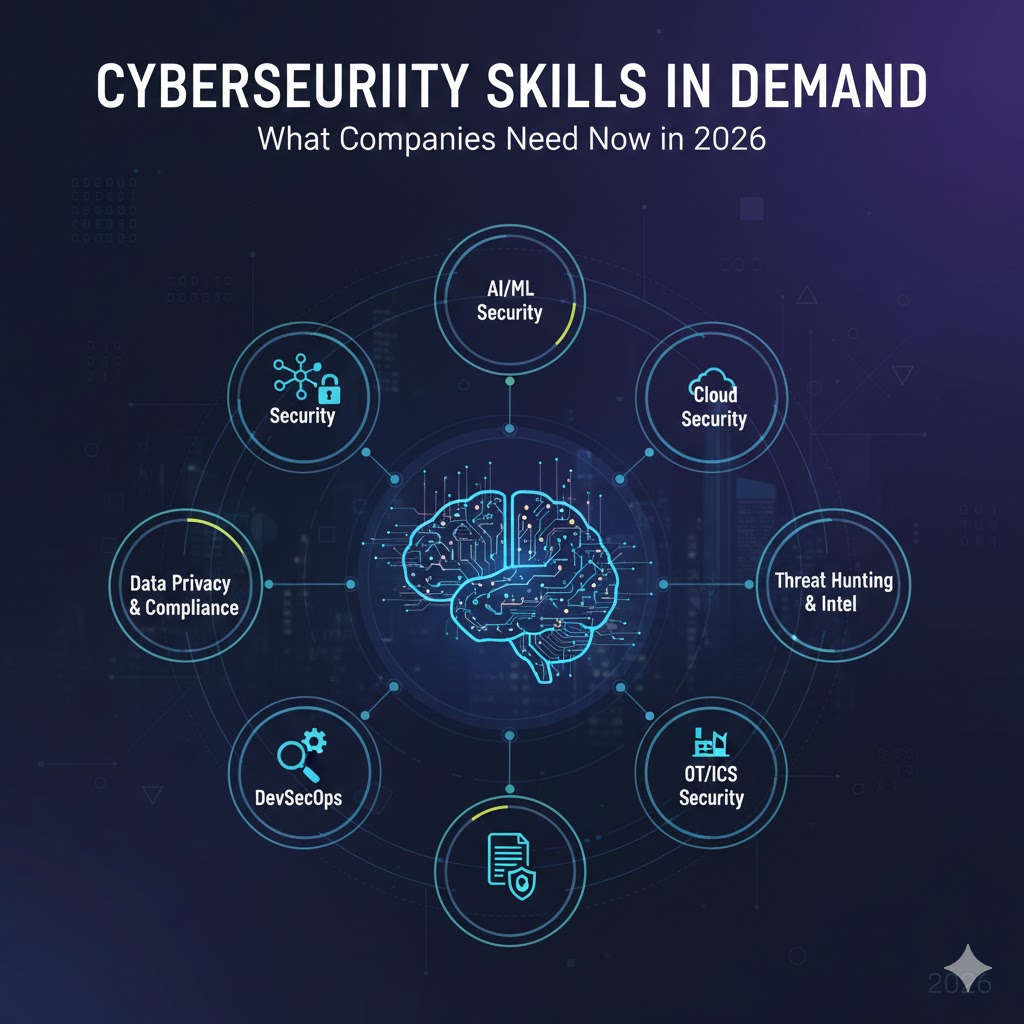
Cybersecurity Skills in Demand: What Companies Need Now in 2026
-
 January 20, 2026
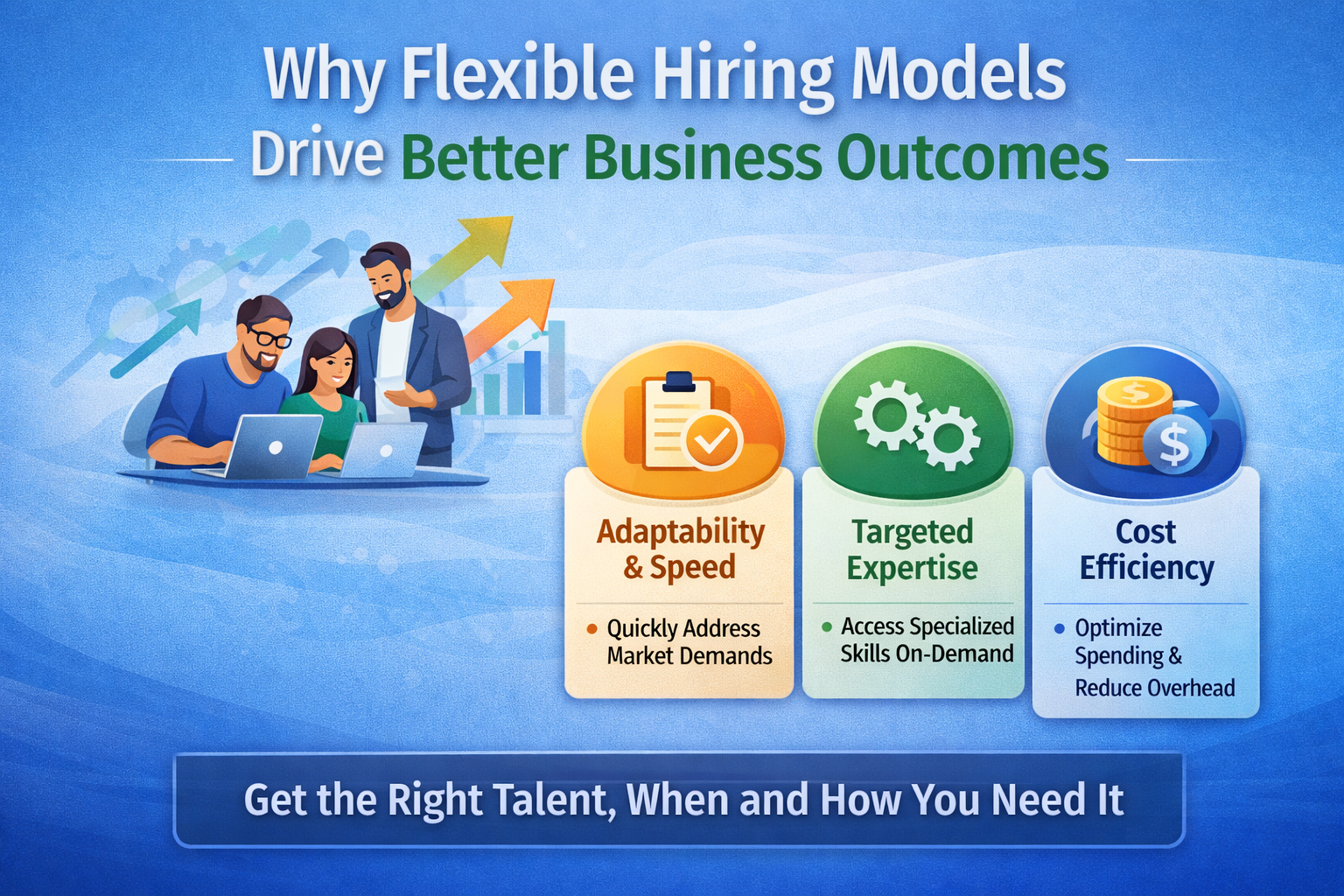
Why Flexible Hiring Models Drive Better Business Outcomes
-
 January 19, 2026
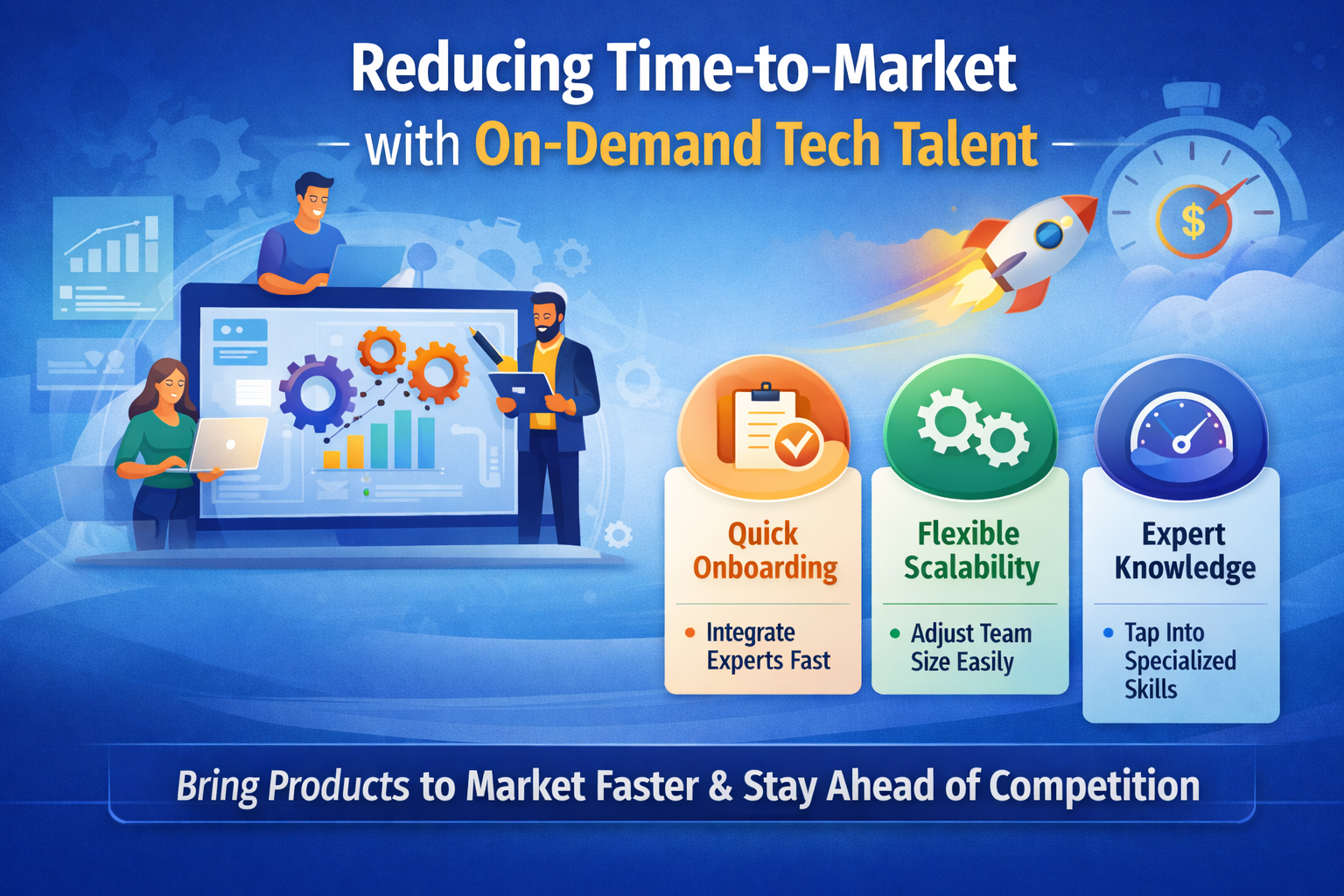
Reducing Time-to-Market with On-Demand Tech Talent
-
 January 15, 2026
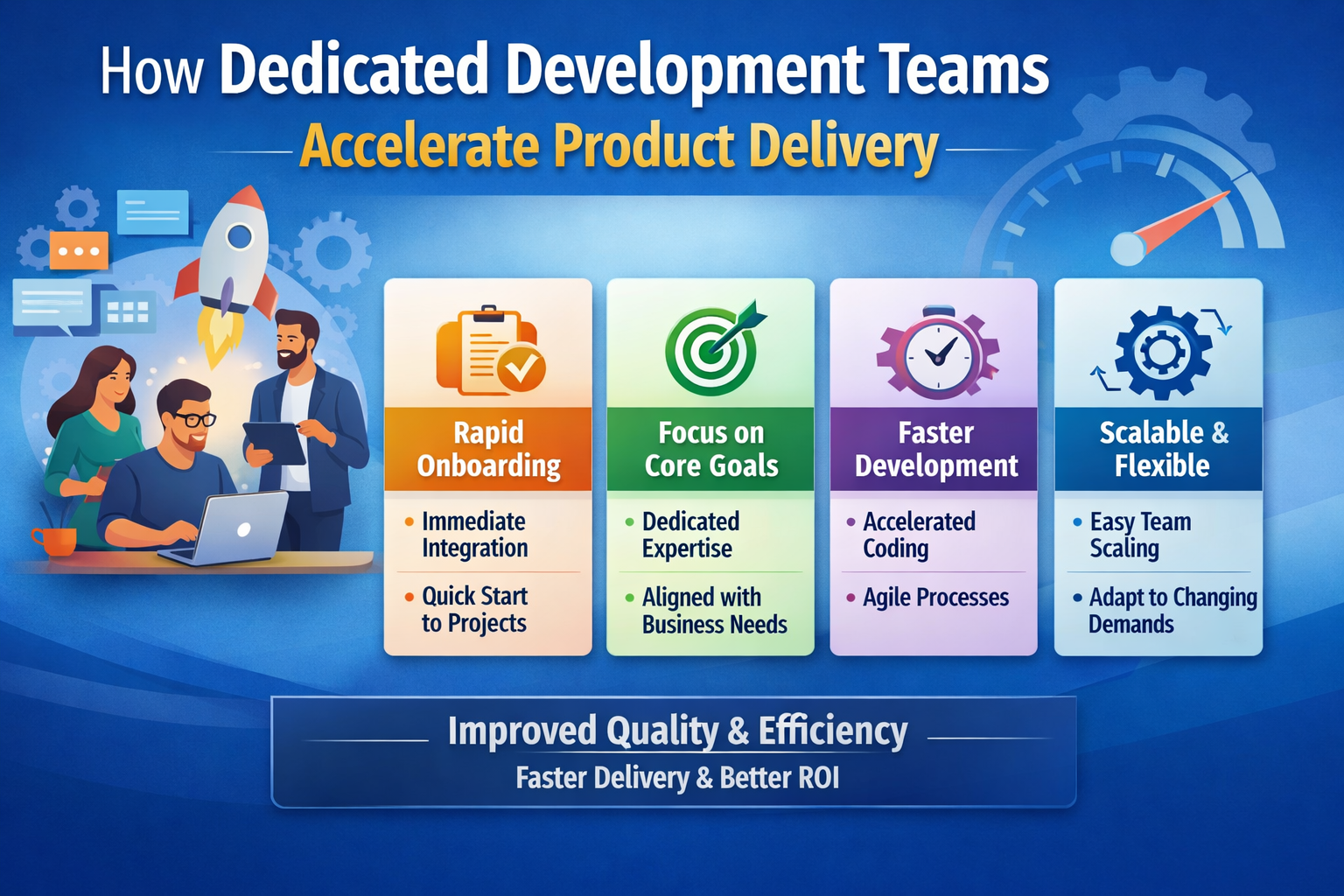
How Dedicated Development Teams Accelerate Product Delivery
-
 January 14, 2026
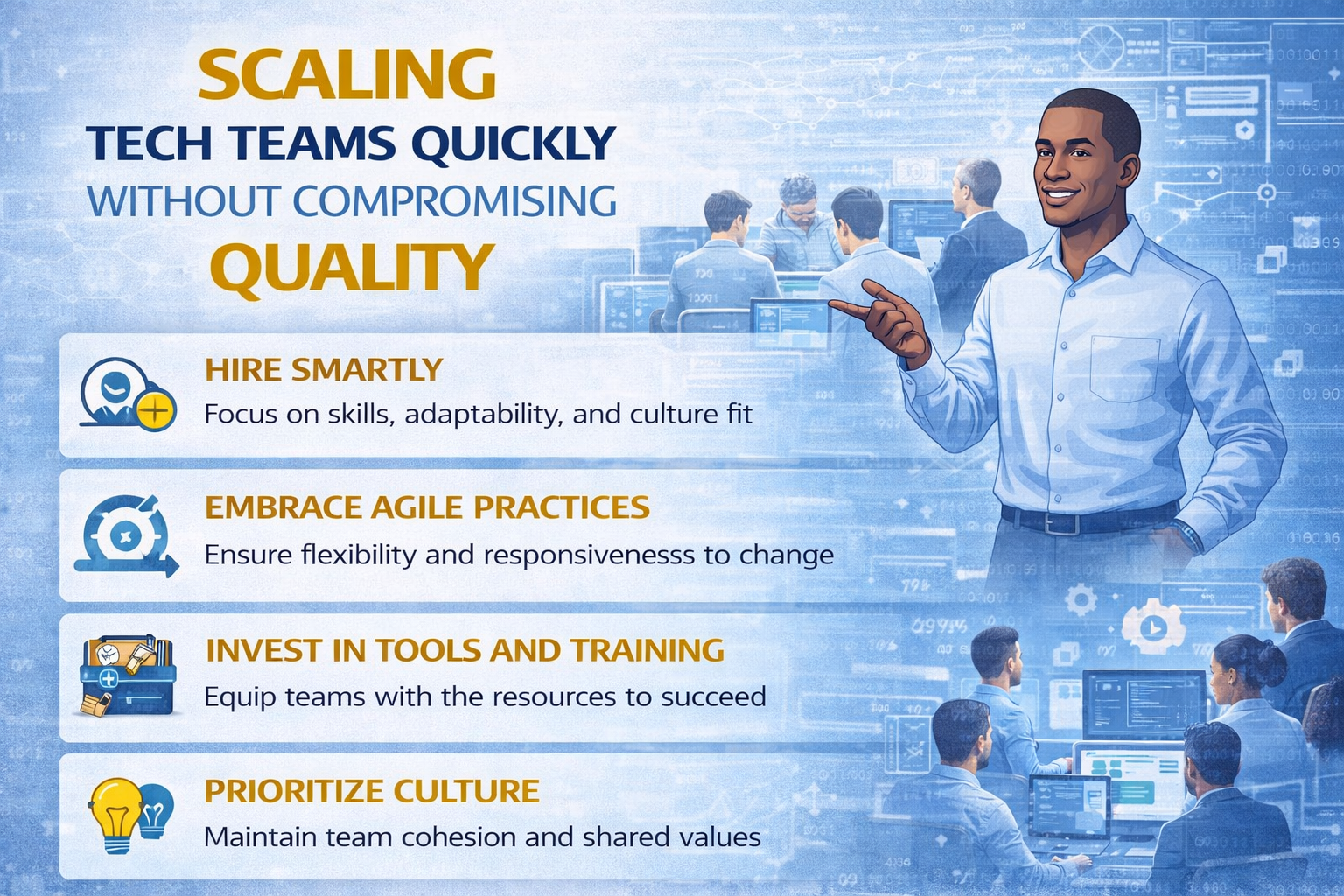
Scaling Tech Teams Quickly Without Compromising Quality
-
January 12, 2026
Common Mistakes Companies Make When Outsourcing IT Projects (And How to Avoid Them)
-
January 9, 2026
Key Workforce Trends Every CTO Should Watch This Year
-
 January 8, 2026
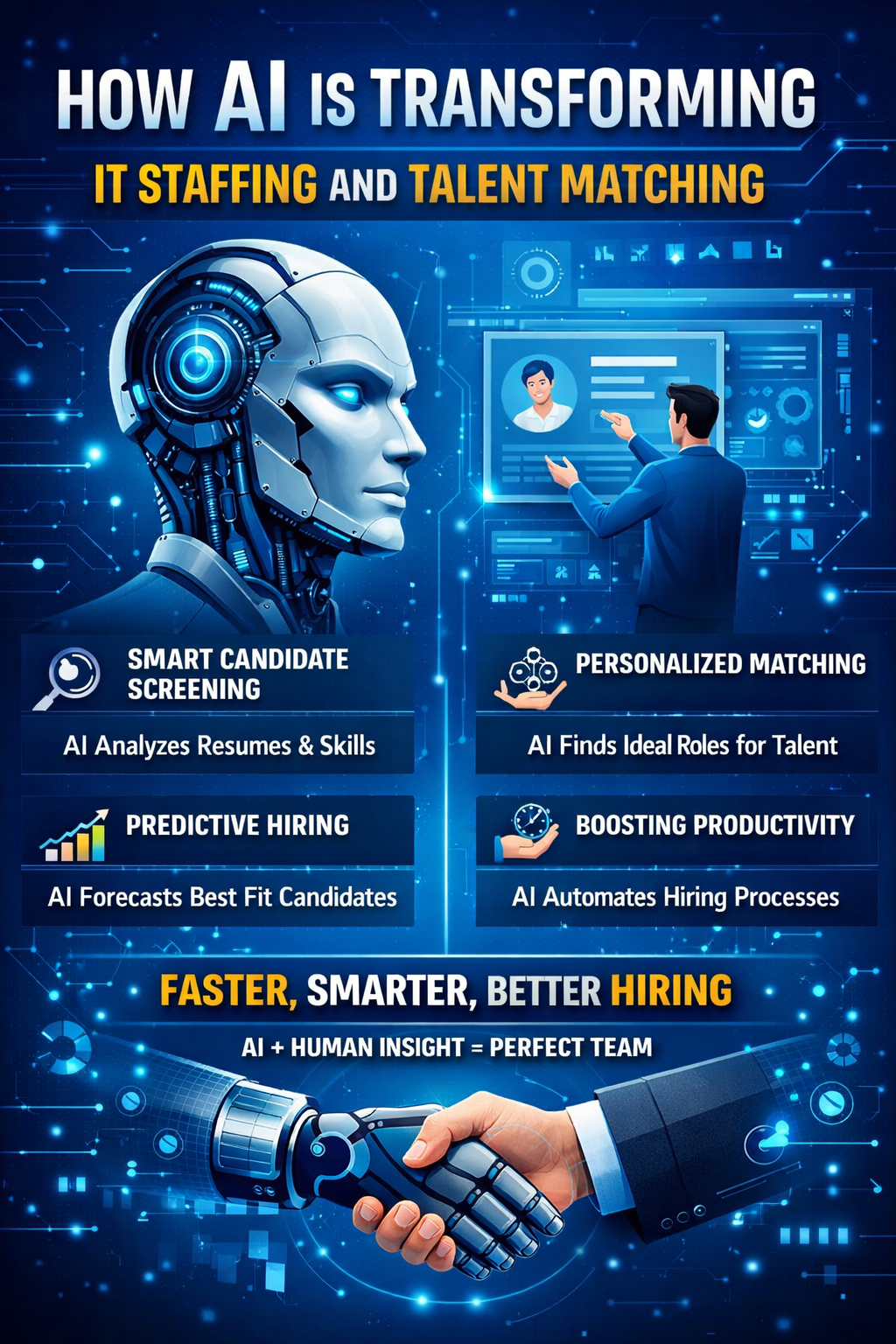
How AI Is Transforming IT Staffing and Talent Matching
-
 January 7, 2026
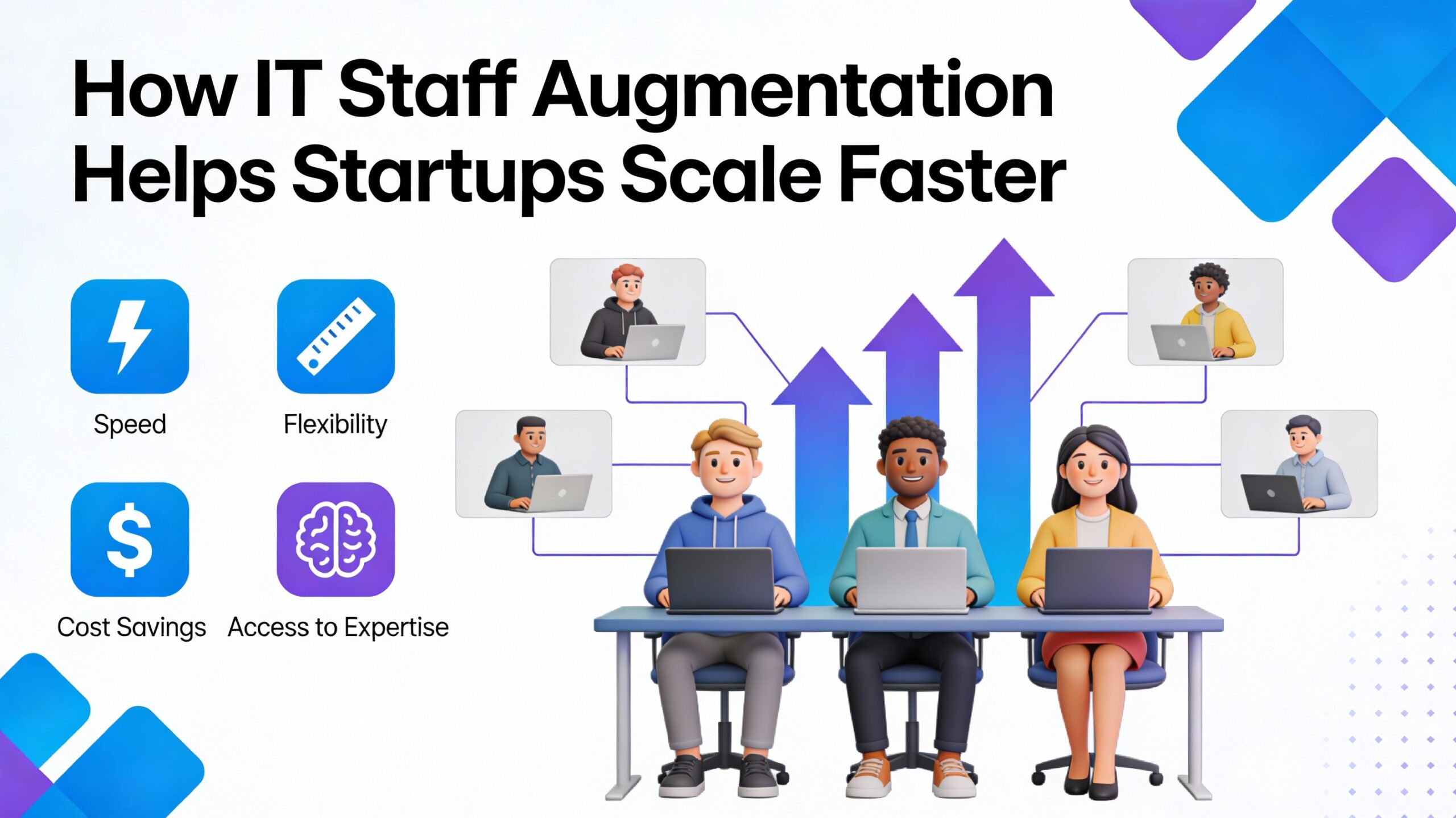
How IT Staff Augmentation Helps Startups Scale Faster
-
 January 6, 2026
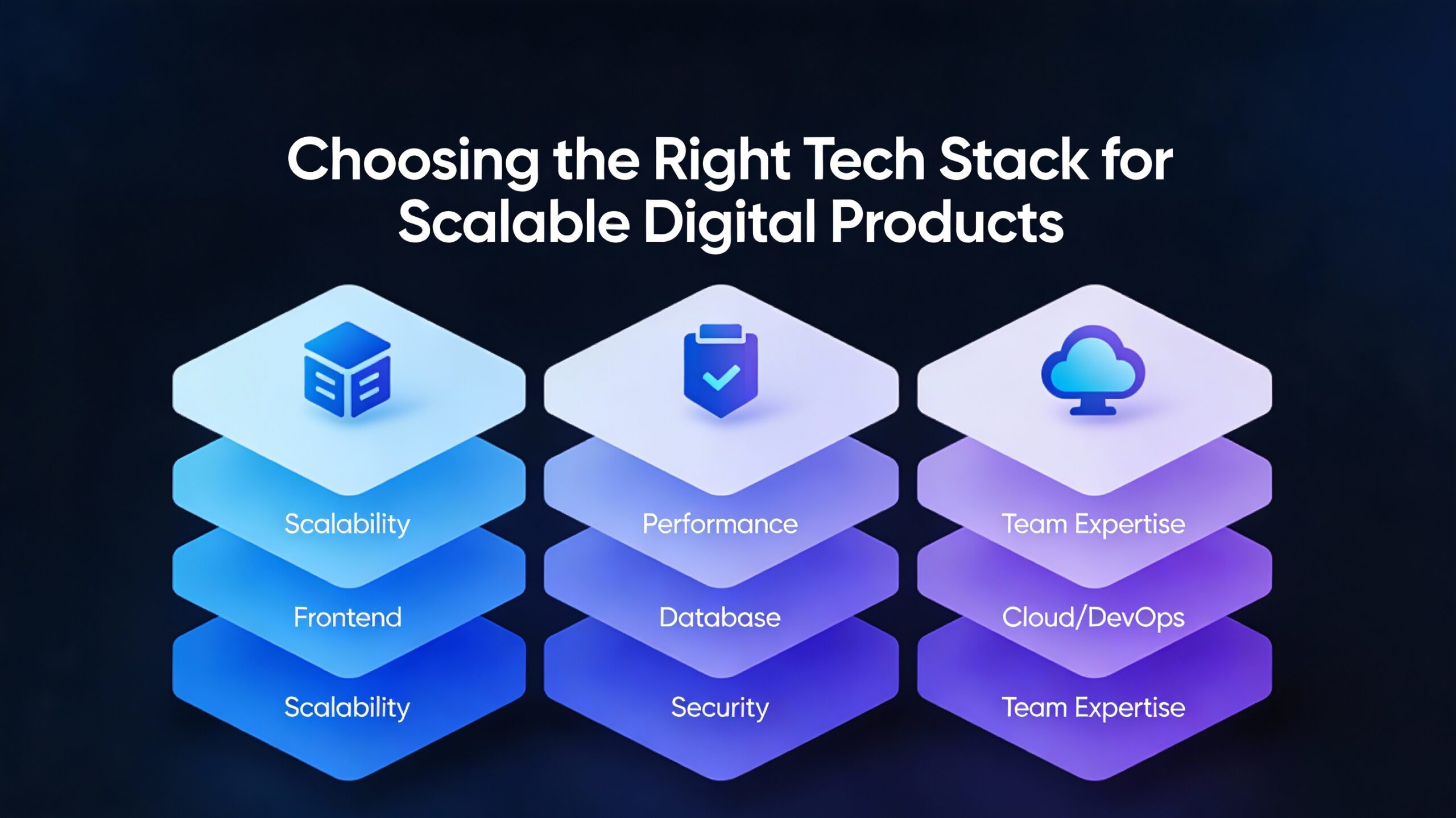
Choosing the Right Tech Stack for Scalable Digital Products
-
 January 5, 2026
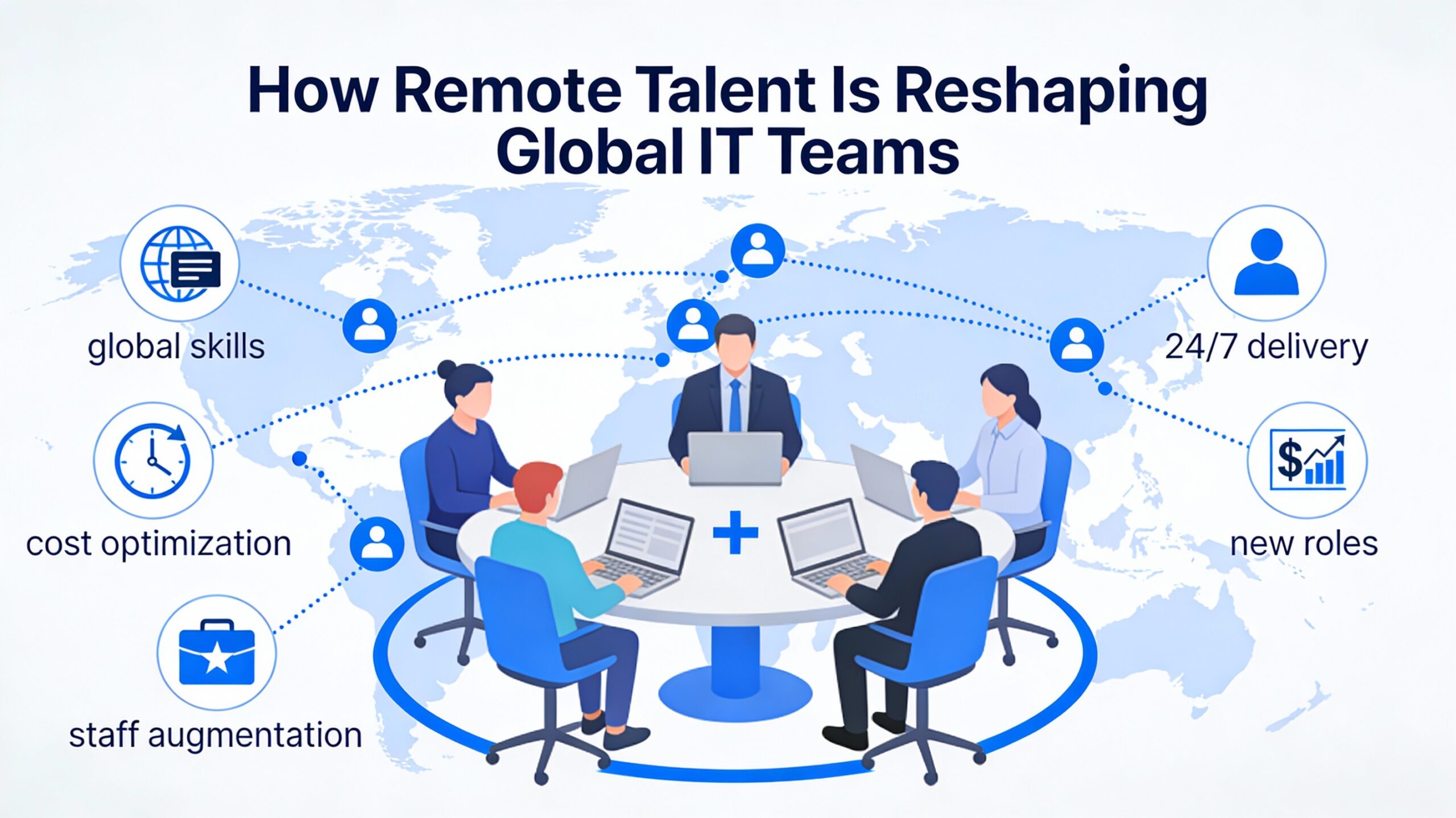
How Remote Talent Is Reshaping Global IT Teams
-
 December 29, 2025
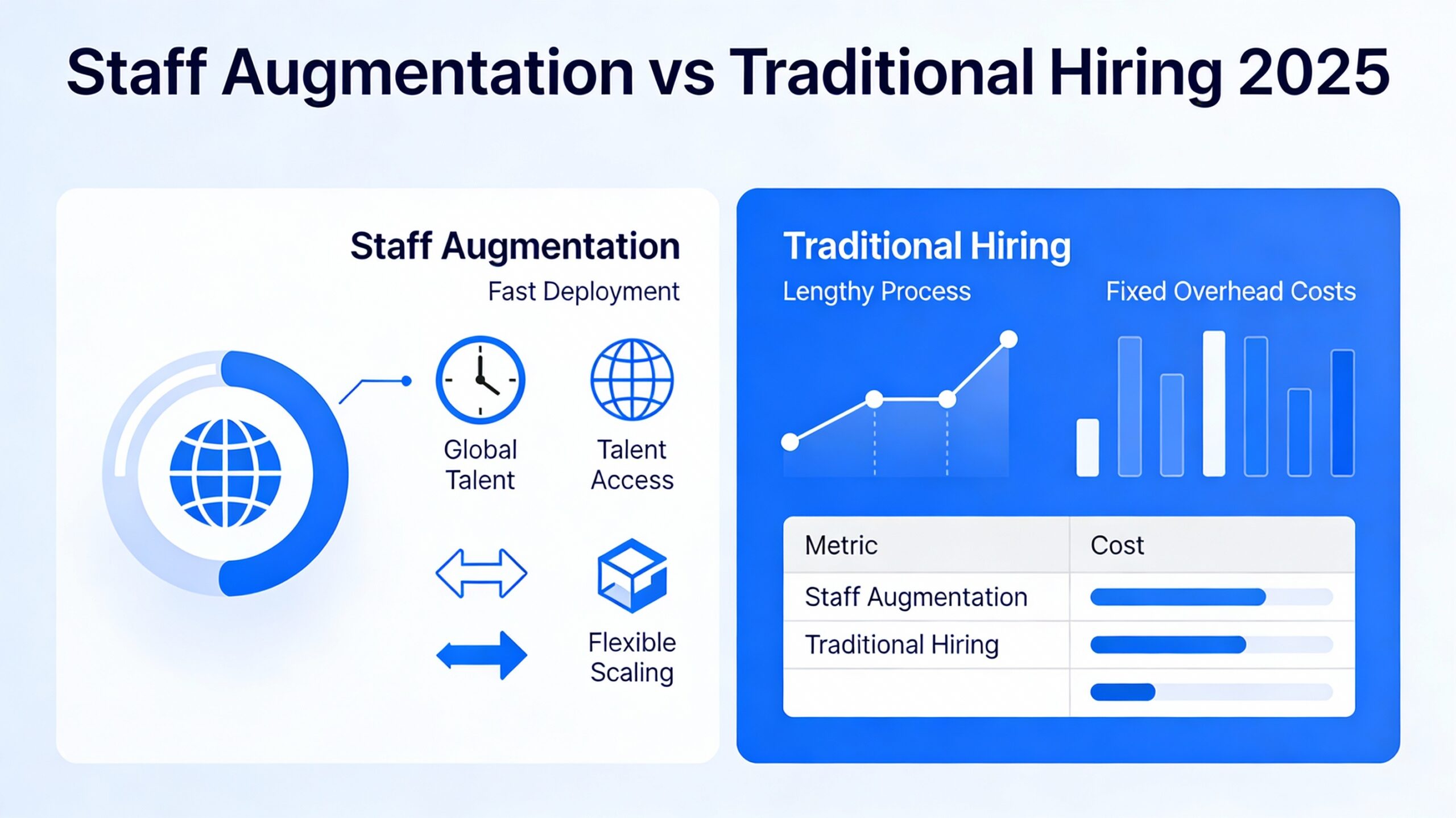
Staff Augmentation vs Traditional Hiring 2025
-
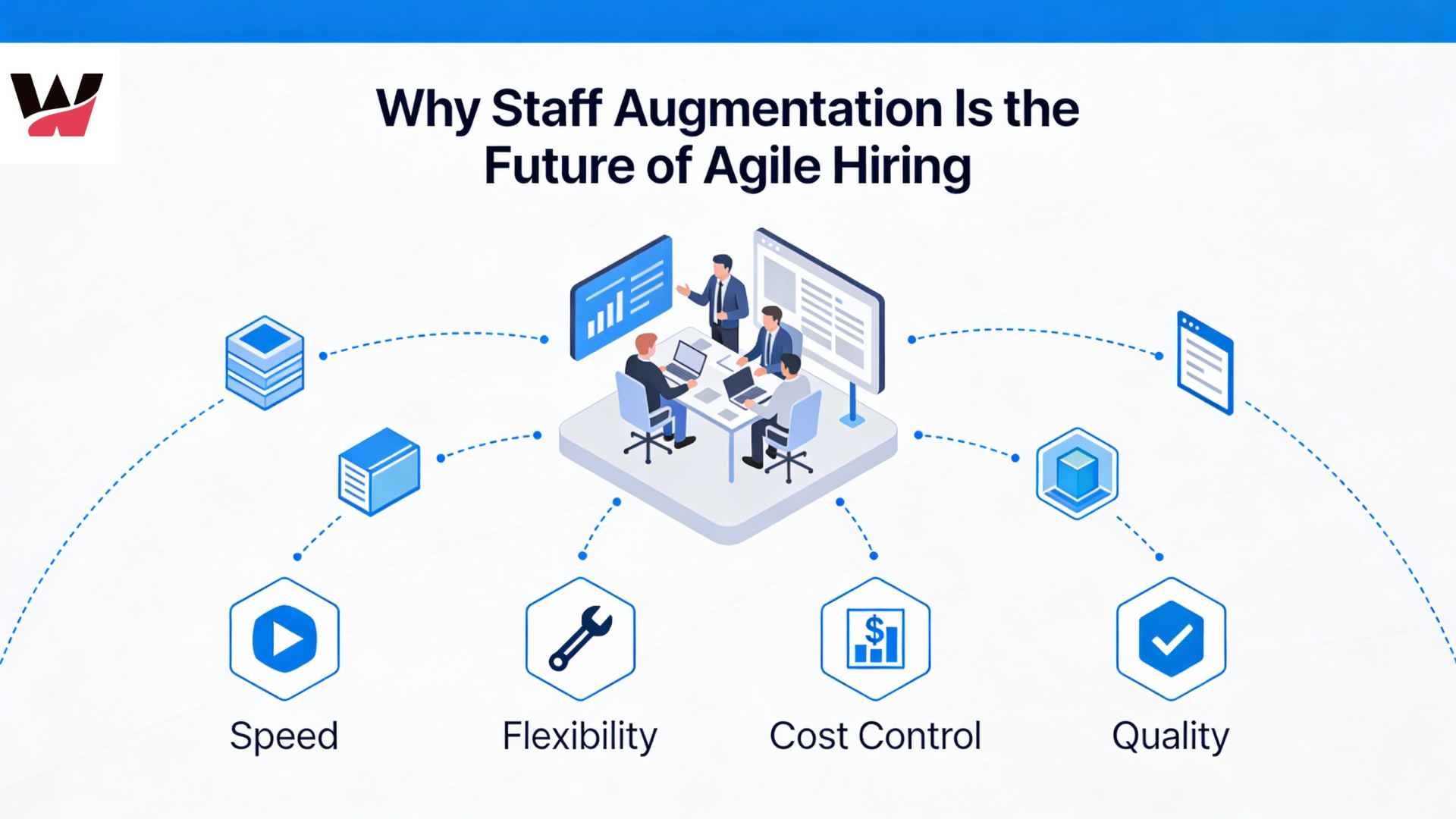 December 24, 2025
Why Staff Augmentation Is the Future of Agile Hiring
-
 December 22, 2025
Why Hiring Faster Doesn’t Mean Compromising Quality — It Means Finding the Right Partner
-
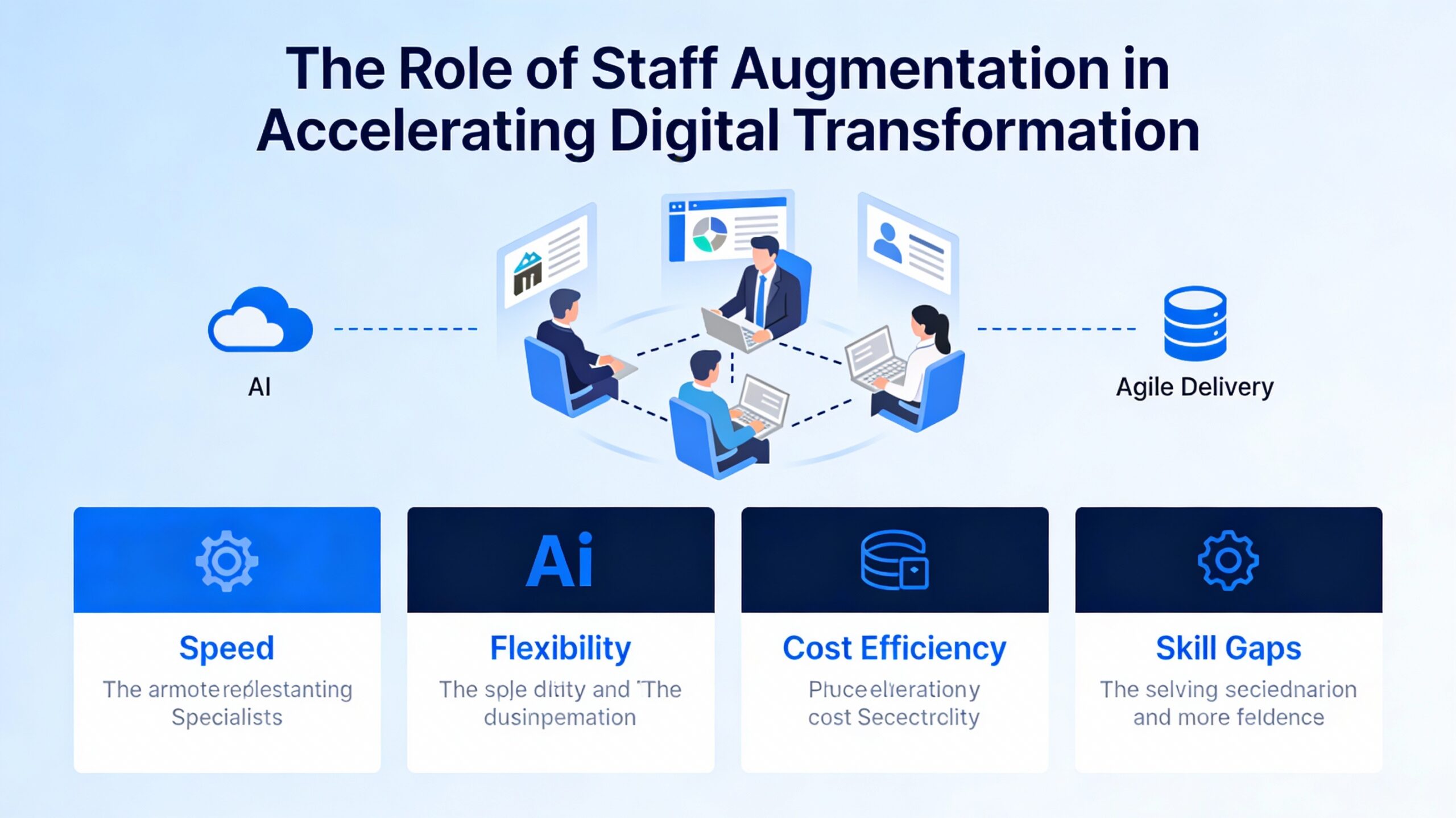 December 19, 2025
The Role of Staff Augmentation in Accelerating Digital Transformation
-
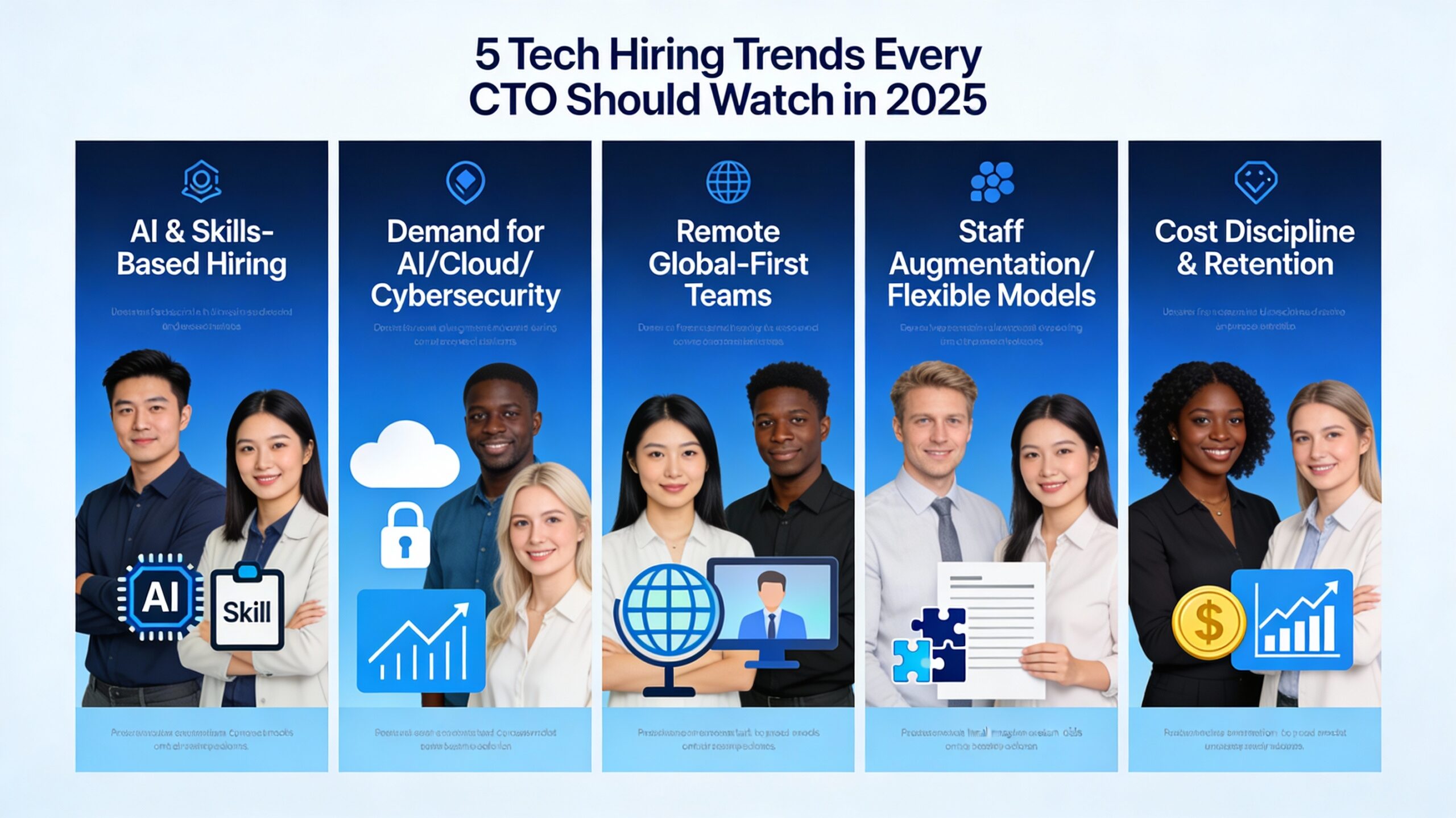 December 18, 2025
5 Tech Hiring Trends Every CTO Should Watch in 2025
-
December 17, 2025
Why Soft Skills Are the Hidden Superpower in Tech Teams
-
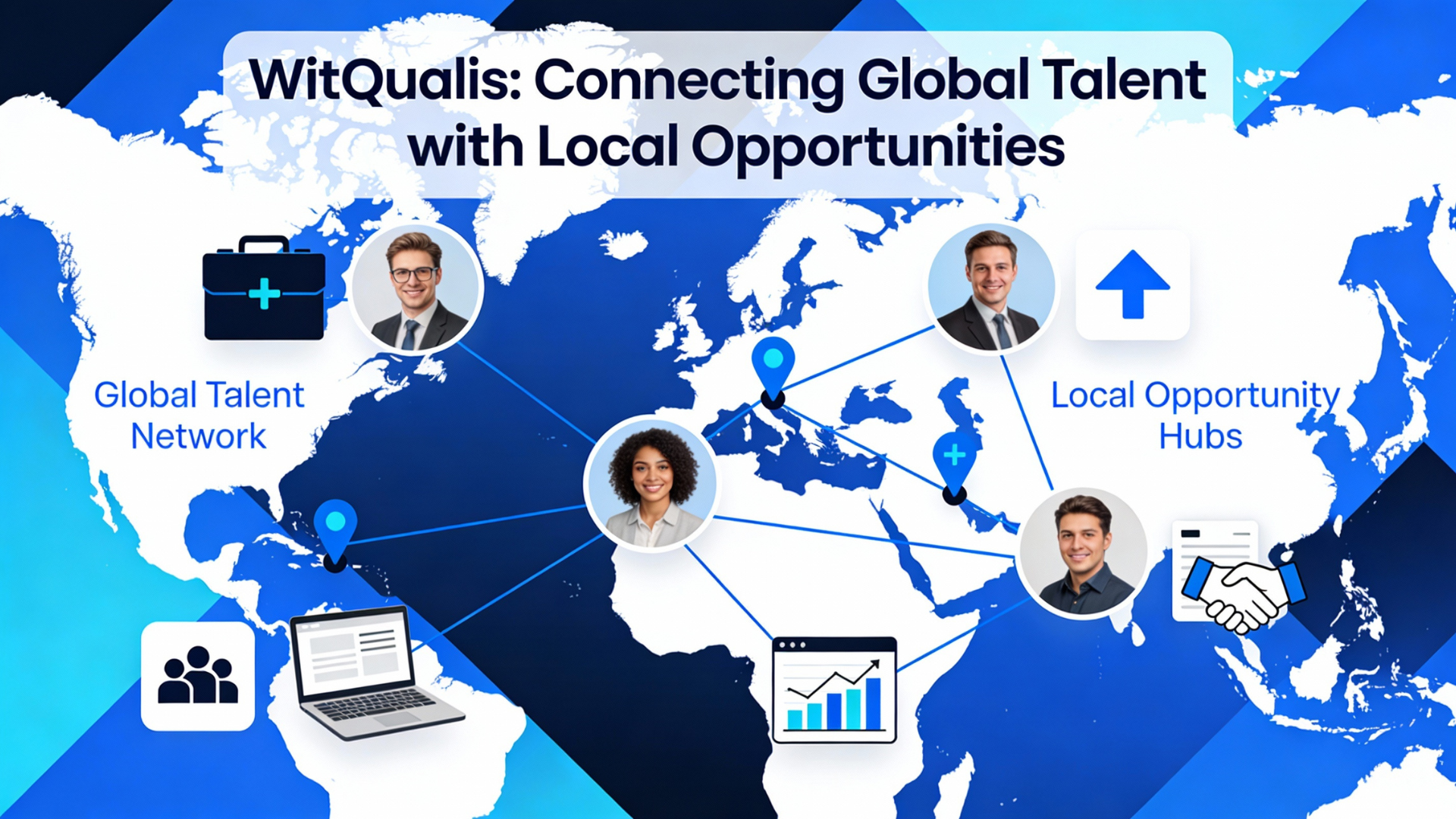 December 15, 2025
How WitQualis Connects Global Talent with Local Opportunities
-
 December 10, 2025
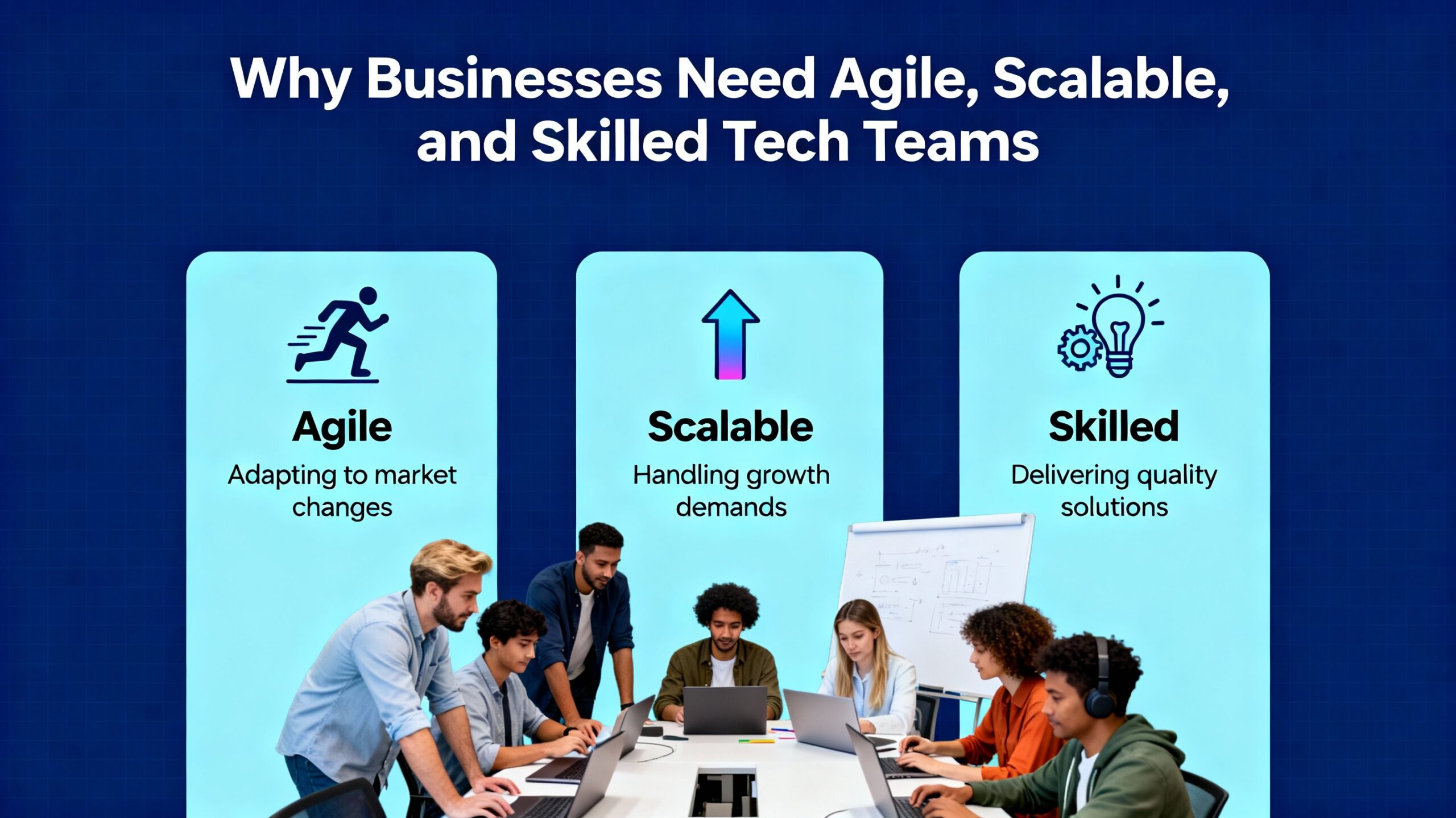
Why Businesses Need Agile, Scalable, and Skilled Tech Teams—Now More Than Ever
-
 December 5, 2025
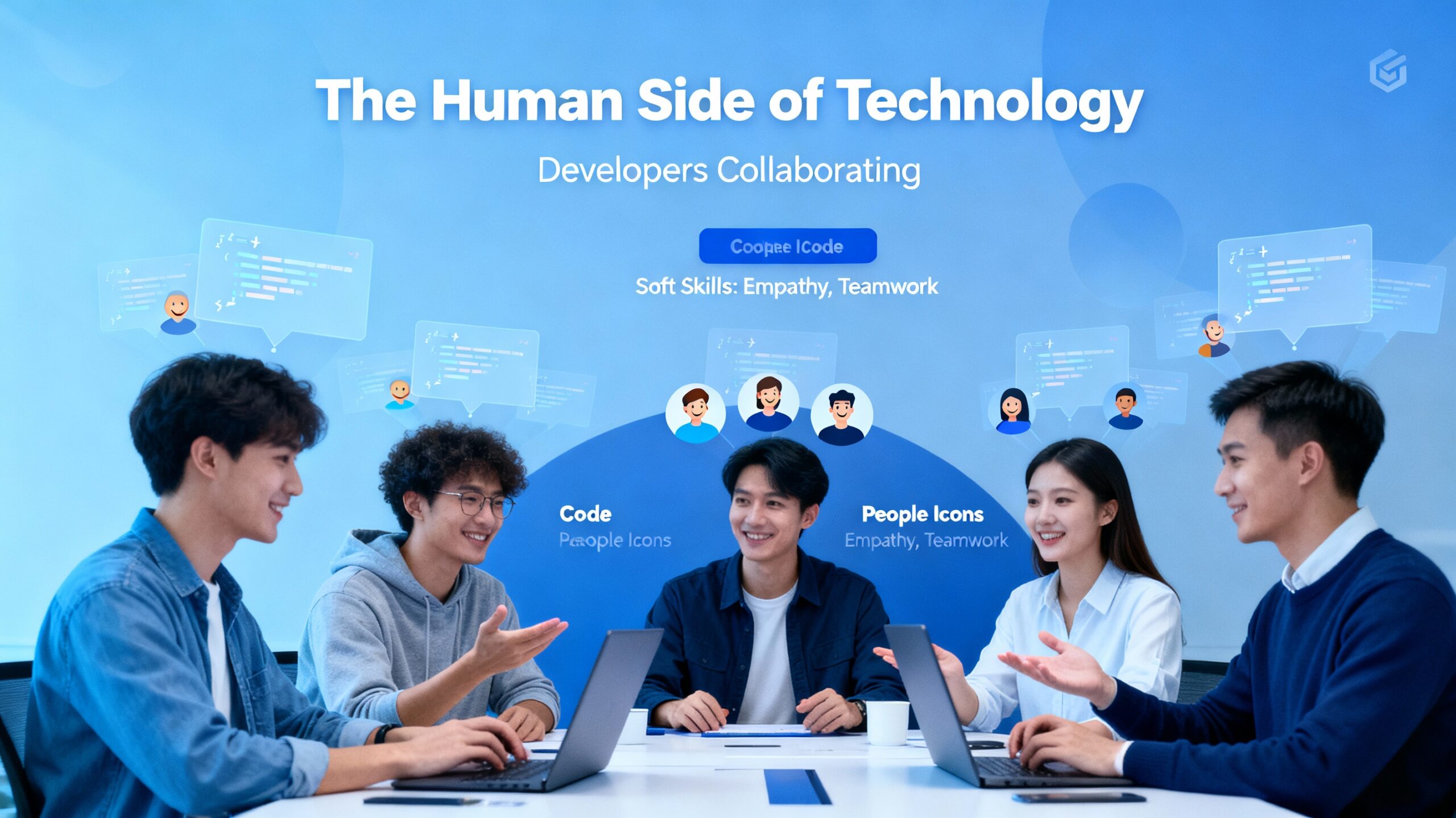
The Human Side of Technology: Why People Matter as Much as Code
-
 December 4, 2025
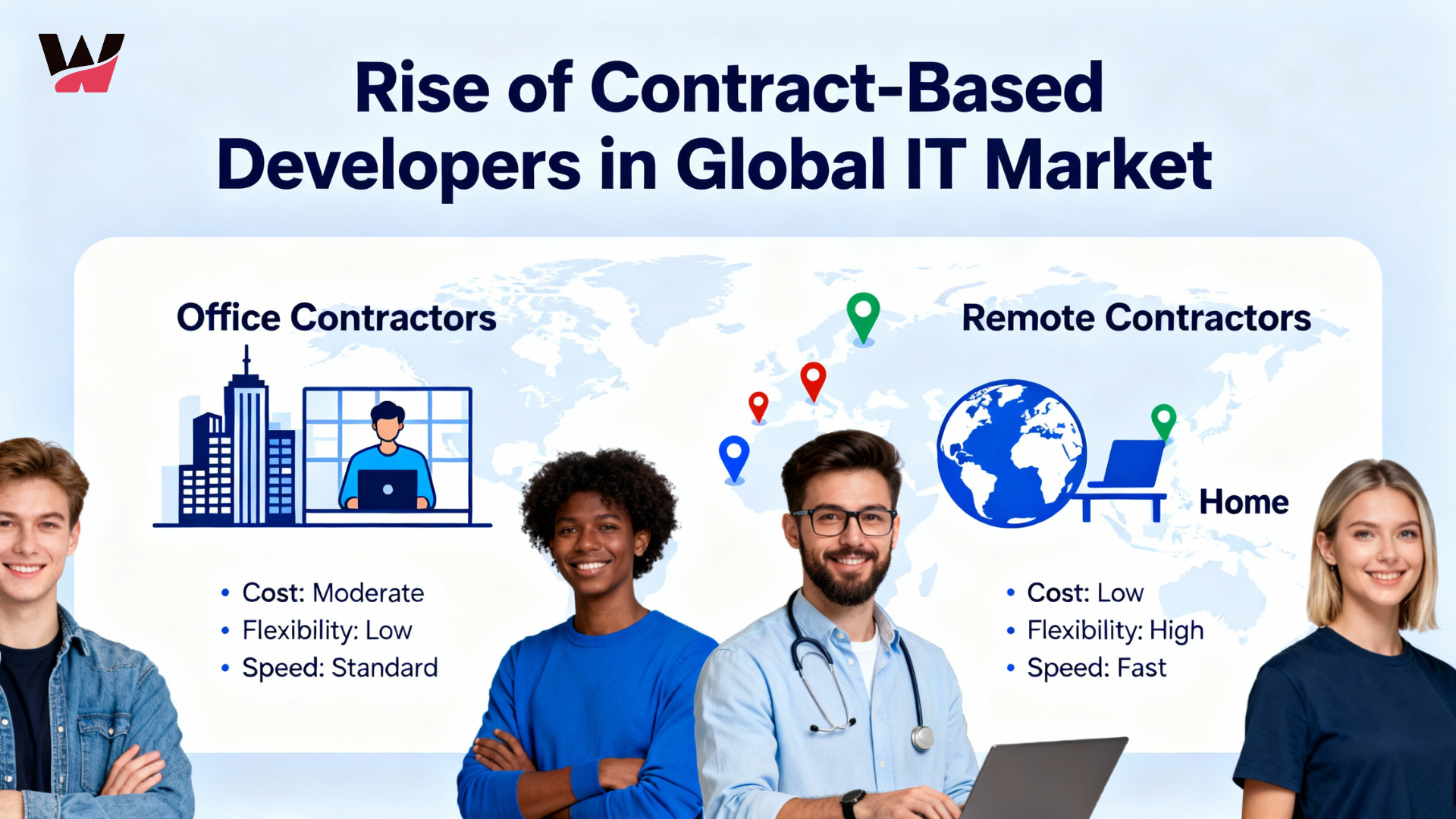
The Rise of Contract-Based Developers in the Global IT Market
-
 December 3, 2025
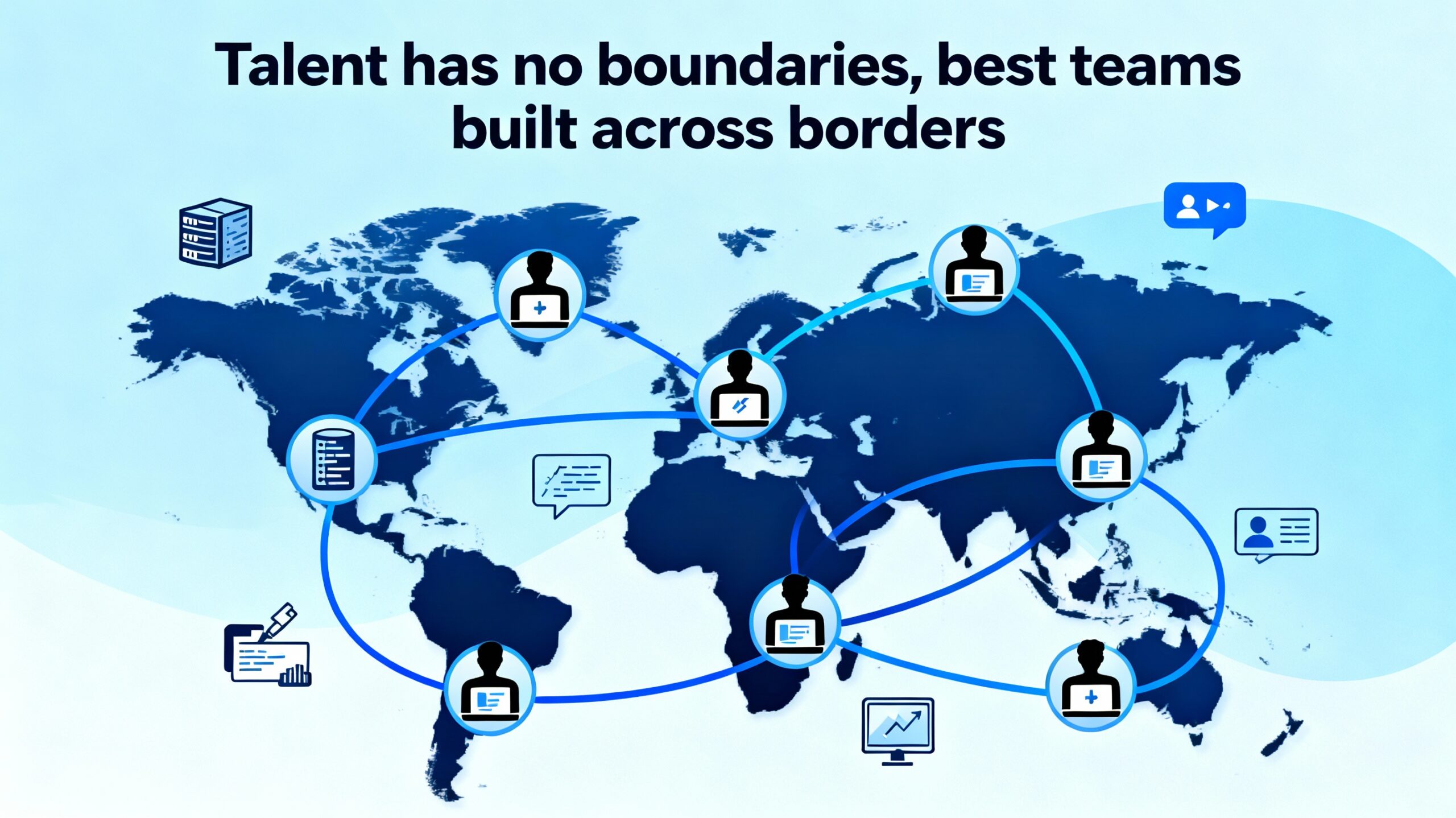
Talent Has No Boundaries: Why the Best Teams Are Built Across Borders
-
 December 2, 2025
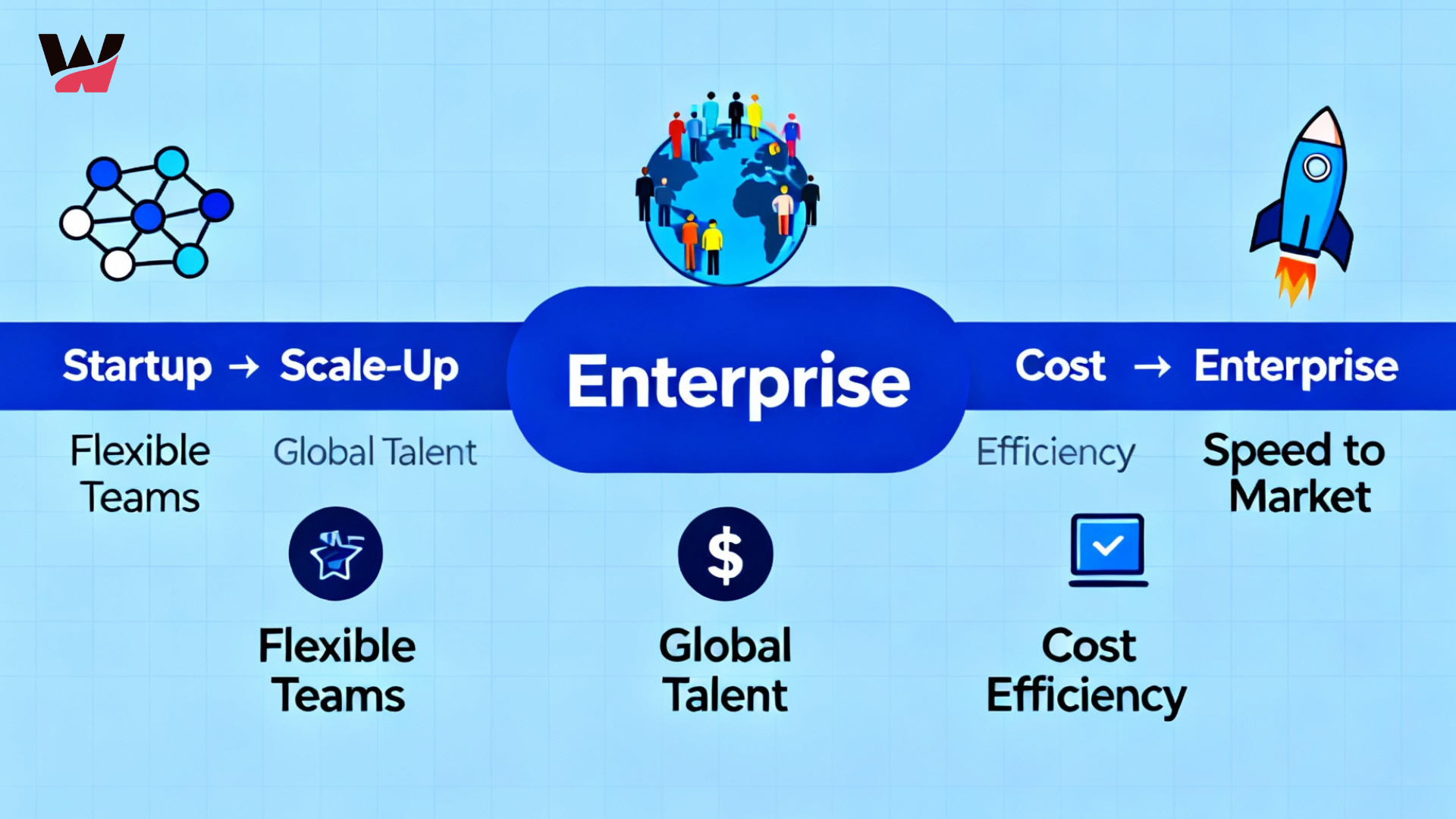
From Startups to Enterprises: How Staff Augmentation Supports Every Stage of Growth
-
 December 1, 2025
Great Ideas Need Great Execution – How WitQualis Teams Turn Vision into Reality
-
 November 28, 2025
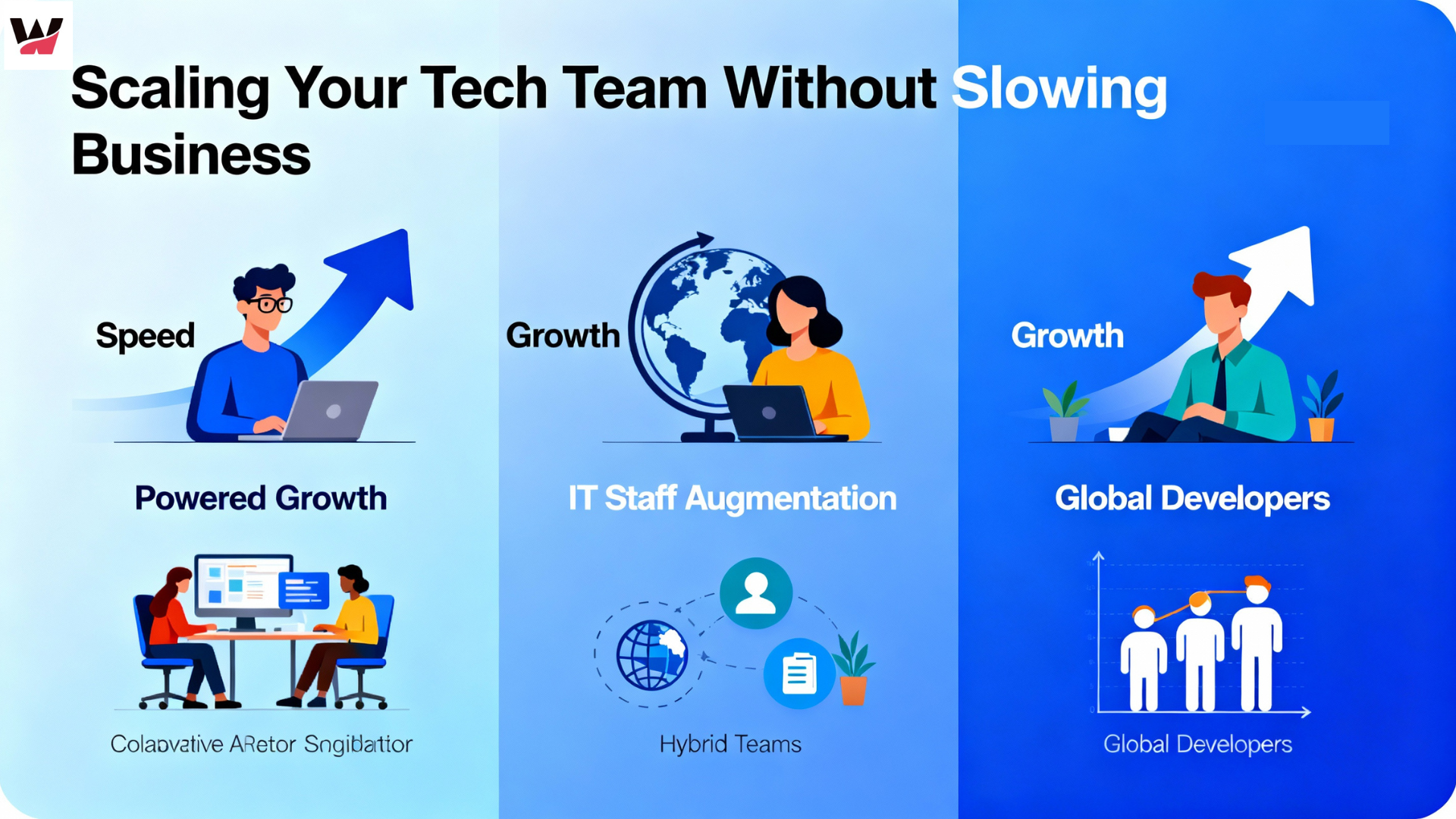
Scaling Your Tech Team Shouldn’t Slow Your Business – It Should Power It
-
 November 27, 2025
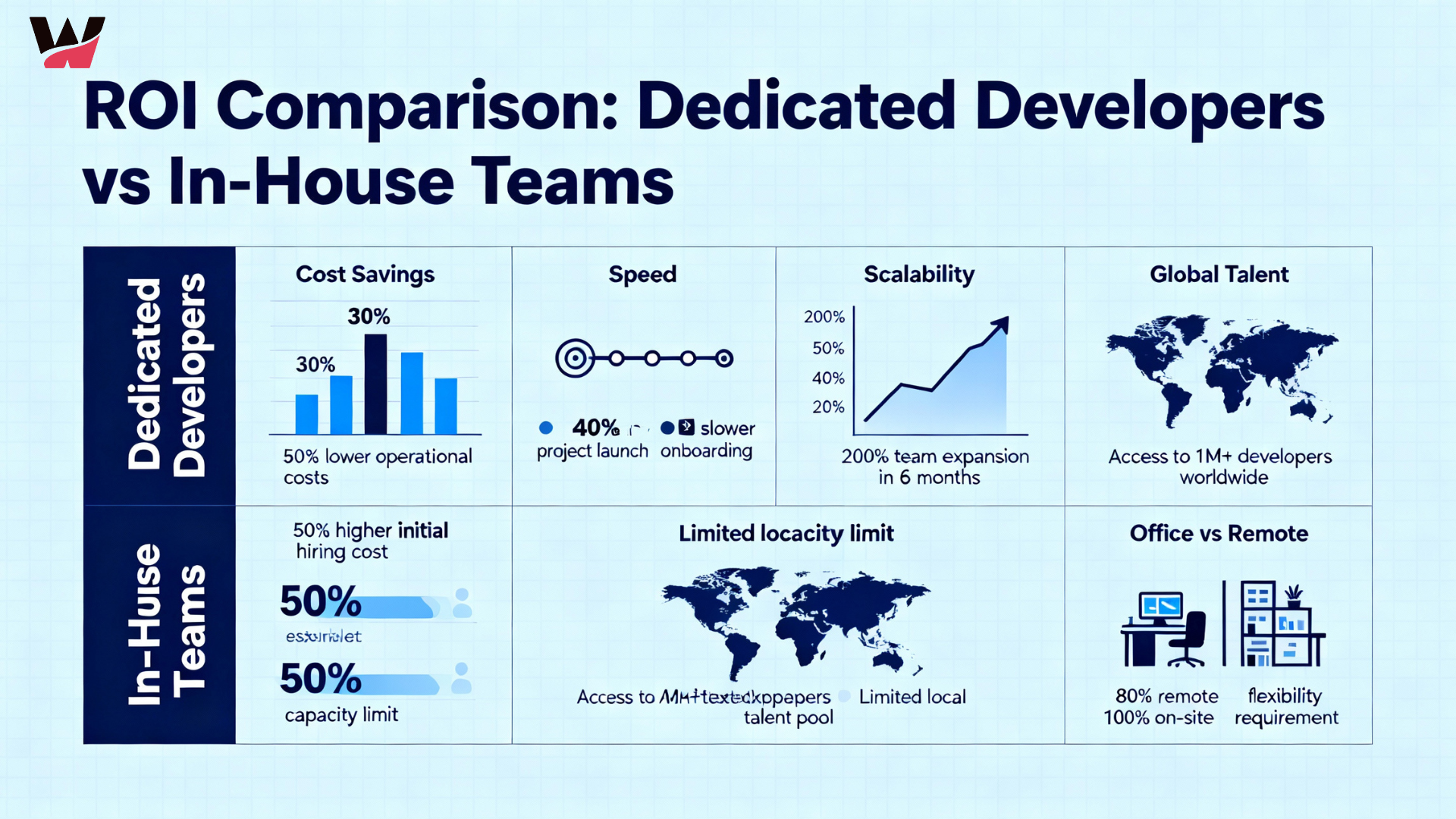
The ROI of Hiring Dedicated Developers vs In-House Teams
-
 November 26, 2025
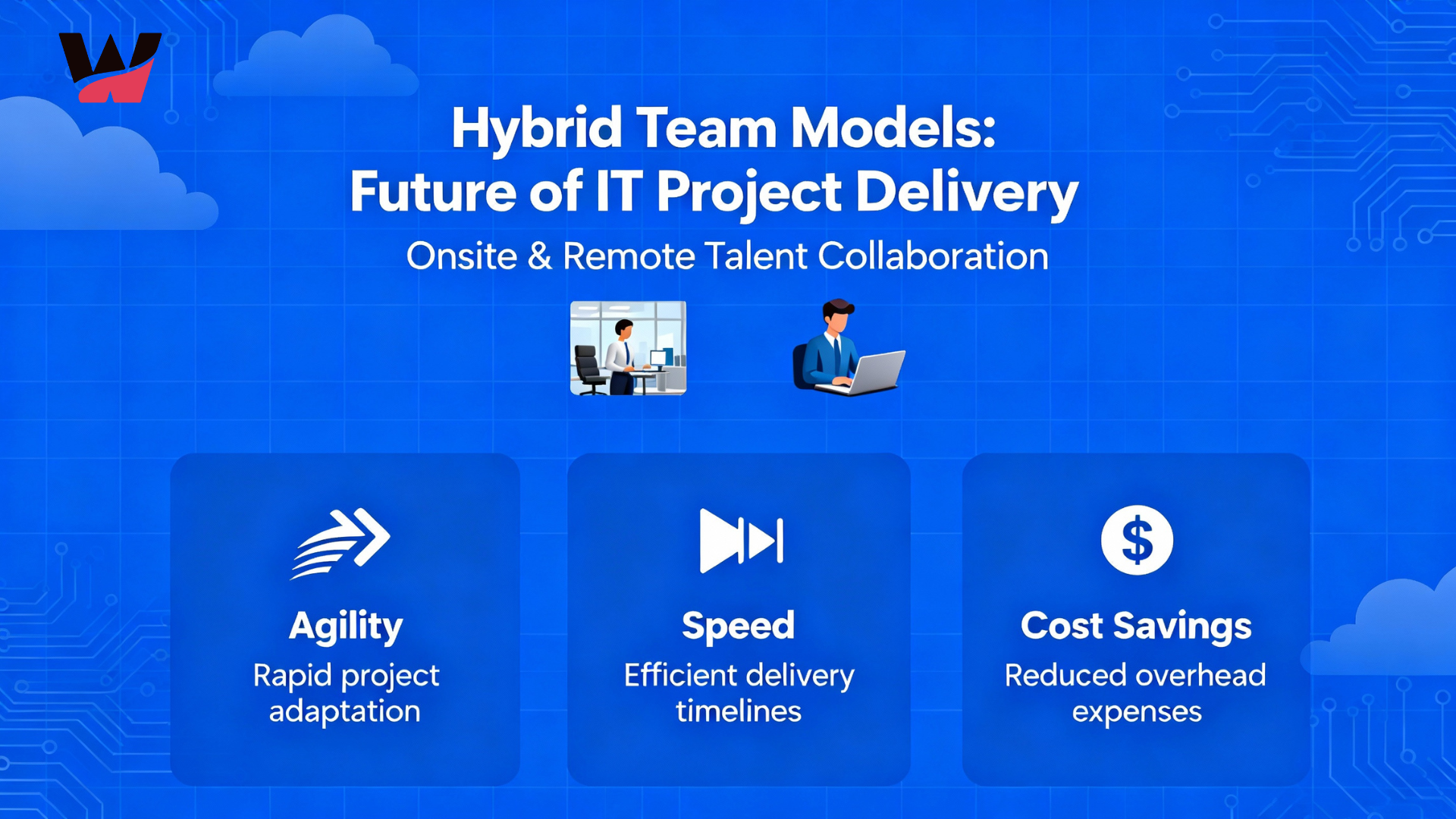
Why Hybrid Team Models Are the Future of IT Project Delivery
-
 November 24, 2025
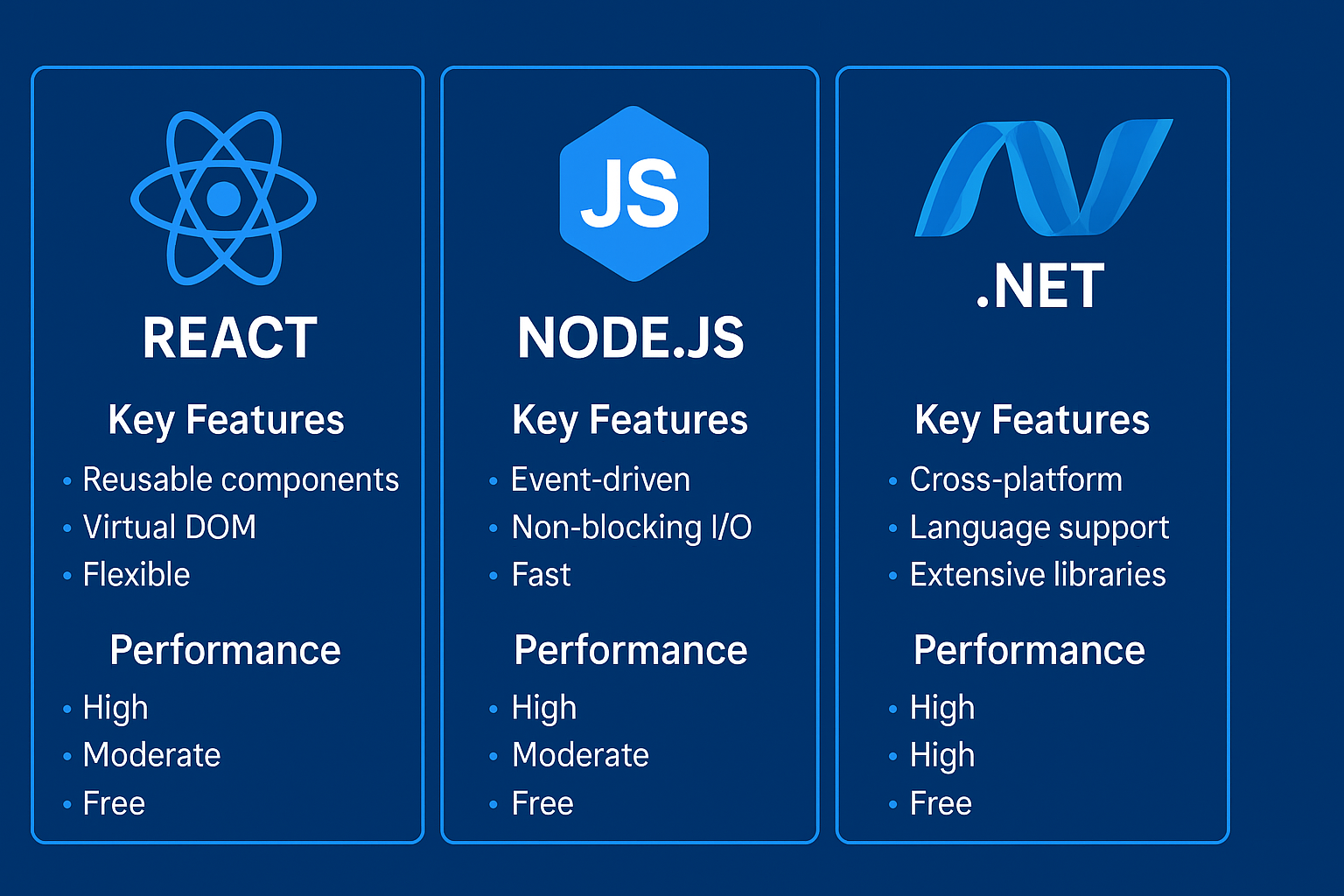
React, Node.js, or .NET? Choosing the Right Tech Stack for Your Next Project
-
 November 21, 2025
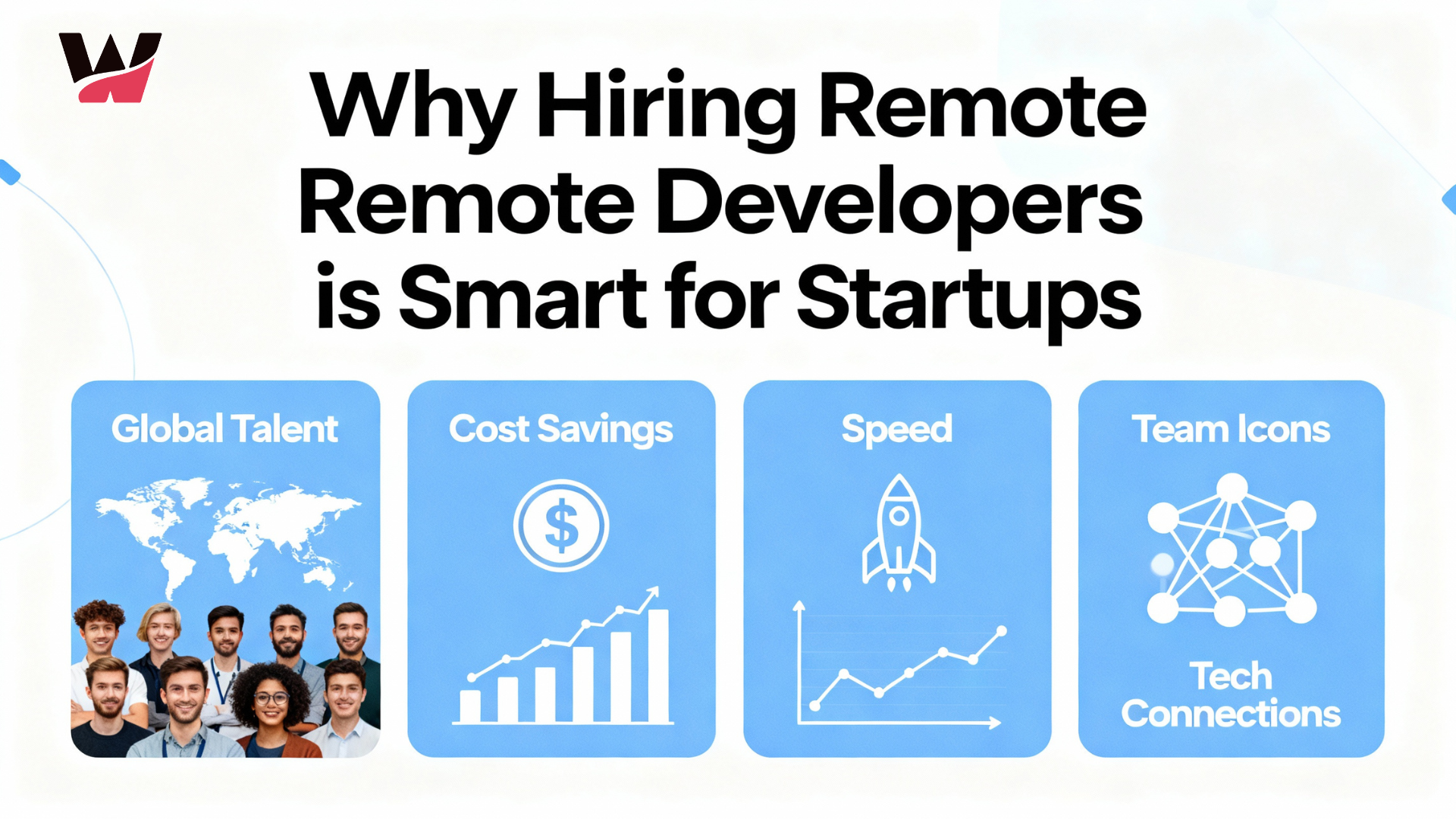
Why Hiring Remote Developers Is the Smartest Move for Startups
-
 November 20, 2025
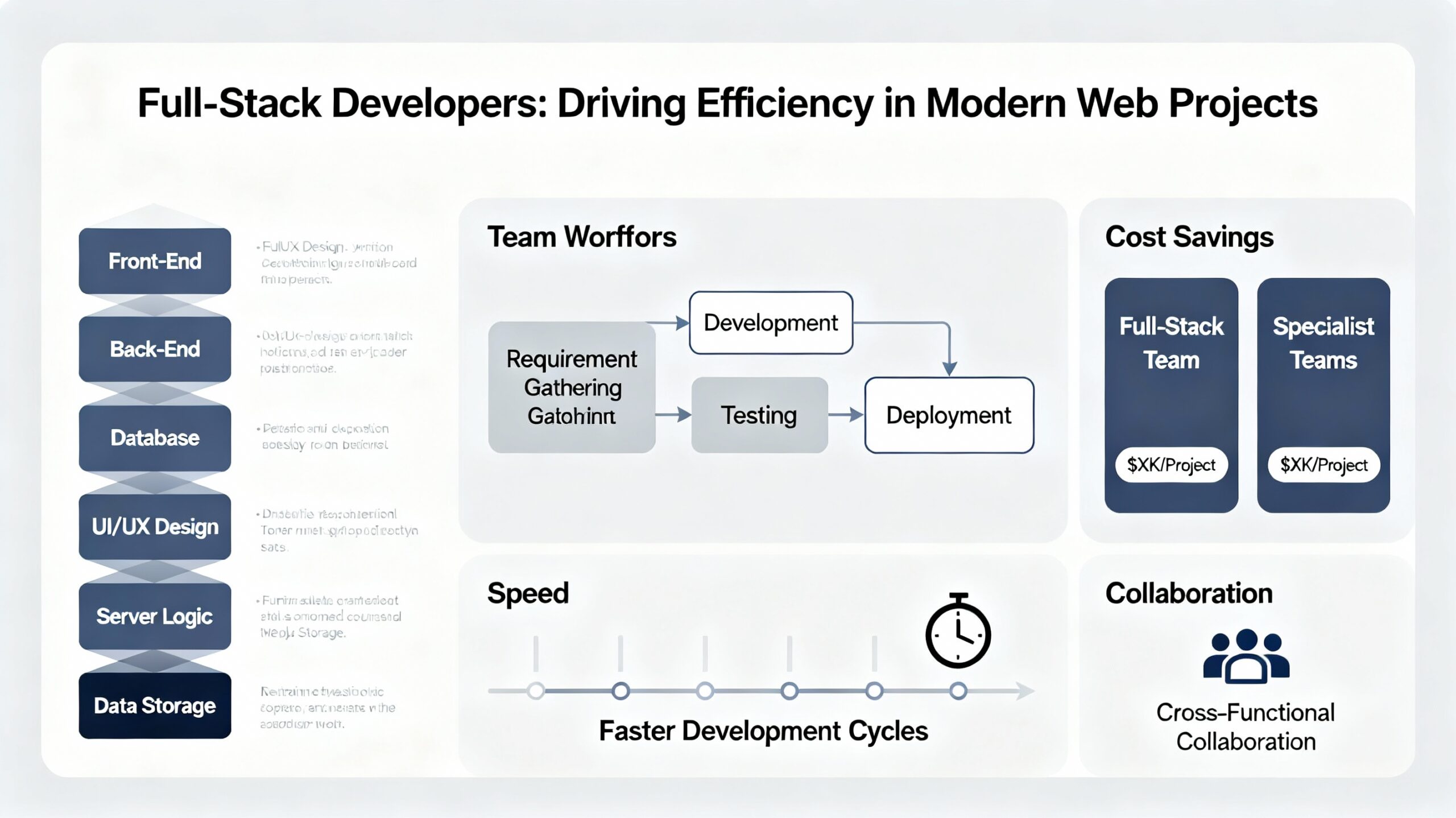
How Full-Stack Developers Drive Efficiency in Modern Web Projects
-
 November 19, 2025
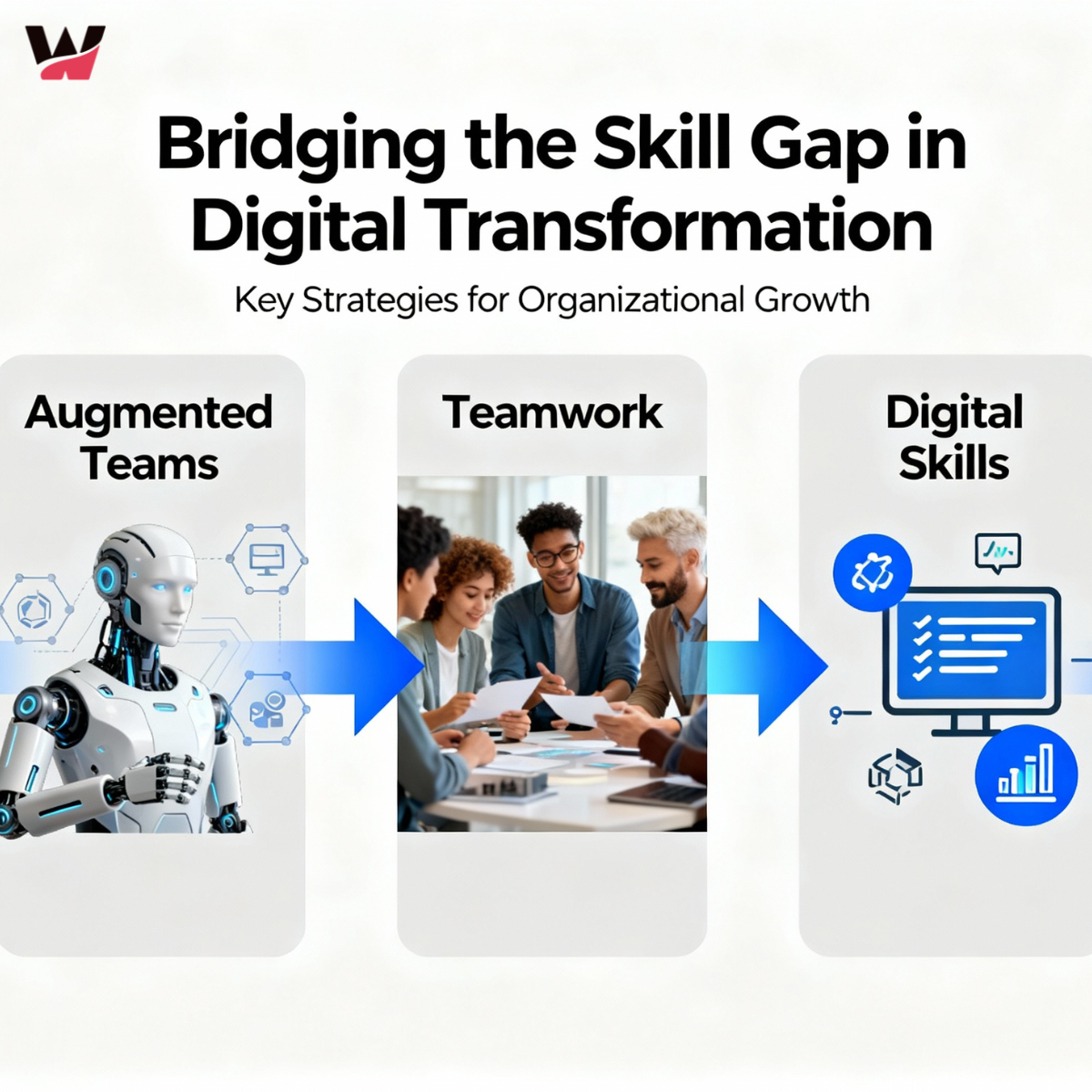
Bridging the Skill Gap: How Augmented Teams Empower Digital Transformation
-
 November 18, 2025
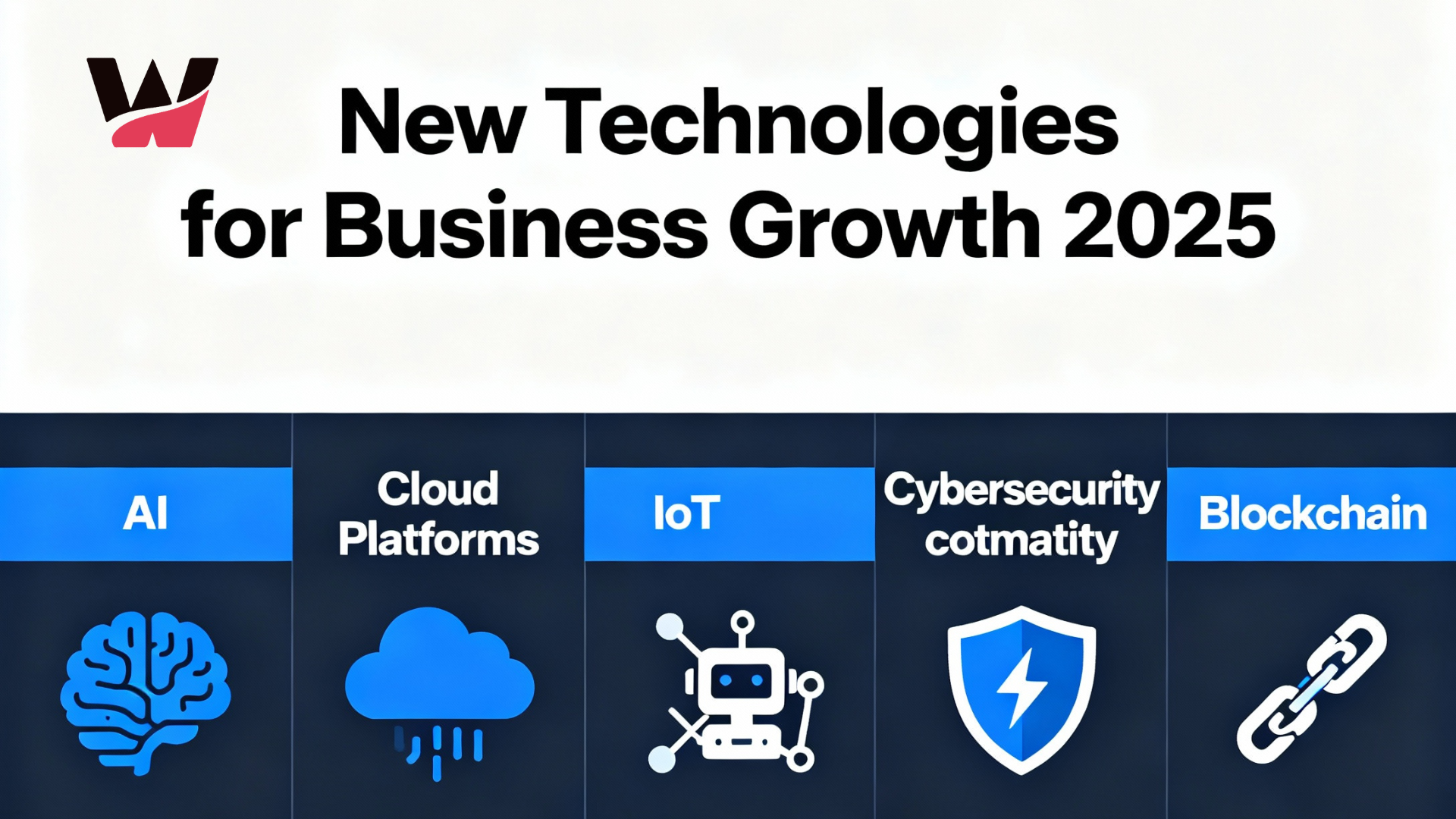
New Technologies for 2025: What Businesses Need to Grow
-
 November 14, 2025
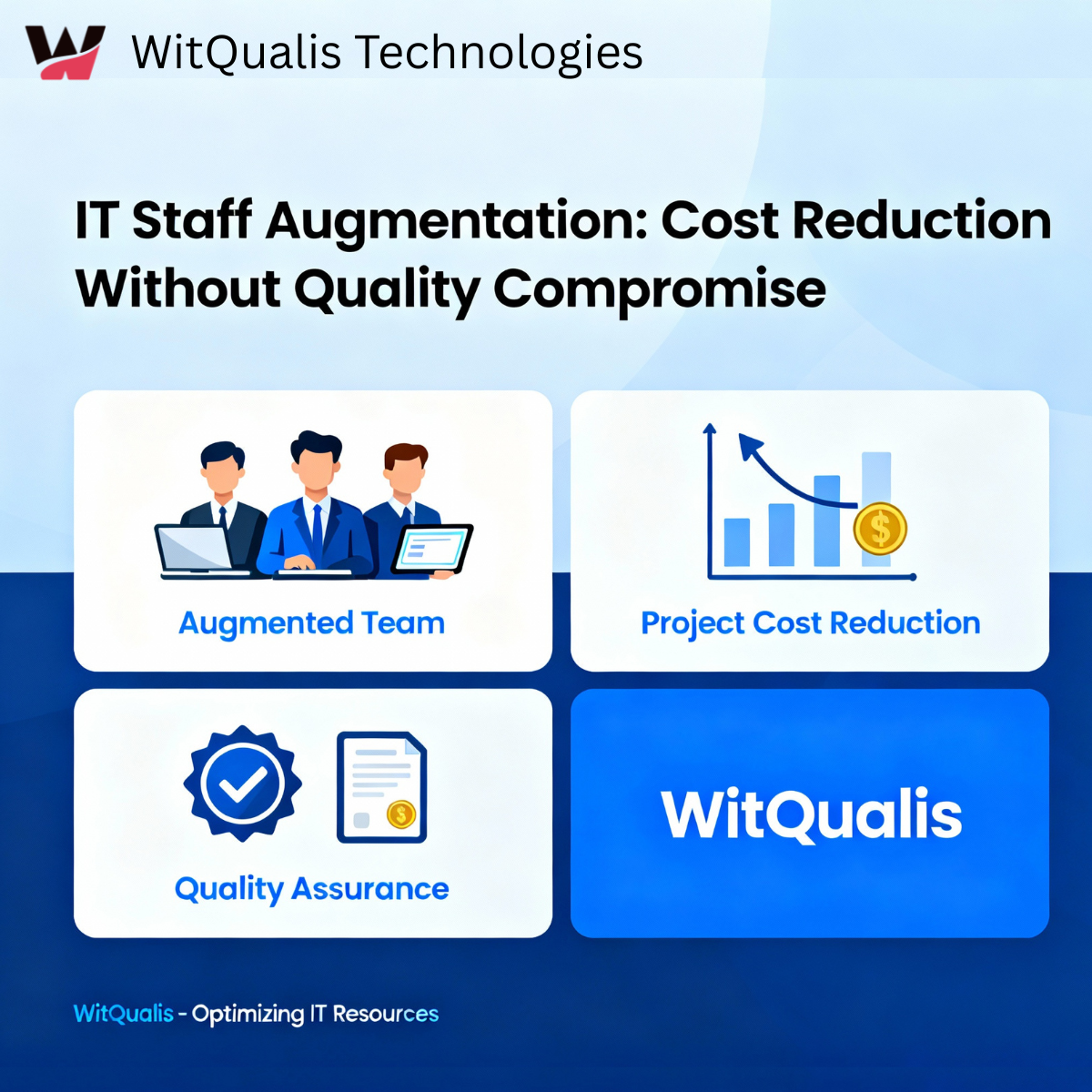
IT Staff Augmentation Reduces Project Costs Quality
-
 November 13, 2025
Empowering Global Collaboration: How WitQualis Builds Seamless Remote Teams
-
 November 12, 2025
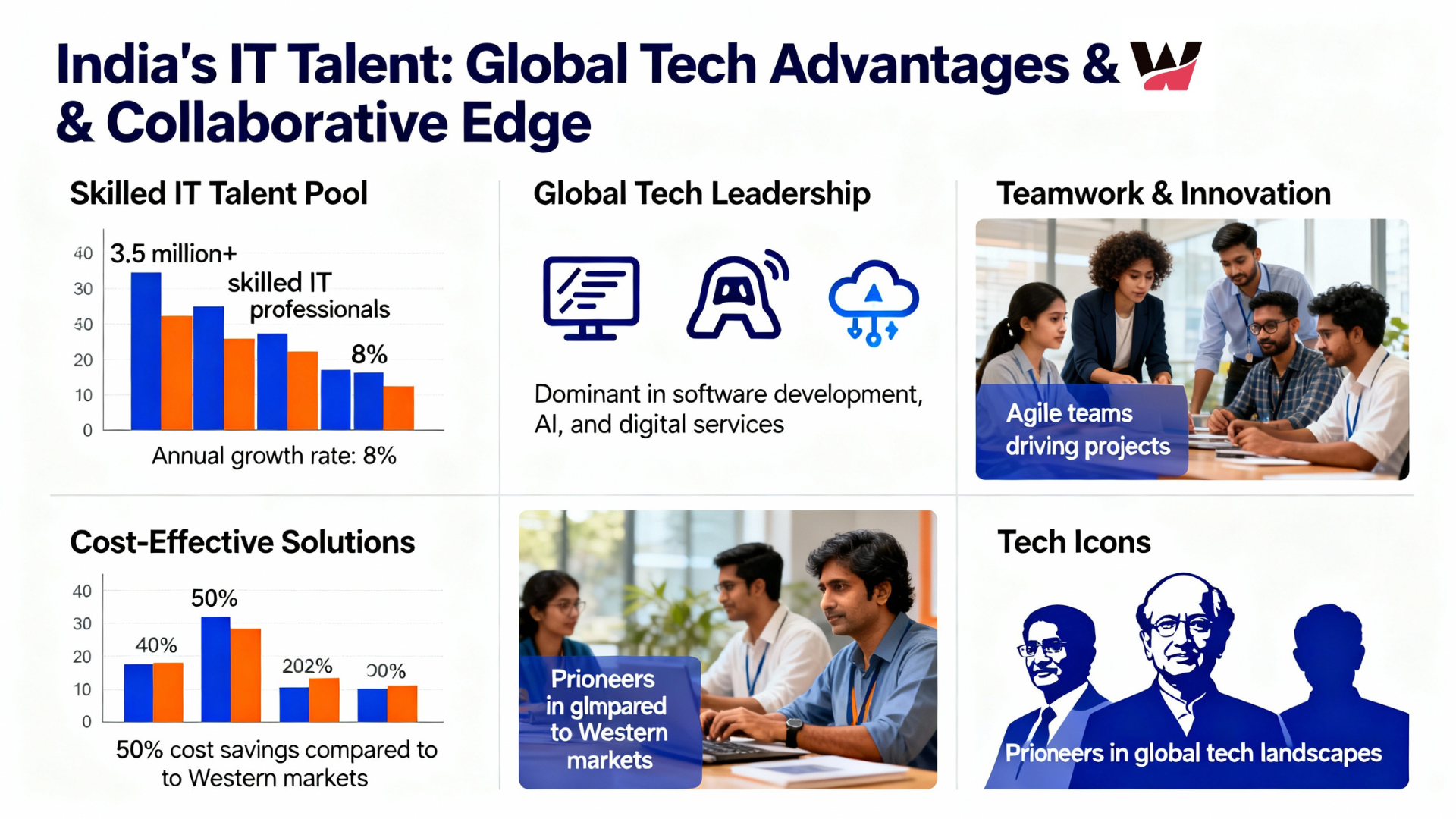
Why Global Businesses Are Turning to India for Skilled IT Talent
-
 November 11, 2025
Staff Augmentation Helps You Scale Your Tech Team
-
 November 10, 2025
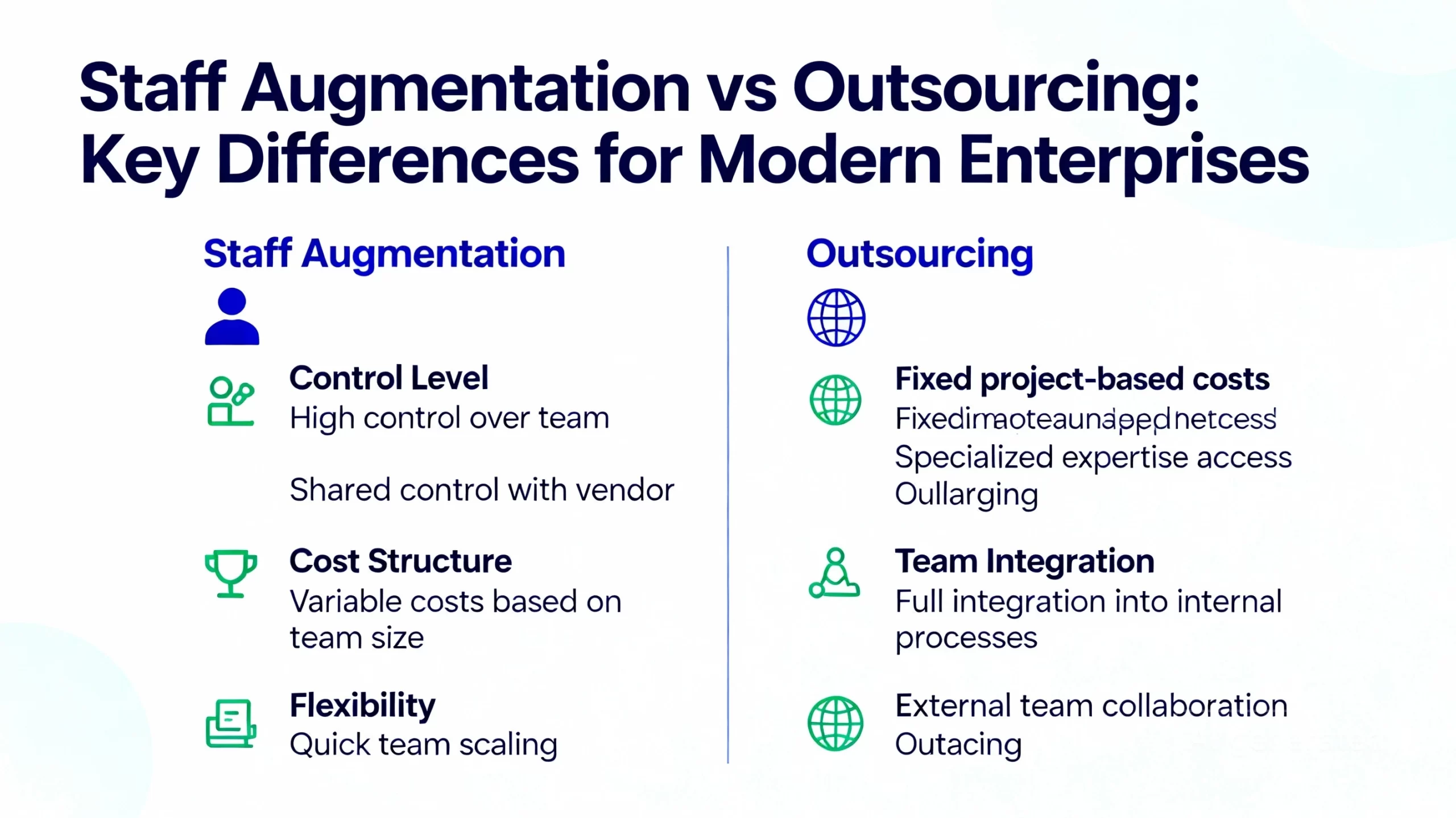
Staff Augmentation vs Outsourcing in 2025: Which Is Best for Modern Enterprises?
-
 November 7, 2025
How AI, IoT, and Cloud Are Redefining Software Development in 2025
-
 November 6, 2025
Scaling Smarter: How Augmented Teams Help Deliver Projects Faster in 2025
-
 November 5, 2025
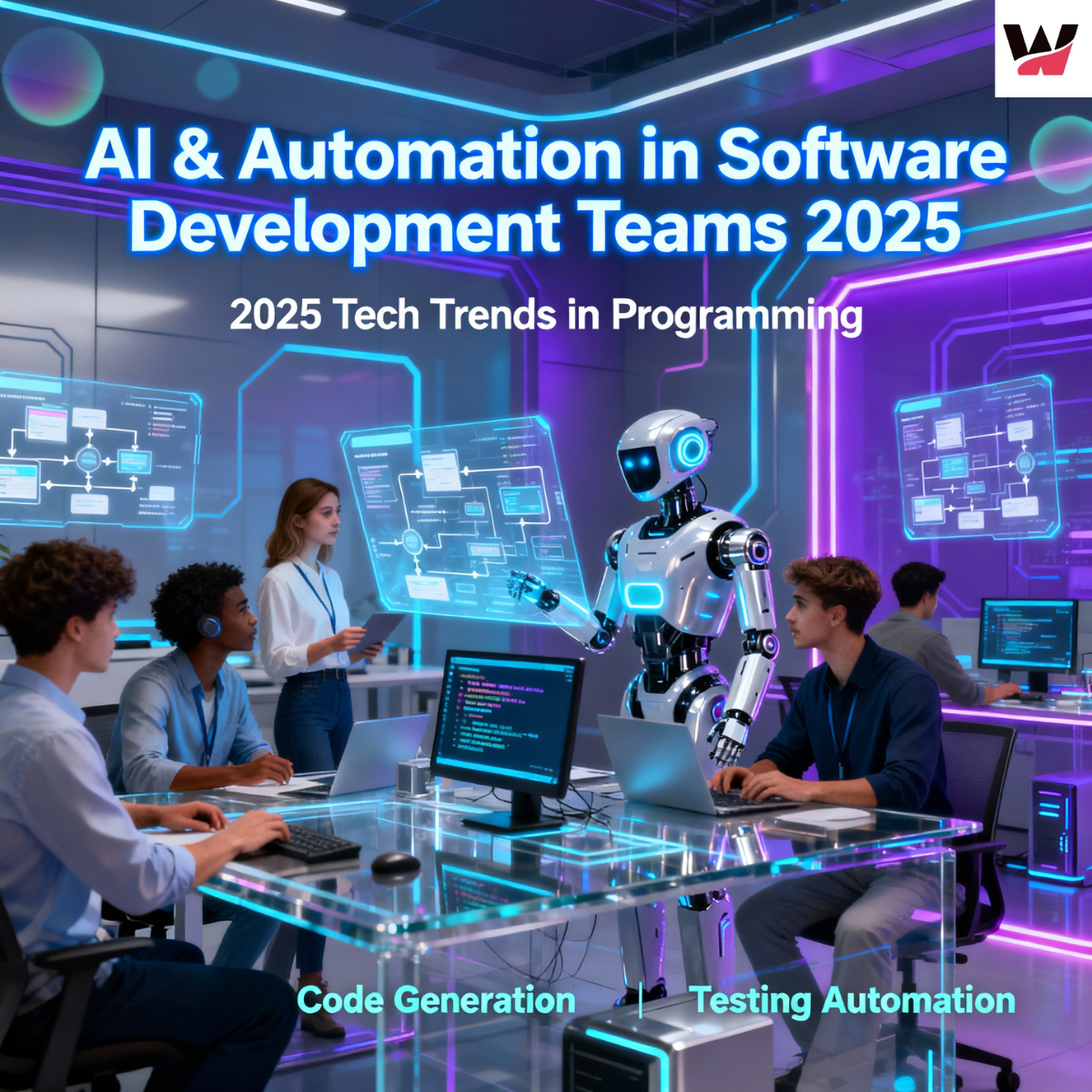
How AI and Automation Are Transforming Software Development Teams in 2025
-
 November 3, 2025
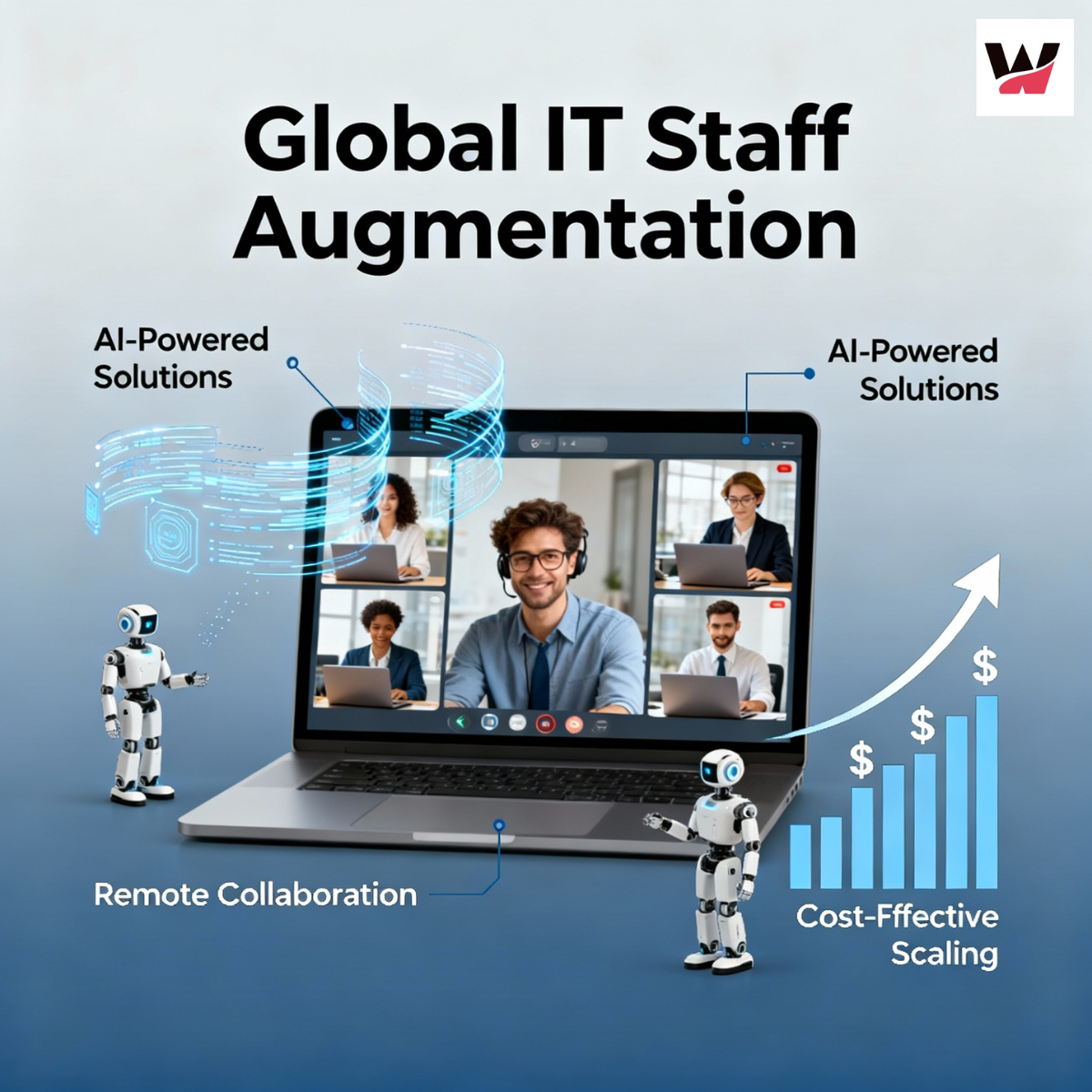
The Future of IT Staffing: Why Businesses Are Choose Staff Augmentation in 2025
-
 October 31, 2025
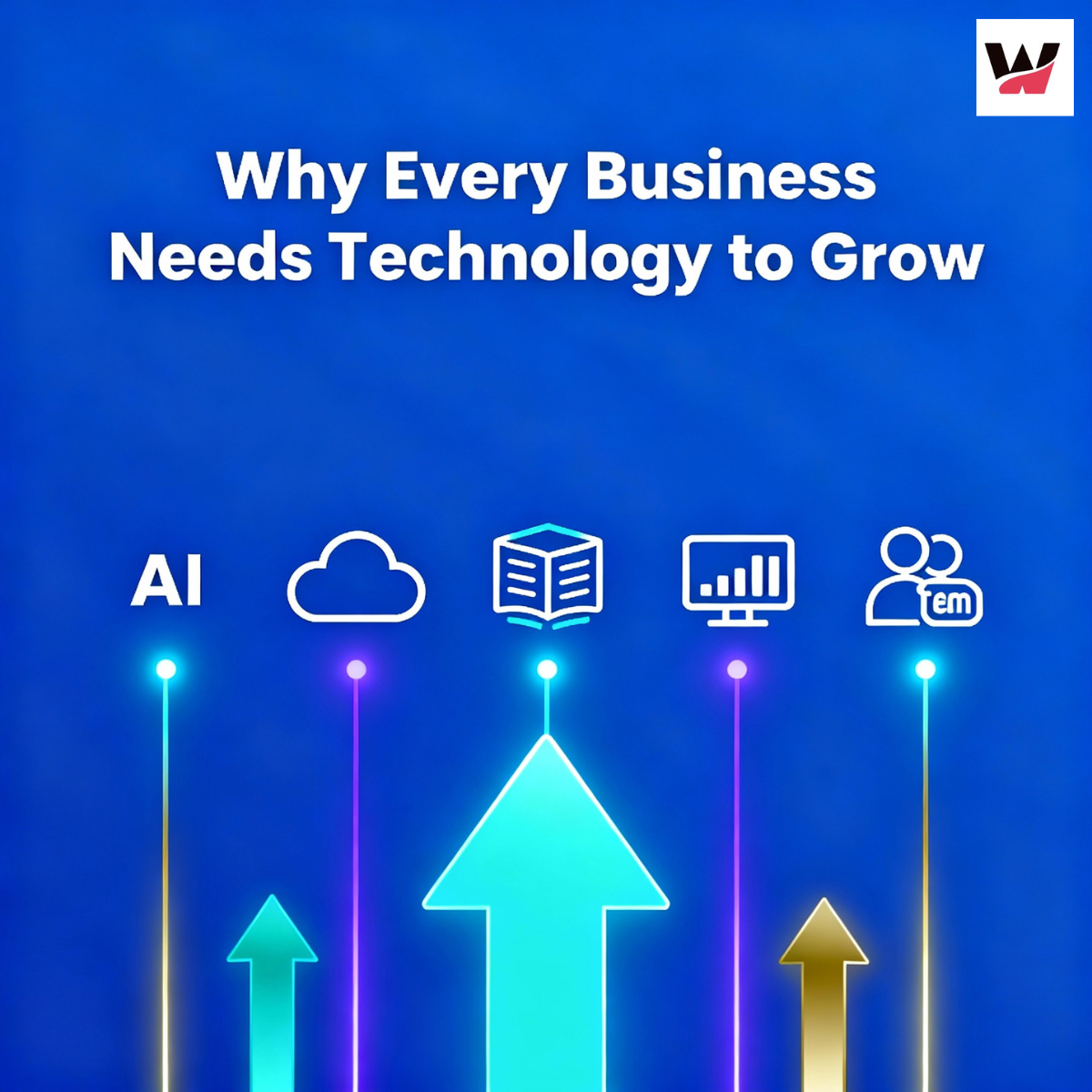
Why Technology is Essential for Business Growth (2025): Top Reasons & Winning Strategies
-
 October 30, 2025
How the Internet of Things (IoT) Is Revolutionizing Modern Business
-
 October 29, 2025
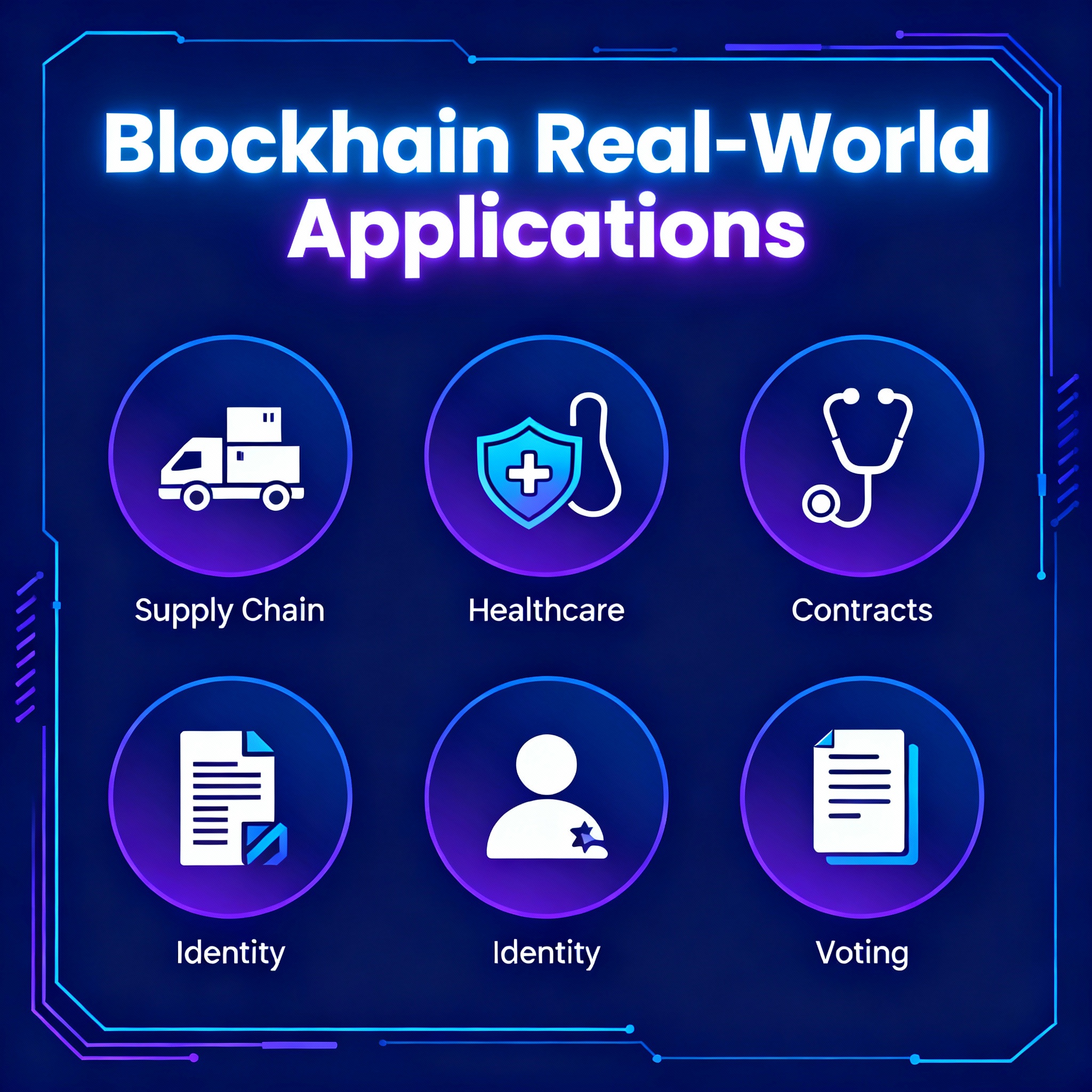
Blockchain Cryptocurrency: Real-World Applications | WitQualis
-
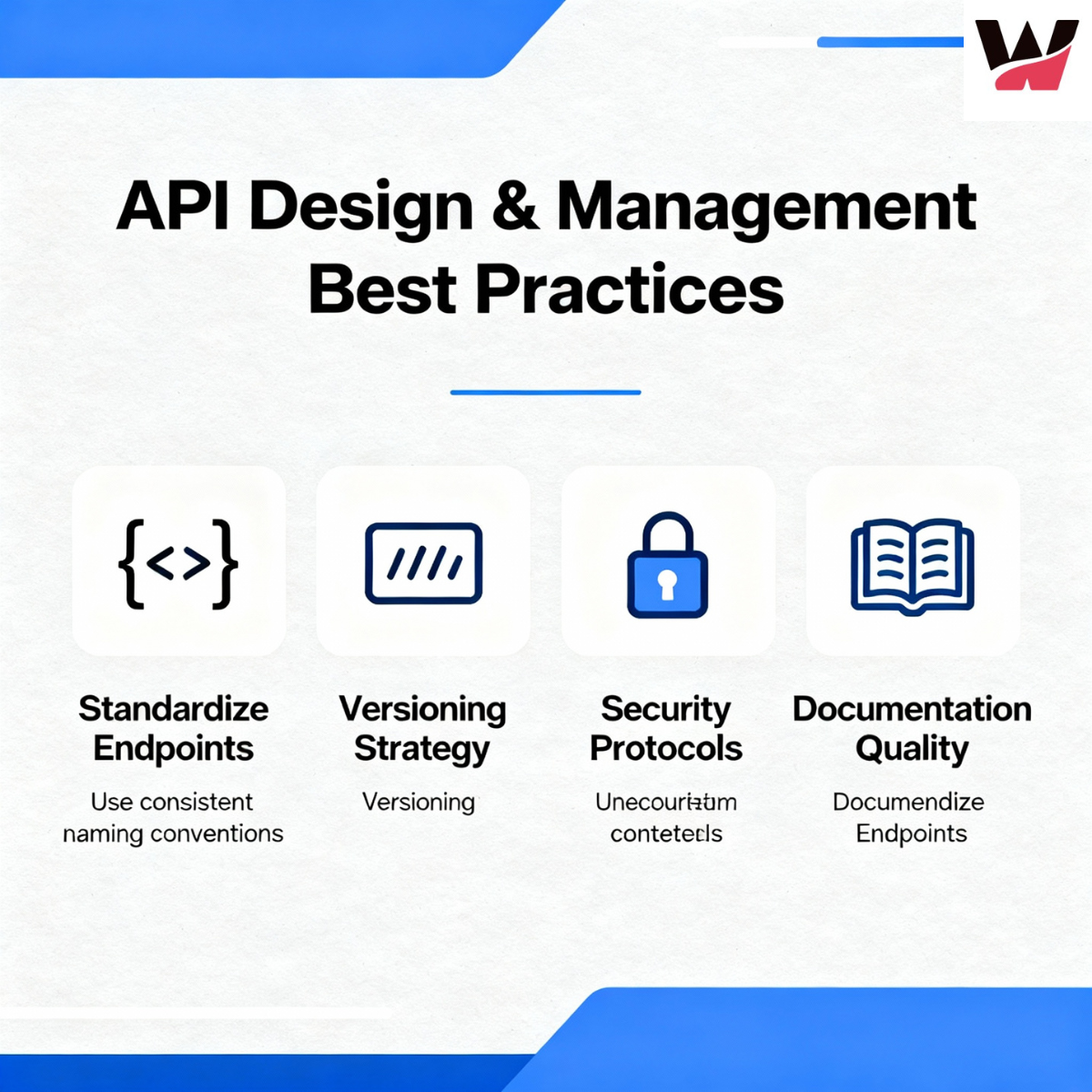 October 28, 2025
API Design and Management Best Practices for Developers
-
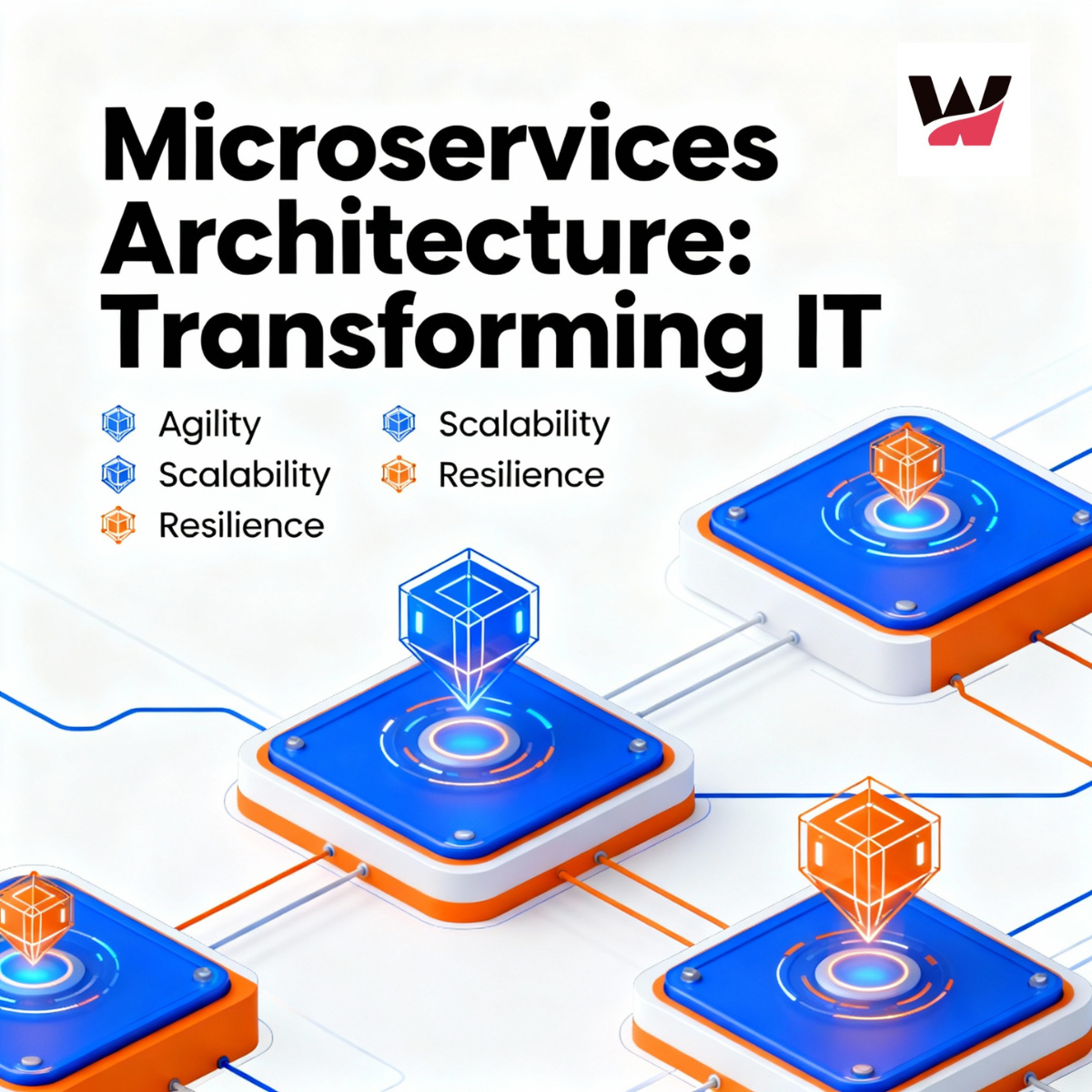 October 27, 2025
Microservices Architecture: Benefits, Implementation Tips & Real-World Examples
-
 October 24, 2025
How Remote Work Has Transformed the IT Industry Tools in 2025
-
 October 23, 2025
Virtual and Augmented Reality: The Tech Revolution | WitQualis
-
 October 22, 2025
How AI is Revolutionizing Business Decision-Making in 2025 | In-Depth Analysis & Trends
-
 October 16, 2025
Blockchain Beyond Crypto: Building Trust in Business Operations
-
 October 15, 2025
How Custom Software Solutions Drive Business Efficiency | Expert Guide
-
 October 13, 2025
How Automation Reduces Costs & Boosts Productivity in 2025
-
 October 10, 2025
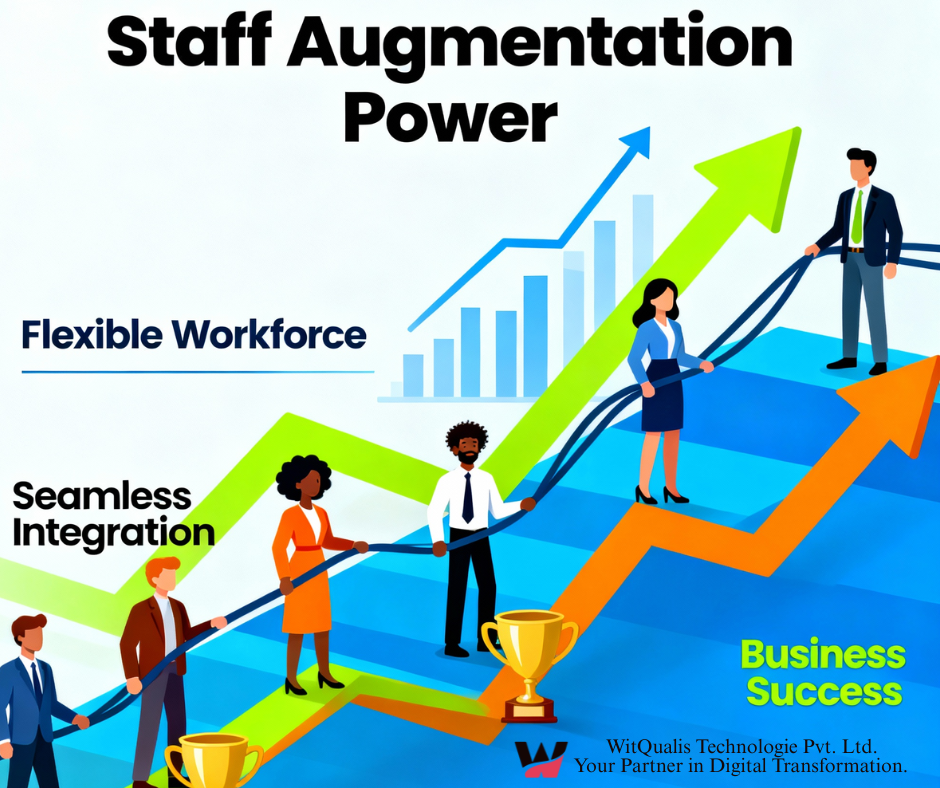
Staff Augmentation: The Key to Building Agile & Scalable Teams
-
 October 9, 2025
The Role of Cloud Computing in Scaling Modern Businesses
-
 October 8, 2025
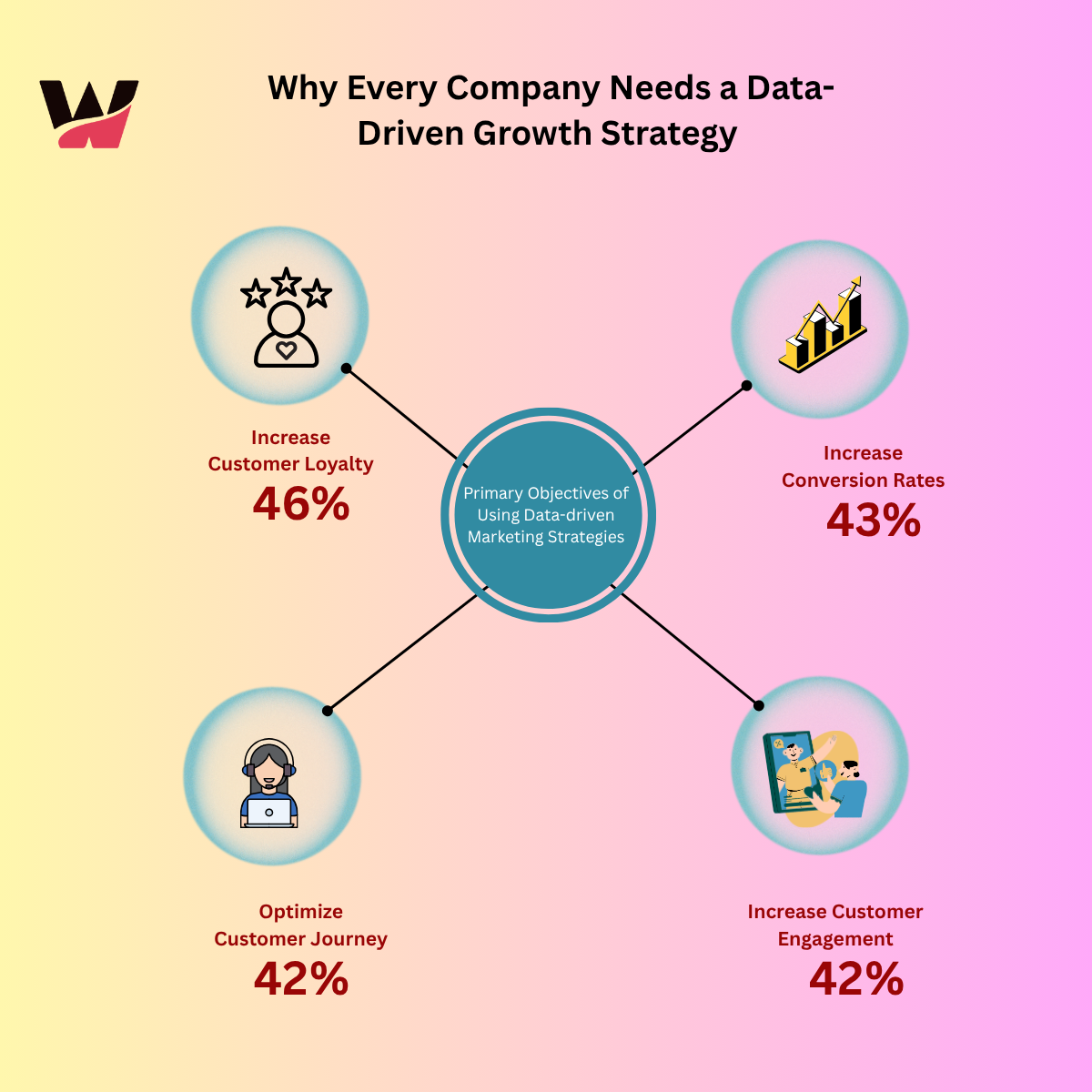
Why Every Company Needs a Data-Driven Growth Strategy
-
 October 7, 2025
API Design Best Practices for Developers in 2025 |API versioning strategies
-
 October 6, 2025
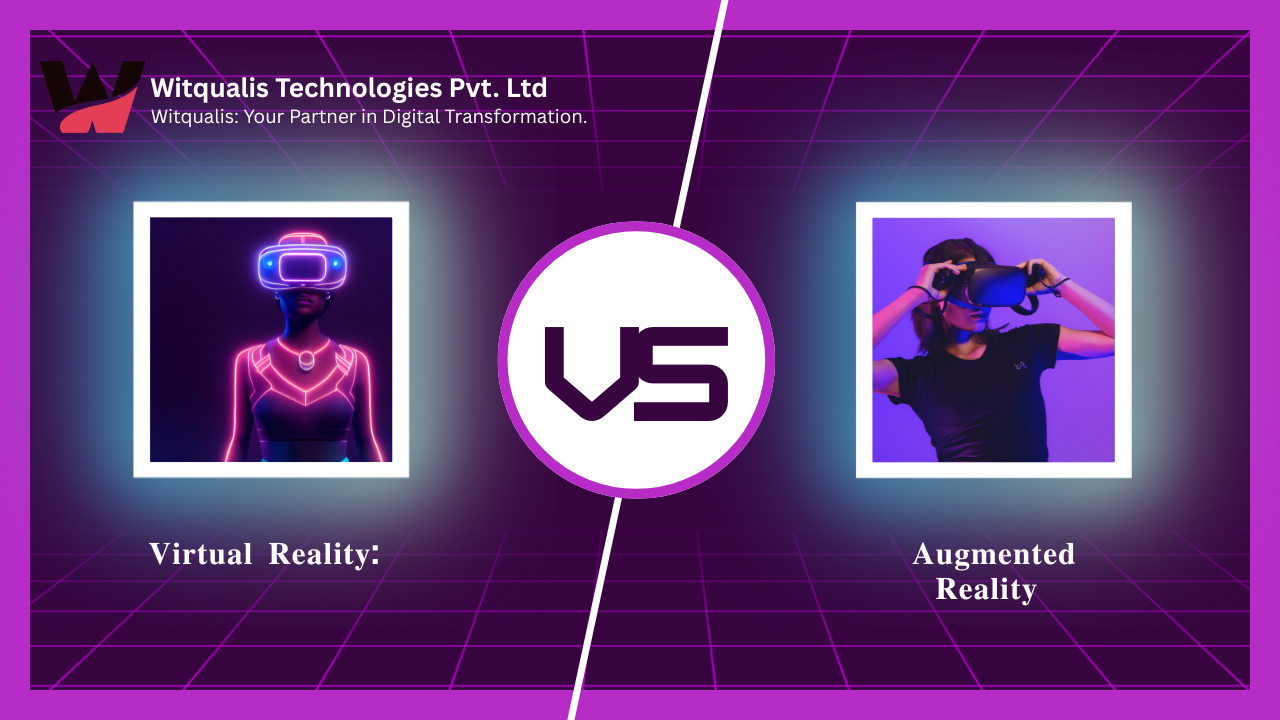
virtual reality vs augmented reality vs mixed reality
-
 October 3, 2025
The Impact of Internet of Things (IoT) on Modern Business
-
 October 1, 2025
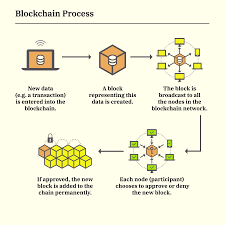
Blockchain Beyond Cryptocurrency: Real-World Applications in 2025
-
 September 30, 2025
The Future of Artificial Intelligence: Trends and Opportunities
-
 September 26, 2025
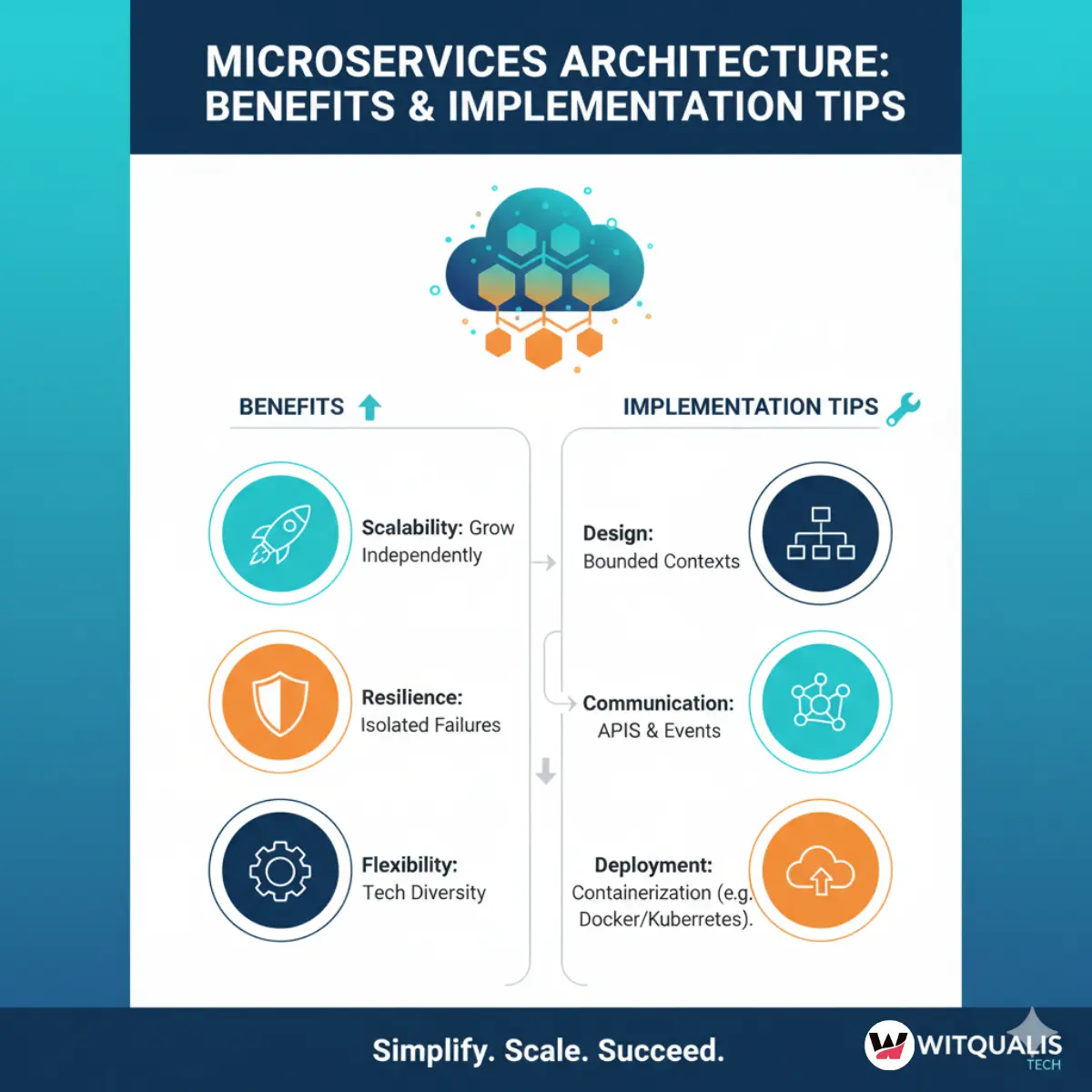
Microservices Architecture: Benefits and Implementation Tips
-
 September 25, 2025
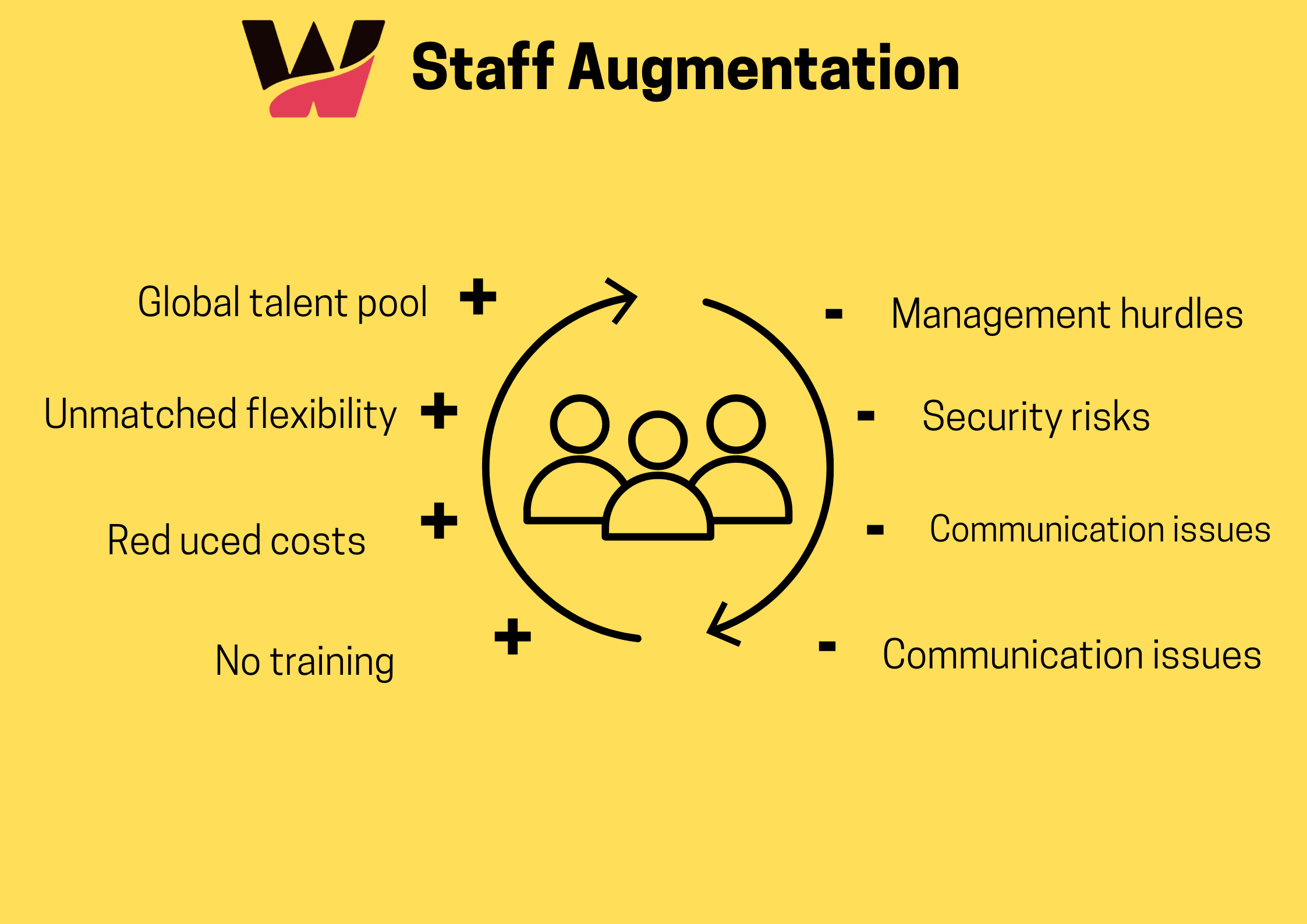
Why Staff Augmentation Is a Smart Move for IT Projects in 2025
-
 September 24, 2025
Cloud Computing Explained: Benefits and Best Practices (AWS, Azure, Google Cloud)
-
 September 23, 2025
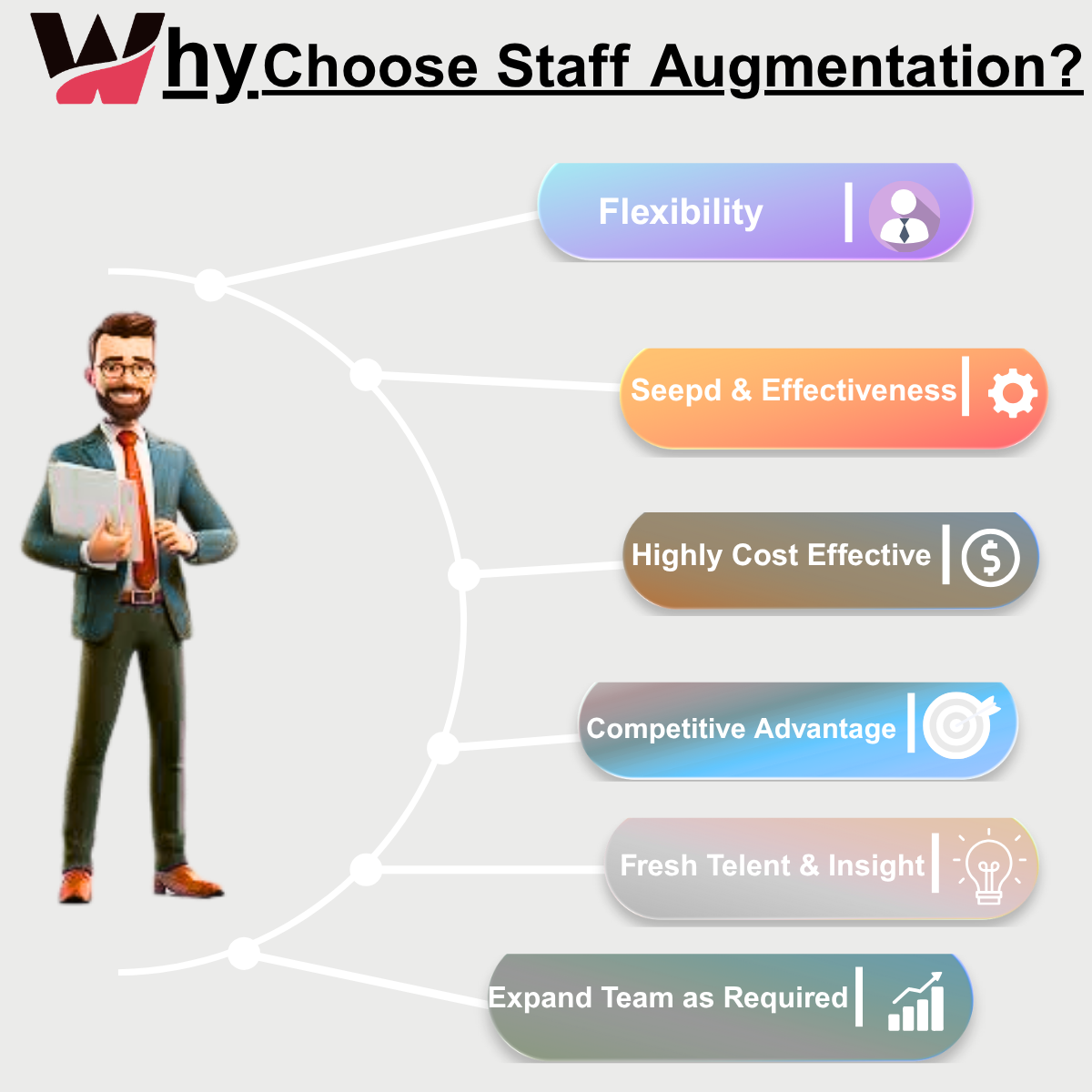
How Staff Augmentation Can Help Scale Your IT Team Efficiently
-
 January 6, 2025
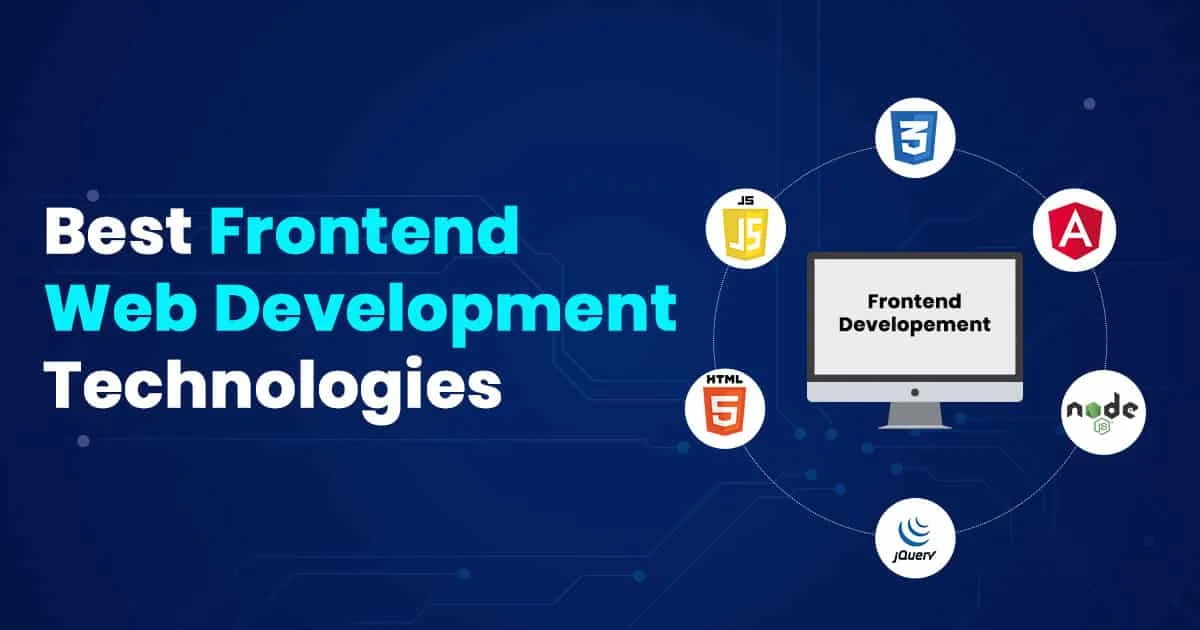
Choosing the Right Front-End Web Development Service in the UK
-
 January 4, 2025
Why Choose Staff Augmentation Services in India for Your IT Projects?
-
 December 21, 2024
Boost Your Business ROI with Power BI Development Services in the Maldives and Iceland
-
 December 20, 2024
Get a Free Consultation: Is Your E-Commerce Business in the UAE Ready for Digital Transformation?
-
 July 6, 2023
The Future of Small Business and Know-How to Climb up the Ladder


Leave a Reply