

AI‑native refactoring: re‑imagining legacy modernisation in 2026
Legacy systems are no longer a “future problem.”
In 2026, they are front‑row centrepieces in board‑room discussions, product‑strategy roadmaps, and CTO‑level risk‑assessments.
Many enterprises still run core business logic on codebases built 10, 15, or even 20 years ago.
These systems are:
-
Hard to debug,
-
Painful to extend,
-
And expensive to maintain.
Traditional “manual refactoring” can’t keep pace with modern product‑velocity and AI‑driven innovation.
That’s where AI‑native refactoring steps in — not as a magic bullet, but as a structured, tool‑augmented evolution of how legacy systems are modernised.
AI‑native refactoring uses AI‑driven analysis, code‑transformation, and pattern‑detection to:
-
Systematically map the current legacy codebase,
-
Identify technical‑debt hotspots,
-
And guide modernisation decisions at scale.
Behind the scenes, successful AI‑native refactoring is also powered by strategic IT staff augmentation and staff augmentation services.
Specialised AI‑native engineers, legacy‑modernisation experts, and cloud‑migration specialists are brought in via IT staff augmentation companies so that permanent teams can focus on product‑strategy while vendors handle the heavy‑lifting of modernisation.
Why legacy systems are a strategic problem in 2026
What “legacy” really means today
In 2026, a system is considered “legacy” not just because it is old, but because it:
-
Has tightly coupled components everyone is afraid to touch.
-
Uses outdated libraries, frameworks, or platforms with weak security and weak ecosystem support.
-
Has minimal or undocumented APIs, making it hard to integrate with modern SaaS or cloud services.
-
Depends on rare‑or‑retired skill sets (e.g., classic COBOL, bespoke scripting, expired vendor tools).
For CTOs, this is not only a technical risk — it is a business‑continuity and growth constraint.
Concrete pain points of legacy systems
-
High operational cost and slow delivery
-
Even small change‑requests require weeks of analysis and regression‑testing.
-
Onboarding new engineers is slow because domain knowledge is tribal, not documented.
-
-
Brittle integrations and shadow‑IT creep
-
New products and services are built on top of legacy systems via fragile scripts and one‑off connectors.
-
Workarounds become systems of record, deepening technical debt.
-
-
Security and compliance gaps
-
Many legacy systems cannot be easily patched or hardened.
-
Older frameworks and libraries expose organisations to known vulnerabilities.
-
-
Talent scarcity and knowledge‑loss risk
-
A handful of “institutional‑memory” engineers may be the only people who truly understand critical flows.
-
When these engineers retire or leave, outages and confusion spike.
-
Imagine a core billing platform that has been untouched for 15 years.
Not a single engineer on the current team fully understands the discount‑calculation engine, but the business can’t stop using it without risking revenue‑processing failures.
This is the typical legacy scenario that AI‑native refactoring aims to solve.
What is AI‑native refactoring?
AI‑native refactoring defined
AI‑native refactoring is the process of modernising legacy systems by:
-
Analysing the existing codebase with AI‑driven tools,
-
Generating refactoring recommendations, migration patterns, and code‑transformation scripts,
-
and then guiding human engineers and automated systems through a controlled, incremental rewrite or lift‑and‑modernise.
Unlike “classic” refactoring — where each change is driven manually by a developer — AI‑native refactoring scales patterns across thousands of files, surfaces hidden coupling, and helps prioritise technical‑debt work.
How it differs from traditional refactoring
In practice, AI‑native refactoring often looks like:
-
An AI‑driven tool scanning the codebase to surface duplicate logic, magic‑number‑bloat, hard‑coded dependencies, and security‑vulnerability‑prone code.
-
A catalogue of refactoring opportunities being generated (e.g., “factor out this shared logic into a service,” “decouple this module from that framework”).
-
Engineers then turning these AI‑generated recommendations into migration plans and incremental sprints.
How AI‑native refactoring works in practice
Phases of AI‑driven legacy modernisation
-
Inventory and mapping
-
The entire legacy codebase is ingested into an AI‑driven analysis platform.
-
Dependencies, modules, APIs, and data‑flows are mapped and visualised.
-
-
Technical‑debt and risk‑scan
-
AI tools flag:
-
Anti‑patterns,
-
Security vulnerabilities,
-
Undocumented interfaces,
-
and tightly‑coupled subsystems.
-
-
-
Refactoring‑pattern catalogue
-
A set of standard refactoring templates is created for:
-
Extracting services,
-
Replacing legacy frameworks,
-
Normalising data‑access patterns,
-
Introducing observability and logging.
-
-
-
Incremental rewrite or micro‑service‑extraction
-
Engineers prioritise one or a few bounded‑context areas.
-
New, modern‑stack components are built around or beside legacy modules.
-
-
AI‑assisted testing and validation
-
AI tools help generate edge‑case test‑data,
-
Predict regressions,
-
and validate that business logic behaves the same after refactoring.
-
-
Operational stabilisation
-
Observability, monitoring, and alerting are layered on top of the modernised components.
-
The legacy system is gradually shrunk or booted out of the “core‑processing” path.
-
Tools and approaches commonly used
-
Static‑analysis and code‑graph‑analysis tools that visualise dependencies and cyclic references.
-
AI‑driven code‑analysis engines that detect repetitive patterns, code‑smells, and security‑bad‑practices.
-
Automated refactoring agents (scripts and bots) that perform repetitive, low‑risk changes in bulk.
-
Diff‑AI systems that compare old and new versions, predicting likely regressions and suggesting test‑cases.
For CTOs and product‑managers, the promise is clear: AI‑native refactoring does not replace engineers — it amplifies their impact and makes legacy‑modernisation feel less like a “forever‑project.”
Step‑by‑step: how to modernise legacy systems with AI‑native refactoring
Step 1 – Define the business‑case and scope
Before code is even touched, AI‑native refactoring begins with strategy:
-
Which systems are mission‑critical and which are “nice‑to‑fix.”
-
What business‑outcomes are expected (e.g., lower downtime, faster feature‑delivery, lower maintenance‑cost).
At this stage, staff augmentation services often play a key role.
Organisations that lack internal experts in AI‑driven development and legacy modernisation may bring in AI‑native engineering teams via IT staff augmentation companies to:
-
Assess the current state,
-
Recommend refactoring strategies,
-
and help define a phased‑migration roadmap.
Step 2 – Map the codebase and data‑flows
-
The entire codebase is loaded into an AI‑driven code‑analysis platform.
-
All endpoints, APIs, database schemas, and configuration‑files are catalogued.
Visual dependency graphs are created, so teams can:
-
Identify “core” vs. “peripheral” modules,
-
Locate hidden integration points that are not documented.
This mapping is often repeated at regular intervals so the AI‑tools can detect drift and unexpected changes.
Step 3 – AI‑driven technical‑debt and risk identification
AI‑native refactoring tools:
-
Scan for code‑smells (e.g., god‑classes, long methods, duplicated blocks).
-
Flag security‑related patterns (e.g., hard‑coded credentials, unvalidated inputs).
-
Highlight areas with low test‑coverage or high‑churn‑but‑low‑documentation.
Engineers then:
-
Prioritise “hot‑spots” by business‑impact and risk,
-
Decide which modules will be re‑architected and which will be replaced outright.
Step 4 – Design AI‑assisted refactoring patterns
Instead of guessing how to change thousands of files, AI‑native refactoring relies on pattern‑based transformation:
-
Common patterns might include:
-
“Extract this shared logic into a service,”
-
“Replace this legacy data‑access layer with an ORM‑style abstraction,”
-
“Wrap these APIs in a facade so the legacy component can be swapped later.”
-
These patterns are encoded as scripts or templates so they can be applied consistently across the codebase.
Step 5 – Incremental execution and testing
Refactoring is done in small, safe increments:
-
One bounded‑context at a time,
-
One pattern at a time.
Automated tests are run before and after each change.
In AI‑driven environments, AI‑assisted testing tools:
-
Generate boundary‑case test‑data,
-
Predict likely regression points,
-
and help ensure that refactored components still behave correctly.
Step 6 – Observability and governance
Once modernised components are live:
-
Logs, metrics, and traces are standardised.
-
Key business‑level indicators (e.g., transaction latency, error‑rate) are monitored.
AI‑driven dashboards can:
-
Flag performance‑degradation after a refactoring sprint,
-
Suggest rollback or rollback‑points.
Benefits of AI‑driven refactoring for enterprises
Technical and business‑level benefits
-
Lower technical debt and faster delivery
-
Clearer architecture and dependencies reduce “time‑to‑understand” for new developers.
-
Delivery‑velocity increases as the system becomes less fragile.
-
-
Improved security and compliance posture
-
Known‑vulnerable patterns and outdated libraries are systematically identified and replaced.
-
Audit‑trails and observability make it easier to demonstrate compliance.
-
-
Higher engineer‑productivity and morale
-
Working on a cleaner, better‑structured codebase is less stressful and more rewarding.
-
Onboarding is faster because dependencies and flows are better documented (often with AI‑generated docs).
-
-
Scalability and future‑proofing
-
Modernised systems can be more easily integrated with AI‑driven features, cloud‑services, and SaaS products.
-
Growth‑driven changes (e.g., adding new markets, payment‑gateways, or regulatory‑flows) become less painful.
-
Imagine a legacy insurance‑policy platform that has been AI‑natively refactored.
New underwriting rules can be added in days instead of weeks, and every new developer can understand the core logic in a fraction of the time that was required before.
Risks and challenges (and how to mitigate them)
Common risks in AI‑native refactoring
-
Over‑automation and loss of human judgment
-
Not every refactoring suggestion from an AI tool is safe or desirable.
-
Business‑logic nuances may be missed if engineers treat AI outputs as commands instead of guidance.
-
-
Regression and unintended side‑effects
-
Aggressive pattern‑based refactoring can unexpectedly change behavior.
-
Business‑critical workflows may break if edge‑cases are overlooked.
-
-
Knowledge‑transfer and ownership gaps
-
If refactoring is done by temporary experts (via staff augmentation), permanent teams may not fully understand the new architecture.
-
How to mitigate these risks
-
Keep humans in the loop
-
AI‑tools should be treated as “advisors,” not “autonomous‑refactoring bots.”
-
Critical changes should be peer‑reviewed and step‑by‑step‑approved.
-
-
Invest in testing and observability
-
Comprehensive test‑suites, both unit and integration‑level, should be maintained.
-
Real‑time monitoring should be in place before and after refactoring.
-
-
Structure staff augmentation as a knowledge‑building engagement
-
When IT staff augmentation companies provide AI‑native engineers, the engagement should be designed to transfer skills and understanding to internal teams.
-
Pair‑programming, documentation‑sprints, and post‑sprint knowledge‑handover sessions are highly effective.
-
Case‑style examples and scenarios
Example 1 – Banking core‑processing legacy system
A commercial bank runs its core‑transaction‑processing on a 20‑year‑old monolith.
The business is:
-
Unable to add new payment‑channels quickly,
-
Constantly worried about outage‑risk during peak‑load periods.
An AI‑native refactoring engagement is launched:
-
The AI‑analysis phase maps transaction‑lifecycle, data‑stores, and integrations.
-
Technical‑debt hotspots (e.g., a single massive “transaction‑engine” class) are flagged.
-
A phased‑refactoring plan is created, with high‑risk payment‑flows staying legacy‑compatible behind a modern‑API‑layer.
Over 18 months, the core‑system is gradually modernised, with AI‑driven tools:
-
Helping to extract services,
-
Guiding tests,
-
and ensuring that all business‑level SLAs are preserved.
Example 2 – E‑commerce platform with legacy tax‑engine
An e‑commerce platform has a legacy tax‑computation engine that is hard to maintain.
New markets and VAT rules cannot be added quickly enough.
AI‑native refactoring is used to:
-
Decompose the tax‑engine into a rule‑based service,
-
Replace handwritten logic with a configurable rules‑engine schema,
-
And keep the legacy implementation as a fallback for a short transition.
The result is:
-
Faster time‑to‑market for new markets,
-
Lower risk of tax‑calculation errors,
-
and a cleaner integration surface for future AI‑driven pricing or promotional engines.
These examples are not theoretical — they mirror real‑world legacy application modernisation initiatives that are being executed with AI‑native tools in 2026.
How staff augmentation services fit into AI‑native refactoring
Staff augmentation for AI‑driven development
AI‑native refactoring is not a one‑team‑task.
It requires:
-
AI‑engineers and data‑scientists who can work with code‑analysis tools and AI‑driven refactoring patterns.
-
Legacy‑modernisation specialists who understand old frameworks and design patterns.
-
Cloud‑engineers to design and implement modern‑architecture foundations.
Most organisations cannot or should not hire all of this talent permanently.
That’s where staff augmentation services become essential.
Through IT staff augmentation companies, CTOs can:
-
Temporarily scale up AI‑native engineers, refactoring‑specialists, and cloud‑migration experts.
-
Embed them into existing product and engineering teams.
-
Release or redeploy them once the platform is stabilised.
Staff augmentation process aligned with AI‑native refactoring
A well‑run staff augmentation process for AI‑driven legacy‑modernisation projects typically includes:
– Needs assessment and scope‑definition
-
Business and product teams define:
-
Which systems are priority candidates for AI‑native refactoring.
-
What business‑outcomes are expected (e.g., reduced downtime, faster feature‑delivery).
-
-
Engineering and architecture teams assess:
-
Current stack, risk‑surface, and data‑flow complexity.
-
– Role definition and sourcing
-
Required skills are mapped:
-
AI‑engineers with experience in code‑analysis and AI‑driven refactoring,
-
Legacy‑modernisation experts,
-
Cloud‑architects and DevOps engineers.
-
-
IT staff augmentation companies are engaged to:
-
Source and vet specialists with relevant experience.
-
Ensure they can work under the client’s governance and tools.
-
– Embedded delivery and AI‑native refactoring
-
Augmented staff are embedded into product and engineering squads.
-
They work alongside permanent teams to:
-
Run AI‑driven code‑analysis,
-
Design and execute refactoring patterns,
-
Build modern‑architecture foundations.
-
– Testing, validation, and go‑live
-
AI‑driven testing tools help validate regressions and edge‑cases.
-
Real‑world traffic‑testing and observability ensure that modernised components behave correctly.
One response to “AI‑native refactoring: re‑imagining legacy modernisation in 2026”
Leave a Reply
Recent Posts
-
 August 26, 2026
Offshore Software Development Teams: Hiring and Delivery Guide
-
 August 24, 2026
Contract IT Staffing: When It Makes Sense, Costs, and Management
-
 August 21, 2026
IT Staff Augmentation Services: How to Scale Your Engineering Team Without Slowing Delivery
-
 August 20, 2026
IT Staff Augmentation Services: How to Scale Your Engineering Team Without Slowing Delivery
-
 August 13, 2026
AI Workflow Automation for Operations: A Practical Guide
-
 July 30, 2026
Post-Project Offboarding: Seamless Transitions for Contract IT Staff
-
July 24, 2026
Mitigating Compliance Risks in IT Contract Staffing
-
 July 23, 2026
How TypeScript Reduces Production Errors in Large-Scale Codebases
-
 July 22, 2026
How to Write a Bulletproof SLA for IT Staff Augmentation
-
 July 21, 2026
Why Modern Product Design (UI/UX) Dictates Custom Software Success
-
 July 20, 2026
5 Signs Your Enterprise Needs a Contract-Based IT Staffing Model
-
 July 17, 2026
The Importance of API-First Architecture in Modern Custom Web Solutions
-
 July 16, 2026
Tailoring Your Tech Team: Specialized Contract Roles vs. Generalist In-House Developers
-
 July 15, 2026
Eliminating Hidden Costs in IT Recruitment via Contractual Staffing
-
 July 10, 2026
Building Technical Roadmaps: A Guide for Non-Technical Founders
-
 July 8, 2026
Scale on Demand: How Startups Leverage Contract-Based Developers for MVP Launches
-
 July 7, 2026
Utilizing Power BI Consultants to Transform Legacy Data into Real-Time Dashboards
-
 July 6, 2026
Overcoming Time-Zone Barriers When Hiring Augmented Tech Teams
-
 July 3, 2026
Enterprise CRM Customization: Tailoring Tech to Your Unique Sales Pipeline
-
 July 2, 2026
Managing Data Security and IP Isolation on Remote Virtual Desktop Infrastructures (VDI)
-
 July 1, 2026
Staffing for Modern Frontend Architectures: When to Deploy React vs. Angular vs. Vue
-
 June 30, 2026
The Roadmap to Building a Scalable Multi-Vendor Marketplace Product
-
 June 29, 2026
Custom Software Development vs. Commercial Off-the-Shelf (COTS) Solutions
-
 June 25, 2026
Contractual Tech Staffing: The Secret Weapon for Scaling Peak Seasons
-
 June 24, 2026
The Ultimate Guide to Managing Remote Contract Developers
-
 June 23, 2026
How to Use IT Staff Augmentation to Control Infrastructure Costs
-
 June 22, 2026
Why Contract IT Staffing Is Outpacing Full-Time Hiring
-
 June 19, 2026
E‑Commerce & Retail Tech: Scaling Teams for Peak Seasons with Staff Augmentation
-
 June 18, 2026
How to Manage Remote Staff Augmentation Teams Across Time Zones
-
 June 17, 2026
Why Staff Augmentation Is the Future of Agile Hiring
-
 June 16, 2026
The 2026 Staff Augmentation Playbook: How Modern Enterprises Scale Tech Team
-
 June 15, 2026
Building an AI‑Ready Tech Team Using Staff Augmentation
-
 June 11, 2026
When to Choose Staff Augmentation Over Full-Time Hiring in 2026
-
 June 10, 2026
Enterprise Software Modernisation: Why Staff Augmentation Beats Traditional Hiring
-
 June 8, 2026
How to Start a Staff Augmentation Project in 7 Steps (2026)
-
 June 4, 2026
Staff Augmentation Onboarding Checklist: Security, Tools, and Culture
-
 June 3, 2026
Legacy System Modernisation with Staff Augmentation: A 2026 Blueprint
-
 June 1, 2026
Healthcare & SaaS Startups: How Staff Augmentation Cuts Time-to-Market
-
 May 28, 2026
The Hybrid Agile Model: In-House Teams + Staff Augmentation in 2026
-
 May 26, 2026
Staff Augmentation for Digital Transformation: Beyond Just Developers
-
 May 25, 2026
Staff Augmentation vs Outsourcing vs In-House Hiring: When to Use Which
-
 May 22, 2026
How to Choose the Right IT Staff Augmentation Company for Your Business
-
 May 20, 2026
Staff Augmentation Onboarding Checklist: The Ultimate Guide
-
 May 19, 2026
Staff Augmentation Pricing Models Explained: FTE vs T&M vs Hybrid
-
 May 15, 2026
AI‑Driven Development Needs AI‑Ready Talent: Here’s How Staff Augmentation Helps
-
 May 13, 2026
Best Staff Augmentation Companies for Enterprise Software Modernization (2026)
-
 May 8, 2026
Staff Augmentation for Fintech: Bridging Compliance, Security, and Speed
-
 May 7, 2026
Technical Debt Reduction with Staff Augmentation: Fast, Safe, and Measurable
-
 May 6, 2026
Why Staff Augmentation Matters for Tech Leaders in 2026
-
 May 5, 2026
Best Staff Augmentation Companies for Enterprise Software Modernisation (2026)
-
 May 4, 2026
What Is an AI‑Ready Talent Pool and Why It Matters in 2026
-
 April 30, 2026
Why choose WitQuallis for staff augmentation?
-
 April 29, 2026
Emerging tech & cloud strategy: how businesses stay ahead in 2026
-
 April 28, 2026
How IoT and Azure are creating real‑time patient monitoring systems
-
 April 27, 2026
Nearshoring vs offshore: why time‑zone alignment matters for Agile sprints
-
 April 24, 2026
Staff Augmentation: A Complete Guide to Scaling Your Tech Team Efficiently
-
 April 23, 2026
The Ultimate Guide to IT Staff Augmentation: Scaling Your Digital Success with WitQualis
-
 April 22, 2026
What is Software Development? A Comprehensive Guide to the 2026 Digital Landscape
-
 April 21, 2026
Boost Your Business ROI with Power BI Development Services
-
 April 20, 2026
Why Hiring Python Developers Has Become Risky (and Critical)
-
 April 17, 2026
Staff Augmentation: Scale Your Team Fast Without Full-Time Hires
-
 April 16, 2026
Top 20 Emerging Technologies of 2026: Transform Your Business Now
-
 April 15, 2026
🚀 Custom AI Development Costs in 2026: Complete Guide for Businesses
-
 April 14, 2026
Overcoming IT Staff Augmentation Challenges: Scale Your Team Fast and Smart
-
 April 13, 2026
Enterprise software modernisation 2026: why AI‑native refactoring and staff augmentation matter
-
April 10, 2026
AI‑native refactoring: re‑imagining legacy modernisation in 2026
-
 April 9, 2026
AI-Native Refactoring: How to Modernise Legacy Systems in 2026
-
 April 8, 2026
The business case for Web3: real‑world asset tokenization in real estate
-
 April 7, 2026
The future of IoMT: smart hospitals in 2026
-
 April 6, 2026
Cloud 3.0: beyond “lift‑and‑shift” to sovereignty
-
 April 2, 2026
From filters to conversation: the shift in e‑commerce search
-
 April 1, 2026
Case Studies: Migrating Legacy Enterprise Apps to Azure/AWS with IT Staff Augmentation Services
-
 March 30, 2026
Why Hiring Full‑Time Quantum‑Resistant Encryption Specialists Is So Hard
-
 March 27, 2026
Prompt engineering: from “nice‑to‑have” to core skill
-
 March 26, 2026
The hybrid squad: reimagining teams for the AI era
-
 March 25, 2026
Staff augmentation and the future of work: a new operating model
-
 March 24, 2026
Why full‑time quantum‑resistant encryption specialists are so hard to hire
-
 March 23, 2026
How Staff Augmentation Services Fixes Cybersecurity & Cloud Shortages
-
 March 20, 2026
The Great Fortress: Modernizing Banking Apps to Combat Sophisticated AI-Driven
-
 March 19, 2026
The Great Cloud Diversification: Navigating Data Residency in the Age of GDPR and the EU AI Act
-
 March 18, 2026
How Staff Augmentation automotive AR Cuts Onboarding Costs in Automotive & Manufacturing | WitQualis Staff Augmentation
-
 March 17, 2026
The Outcome-Based Model: How AI-Augmented Teams Are Multiplying Output | WitQualis
-
 March 16, 2026
Why “Vibe Coding” and Prompt Mastery Are Now as Important as Syntax
-
 March 13, 2026
The Witqualis Edge: How Agentic AI Tools Accelerate MVP Delivery by 40%
-
 March 12, 2026
Beyond Copilots: The Rise of Agentic AI in the SDLC
-
 March 11, 2026
Breaking the Monolith: A Definitive Guide to Using Generative AI for Microservices Migration (2026 Edition)
-
 March 10, 2026
The Agentic Revolution: Why AI is Moving from "Suggesting Code" to "Executing Workflows"
-
 March 9, 2026
Beyond the Search Bar: How LLMs are Revolutionising Retail Discovery
-
 March 6, 2026
How Blockchain is Making Real Estate Investment Liquid and Accessible
-
 March 5, 2026
Microservices Architecture: Benefits and Implementation Tips
-
 March 3, 2026
How Remote Work Has Changed the IT Industry and Tools You Need
-
 March 2, 2026
API Design and Management Best Practices for Developers
-
 February 27, 2026
The Impact of Internet of Things (IoT) on Modern Business
-
 February 26, 2026
Virtual and Augmented Reality: Where Tech is Headed Next | 2026 Guide
-
 February 25, 2026
Blockchain Beyond Cryptocurrency: Real-World Applications & Use Cases (2026 Guide)
-
 February 24, 2026
The Role of AI in Enhancing IT Development: A Deep Dive (2026 Guide)
-
 February 23, 2026
Maximizing Productivity: How Staff Augmentation Drives Innovation in IT Projects
-
 February 20, 2026
Staff Augmentation vs. Outsourcing: Which IT Model Wins in 2026?
-
 February 19, 2026
The Rise of Hybrid Teams: How to Leverage Staff Augmentation for Business Success
-
 February 18, 2026
How Staff Augmentation is Transforming the Future of IT Workforce (2026)
-
 February 17, 2026
5 Reasons Why Staff Augmentation is Key for Tech Skill Shortages: staff augmentation for tech skill shortages
-
 February 16, 2026
How Staff Augmentation Helps Scale Your Business Without Overheads in 2026
-
 February 13, 2026
The Power of Diverse Teams: How Staff Augmentation Drives Inclusion (2026)
-
 February 12, 2026
The Role of 5G Technology in Shaping IT Development and Augmentation in 2026
-
 February 11, 2026
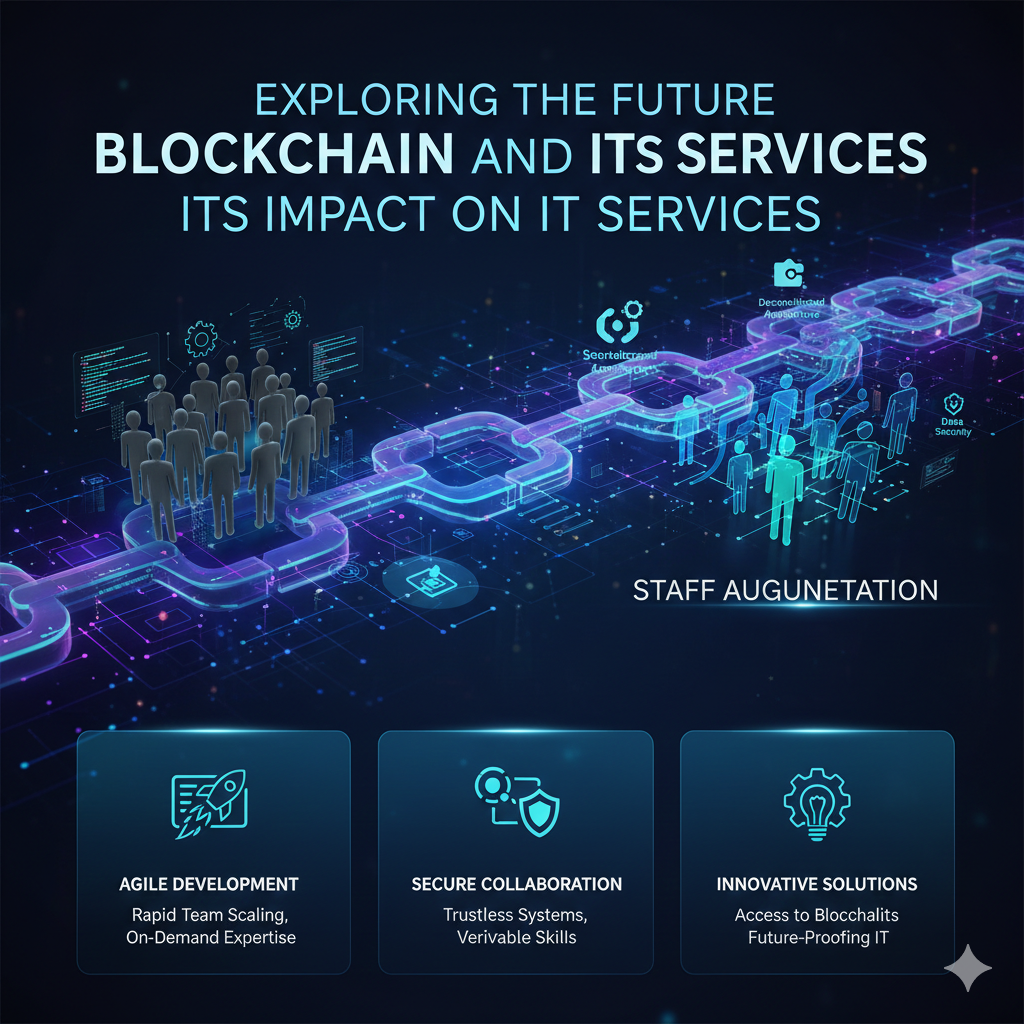
The Future of Blockchain: Revolutionizing IT Services in 2026
-
 February 10, 2026
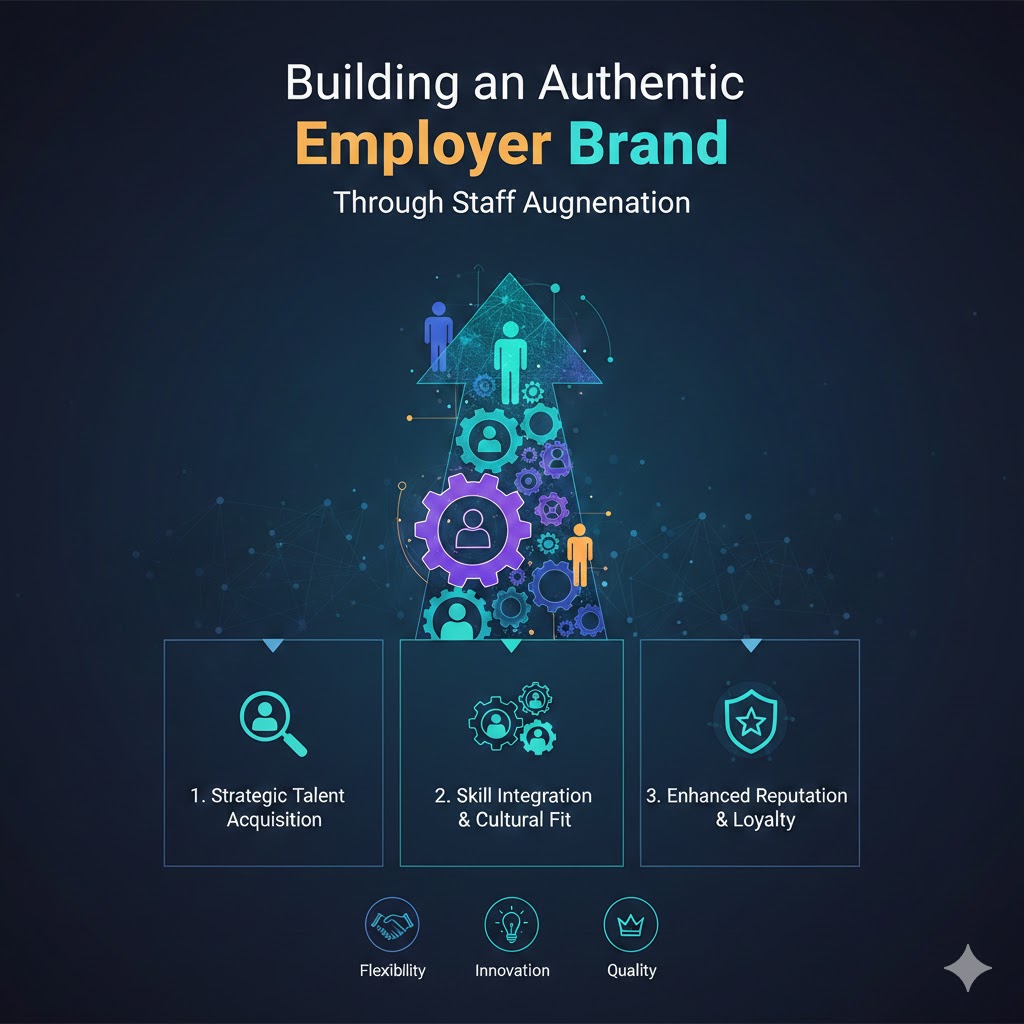
Building an Authentic Employer Brand Through Staff Augmentation in 2026
-
 February 9, 2026
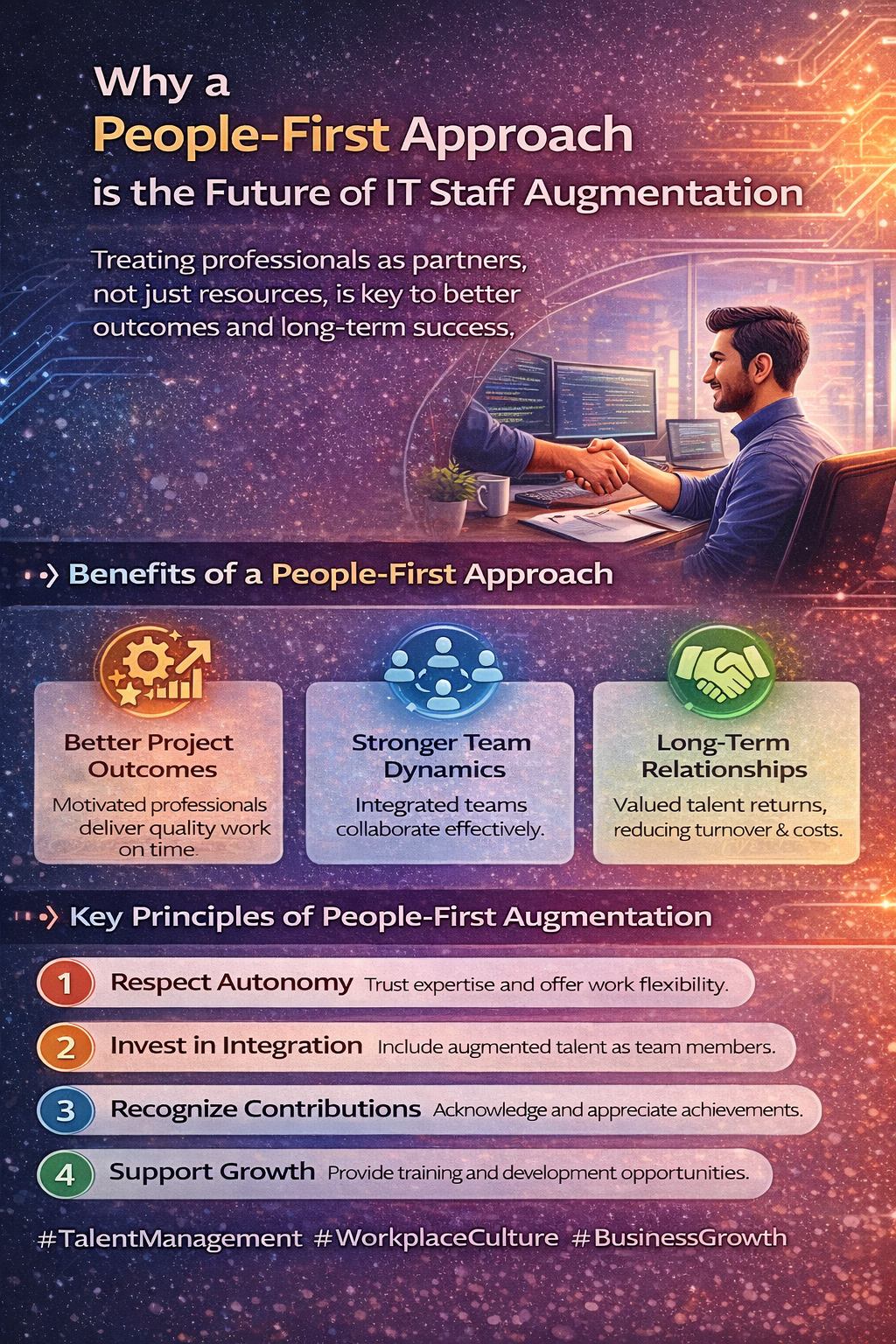
Supporting Augmented Professionals During Projects: Best Practices for Success
-
 February 6, 2026
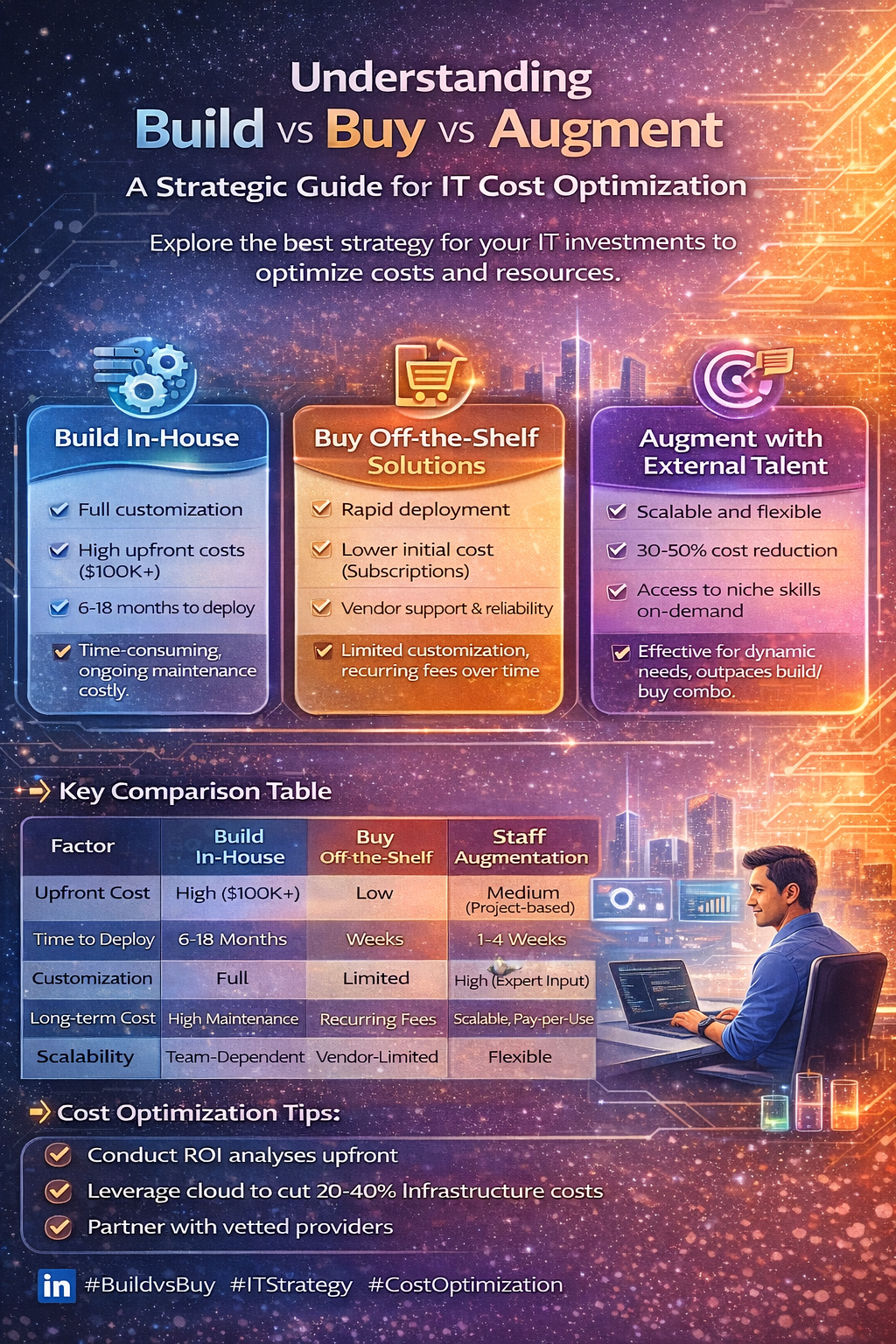
Cost Optimization in IT: Build vs Buy vs Staff Augmentation (2026 Guide)
-
 February 5, 2026
The Role of DevOps in High-Performance Engineering Teams: Best Practices Guide
-
 February 4, 2026
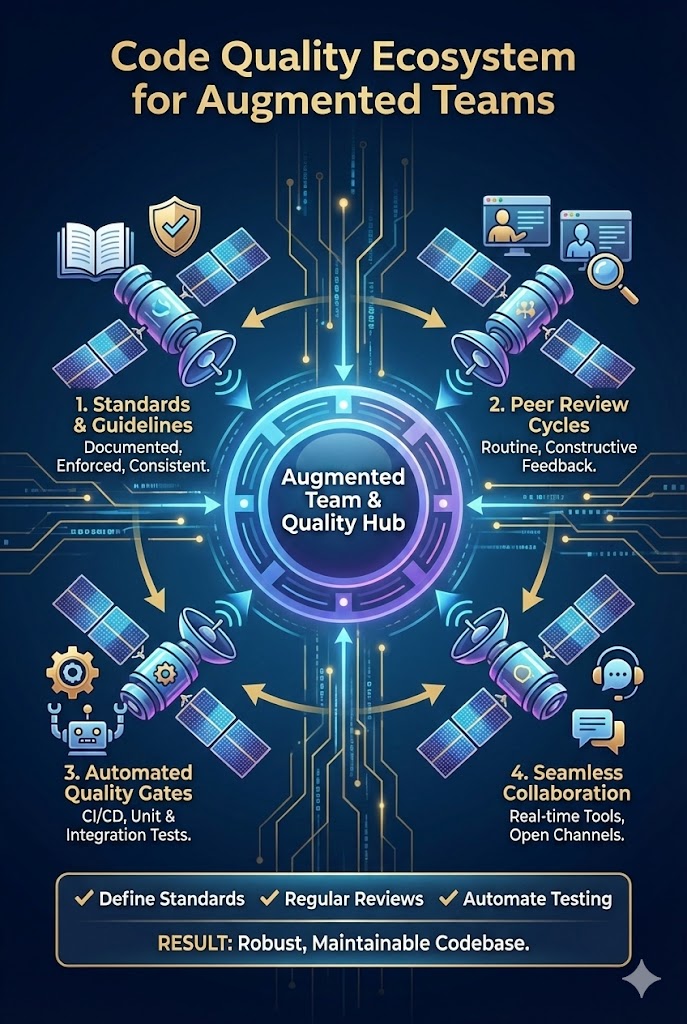
How to Ensure Code Quality When Working with Augmented Teams: Best Practices Guide
-
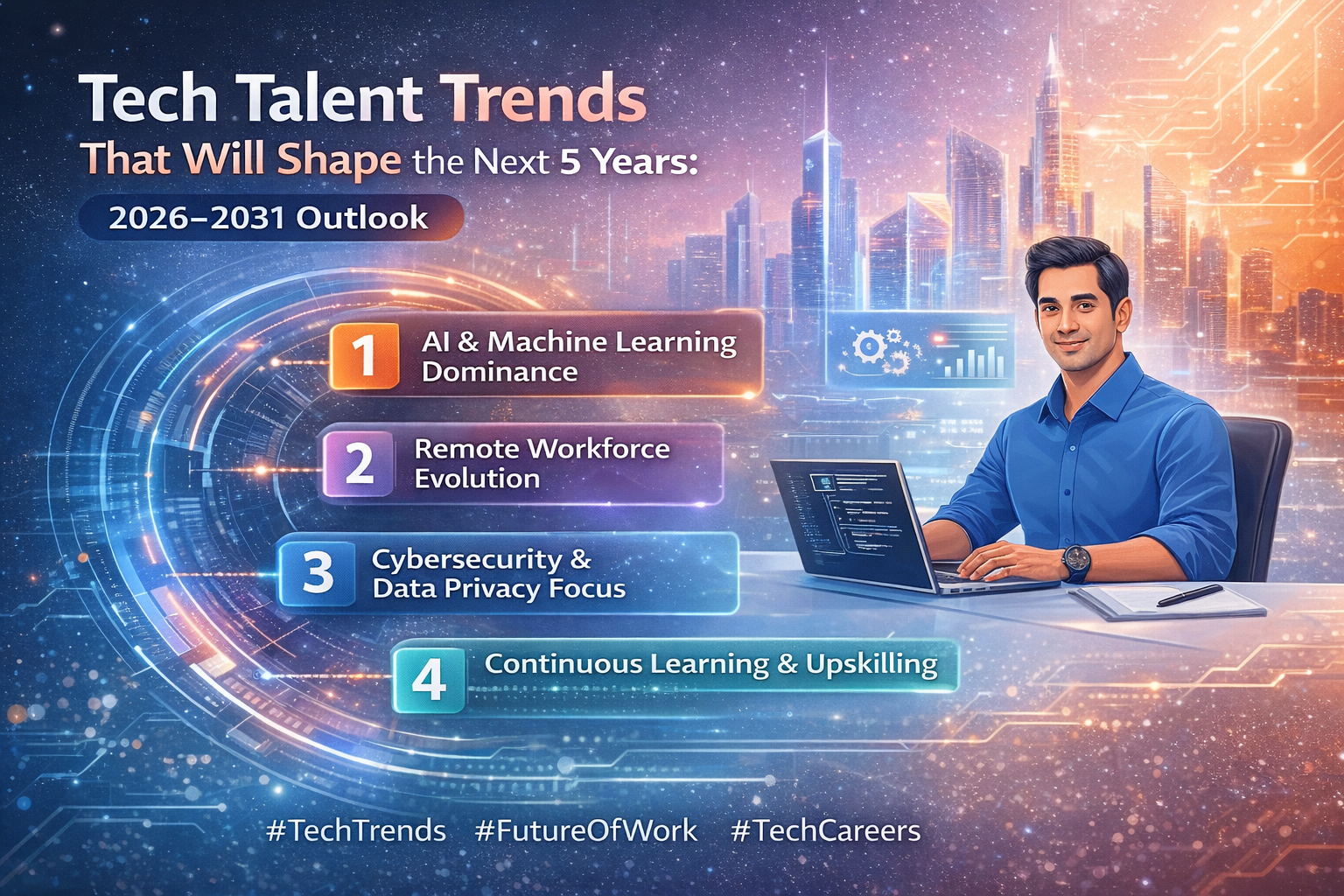 February 3, 2026
Tech Talent Trends That Will Shape the Next 5 Years: 2026–2031 Outlook
-
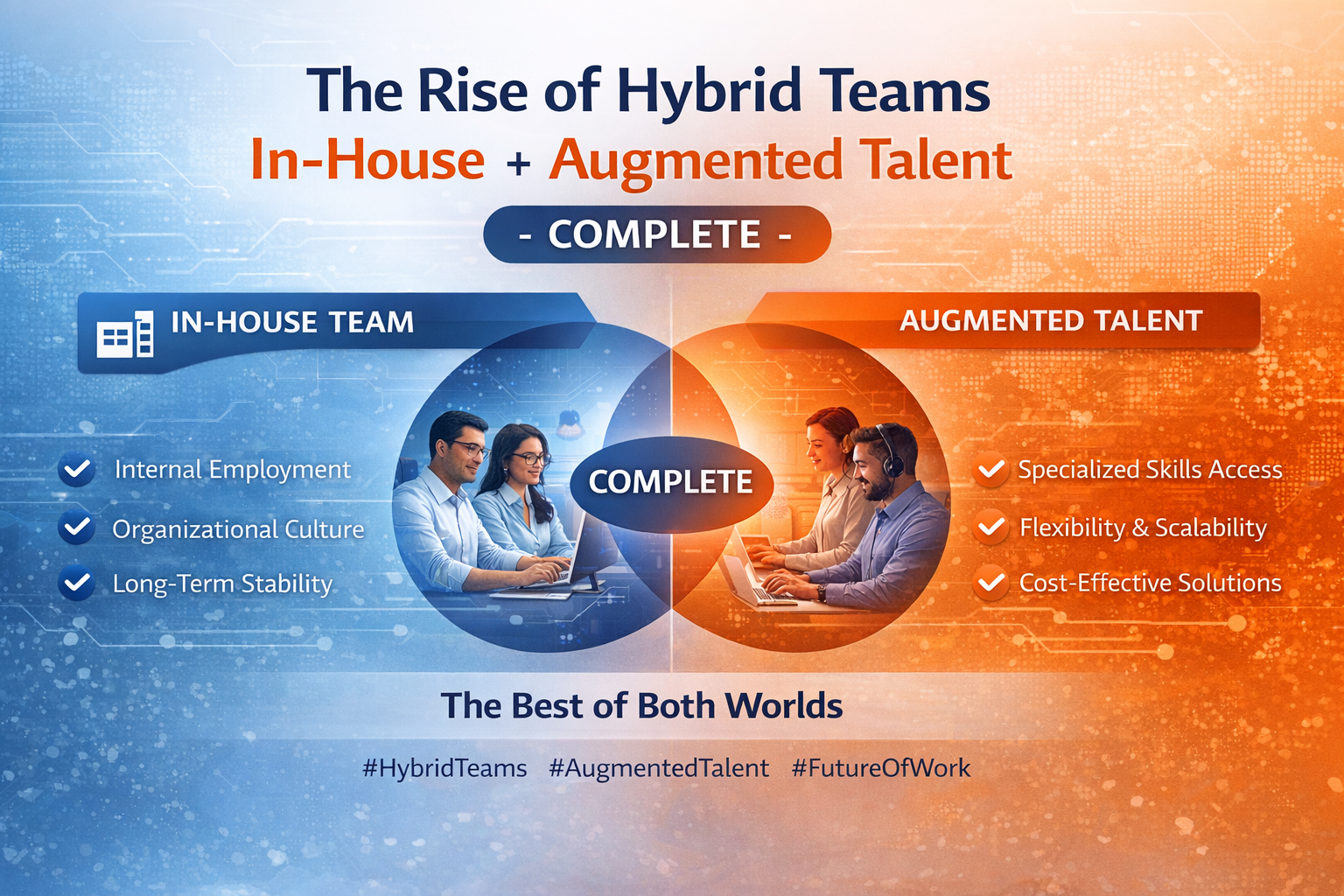 February 2, 2026
The Rise of Hybrid Teams: In-House + Augmented Talent - The Complete Guide
-
 January 30, 2026
How We Support and Retain High-Performing Tech Professionals
-
 January 29, 2026
Aligning Technology Strategy with Business Growth Goals: A Complete Framework
-
 January 28, 2026
What Top Developers Look for in a Staff Augmentation Partner: A Developer's Perspective
-
 January 27, 2026
The Human Side of IT Services: Why People Matter More Than Code
-
 January 23, 2026
Why Culture Fit Matters in Staff Augmentation Models | Witqualis
-
 January 22, 2026
Building Long-Term Relationships with Augmented Talent: A Strategic Approach
-
 January 21, 2026
Cybersecurity Skills in Demand: What Companies Need Now in 2026
-
 January 20, 2026
Why Flexible Hiring Models Drive Better Business Outcomes
-
 January 19, 2026
Reducing Time-to-Market with On-Demand Tech Talent
-
 January 15, 2026
How Dedicated Development Teams Accelerate Product Delivery
-
 January 14, 2026
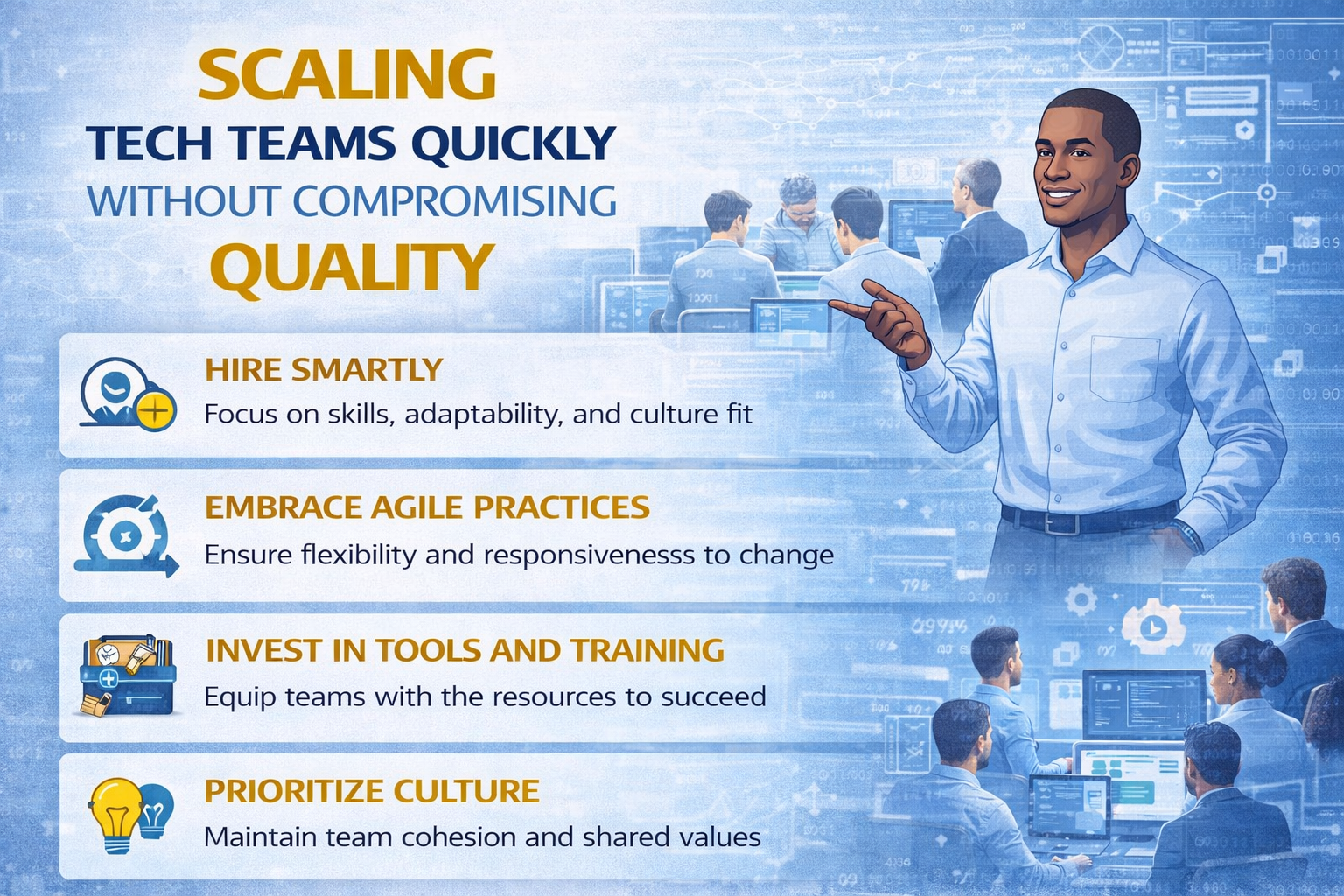
Scaling Tech Teams Quickly Without Compromising Quality
-
January 12, 2026
Common Mistakes Companies Make When Outsourcing IT Projects (And How to Avoid Them)
-
January 9, 2026
Key Workforce Trends Every CTO Should Watch This Year
-
 January 8, 2026
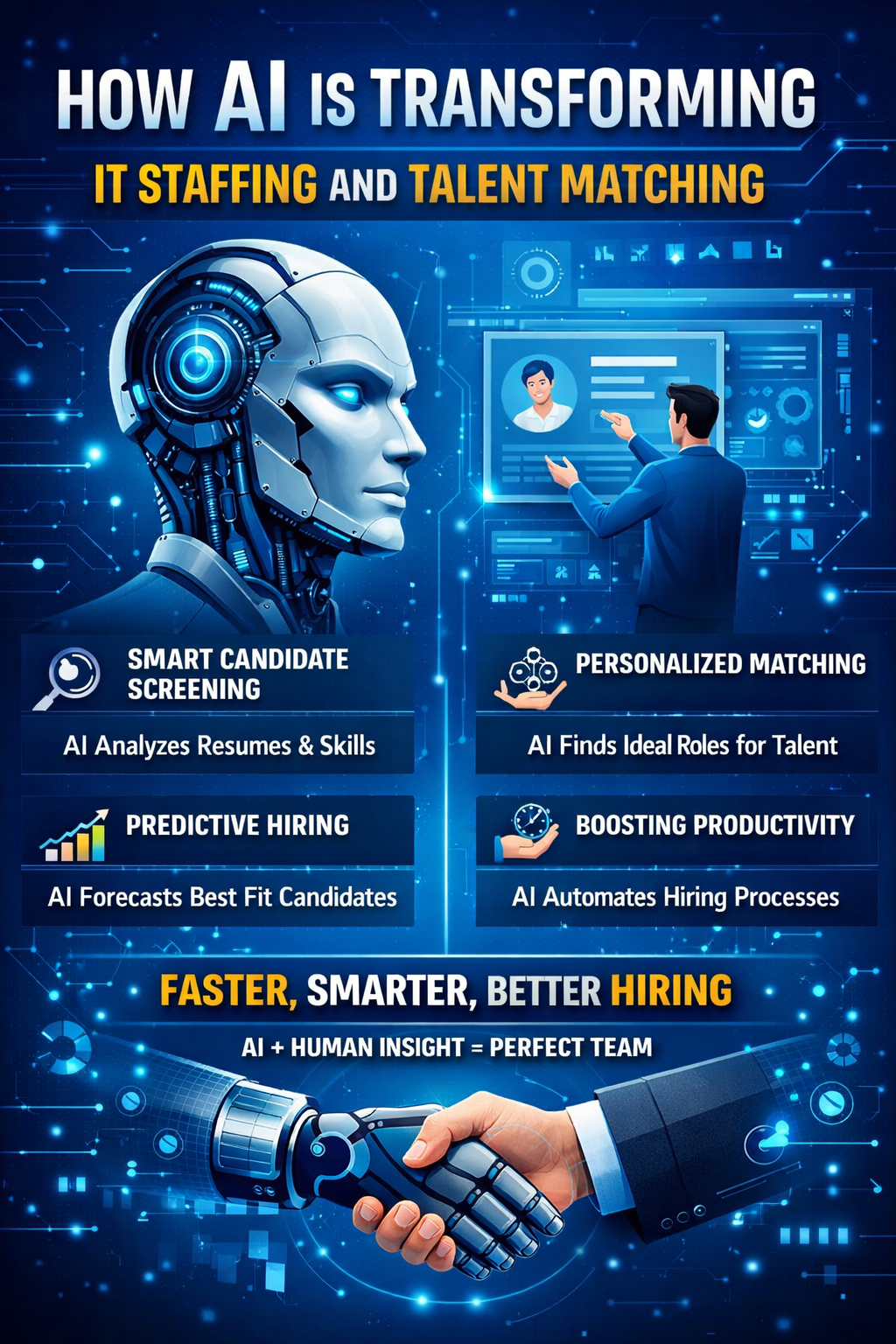
How AI Is Transforming IT Staffing and Talent Matching
-
 January 7, 2026
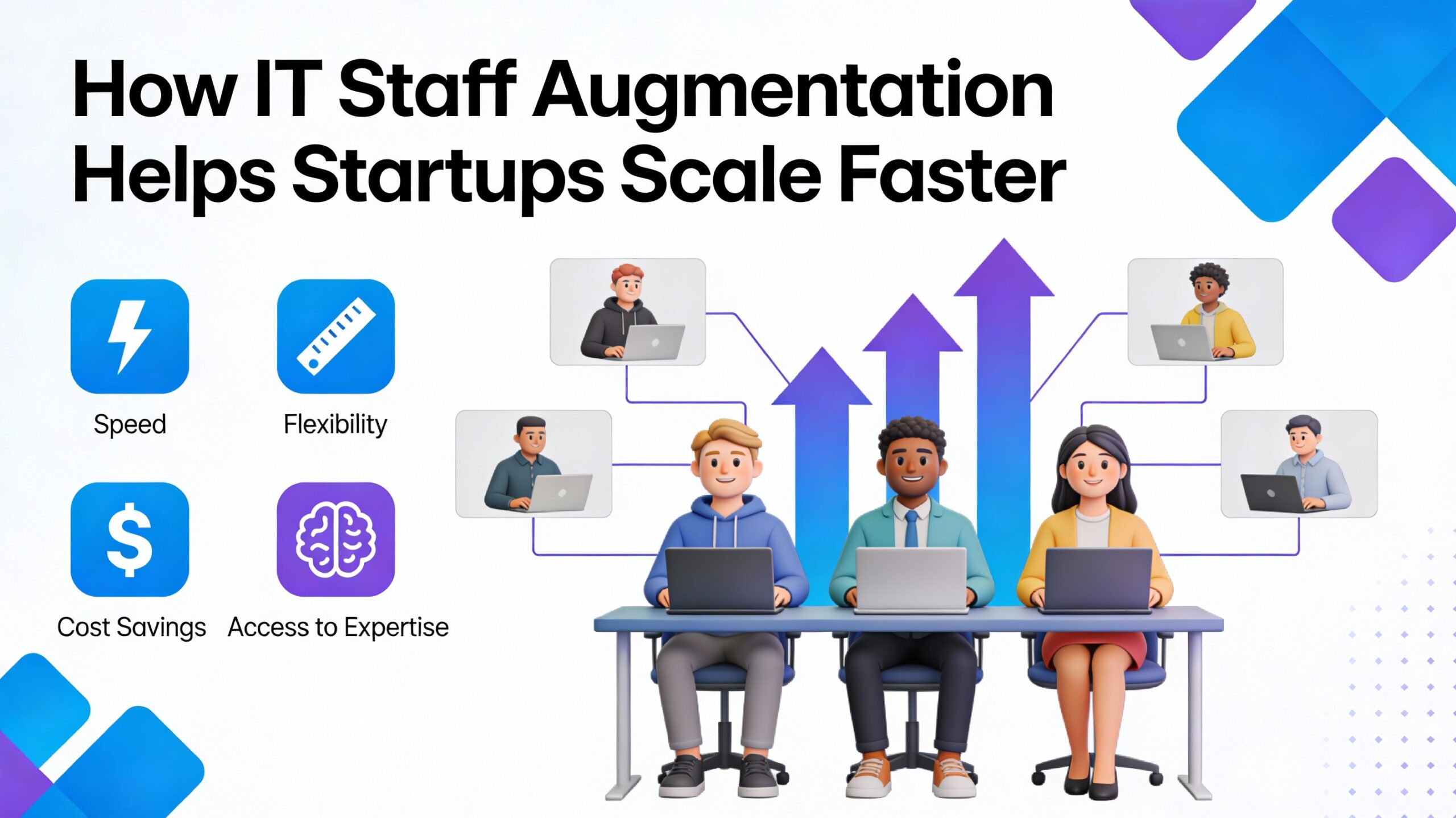
How IT Staff Augmentation Helps Startups Scale Faster
-
 January 6, 2026
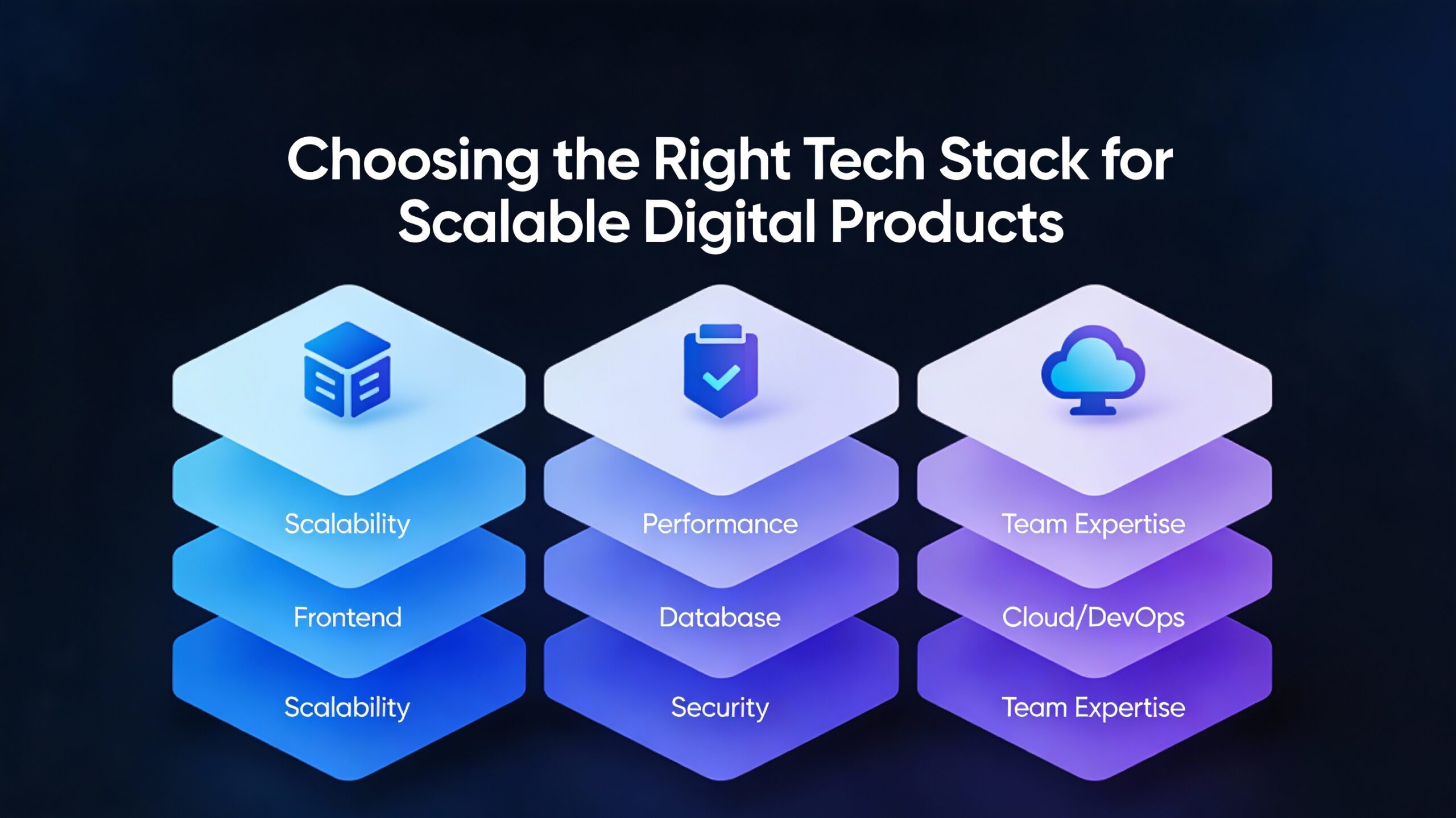
Choosing the Right Tech Stack for Scalable Digital Products
-
 January 5, 2026
How Remote Talent Is Reshaping Global IT Teams
-
 December 29, 2025
Staff Augmentation vs Traditional Hiring 2025
-
 December 24, 2025
Why Staff Augmentation Is the Future of Agile Hiring
-
 December 22, 2025
Why Hiring Faster Doesn’t Mean Compromising Quality — It Means Finding the Right Partner
-
 December 19, 2025
The Role of Staff Augmentation in Accelerating Digital Transformation
-
 December 18, 2025
5 Tech Hiring Trends Every CTO Should Watch in 2025
-
December 17, 2025
Why Soft Skills Are the Hidden Superpower in Tech Teams
-
 December 15, 2025
How WitQualis Connects Global Talent with Local Opportunities
-
 December 10, 2025
Why Businesses Need Agile, Scalable, and Skilled Tech Teams—Now More Than Ever
-
 December 5, 2025
The Human Side of Technology: Why People Matter as Much as Code
-
 December 4, 2025
The Rise of Contract-Based Developers in the Global IT Market
-
 December 3, 2025
Talent Has No Boundaries: Why the Best Teams Are Built Across Borders
-
 December 2, 2025
From Startups to Enterprises: How Staff Augmentation Supports Every Stage of Growth
-
 December 1, 2025
Great Ideas Need Great Execution – How WitQualis Teams Turn Vision into Reality
-
 November 28, 2025
Scaling Your Tech Team Shouldn’t Slow Your Business – It Should Power It
-
 November 27, 2025
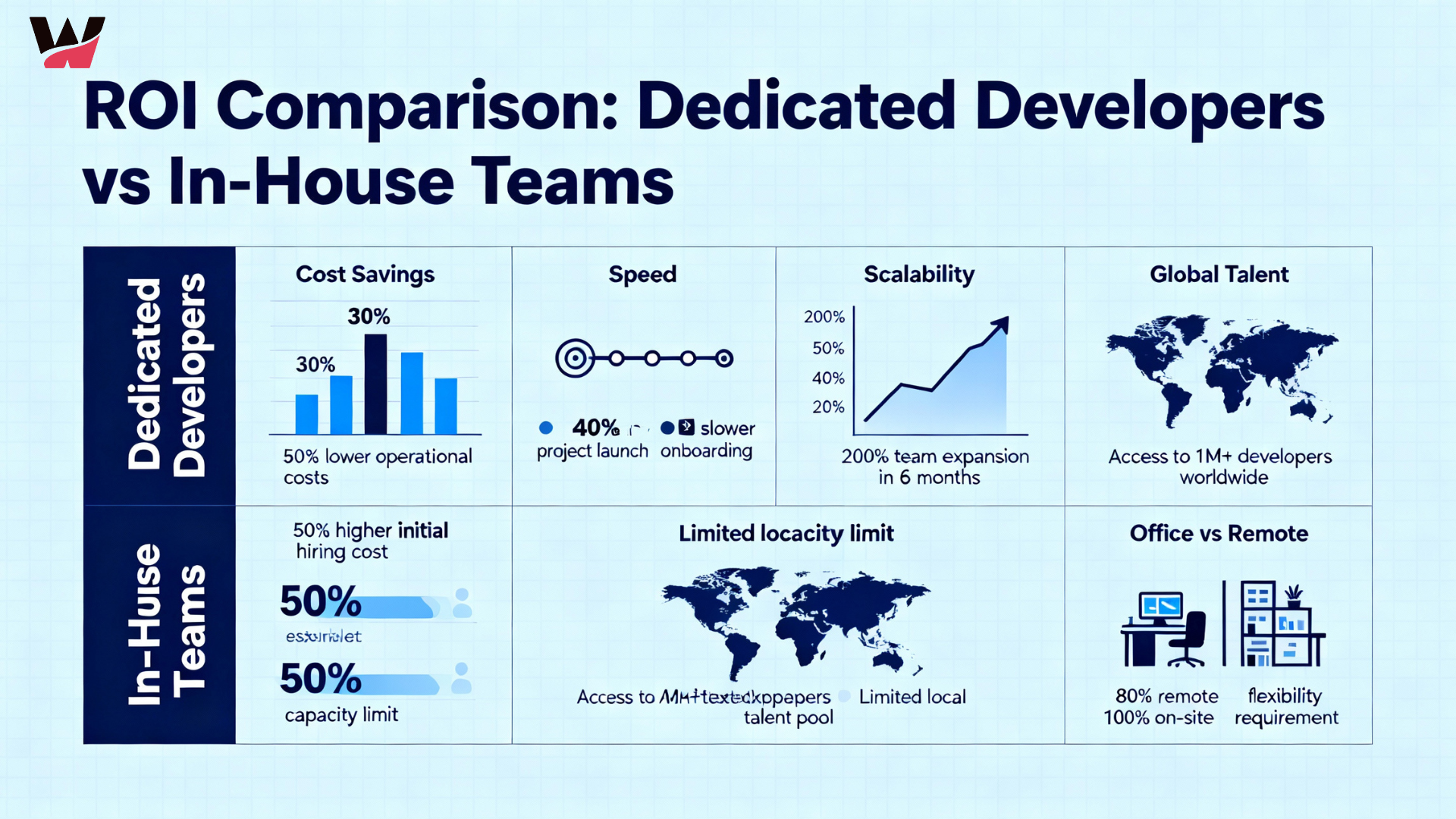
The ROI of Hiring Dedicated Developers vs In-House Teams
-
 November 26, 2025
Why Hybrid Team Models Are the Future of IT Project Delivery
-
 November 24, 2025
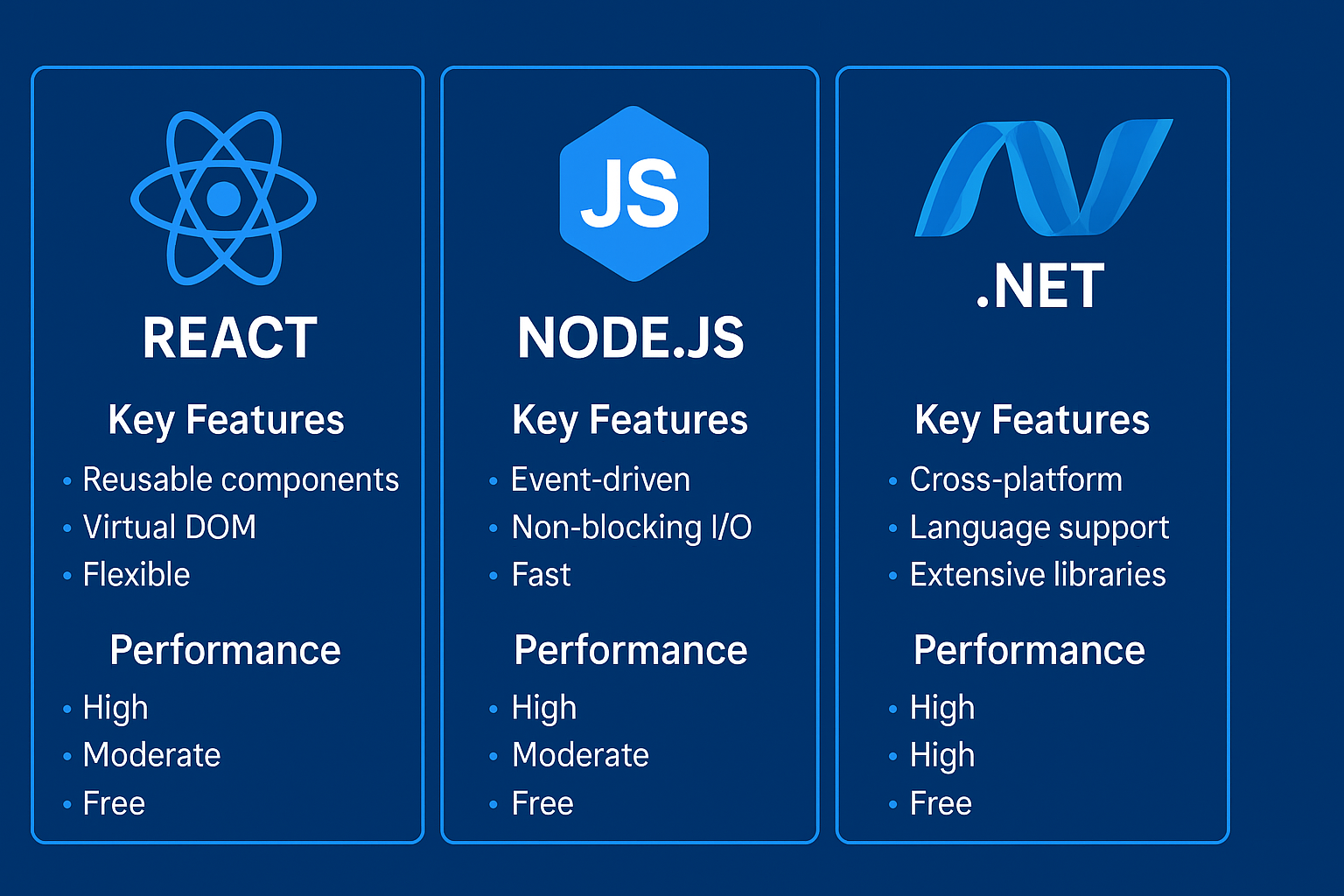
React, Node.js, or .NET? Choosing the Right Tech Stack for Your Next Project
-
 November 21, 2025
Why Hiring Remote Developers Is the Smartest Move for Startups
-
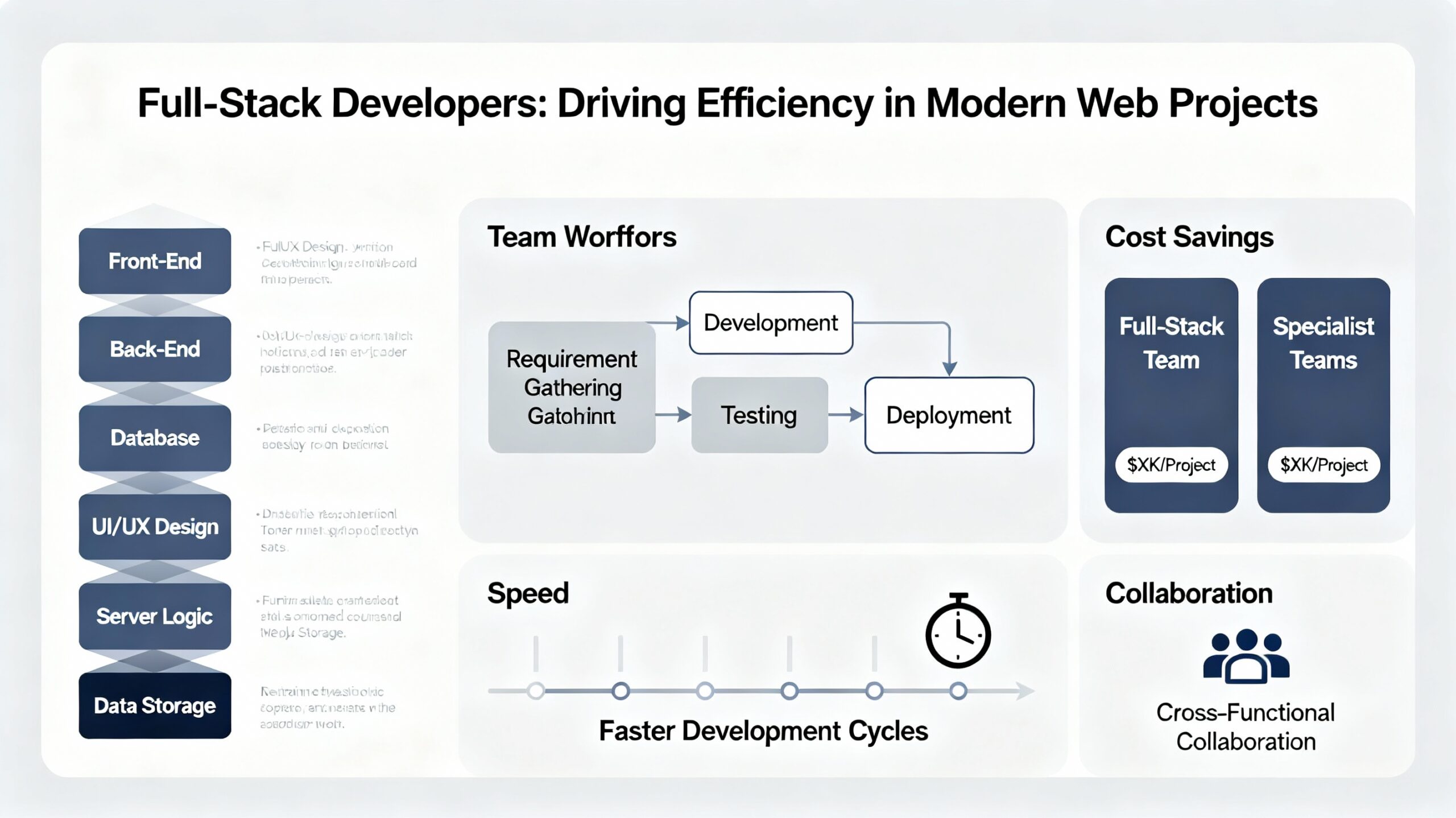 November 20, 2025
How Full-Stack Developers Drive Efficiency in Modern Web Projects
-
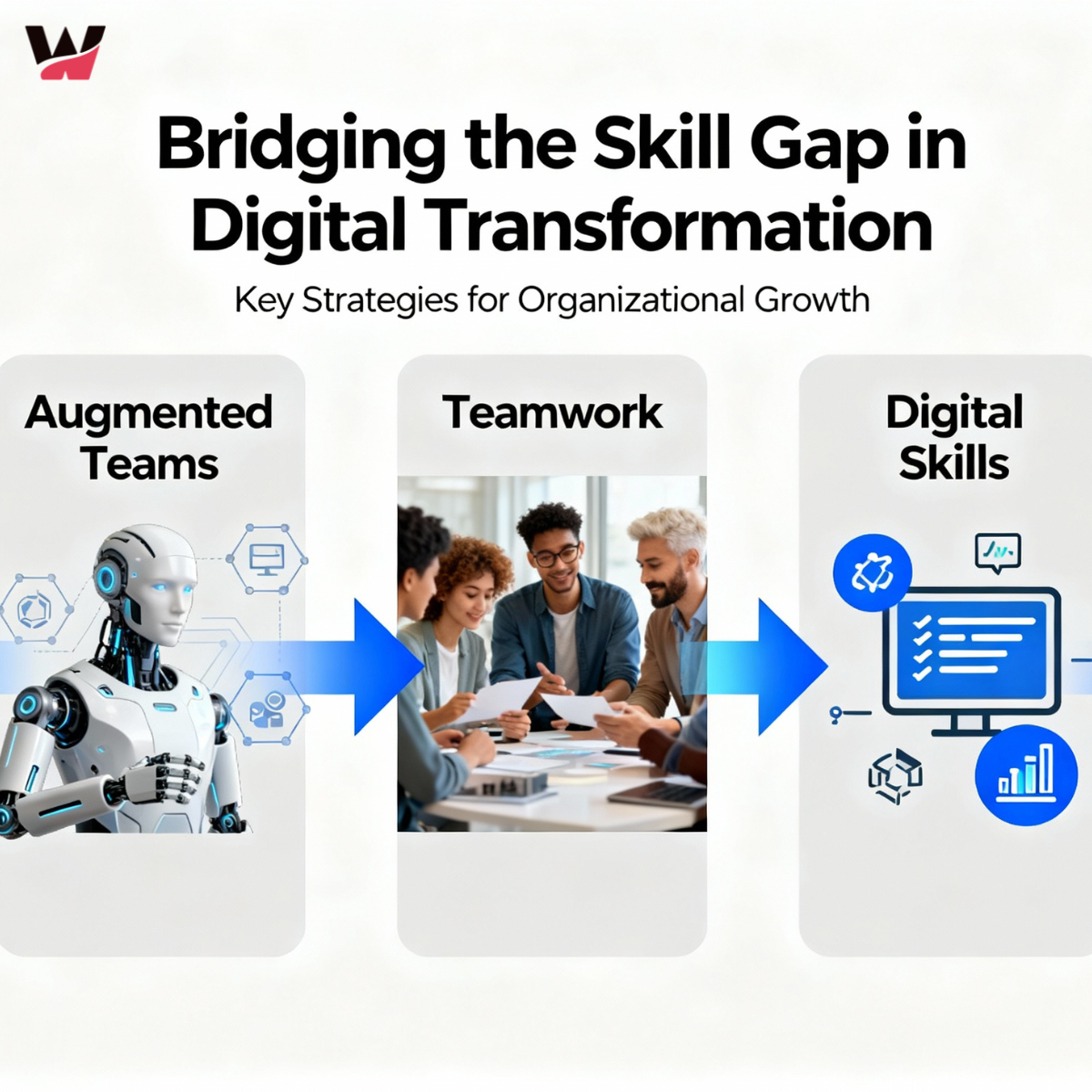 November 19, 2025
Bridging the Skill Gap: How Augmented Teams Empower Digital Transformation
-
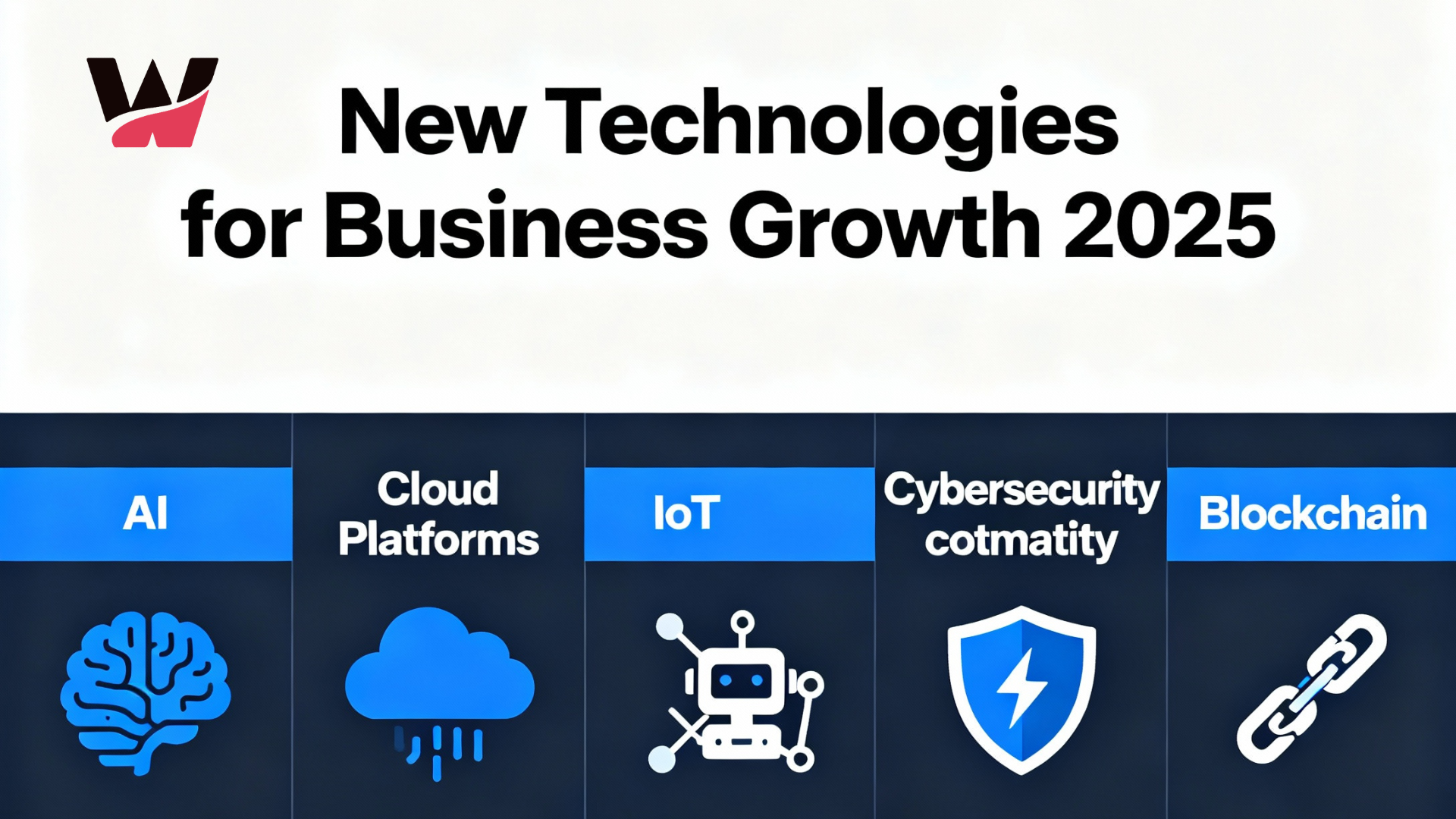 November 18, 2025
New Technologies for 2025: What Businesses Need to Grow
-
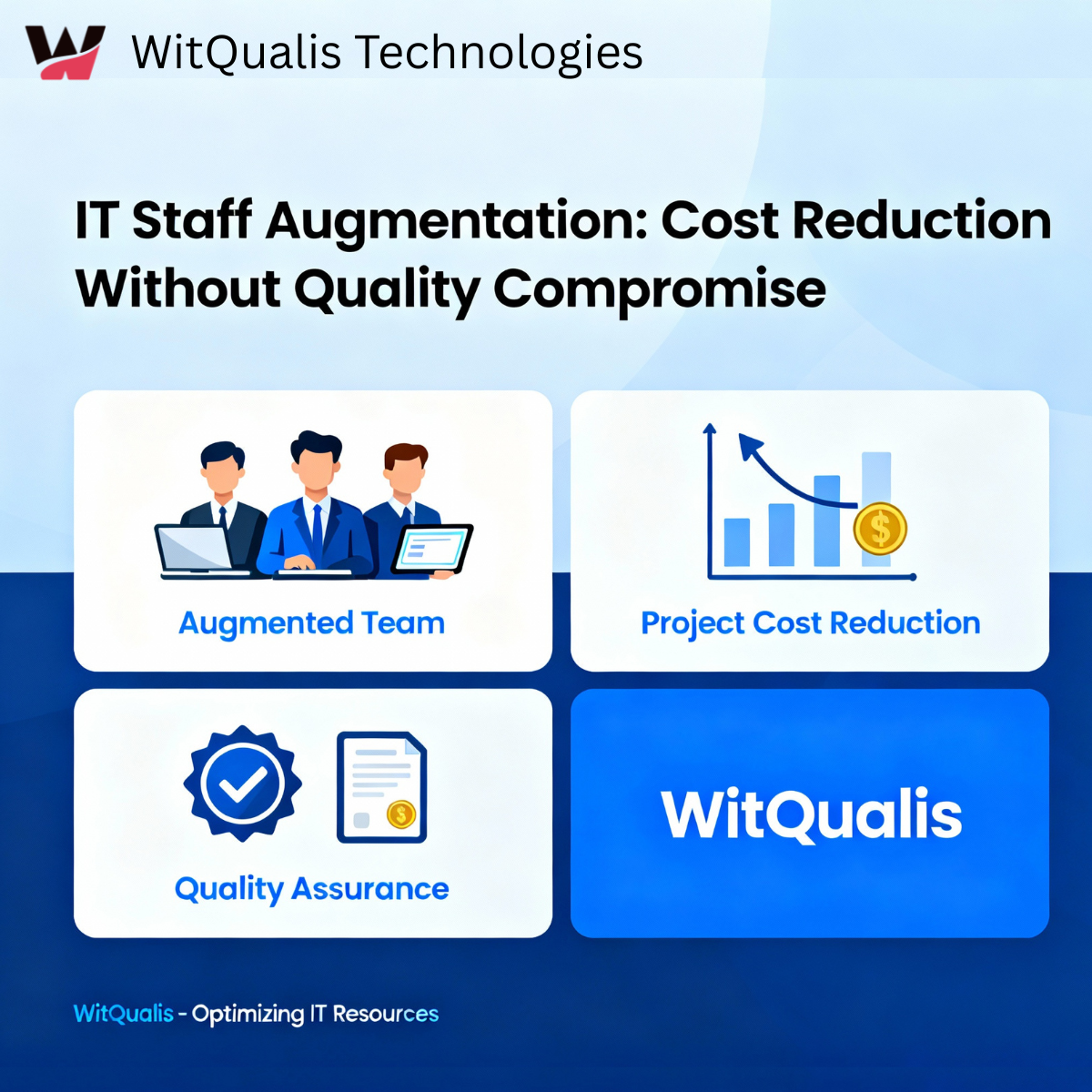 November 14, 2025
IT Staff Augmentation Reduces Project Costs Quality
-
 November 13, 2025
Empowering Global Collaboration: How WitQualis Builds Seamless Remote Teams
-
 November 12, 2025
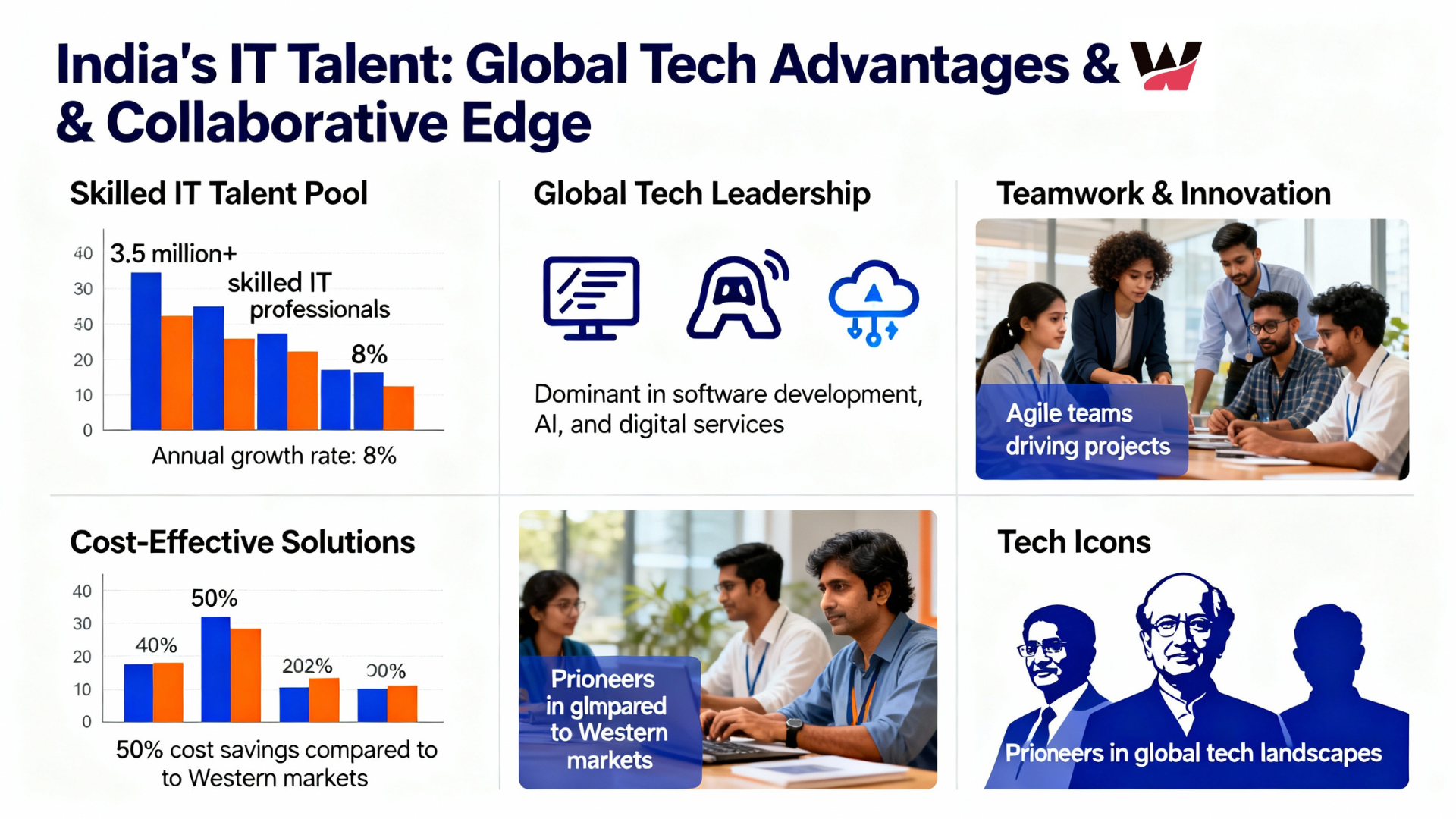
Why Global Businesses Are Turning to India for Skilled IT Talent
-
 November 11, 2025
Staff Augmentation Helps You Scale Your Tech Team
-
 November 10, 2025
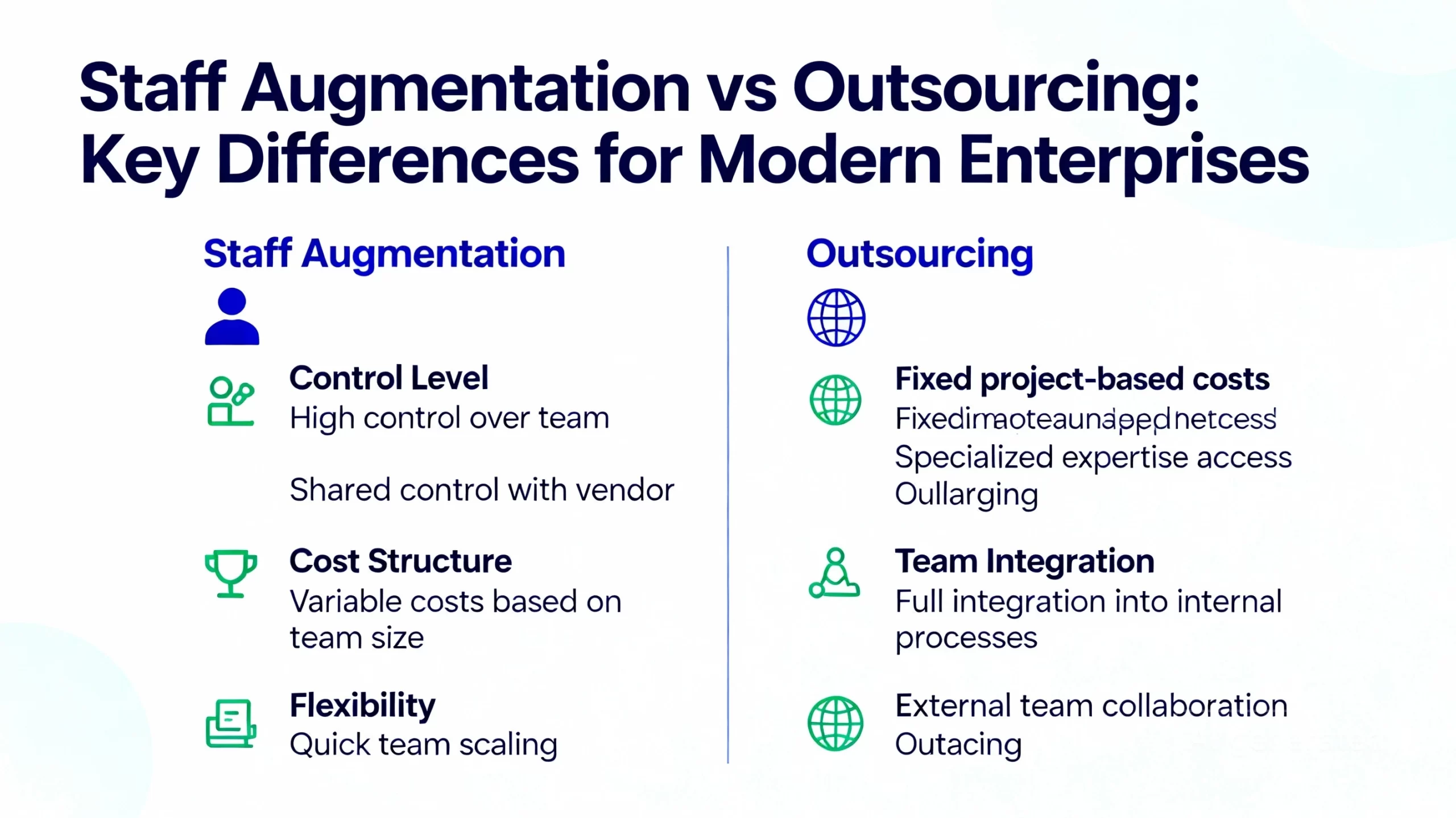
Staff Augmentation vs Outsourcing in 2025: Which Is Best for Modern Enterprises?
-
 November 7, 2025
How AI, IoT, and Cloud Are Redefining Software Development in 2025
-
 November 6, 2025
Scaling Smarter: How Augmented Teams Help Deliver Projects Faster in 2025
-
 November 5, 2025
How AI and Automation Are Transforming Software Development Teams in 2025
-
 November 3, 2025
The Future of IT Staffing: Why Businesses Are Choose Staff Augmentation in 2025
-
 October 31, 2025
Why Technology is Essential for Business Growth (2025): Top Reasons & Winning Strategies
-
 October 30, 2025
How the Internet of Things (IoT) Is Revolutionizing Modern Business
-
 October 29, 2025
Blockchain Cryptocurrency: Real-World Applications | WitQualis
-
 October 28, 2025
API Design and Management Best Practices for Developers
-
 October 27, 2025
Microservices Architecture: Benefits, Implementation Tips & Real-World Examples
-
 October 24, 2025
How Remote Work Has Transformed the IT Industry Tools in 2025
-
 October 23, 2025
Virtual and Augmented Reality: The Tech Revolution | WitQualis
-
 October 22, 2025
How AI is Revolutionizing Business Decision-Making in 2025 | In-Depth Analysis & Trends
-
 October 16, 2025
Blockchain Beyond Crypto: Building Trust in Business Operations
-
 October 15, 2025
How Custom Software Solutions Drive Business Efficiency | Expert Guide
-
 October 13, 2025
How Automation Reduces Costs & Boosts Productivity in 2025
-
 October 10, 2025
Staff Augmentation: The Key to Building Agile & Scalable Teams
-
 October 9, 2025
The Role of Cloud Computing in Scaling Modern Businesses
-
 October 8, 2025
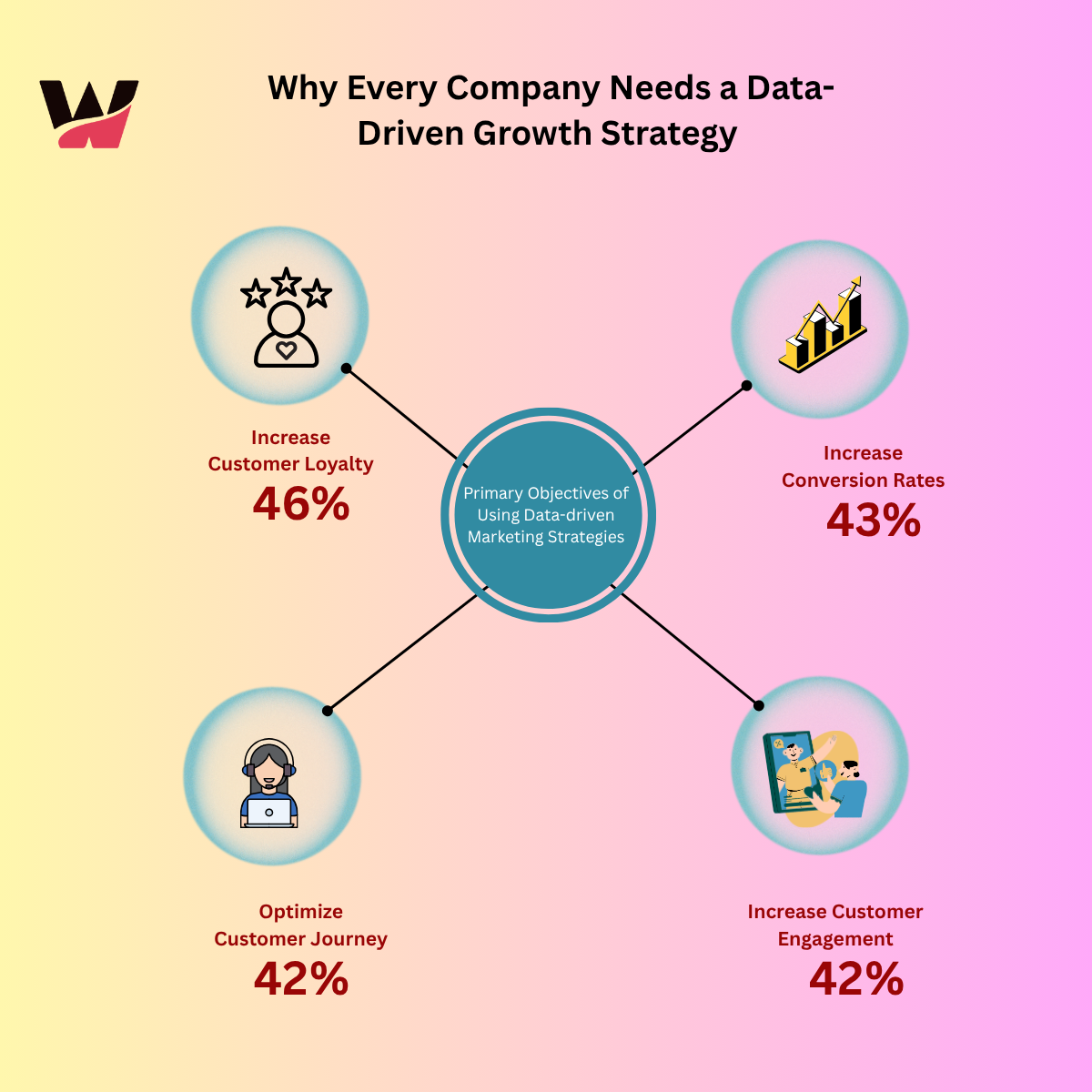
Why Every Company Needs a Data-Driven Growth Strategy
-
 October 7, 2025
API Design Best Practices for Developers in 2025 |API versioning strategies
-
 October 6, 2025
virtual reality vs augmented reality vs mixed reality
-
 October 3, 2025
The Impact of Internet of Things (IoT) on Modern Business
-
 October 1, 2025
Blockchain Beyond Cryptocurrency: Real-World Applications in 2025
-
 September 30, 2025
The Future of Artificial Intelligence: Trends and Opportunities
-
 September 26, 2025
Microservices Architecture: Benefits and Implementation Tips
-
 September 25, 2025
Why Staff Augmentation Is a Smart Move for IT Projects in 2025
-
 September 24, 2025
Cloud Computing Explained: Benefits and Best Practices (AWS, Azure, Google Cloud)
-
 September 23, 2025
How Staff Augmentation Can Help Scale Your IT Team Efficiently
-
 January 6, 2025
Choosing the Right Front-End Web Development Service in the UK
-
 January 4, 2025
Why Choose Staff Augmentation Services in India for Your IT Projects?
-
 December 21, 2024
Boost Your Business ROI with Power BI Development Services in the Maldives and Iceland
-
 December 20, 2024
Get a Free Consultation: Is Your E-Commerce Business in the UAE Ready for Digital Transformation?
-
 July 6, 2023
The Future of Small Business and Know-How to Climb up the Ladder


[…] AI‑Drivеn Development Solutions […]